

Dynamic Lights Mod is a server-side lighting mod that makes held and worn items like torches, lanterns, and enchanted gear emit realistic light in Minecraft, available for Fabric, Forge, NeoForge, and Quilt mod loaders.
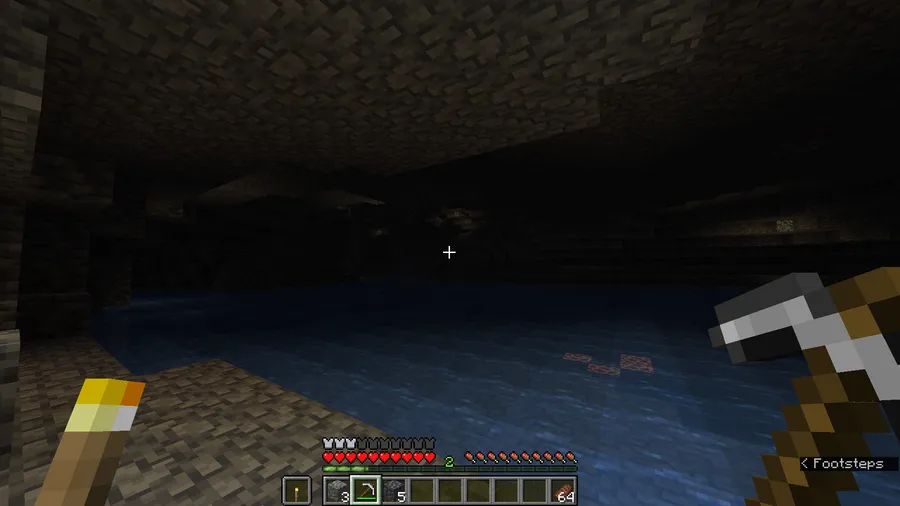
Vanilla Minecraft has a long-standing limitation that frustrates nearly every player eventually: holding a torch does nothing for visibility. You place it or it stays dark. That disconnect between logic and gameplay has spawned an entire category of dynamic lighting mods, and Tschipcraft's Dynamic Lights stands out because it works entirely server-side. With over 5 million downloads on Modrinth and active updates since January 2023, it has clearly earned the trust of the community. The mod cleverly uses vanilla light blocks introduced in Snapshot 21w13a, meaning players joining a server with Dynamic Lights installed need zero client-side setup. That alone makes it an ideal pick for server admins who want better lighting without adding to their players' mod requirements.
Key Features of Dynamic Lights Mod
- 50+ Supported Vanilla Items Out of the Box — You do not need to configure anything to get started. Torches, glowstone, lanterns, lava buckets, and dozens of other items already emit light when held, worn, or placed in item frames. This means the mod works meaningfully the moment you install it, covering nearly every light-related item a typical player interacts with.
- Multiple Light Levels (3, 6, 9, 12, and 15) — Not every glowing item should blast the same brightness. Dynamic Lights assigns appropriate light levels to different items, so a redstone torch gives off a dim glow while a glowstone block radiates at full strength. This tiered system creates a more immersive and believable lighting experience across the game.
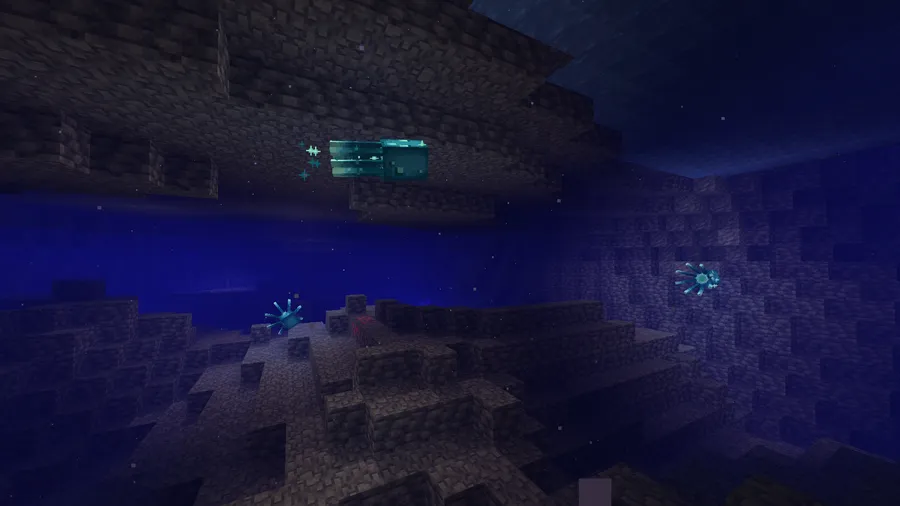
- Water-Sensitive Behavior with Sound Effects — Certain items respond realistically to water, extinguishing or dimming when submerged and even playing sound effects to signal the change. This small detail adds surprising immersion to underwater exploration and prevents the unrealistic scenario of torches blazing brightly at the bottom of the ocean.
- Enchanted Item Glow with Special Cases — All enchanted items emit a default glow at light level 6, but enchantments like Fire Aspect, Riptide, and Channeling push that up to light level 9. This means your enchanted diamond sword actually lights your path in a cave, and more powerful enchantments give a visibly stronger glow — a satisfying visual reward for gearing up.
- Amethyst-Trimmed Armor Emits Light — Armor with amethyst trim gains its own light emission, giving players a cosmetic reason to seek out this trim material. It ties armor customization to a functional gameplay benefit, making trimmed armor feel more meaningful beyond just appearance.
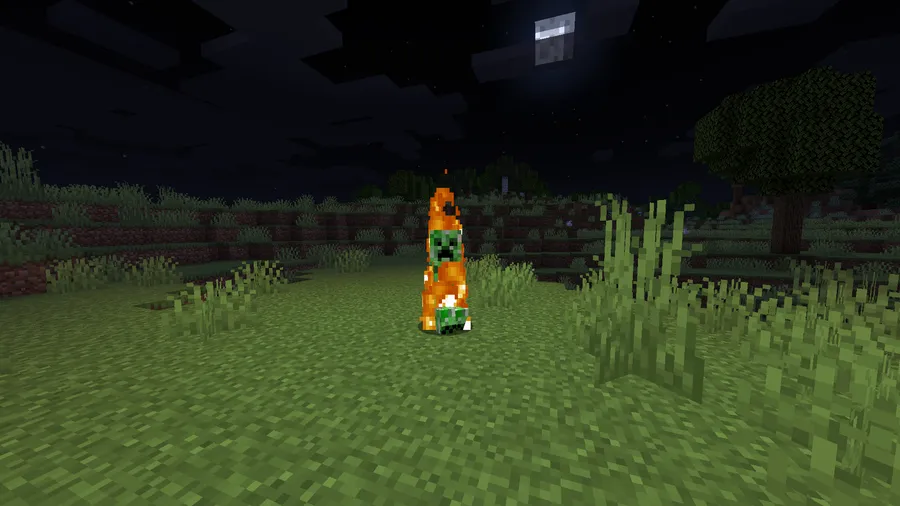
- Mobs, Falling Blocks, and Display Entities Emit Light — This is not limited to players. Any mob carrying a supported item — a zombie holding a torch, a skeleton with an enchanted bow — will cast light as well. Falling blocks and display entities follow the same rules, which means dynamic lighting stays consistent across the entire game world, not just around the player character.
- Fully Server-Side — No Client Mod Required — The biggest practical advantage of Dynamic Lights is that it runs entirely on the server. Players joining your server see dynamic lighting immediately without downloading or installing anything. For server operators managing dozens or hundreds of players, this eliminates a major friction point that client-side lighting mods create.
Screenshots
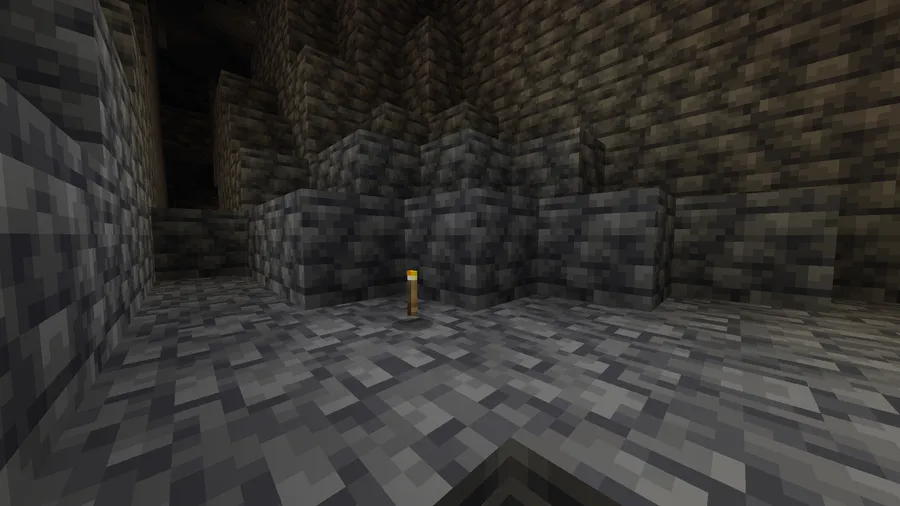
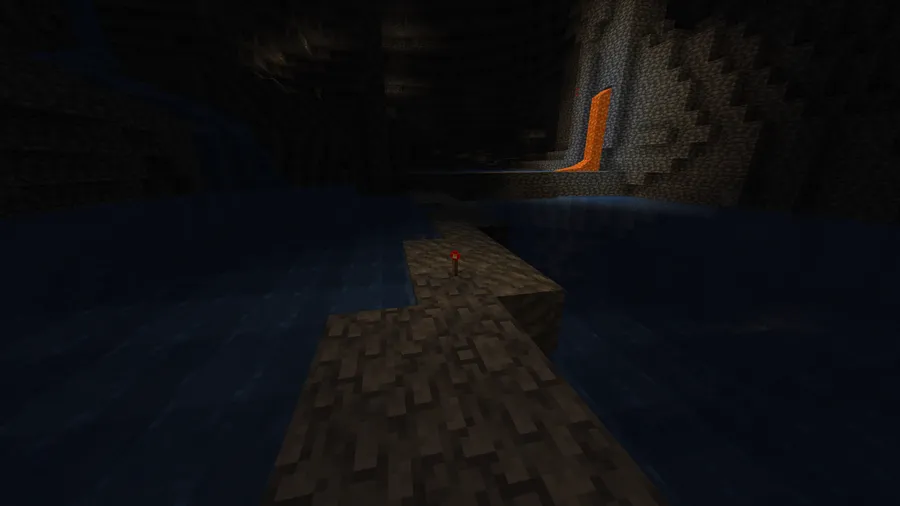
How to Install Dynamic Lights Mod
- Install a compatible mod loader for your Minecraft version. Dynamic Lights supports Fabric, Forge (1.21.5 and earlier), NeoForge, and Quilt.
- Download the correct version of Dynamic Lights for your Minecraft version and loader from the official Modrinth or CurseForge page. Make sure the file matches both your game version and your loader.
- Place the downloaded
.jarfile into yourmodsfolder inside your Minecraft directory. If you are installing it on a server, place it in the server'smodsfolder instead. - Launch Minecraft (or restart your server). Dynamic Lights will work immediately with its default settings — no configuration is required for standard use.
- To customize supported items or light levels, check the mod's wiki on GitHub for available settings and configuration options.
Requirements & Compatibility
| Requirement | Details |
|---|---|
| Minecraft Versions | 1.21.5 through 26.1 (including snapshots, pre-releases, and release candidates) |
| Mod Loaders | Fabric, Forge (up to 1.21.5), NeoForge, Quilt |
| Client Required | No — fully server-side; client install optional for single-player |
| Dependencies | None beyond the mod loader itself |
| License | Custom License (see source repository) |
What's New
- Added preliminary support for Minecraft 26.1, keeping the mod current with the latest snapshot cycle.
- Continued multi-loader support across Fabric, NeoForge, and Quilt for Minecraft 1.21.x releases.
- Ongoing compatibility updates for snapshot, pre-release, and release candidate versions throughout the 26.1 development cycle.
Pros and Cons
Pros
- Fully server-side — players need zero client mods to see dynamic lighting
- Supports all major mod loaders: Fabric, Forge, NeoForge, and Quilt
- 50+ items supported out of the box with no configuration needed
- Tiered light levels feel realistic and immersive
- Actively maintained with fast updates for new Minecraft versions
- Works on mobs, falling blocks, and display entities — not just players
Cons
- Dynamic lighting may stutter while moving, since it relies on vanilla light blocks rather than a custom rendering engine
- Curios API support for modded inventory slots is currently unavailable (tracked in issue #76)
- Not recommended for heavily modded setups — the author suggests client-side alternatives like LambDynamicLights for modpacks
- Data-pack-based approach has inherent limitations compared to purely modded lighting solutions
Alternatives to Dynamic Lights Mod
- LambDynamicLights — A popular client-side dynamic lighting mod for Fabric recommended by the Dynamic Lights author for heavily modded setups and external servers.
- Sodium — A performance optimization mod that pairs well with lighting mods by dramatically improving frame rates, making dynamic lighting smoother on lower-end hardware.
- OptiFine — The classic all-in-one optimization and visual enhancement mod that includes its own built-in dynamic lighting feature for Forge users.
Download Dynamic Lights Mod
| Minecraft Version | Fabric | Forge | NeoForge | Quilt |
|---|---|---|---|---|
| For Minecraft 26.1 | — | — | — | — |
| For Minecraft 1.21.11 | Download | — | Download | Download |
| For Minecraft 1.21.10 | Download | — | Download | Download |
| For Minecraft 1.21.9 | Download | — | Download | Download |
| For Minecraft 1.21.8 | Download | — | Download | Download |
| For Minecraft 1.21.7 | Download | — | Download | Download |
| For Minecraft 1.21.6 | Download | — | Download | Download |
| For Minecraft 1.21.5 | Download | Download | Download | Download |
| For Minecraft 1.21.4 | Download | Download | Download | Download |
| For Minecraft 1.21.3 | Download | Download | Download | Download |
| For Minecraft 1.21.2 | Download | Download | Download | Download |
| For Minecraft 1.21.1 | Download | Download | Download | Download |
Always download mods from official sources to stay safe.
Frequently Asked Questions
Do players on my server need to install Dynamic Lights on their client?
No — Dynamic Lights is fully server-side and requires no client installation. The mod uses vanilla light blocks to create dynamic lighting effects, so any player joining a server with it installed will see the lighting automatically without downloading anything extra.
Does Dynamic Lights work with Minecraft 26.1?
Yes — the latest version adds preliminary support for Minecraft 26.1, including snapshot builds. The mod has been actively updated throughout the 26.1 development cycle, covering snapshots, pre-releases, and release candidates.
Can I use Dynamic Lights alongside other lighting or optimization mods?
Yes, in most cases. Dynamic Lights is compatible with performance mods like Sodium and Iris. However, the mod author specifically recommends against using it in heavily modded setups and suggests switching to a client-side alternative like LambDynamicLights for modpacks with many mods installed.
Does Dynamic Lights cause lag or performance issues?
Dynamic Lights appears to be lightweight since it relies on vanilla light blocks rather than custom rendering. However, because it uses a data-pack approach at its core, you may notice slight stuttering in the lighting as you move quickly. For most servers and single-player worlds, the performance impact should be minimal.
Which items emit light when held with Dynamic Lights installed?
Over 50 vanilla items are supported by default, including torches, lanterns, glowstone, lava buckets, and all enchanted items. Enchanted gear emits light at level 6, while enchantments like Fire Aspect, Riptide, and Channeling increase that to level 9. Amethyst-trimmed armor also emits light. You can find the complete item list on the mod's official GitHub wiki.


![[Let's Do] Candlelight - Farm&Charm compat Mod (1.21.1) - thumbnail](http://mcinside.com/wp-content/uploads/2026/04/thumbnail-81-52x52.webp)


![[Let's Do] Meadow Mod (1.21.1) - thumbnail](http://mcinside.com/wp-content/uploads/2026/04/thumbnail-64-52x52.webp)


![Not Enough Recipe Book [NERB] Mod (1.21.11) - thumbnail](http://mcinside.com/wp-content/uploads/2026/04/thumbnail-63-52x52.webp)