

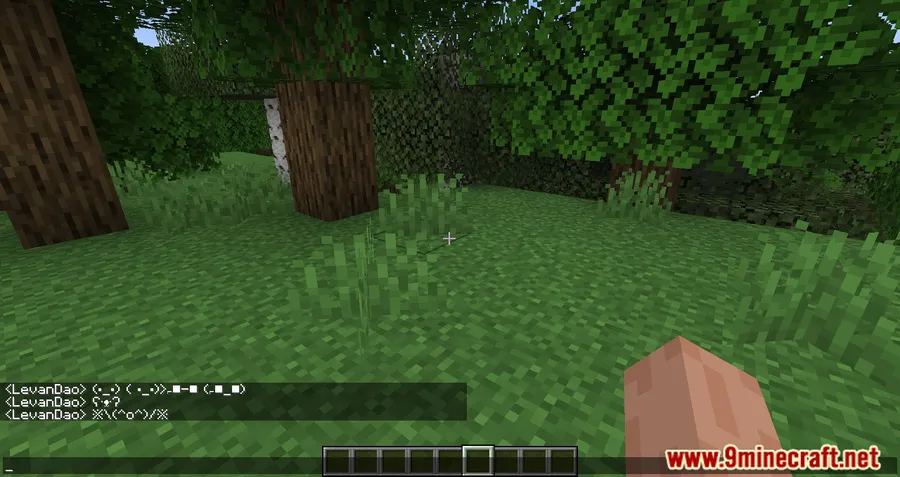
Emoji Type Mod makes text input in Minecraft more practical when you want to use emojis and special characters in chat, signs, books, anvils, and similar fields. Instead of adding a separate emoji system, it streamlines access to characters the game already supports, which means the symbols remain visible to other players and still stay in place even if the mod is later removed.
Key Features
- Typing a colon
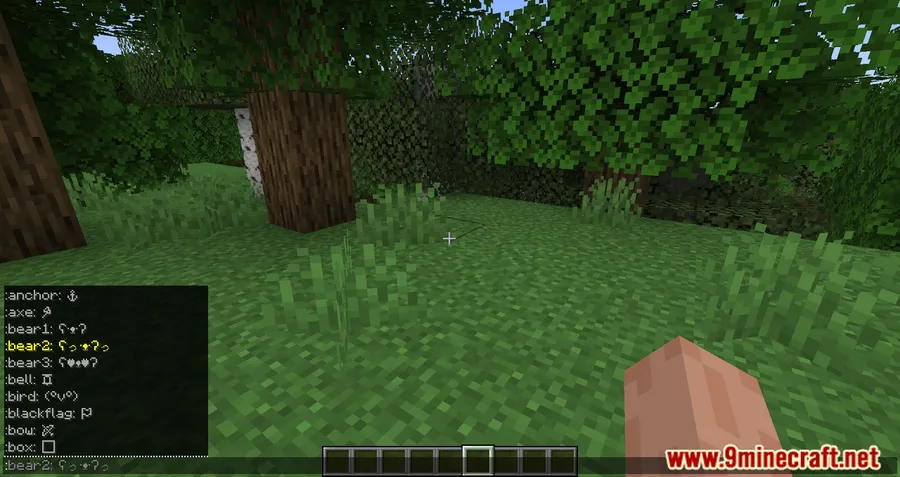
:in chat brings up emoji keyword suggestions, making it faster to insert supported symbols without memorizing every character. - The same keyword system also works in other text fields such as anvils, signs, and books, even though the suggestion list only appears in chat.
- The mod supports more than 100 Unicode emojis and symbols that Minecraft already displays, focusing on easier access rather than adding new assets.
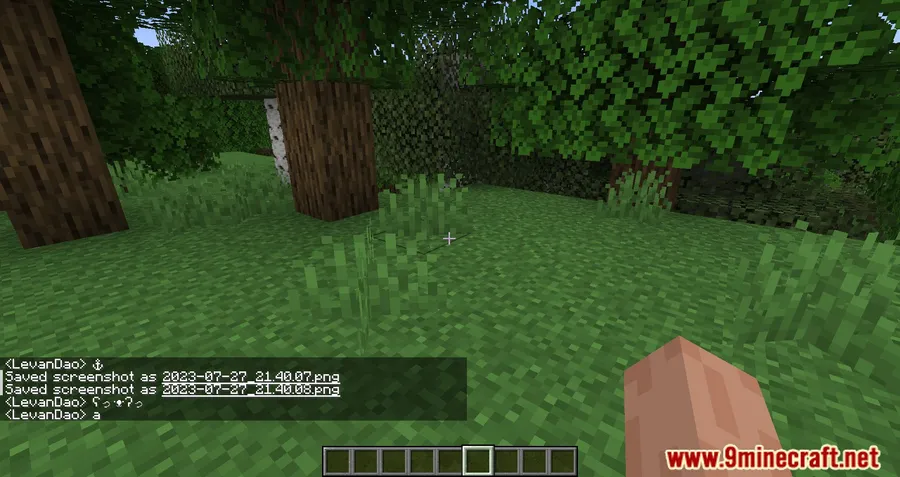
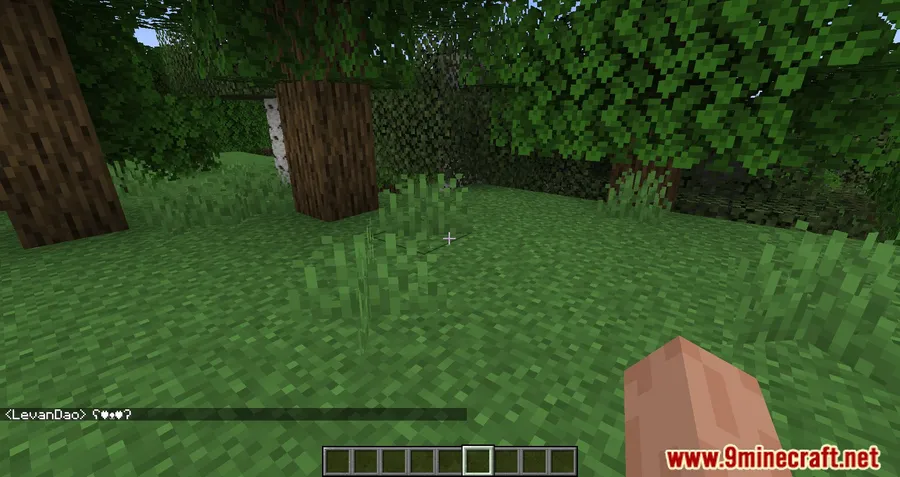
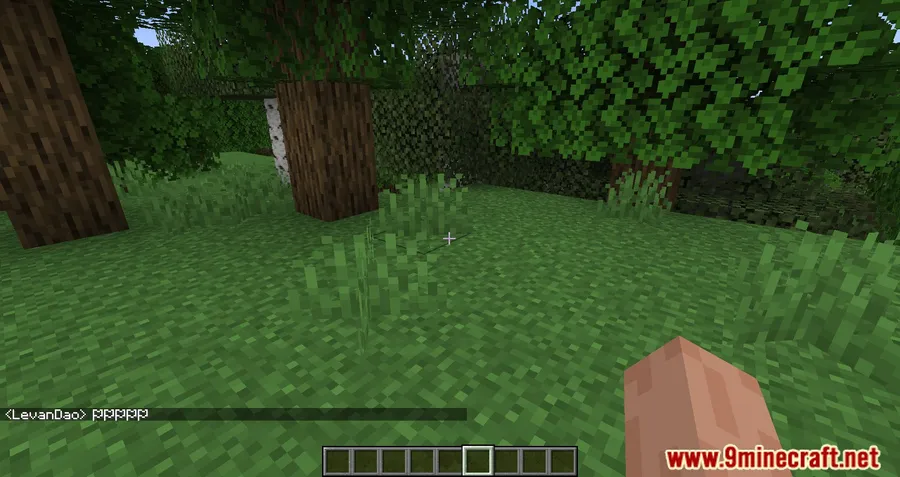
- Typed emojis persist in saved text and remain visible to all players, including after the mod is removed.
Screenshots


How to Install
- Choose the build that matches your Minecraft version and preferred loader: Fabric, Forge, NeoForge, or Quilt where available.
- Install the required loader for your setup, then add any dependency listed for that version.
- Place the mod file in your Minecraft
modsfolder and start the game. - In chat, type a colon
:to open keyword suggestions and insert a supported emoji or symbol.
Requirements
| Requirement | Details |
|---|---|
| Mod Loader | NeoForge, Forge, Fabric, Quilt |
| Dependencies | Minecraft Forge, Fabric API, Quilt Loader, NeoForge Installer |
| Minecraft Version | 1.16.5, 1.17.1, 1.18.1, 1.18.2, 1.19, 1.19.1, 1.19.2, 1.20, 1.20.1, 1.20.4, 1.20.6, 1.21, 1.21.1, 1.21.3, 1.21.4, 1.21.5, 1.21.6, 1.21.7, 1.21.8, 1.21.9, 1.21.10, 1.21.11 |
Pros & Cons
Pros
- Makes emoji and symbol input much quicker in chat with colon-based suggestions.
- Works beyond chat in signs, books, anvils, and other text fields.
- Uses characters Minecraft already supports, so text remains visible to everyone.
- Modrinth data shows broad adoption, with more than 2.6 million downloads.
Cons
- It does not add new emojis, only easier access to existing supported characters.
- Autocomplete suggestions are limited to chat and do not appear in other text fields.
- Loader and dependency needs vary by version, so installation depends on your setup.
Download
Always download mods from official sources to stay safe.
What's New
- Version 3.0.0 introduces an emoji packs system instead of one large default list.
- Built-in packs now organize more than 200 emojis into separate collections.
- Packs can be enabled or disabled individually so autocomplete only shows active entries.
- Custom packs can be created and edited, with pack files stored as YAML.
- Bundled packs can be restored to their default state after changes.
FAQ
Does Emoji Type Mod add new emojis to Minecraft?
No. The mod does not add new emojis. It makes it easier to type Unicode emojis and special characters that Minecraft already supports.
Can I use Emoji Type Mod on signs, books, and anvils?
Yes. The keyword input works in signs, books, anvils, and other text fields, although the suggestion list itself only appears in chat.
What versions and loaders does Emoji Type Mod support?
Available information lists support from Minecraft 1.16.5 through 1.21.11, with builds available across Fabric, Forge, NeoForge, and Quilt depending on the version.




![[Let's Do] Meadow Mod (1.21.1) - thumbnail](http://mcinside.com/wp-content/uploads/2026/04/thumbnail-64-52x52.webp)


![Not Enough Recipe Book [NERB] Mod (1.21.11) - thumbnail](http://mcinside.com/wp-content/uploads/2026/04/thumbnail-63-52x52.webp)
