

Minecraft's vanilla combat has always felt a bit flat — click, wait, click again. Epic Fight Mod completely overhauls that experience by introducing a dedicated Battle Mode with fluid animations, directional dodging, and multiple attack types that make every encounter feel like an action RPG. Created by maninthe_home, this mod transforms sword-swinging into a skill-based system where timing and positioning actually matter.
Key Features
- Battle Mode Toggle — Press "R" to switch between Build Mode and Battle Mode. Build Mode works like normal Minecraft; Battle Mode unlocks the full combat moveset.
- Multiple Attack Types — Basic attacks, sprint attacks for closing distance, and charged special attacks that activate when your special attack bar is full. Each weapon type has its own animations and feel.
- Dodge Roll System — Press crouch plus a directional key to roll out of danger. This gives you actual defensive options beyond backing away or hiding behind a shield.
- Modified Weapons & Armor — Existing weapons and armor gain unique abilities and stats within Battle Mode, adding a layer of strategy to gear selection.
Screenshots


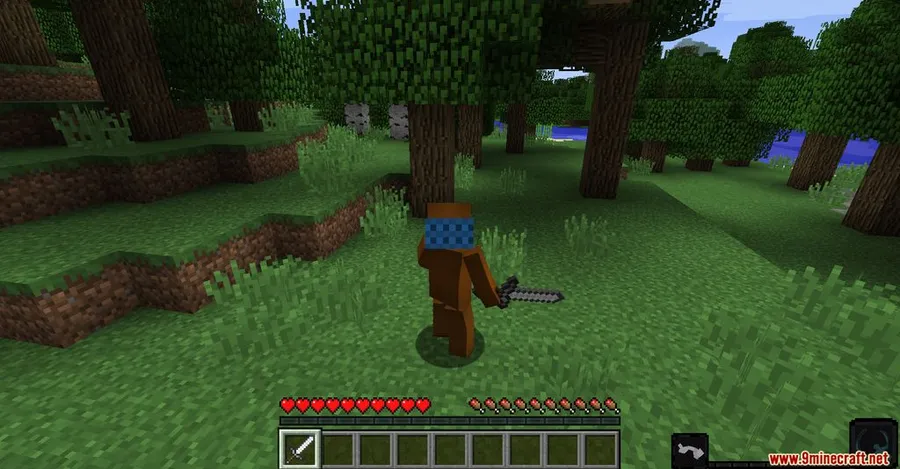
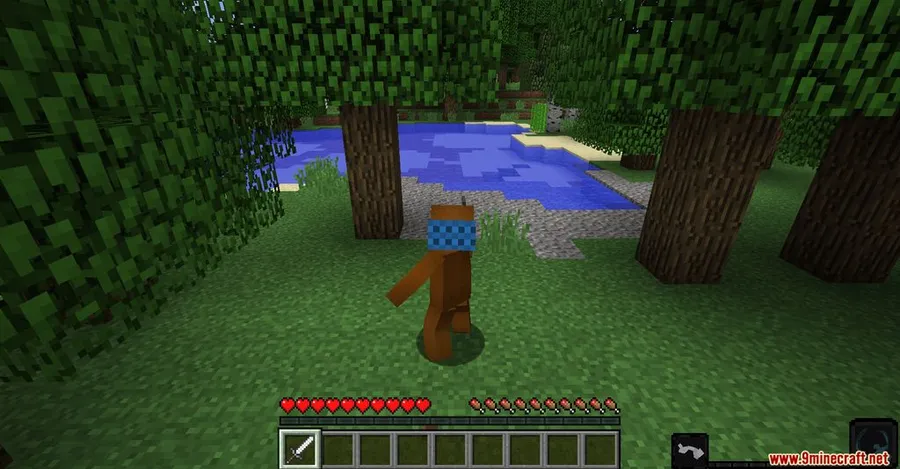
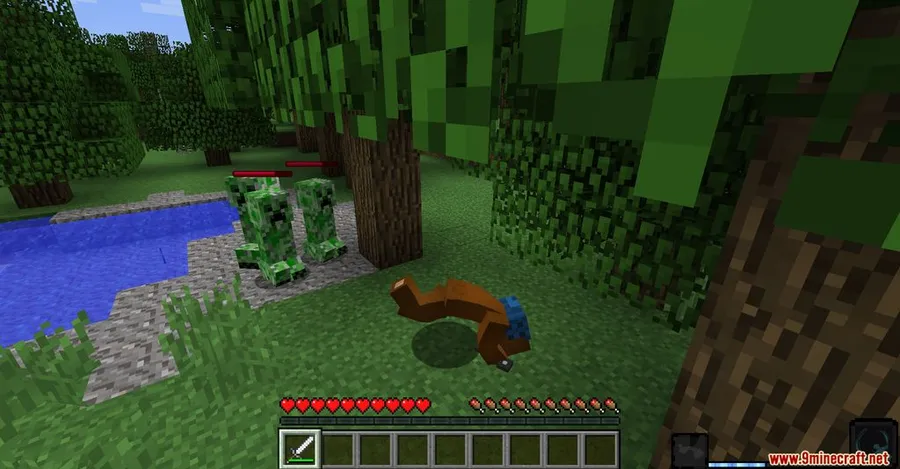
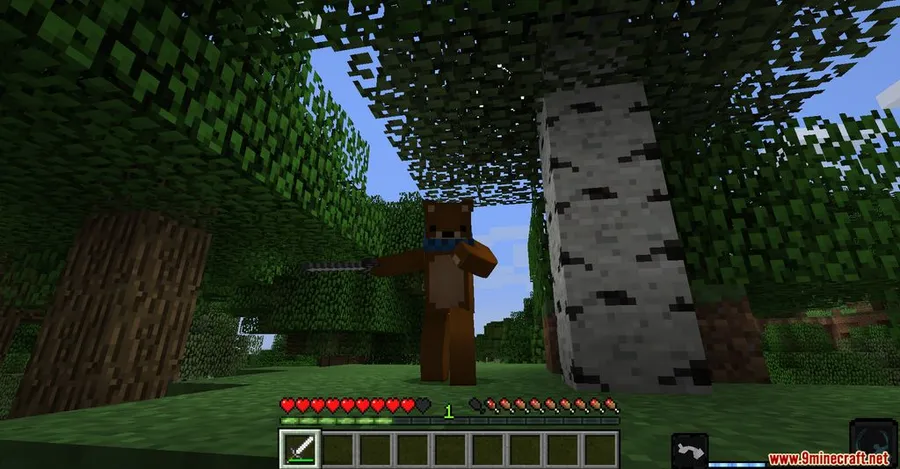
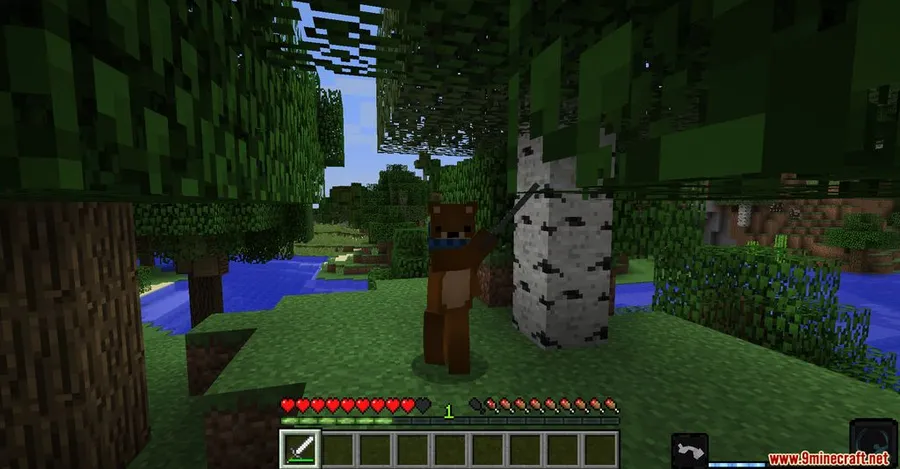
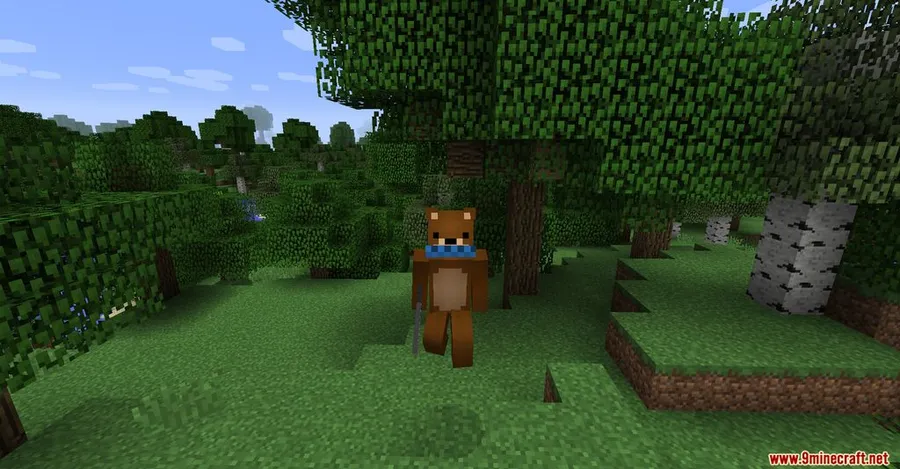
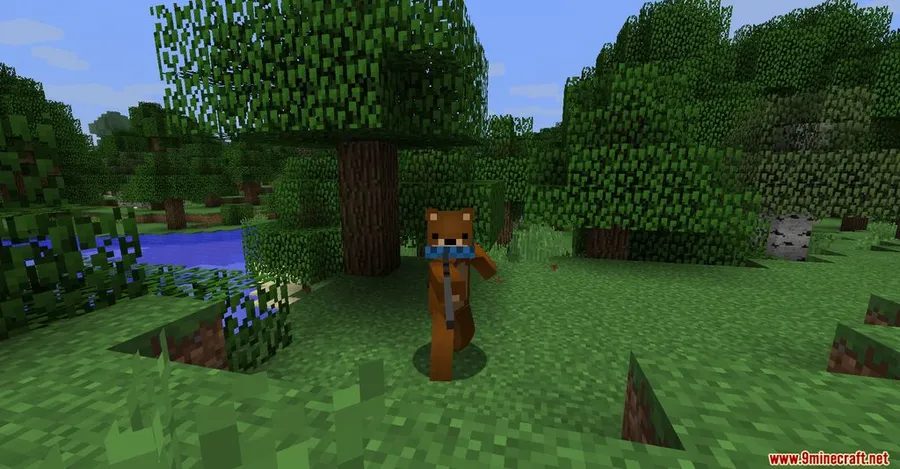
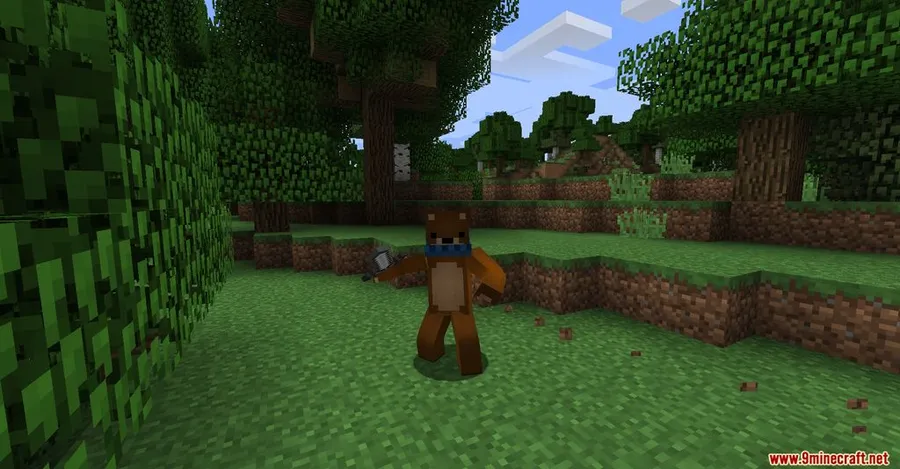
How to Install
- Download and install Minecraft Forge or NeoForge for your Minecraft version.
- Download Epic Fight Mod for your matching game version from the link below.
- Open your Minecraft directory and navigate to the
modsfolder. Create it if it doesn't exist. - Drop the downloaded
.jarfile into themodsfolder. - Launch Minecraft with your Forge or NeoForge profile and press "R" in-game to activate Battle Mode.
Requirements
| Requirement | Details |
|---|---|
| Mod Loader | Minecraft Forge or NeoForge |
| Dependencies | None listed |
| Minecraft Version | 1.12.2, 1.16.5, 1.17.1, 1.18.2, 1.19.2, 1.20.1, 1.21.1 |
Pros & Cons
Pros
- Adds genuine depth to Minecraft combat with dodge rolls, sprint attacks, and special moves
- Battle Mode toggle lets you switch back to normal gameplay instantly
- Wide version support from 1.12.2 all the way to 1.21.1
- Weapons and armor gain unique abilities, making gear choices more meaningful
Cons
- Only available for Forge and NeoForge — no Fabric support
- Learning curve for players used to vanilla combat mechanics
- May conflict with other mods that modify combat or weapon behavior
Download
Always download mods from official sources to stay safe.
FAQ
How do I activate Battle Mode in Epic Fight Mod?
Press the "R" key to toggle between Build Mode and Battle Mode. In Battle Mode you gain access to dodge rolls, sprint attacks, and special attacks. Press "R" again to return to normal gameplay.
How do I perform a dodge roll?
While in Battle Mode, press the crouch key together with any directional movement key (W, A, S, or D). Your character will roll in that direction, helping you avoid incoming attacks.
Does Epic Fight Mod work with NeoForge?
Yes. For Minecraft 1.21.1 and 1.21, Epic Fight Mod uses NeoForge as its mod loader. Older versions (1.12.2 through 1.19.2) require Minecraft Forge instead.




![[Let's Do] Meadow Mod (1.21.1) - thumbnail](http://mcinside.com/wp-content/uploads/2026/04/thumbnail-64-52x52.webp)


![Not Enough Recipe Book [NERB] Mod (1.21.11) - thumbnail](http://mcinside.com/wp-content/uploads/2026/04/thumbnail-63-52x52.webp)


