
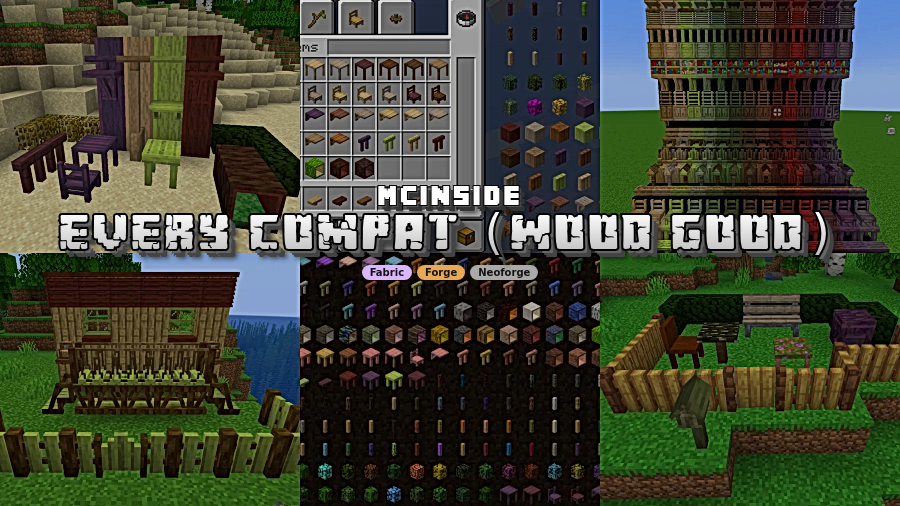
Every Compat (Wood Good) Mod is a library and utility mod that automatically generates missing wood-style blocks across supported content mods for Minecraft Fabric, Forge, and NeoForge. It is designed to give you more complete wood sets without installing many separate compatibility add-ons.
Large modpacks often look inconsistent because one mod adds great furniture, another adds decorative blocks, and a third adds wood types, but not every block appears for every wood. This mod targets that exact pain point by acting as one universal compatibility layer, so your build palette stays coherent instead of fragmented. With 4,491,315 downloads on Modrinth, it has clear social proof from players and pack creators who want fewer missing variants and less compatibility maintenance.
Key Features of Every Compat (Wood Good) Mod
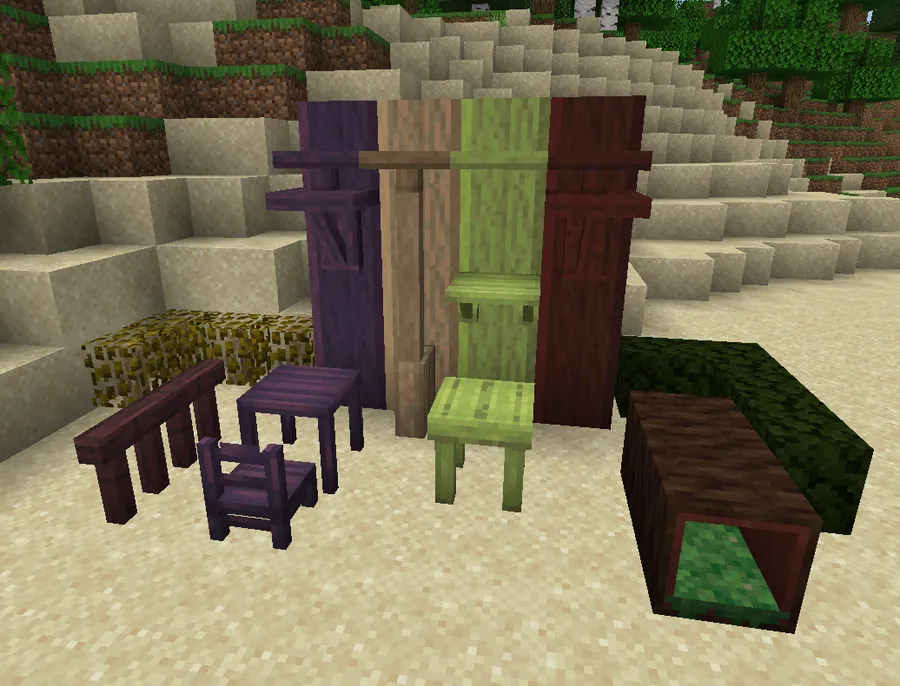
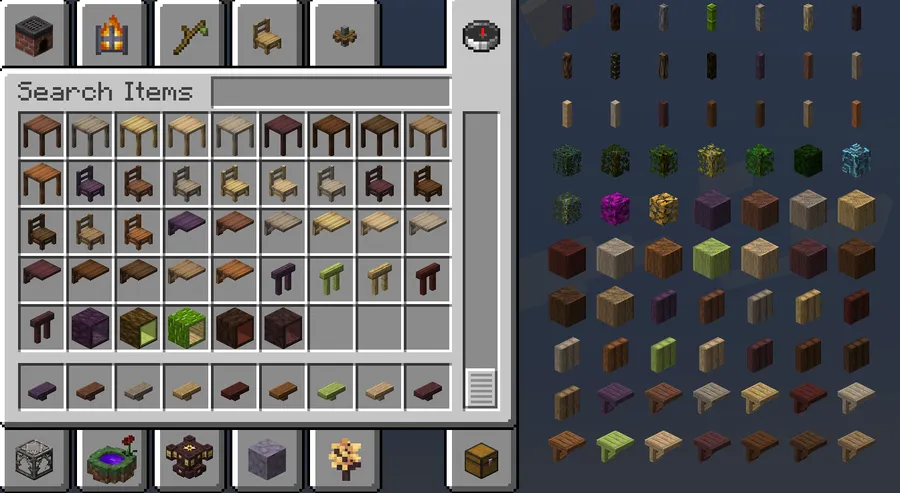
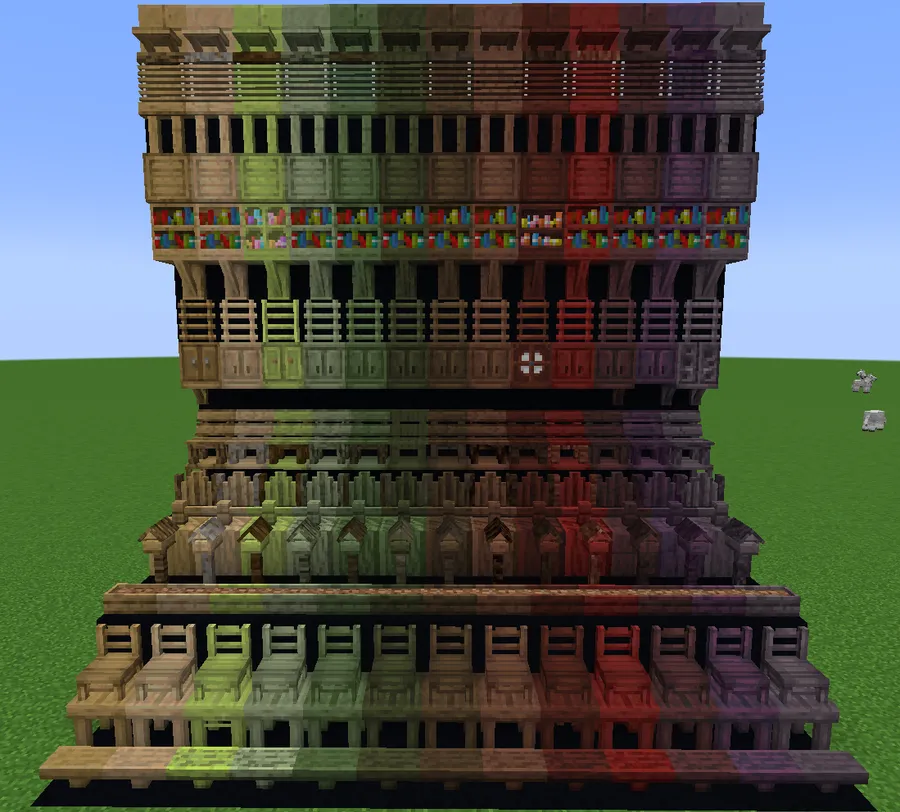
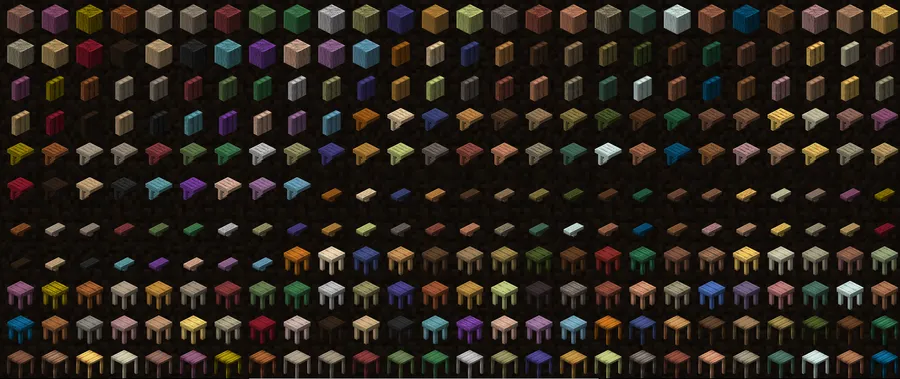
- Universal wood compatibility generation — This mod appears to generate missing block variants so supported block types are available across installed wood types. That matters in real gameplay because your base can keep one visual style instead of mixing unmatched doors, trims, and furniture just because mods disagree on coverage. It also reduces the time you spend hunting for one-off compatibility mods.
- Single add-on instead of many small compat packs — The biggest practical win is management simplicity: one universal compat layer is easier to maintain than several per-mod patch packs. For players, that means cleaner mod lists and fewer compatibility surprises when updating a pack. For server admins, this can make pack upkeep feel more predictable.
- Automatic behavior at load time — The project description emphasizes that generation is automatic, which is useful if you want results without hand-configuring dozens of entries. In practice, that means less setup work before you can start building. It also lowers friction for players who want broad block coverage but do not want to learn advanced config workflows.
- Awareness of other compatibility mods — Yes, it is meant to coexist with other compat mods and avoid duplicate registrations where possible. This helps prevent cluttered creative tabs and overlapping content definitions when you already use known compat add-ons. For mixed packs, that compatibility-aware approach is usually more practical than rigid all-or-nothing generation.
- Conversion support when compat mods are removed — The mod states it will try to convert blocks from uninstalled compatibility mods into equivalent blocks. That matters for long-term worlds, where changing a mod list can otherwise leave awkward block states behind. It is a quality-of-life safety net for players who iterate on pack setups over time.
- Modder-focused API for faster support — The author notes a simple API that can register a full block definition in about ten lines, with assets generated automatically. Even if you are not a developer, this matters because it can accelerate support from mod authors and community contributors. Faster integration usually means new wood types and block families arrive with less manual work.
Screenshots
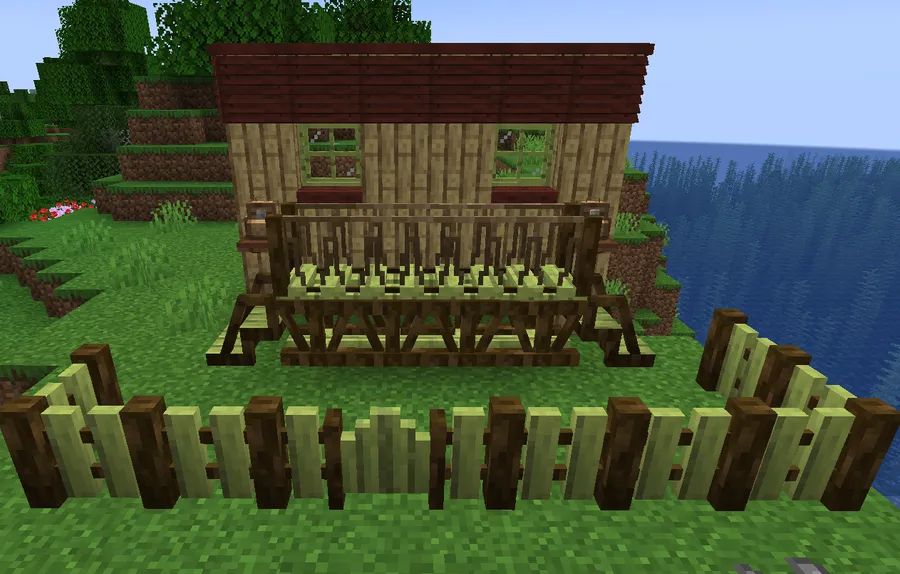
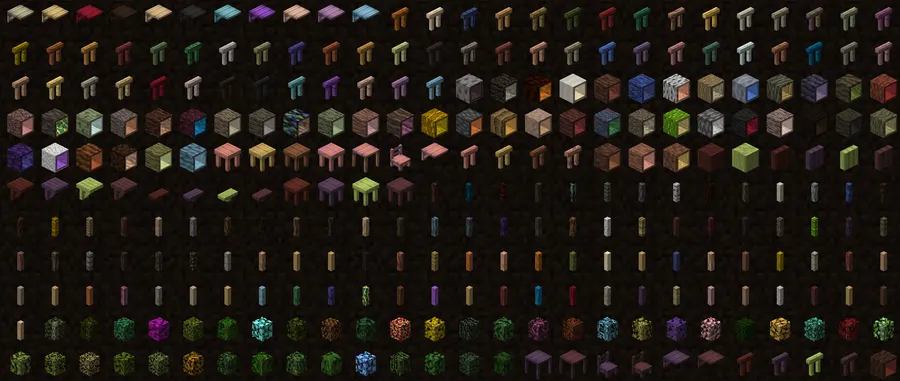
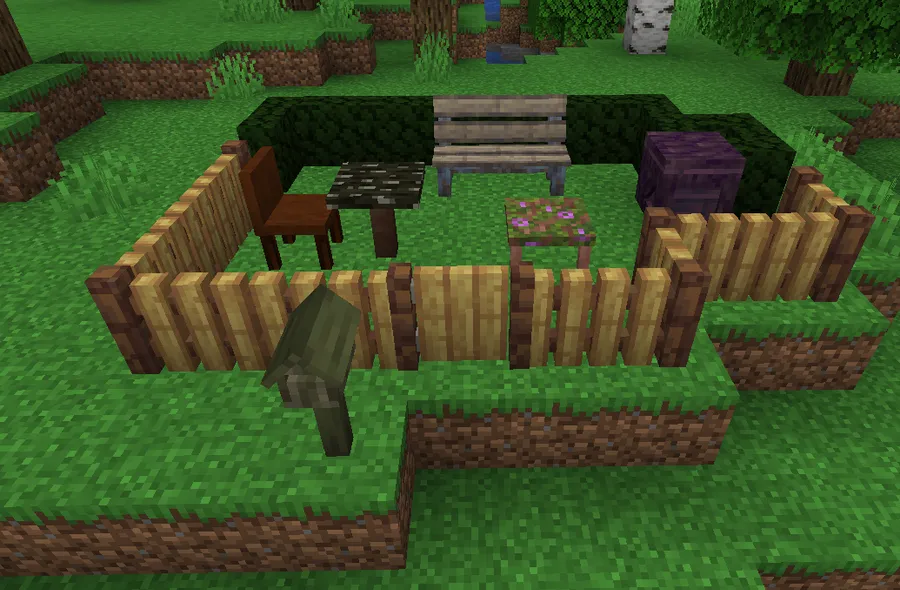
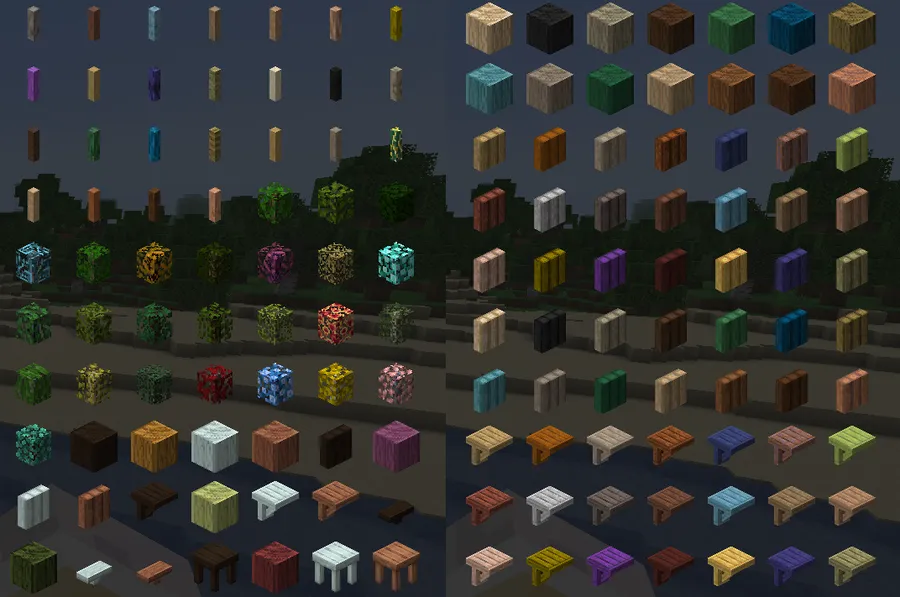
How to Install Every Compat (Wood Good) Mod
- Pick your game version first: 1.21.1, 1.21, 1.20.1, or 1.19.2, then match it to the correct loader build listed on the download page.
- Install one supported loader: Fabric Mod Loader, Minecraft Forge, or NeoForge.
- Download the Every Compat (Wood Good) file that matches both your Minecraft version and loader.
- Place the downloaded file in your
modsfolder, then launch the game once so the mod can register generated compatibility content. - Open a test world and verify your installed wood and decor mods now expose more complete block variants.
Requirements & Compatibility
| Item | Details |
|---|---|
| Mod Name | Every Compat (Wood Good) |
| Category | Minecraft Mods |
| Type / Tags | Library, Utility |
| Author | MehVahdJukaar |
| Minecraft Versions | 1.21.1, 1.21, 1.20.1, 1.19.2 |
| Supported Loaders | Fabric, Forge, NeoForge |
| Version-to-Loader Mapping | 1.21.1: NeoForge/Fabric; 1.21: NeoForge/Fabric; 1.20.1: Forge/Fabric; 1.19.2: Fabric/Forge |
| Core Requirement | Install and run with the matching loader for your selected build. |
| License | LicenseRef-All-Rights-Reserved |
| Modrinth Downloads | 4,491,315 |
What's New
- The Modrinth listing shows a recent update date of 2026-03-31, indicating active maintenance for current loader and version lines.
- The changelog section includes a documented legend for platform tags such as Forge/Fabric, Fabric-only, and NeoForge-only entries, which makes update notes easier to read.
- A listed fix targets Macaw's Doors on Fabric, addressing an outdated resource-location reference in that compatibility path.
- The changelog framework also distinguishes included, excluded, and compat exception behaviors, giving clearer expectations about why some blocks are generated and others are not.
Pros and Cons
Pros
- Reduces missing wood variants across supported mods with one universal compatibility layer.
- Works across Fabric, Forge, and NeoForge builds depending on Minecraft version.
- Designed to avoid duplicate content when other compat mods are present.
- Appears practical for large modpacks where visual consistency matters.
- Actively updated, with a very large download base.
Cons
- Coverage depends on supported mod integrations, so not every possible block family is guaranteed.
- Some behavior may differ by loader or game version based on available builds.
- License is all-rights-reserved, which may matter for redistribution preferences.
- Players using minimal modlists may see less benefit than large decor-focused packs.
Alternatives to Every Compat (Wood Good) Mod
- Quark — A broad feature mod often used in modpacks that also care about expanded building variety and quality-of-life additions.
- Another Furniture — A furniture-focused option for players who mainly want interior block variety rather than a universal compatibility layer.
- Farmer's Delight — A strong complementary mod for kitchen and survival-themed builds where consistent decorative materials improve overall style.
Download Every Compat (Wood Good) Mod
| Minecraft Version | Fabric | Forge | NeoForge |
|---|---|---|---|
| For Minecraft 1.21.1 | Download | — | Download |
| For Minecraft 1.21 | Download | — | Download |
| For Minecraft 1.20.1 | Download | Download | — |
| For Minecraft 1.19.2 | Download | Download | — |
Always download mods from official sources to stay safe.
Frequently Asked Questions
Is Every Compat (Wood Good) worth installing for big modpacks?
Yes — it is usually a strong pick for big packs that mix wood, furniture, and decor mods. Its core value is reducing incomplete wood sets by generating compatibility content automatically, which can make building options feel more consistent.
Does it support Fabric, Forge, and NeoForge?
Yes — the available files cover Fabric, Forge, and NeoForge across the listed Minecraft versions. You need to choose the exact file that matches both your loader and your game version.
Will it conflict with other compatibility mods?
No, not by design — it is intended to work alongside many existing compatibility mods and avoid registering content that already exists. That compatibility-aware behavior is explicitly described in the project FAQ.
Can this mod help when removing another compat mod from an existing world?
Yes — it states that it will try to convert blocks from uninstalled compat mods into equivalent ones. That can be useful when you revise a modpack and want smoother transitions in long-term worlds.
Do I need to configure everything manually?
No — the mod is presented as automatic. The goal is to provide universal compatibility generation without requiring you to set up many separate add-ons by hand.


![Not Enough Recipe Book [NERB] Mod (1.21.11) - thumbnail](http://mcinside.com/wp-content/uploads/2026/04/thumbnail-63-52x52.webp)


