

Most Minecraft performance mods focus on chunk rendering or lighting, but Exordium Mod takes a different approach — it targets the GUI layer that quietly eats into your frame budget every single tick. By throttling the render rate of overlays, hotbars, crosshairs, and other interface elements, Exordium frees up resources for the parts of the game that actually matter. With over 4.1 million downloads on Modrinth and active development since 2022, it has earned its place as a staple in most Fabric optimization setups.
Key Features
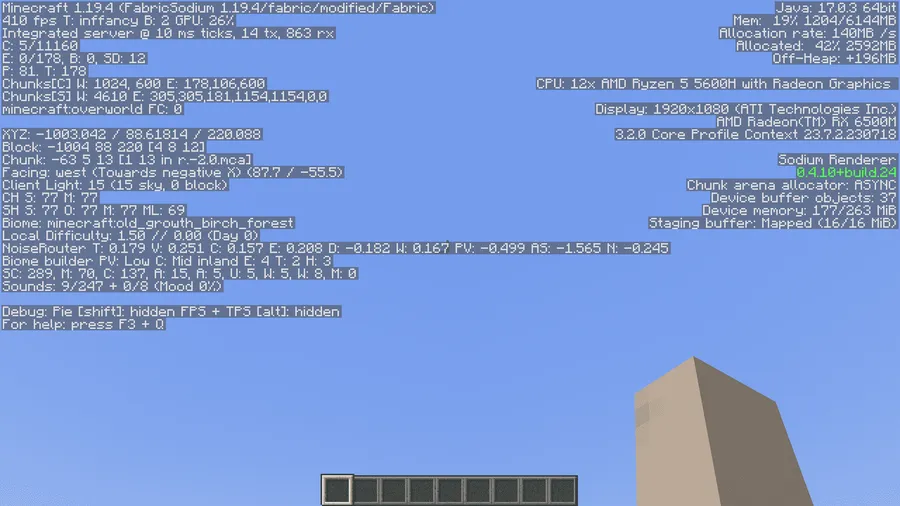
- Dynamic GUI Framerate Control — Configure the GUI rendering to run at a lower framerate than the game itself. Elements like the hotbar, crosshair, overlays, bossbars, scoreboards, and debug screens update less frequently, giving your GPU more headroom for world rendering.
- Accelerated GUI Rendering — Rather than just slowing things down, Exordium also offers settings to speed up GUI rendering when changes are detected, so the interface still feels responsive during fast-paced gameplay.
- Customizable Screen Framerate — Screens, sign text, and name-tags can each be rendered at independently configured framerates, giving you fine-grained control over what gets prioritized.
- Wide Vanilla Coverage — Affects overlays, hotbars, crosshairs, bossbars, debug screens, titles, scoreboards, and more — essentially every HUD element that doesn't need to update at full speed.
- Compatible with Popular Optimization Mods — Tested and confirmed to work alongside Sodium, Iris, and other widely-used Fabric optimization mods without conflicts.
Screenshots


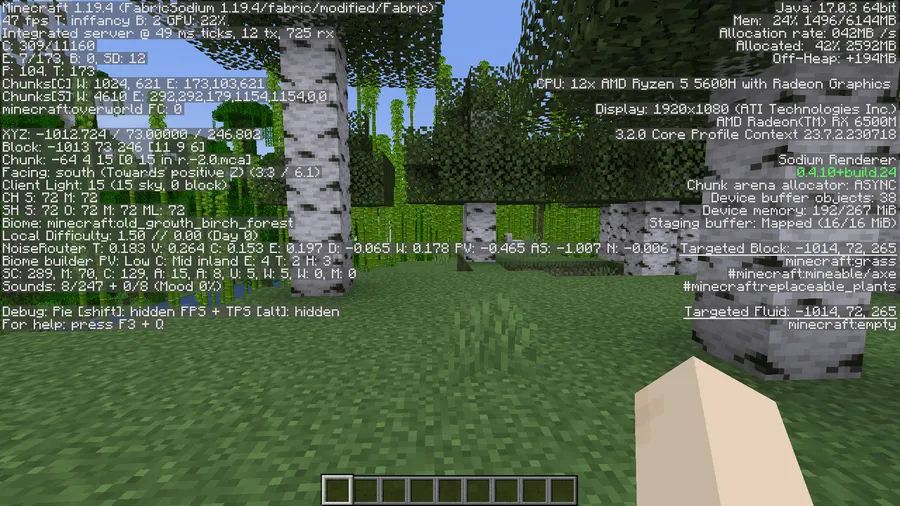
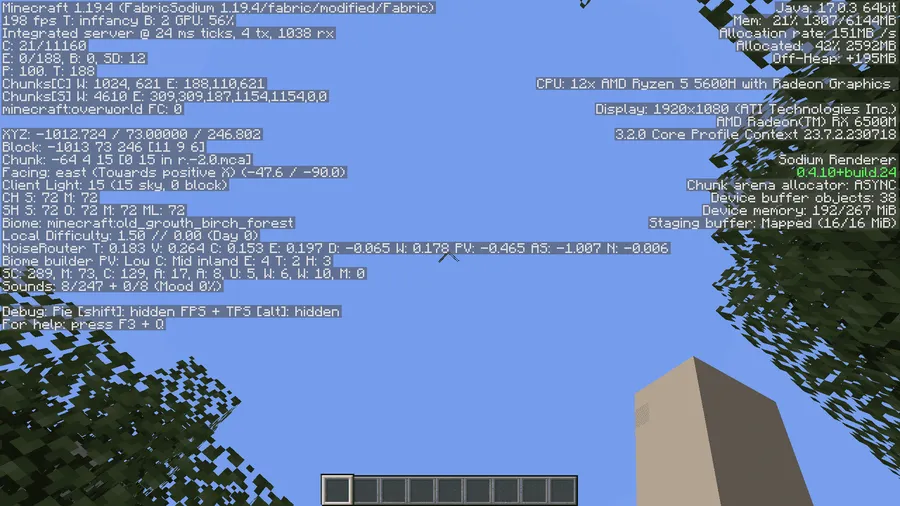
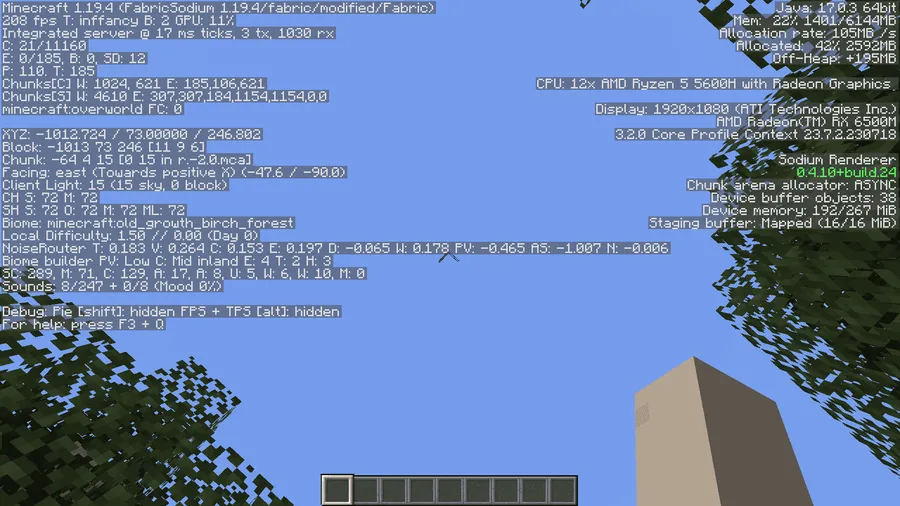
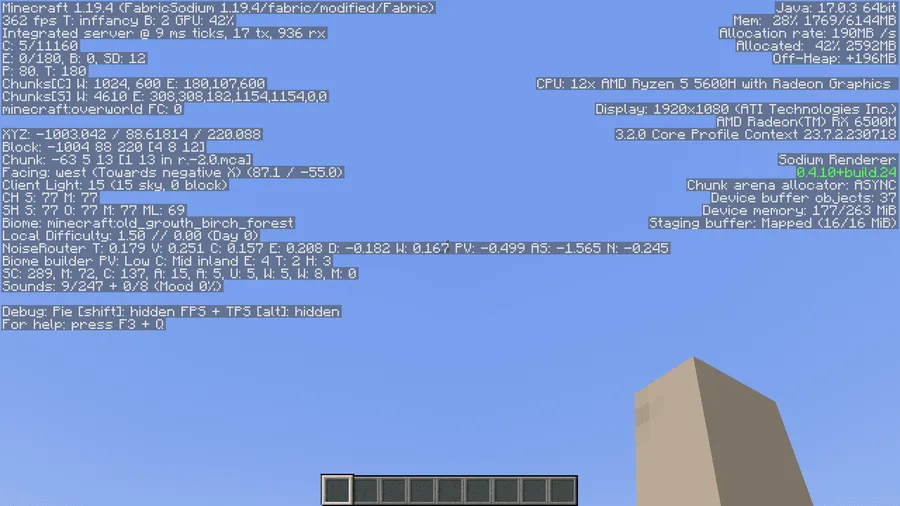
How to Install
- Download and install Fabric Loader for your Minecraft version (or Forge/NeoForge if using those editions).
- Download Fabric API and place it in your
.minecraft/modsfolder. - Download the Exordium Mod file matching your Minecraft version from the link below.
- Drop the Exordium
.jarfile into your.minecraft/modsfolder and launch the game.
Requirements
| Category | Details |
|---|---|
| Mod Loader | Fabric, Forge, NeoForge |
| Dependencies | Fabric API (for Fabric versions) |
| Minecraft Versions | 1.21.8, 1.21.7, 1.21.6, 1.21.4, 1.21.3, 1.21.1, 1.21, 1.20.6, 1.20.4, 1.20.3, 1.20.2, 1.20.1, 1.20, 1.19.4, 1.19.2, 1.18.2 |
Pros
- Noticeable FPS improvement by reducing unnecessary GUI rendering overhead
- Highly configurable — adjust framerate limits per GUI element type
- Works alongside Sodium, Iris, and other popular optimization mods
- Supports Fabric, Forge, and NeoForge across a wide range of Minecraft versions
- Actively maintained with regular updates
Cons
- May cause minor visual stuttering on GUI elements at very low framerate settings
- Potential compatibility issues with some mods that heavily modify the HUD or overlay system
- Ongoing project — users should expect occasional visual quirks after updates
Download
Always download mods from official sources to stay safe.
What's New
- Fixed inverted color rendering for the fast crosshair feature (thanks to contributor @kltyton).
- Added Chinese language translation and Chinese mod instructions.
- Two new community contributors joined the project.
- General stability improvements over the previous 1.4.1 release.
FAQ
Does Exordium work with Sodium and Iris?
Yes. Exordium has been tested and works seamlessly alongside Sodium, Iris, and other popular Fabric optimization mods. You can safely include it in your optimization mod stack.
Will lowering GUI framerate make my HUD feel laggy?
At reasonable settings, most players won't notice any difference in responsiveness. Exordium also includes an option to accelerate GUI rendering when changes are detected, so interactive elements still update quickly when it matters.
Is Exordium available for Forge or just Fabric?
Exordium supports Fabric, Forge, and NeoForge. However, Fabric has the widest version coverage — Forge support is currently available for select versions like 1.20.2. Check the download section for the exact loader availability per Minecraft version.




![[Let's Do] Meadow Mod (1.21.1) - thumbnail](http://mcinside.com/wp-content/uploads/2026/04/thumbnail-64-52x52.webp)


![Not Enough Recipe Book [NERB] Mod (1.21.11) - thumbnail](http://mcinside.com/wp-content/uploads/2026/04/thumbnail-63-52x52.webp)
