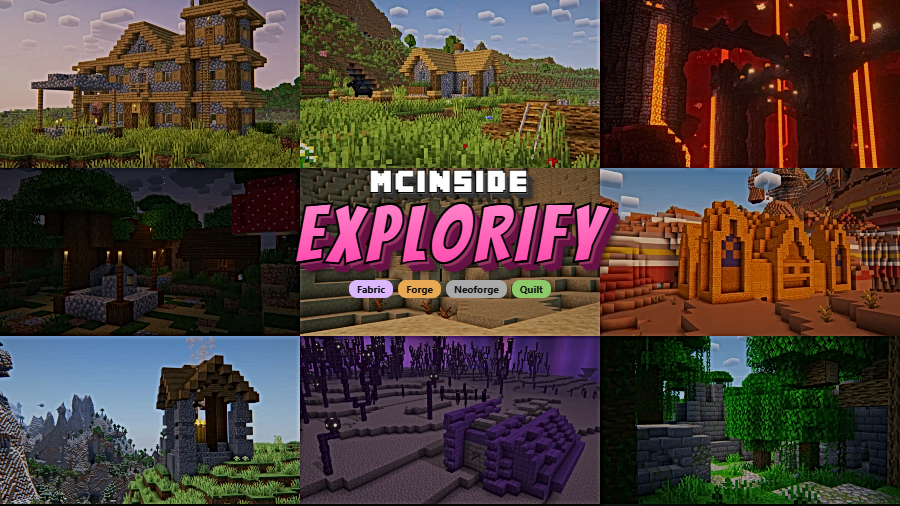
Explorify is a vanilla-friendly structure generation mod that adds a diverse collection of new exploration-worthy buildings and landmarks to Minecraft world generation, available for Fabric, Forge, NeoForge, and Quilt mod loaders.
Vanilla Minecraft world generation, while impressive, can start to feel repetitive after hundreds of hours of exploration. Players stumble across the same villages, desert temples, and woodland mansions — eventually, the thrill of discovery fades. Explorify directly addresses this fatigue by populating your world with new structures that blend seamlessly into the existing game. Created by bebebea_loste and first released in November 2022, the mod has earned over 6 million downloads on Modrinth, a testament to how well these structures resonate with the community. Rather than introducing flashy, lore-breaking additions, Explorify focuses on structures that feel like they could have shipped with the base game — familiar yet fresh, rewarding exploration without overwhelming it.
Key Features of Explorify
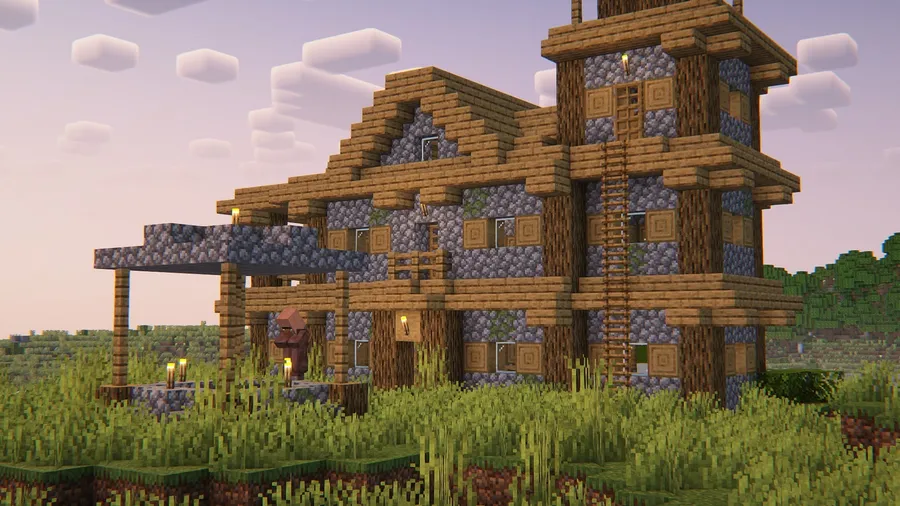
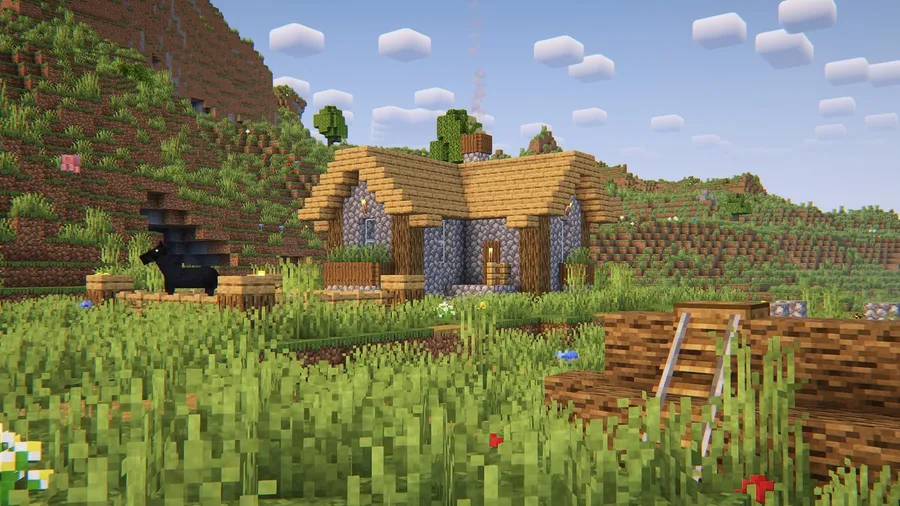
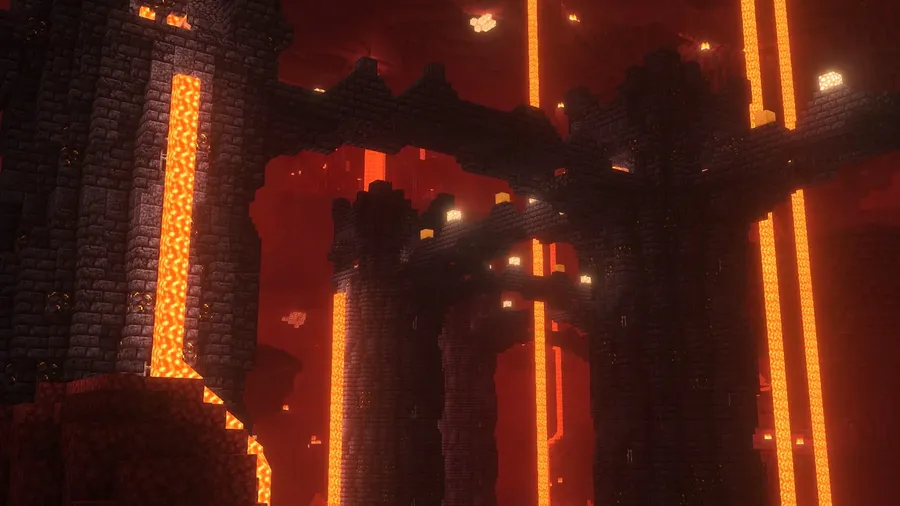
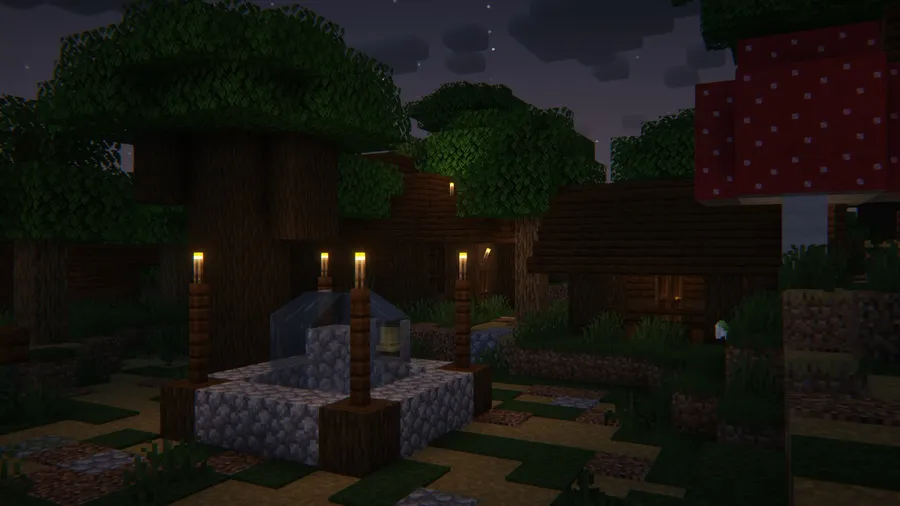
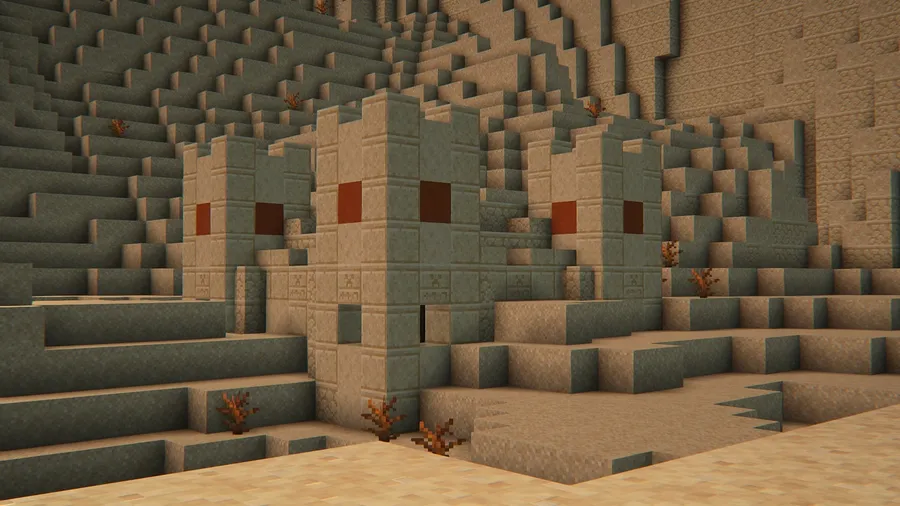
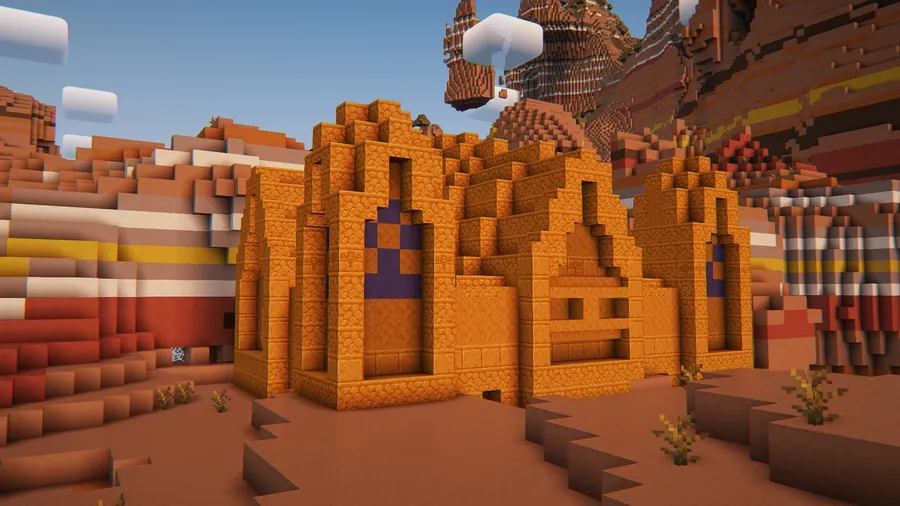
- Vanilla-Friendly Structure Design — Every structure in Explorify is built to match the visual language of vanilla Minecraft. This means you will not find modern-style buildings or fantasy towers that clash with the base game. The result is a world that feels richer without losing its original charm.
- Biome-Appropriate Generation — Structures spawn in biomes where they thematically belong, maintaining the sense of discovery that makes Minecraft exploration satisfying. You will not encounter desert-themed builds in snowy tundras. This thoughtful placement ensures each structure feels like a natural part of the landscape.
- Multi-Loader Support — Explorify runs on Fabric, Forge, NeoForge, and Quilt, making it accessible regardless of which mod loader you prefer. This broad compatibility also means it plays well in large modpacks across different ecosystems, reducing the risk of loader lock-in.
- Loot and Exploration Rewards — The new structures are not just decorative — they contain loot containers and hidden areas that give players a tangible reason to explore. This adds a layer of gameplay incentive on top of the visual variety, keeping exploration loops engaging over longer play sessions.
- Optional Configuration via Cristel Lib — Players who want fine-grained control can install Cristel Lib to access a configuration menu. This lets you toggle specific structures on or off, or adjust generation rates to match your preference. Without it, the mod still works with sensible defaults and can be configured through datapacks.
- Datapack Foundation — Under the hood, Explorify functions as a datapack-based mod, which means it integrates with Minecraft's native data-driven structure system. This approach tends to be lightweight and avoids heavy code-side modifications, making conflicts with other worldgen mods less likely.
- Active Development Since 2022 — The mod has been continuously updated from Minecraft 1.19 through 1.21.11, with the developer regularly adding, refining, and sometimes retiring structures to maintain quality. This long track record signals a healthy project that players can rely on for future updates.
Screenshots
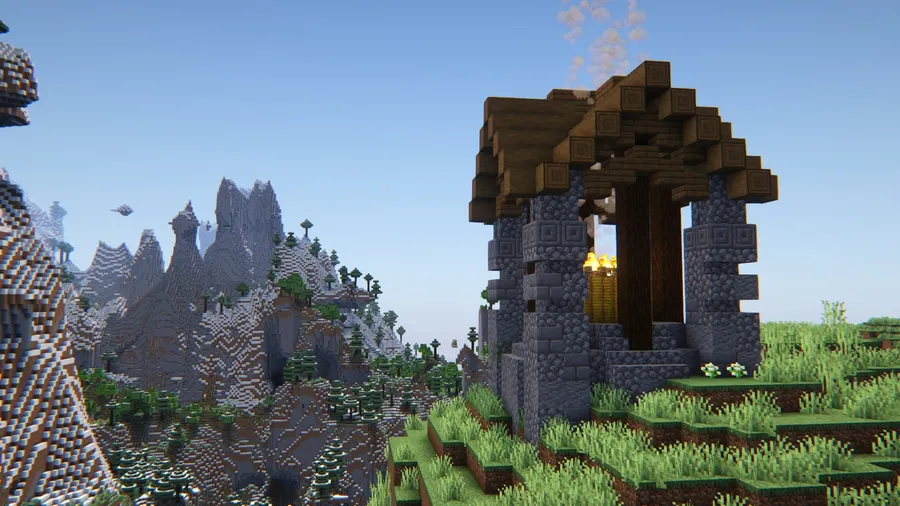
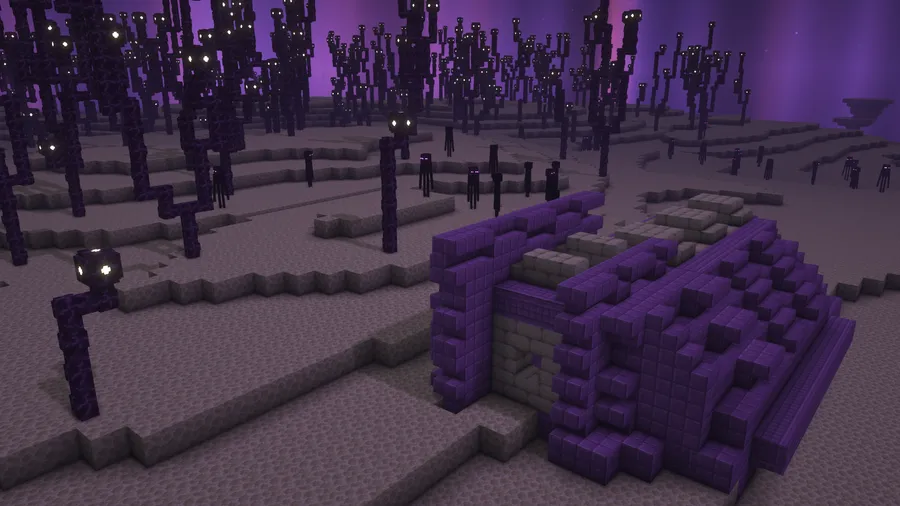
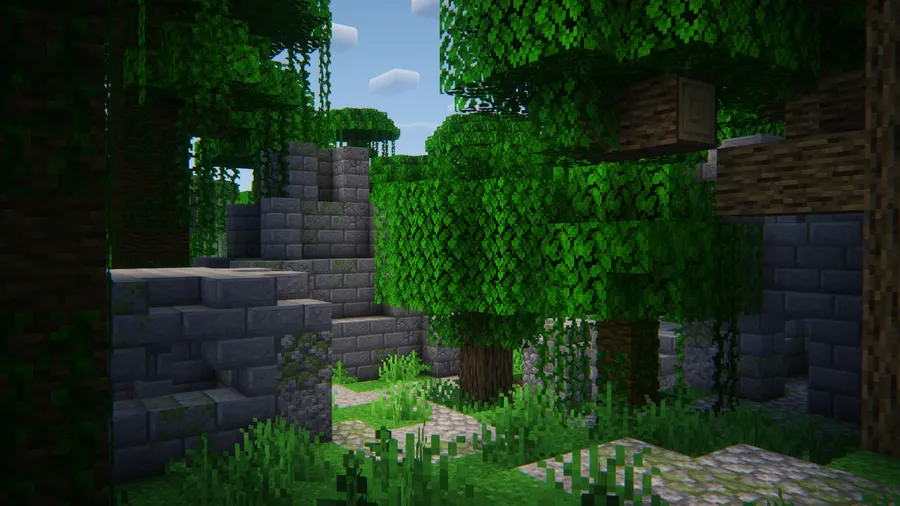
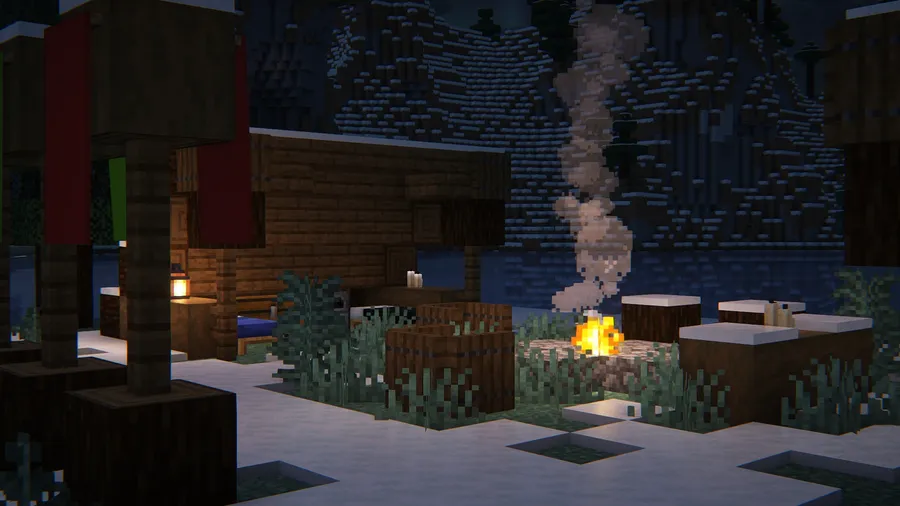
How to Install Explorify
- Install your preferred mod loader. Explorify supports Fabric, Minecraft Forge, NeoForge, or Quilt Loader. Follow the loader's official installation guide if you have not set one up before.
- If you are using Fabric, you must also install Fabric API, as Explorify requires it as a dependency on the Fabric loader.
- Download the correct Explorify file for your Minecraft version and mod loader from the download section below.
- Place the downloaded
.jarfile into your.minecraft/modsfolder. Create the folder if it does not exist. - Optionally, install Cristel Lib if you want an in-game configuration menu to toggle structures on or off. Launch Minecraft and generate a new world to see the structures.
Requirements & Compatibility
| Requirement | Details |
|---|---|
| Supported Loaders | Fabric, Forge, NeoForge, Quilt |
| Minecraft Versions | 1.19 – 1.21.11 |
| Required Dependencies | Fabric API (Fabric only) |
| Optional Dependencies | Cristel Lib (for in-game config) |
| Latest Tested Version | Minecraft 1.21.11 |
What's New
- Fixed a pack format issue that could cause compatibility warnings on newer Minecraft versions.
- Continued support for Minecraft 1.21.11 across all four mod loaders.
- Ongoing structure refinements — the developer may add, modify, or retire structures between updates to maintain quality.
Pros and Cons
Pros
- Structures blend naturally with vanilla Minecraft aesthetics
- Supports all four major mod loaders (Fabric, Forge, NeoForge, Quilt)
- Wide version range from 1.19 to 1.21.11
- Over 6 million downloads — well-tested by a large community
- Lightweight datapack-based approach appears to have minimal performance overhead
- Optional configuration without requiring extra dependencies
Cons
- Fabric users must install Fabric API as a separate dependency
- Structures may be added or removed between updates, which could affect existing worlds
- No built-in config without Cristel Lib — must use datapacks otherwise
- All rights reserved license limits community modifications and redistribution
Alternatives to Explorify
- Repurposed Structures — Adds new variants of vanilla structures across different biomes, giving familiar locations a fresh twist while maintaining gameplay balance.
- YUNG's Better Dungeons — Completely overhauls vanilla dungeons with larger, more complex layouts and better loot, ideal for players who want improved underground exploration.
- Towns and Towers — Expands village and pillager outpost generation with new building types and layouts, complementing Explorify well for a fuller overworld experience.
Download Explorify
| Minecraft Version | Fabric | Forge | NeoForge | Quilt |
|---|---|---|---|---|
| For Minecraft 1.21.11 | Download | Download | Download | Download |
| For Minecraft 1.21.10 | Download | Download | Download | Download |
| For Minecraft 1.21.9 | Download | Download | Download | Download |
| For Minecraft 1.21.8 | Download | Download | Download | Download |
| For Minecraft 1.21.7 | Download | Download | Download | Download |
| For Minecraft 1.21.6 | Download | Download | Download | Download |
| For Minecraft 1.21.5 | Download | Download | Download | Download |
| For Minecraft 1.21.4 | Download | Download | Download | Download |
| For Minecraft 1.21.3 | Download | Download | Download | Download |
| For Minecraft 1.21.2 | Download | Download | Download | Download |
| For Minecraft 1.21.1 | Download | Download | Download | Download |
| For Minecraft 1.21 | Download | Download | Download | Download |
Always download mods from official sources to stay safe.
Frequently Asked Questions
Is Explorify compatible with other structure mods?
Yes — Explorify uses Minecraft's native data-driven structure system, which generally allows it to coexist with other structure mods without conflict. Since structures generate through the vanilla worldgen pipeline, they should not overlap or interfere with additions from mods like YUNG's series or Repurposed Structures. However, as with any combination of worldgen mods, occasional placement overlaps are theoretically possible.
Do I need to start a new world for Explorify structures to appear?
Yes, new structures will only generate in newly explored chunks. Any chunks you have already visited and loaded will not retroactively receive Explorify structures. You can either start a fresh world or travel to unexplored areas in your existing world to find the new structures.
Will removing Explorify corrupt my world?
No — removing the mod will not corrupt your Minecraft world. Structures that have already generated will remain as regular blocks in the world. The developer notes that Minecraft handles mod removal gracefully in this regard, though making a backup before any mod changes is always recommended.
Does Explorify work on multiplayer servers?
Yes — Explorify works on dedicated servers just like any other server-side structure mod. Install it on the server and all players will encounter the new structures without needing the mod installed on their client. For optimal compatibility, the server and client Minecraft versions should match.
Can I configure which structures generate in my world?
Yes, but you need either Cristel Lib or a custom datapack. Installing Cristel Lib provides an in-game configuration screen where you can toggle individual structures on or off. Without it, you can still customize generation by creating a datapack that overrides Explorify's structure settings, which gives you the same control through Minecraft's built-in data system.