

Managing chest clutter is one of Minecraft's oldest frustrations, and Extended Drawers Mod offers an elegant solution by introducing dedicated storage drawer blocks that hold massive quantities of a single item type. Created by MattiDragon_, this Fabric-based mod has been downloaded over 2.3 million times — a clear sign that players are hungry for smarter storage. Whether you're stockpiling cobblestone or organizing a redstone workshop, Extended Drawers keeps everything visible and accessible without endless rows of chests.
Key Features
- High-capacity storage drawers — Each drawer block stores a large quantity of one item type. You can upgrade a single-slot drawer into a two-slot or four-slot variant, letting you consolidate storage into fewer blocks.
- Access points for networked storage — Place an access point block to interact with multiple connected drawers at once, making bulk item insertion and retrieval much faster.
- Hopper and mod compatibility — Drawers work with vanilla Hoppers and transport blocks from other mods, so they fit naturally into existing automation setups.
- Drawer locking — Apply a lock to any drawer to keep its assigned item type even when the drawer is emptied. No more accidentally losing your sorting layout.
Screenshots


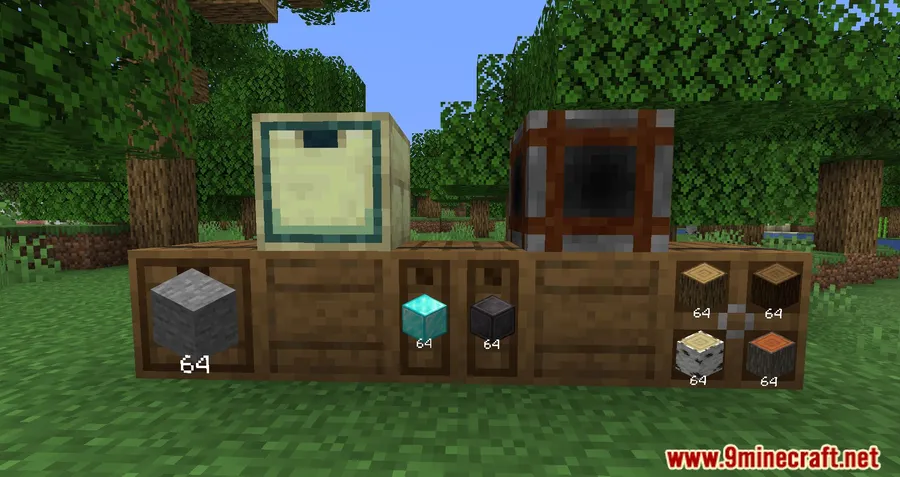
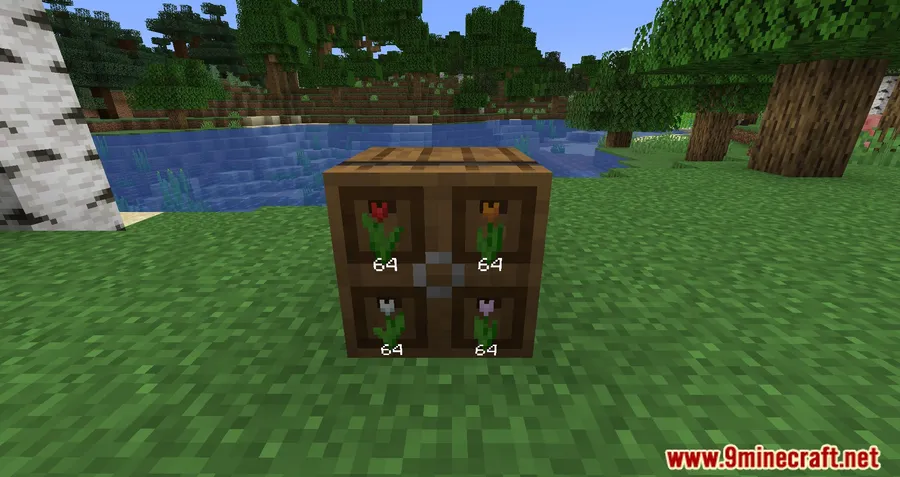
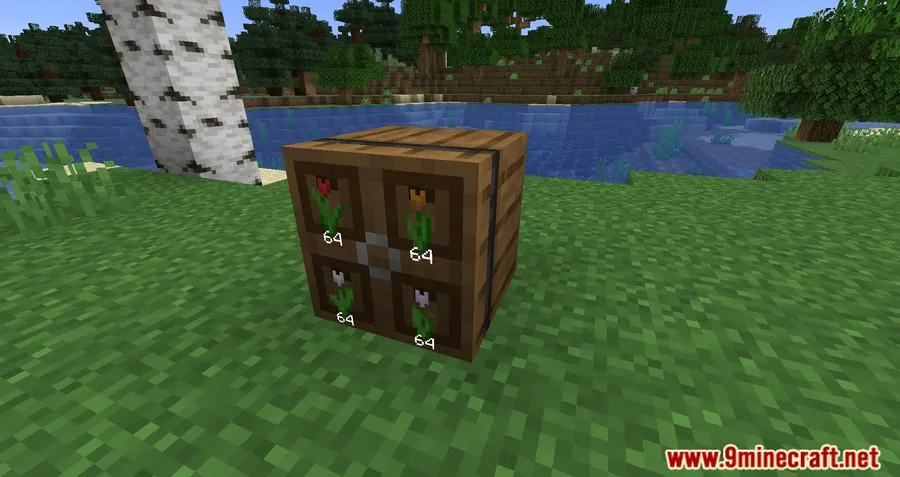
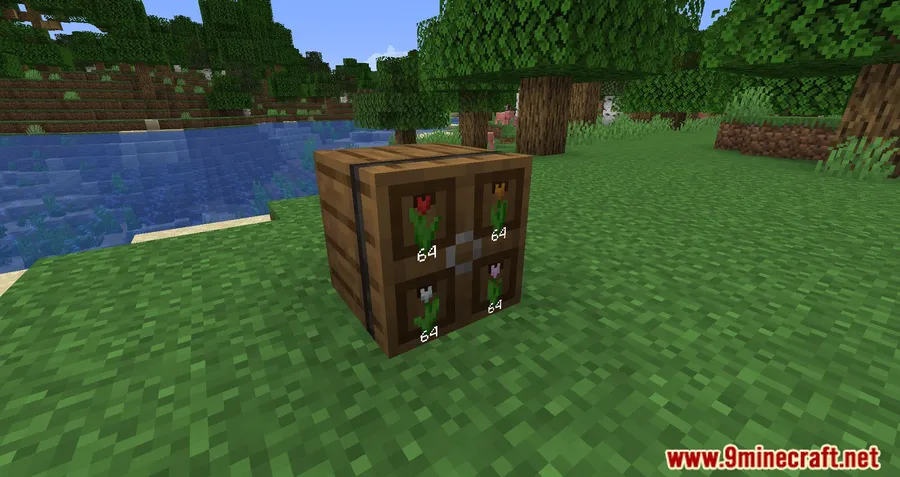
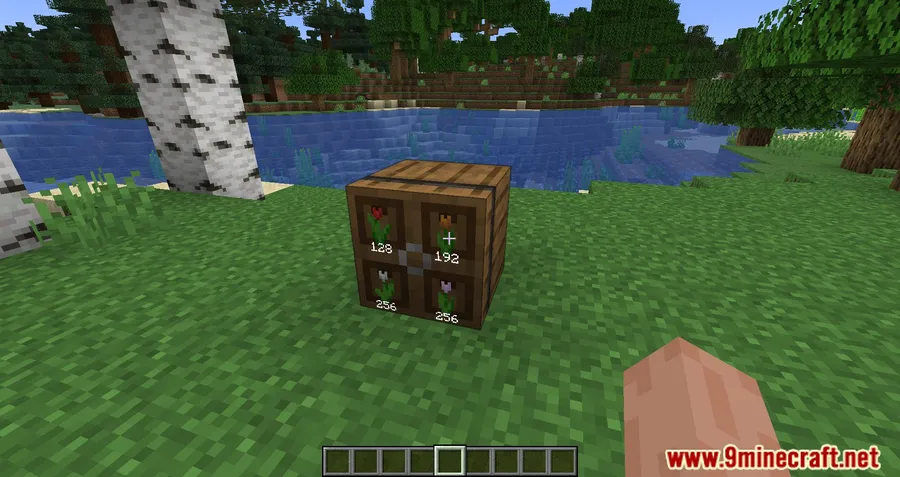
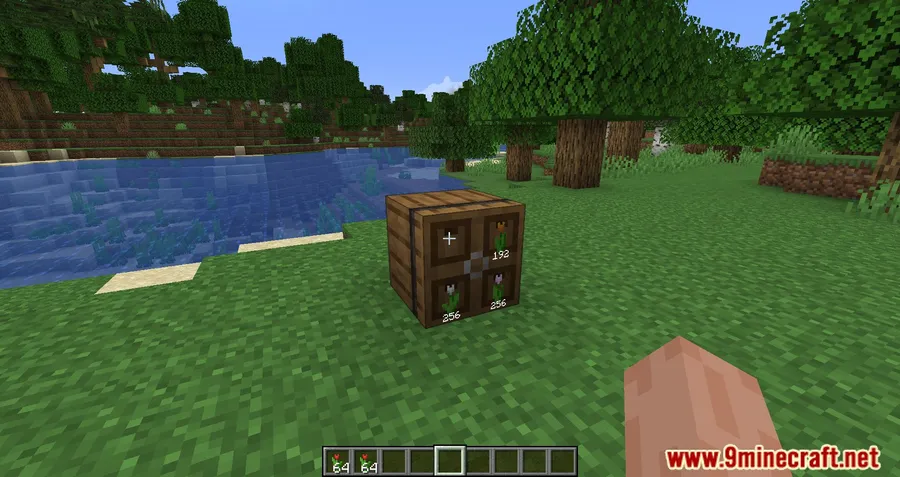
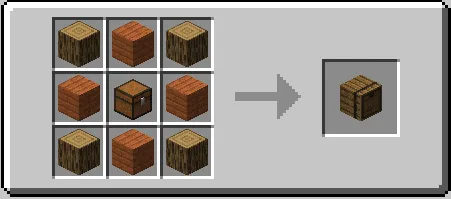
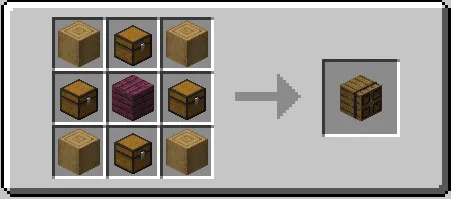
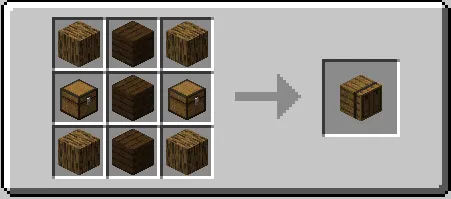
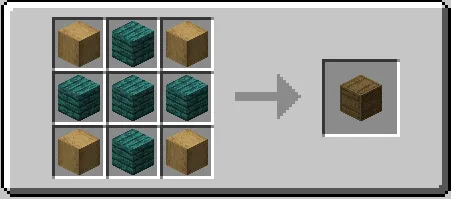
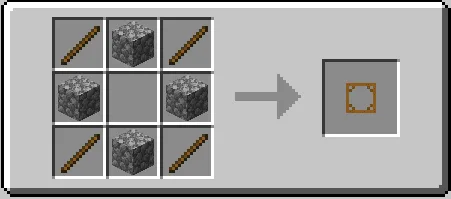
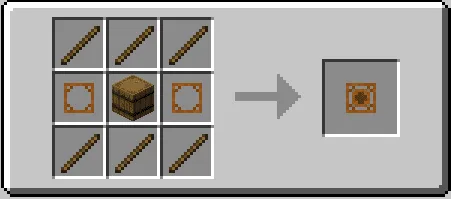
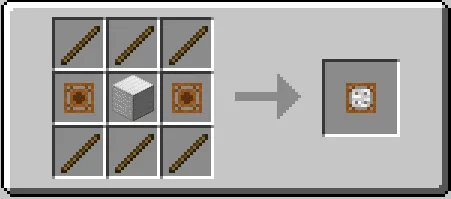
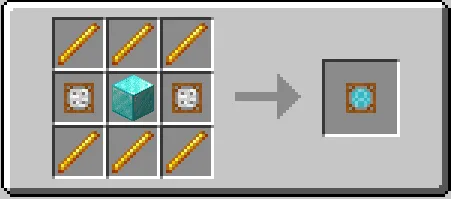
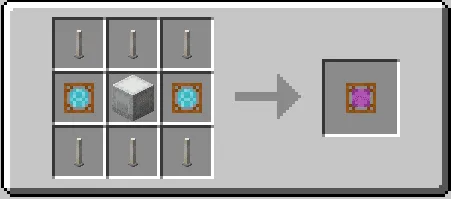
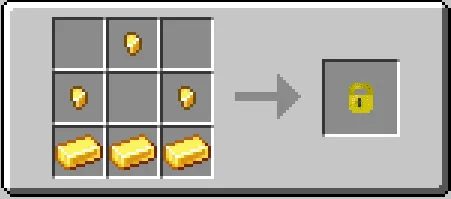
How to Install
- Download and install Fabric Loader for your Minecraft version.
- Download Fabric API and place it in your
.minecraft/modsfolder. - Download the Extended Drawers Mod file for your Minecraft version below.
- Place the downloaded
.jarfile into your.minecraft/modsfolder. - Launch Minecraft with the Fabric profile and enjoy organized storage.
Requirements
| Requirement | Details |
|---|---|
| Mod Loader | Fabric, Quilt |
| Dependencies | Fabric API, Quilt Loader |
| Minecraft Versions | 1.21.11, 1.20.2, 1.19.4, 1.19.3, 1.19.2, 1.19.1, 1.19, 1.18.2 |
Pros & Cons
Pros
- Stores large item quantities in a single block, saving significant space compared to chests
- Upgradeable slots (1, 2, or 4 items per drawer) for flexible storage layouts
- Access points allow interaction with multiple drawers at once
- Works with Hoppers and transport blocks from other mods
- Lock feature preserves item assignments even when drawers are empty
- Open-source under Apache-2.0 license with active development
Cons
- Fabric/Quilt only — no Forge or NeoForge support
- Latest 1.21.11 version is still in beta with known visual issues
- Each drawer slot is limited to one item type, which may not suit all storage styles
Download
Always download mods from official sources to stay safe.
What's New
- Updated to Minecraft 1.21.11 support.
- Currently in beta — the config screen layout preview is broken.
- Lighting for block icons displayed on drawer fronts has known rendering issues.
- Uses a temporary third-party port of GraphLib (credit to Patbox) as a workaround.
- Full fixes may take time, as they require reworks to core rendering systems.
FAQ
Can Extended Drawers work with Hoppers and other automation mods?
Yes. Drawers interact with vanilla Hoppers as well as transport blocks from other mods, so you can integrate them into automated sorting and item-transport systems.
How do I store more than one item type in a single drawer?
You can upgrade a drawer block from one slot to two or four slots. Each slot still holds one item type, but upgrading lets a single block handle multiple different items.
What does locking a drawer do?
Locking a drawer preserves its assigned item type even after all items are removed. This prevents the drawer from accepting a different item and keeps your storage organization intact.


![[EMF] Entity Model Features Mod (1.21.11) – OptiFine Alternative](http://mcinside.com/wp-content/uploads/2026/03/thumbnail-2237-300x169.webp)


![[Let's Do] Candlelight - Farm&Charm compat Mod (1.21.1) - thumbnail](http://mcinside.com/wp-content/uploads/2026/04/thumbnail-81-52x52.webp)


![[Let's Do] Meadow Mod (1.21.1) - thumbnail](http://mcinside.com/wp-content/uploads/2026/04/thumbnail-64-52x52.webp)


![Not Enough Recipe Book [NERB] Mod (1.21.11) - thumbnail](http://mcinside.com/wp-content/uploads/2026/04/thumbnail-63-52x52.webp)