

Fast Paintings Mod is a performance mod that improves how paintings are rendered in Minecraft for Fabric, Forge, and NeoForge. It focuses on painting rendering behavior, aims to make paintings feel lighter to display, and also allows custom painting models.
Paintings are a small detail until you start using lots of them for decoration, map rooms, galleries, or hidden door builds, and then their rendering quirks become much easier to notice. Fast Paintings Mod is built to solve that exact problem in a focused way, and with more than 6 million downloads on Modrinth, it has already earned strong social proof from players who want a cleaner, more efficient approach to paintings without turning the whole game upside down.
Key Features of Fast Paintings Mod
- Faster painting rendering — The core idea is to change paintings into a block-style equivalent so they can use baked models instead of the usual painting rendering path. For players, that matters because it keeps decorative builds feeling more manageable when paintings are part of the scene, and it targets the problem directly instead of promising vague "overall optimization."
- Less painting-related ticking overhead — Because the author describes paintings as blocks in this approach, the extra lag tied to painting entity ticking is removed. In practical use, that makes the mod appealing for bases and interiors where paintings are not just cosmetic accents but repeated design elements.
- Immediate update behavior — The mod makes paintings update right away when the supporting block is broken. That sounds minor, but it improves consistency and makes redstone tricks, hidden passages, and decorative builds feel more predictable when you are editing them.
- Custom painting models — Fast Paintings Mod does not stop at optimization; it also opens the door for custom painting models. That is useful if you care about visual polish, resource pack creativity, or modded builds where paintings should look more intentional than flat vanilla art on a wall.
- Vanilla texture edge fix — The base model is said to correct a vanilla issue where painting edges do not use the proper texture. That matters because it upgrades the look of something players see up close, and small texture fixes often make modded interiors feel noticeably more finished.
- Particle support for paintings — Since paintings are treated more like blocks here, they can also have particles. For builders and creators, that adds more room for atmosphere and presentation, especially in fantasy rooms, puzzle spaces, or themed adventure maps.
- Walk-through paintings for secret doors — Yes, the fun part stays intact: the author notes that you can still pass through them. That keeps one of the most popular painting uses alive, so the mod improves the technical side without removing the playful building tricks people already enjoy.
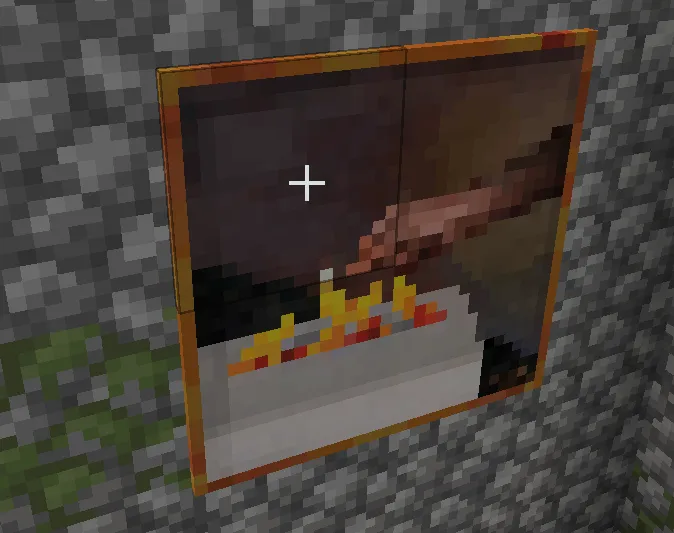
Screenshots
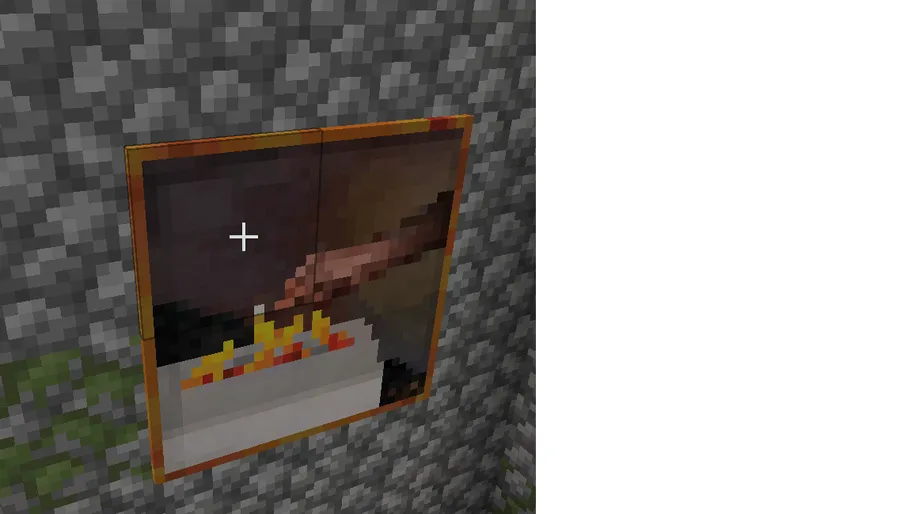
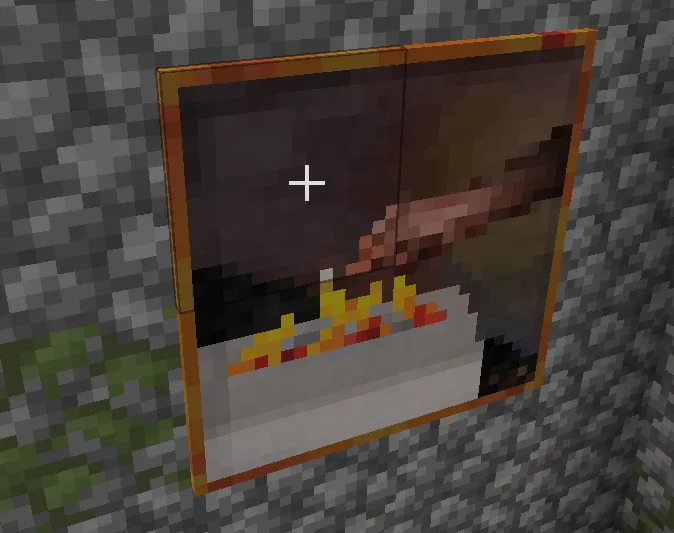
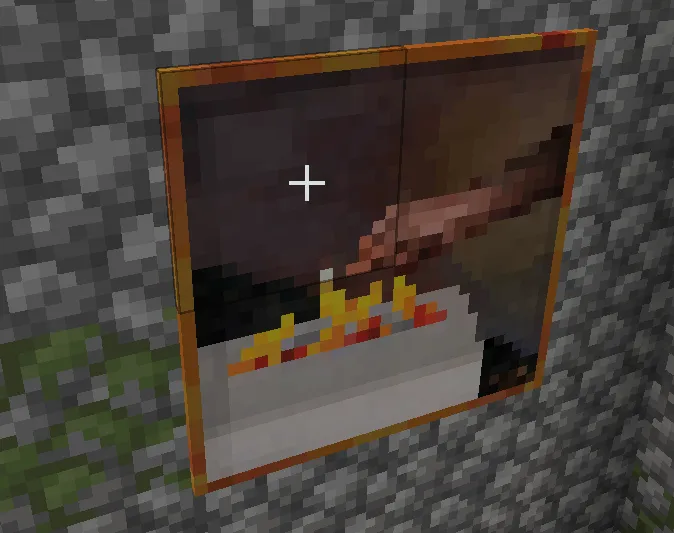
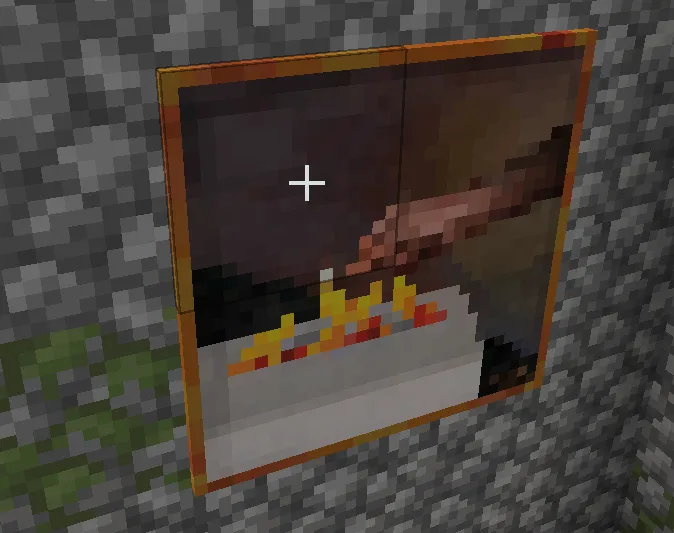
How to Install Fast Paintings Mod
- Choose the correct mod loader for your setup: Fabric Mod Loader, Minecraft Forge, or NeoForge.
- Make sure your game version matches one of the supported releases: 1.21.1, 1.21, 1.20.4, 1.20.1, or 1.19.2.
- Download the Fast Paintings Mod file that matches both your Minecraft version and your loader.
- Place the downloaded file into your Minecraft
modsfolder, then start the game with the same loader profile. - Open a world and test a few paintings to confirm the mod is loading correctly and working with your current build.
Requirements & Compatibility
| Item | Details |
|---|---|
| Mod Name | Fast Paintings Mod |
| Author | MehVahdJukaar |
| Category | Minecraft Mods |
| Tag | Optimization |
| Supported Loaders | Fabric, Forge, NeoForge |
| Required Platforms | Fabric Mod Loader, Minecraft Forge, NeoForge |
| Supported Minecraft Versions | 1.21.1, 1.21, 1.20.4, 1.20.1, 1.19.2 |
| License | LicenseRef-All-Rights-Reserved |
| Known Download Variants | 1.21.1 for Fabric and NeoForge; 1.21 for Fabric and NeoForge; 1.20.4 for Fabric and NeoForge; 1.20.1 for Forge and Fabric; 1.19.2 for Forge and Fabric |
What's New
- The latest listed change fixes paintings being capped at 5x5.
- Paintings can now go up to 16x16 instead of stopping at the smaller cap mentioned in the changelog.
- This update appears focused on correcting painting size behavior rather than adding unrelated new systems.
Pros and Cons
Pros
- Targets a specific rendering issue instead of trying to be an all-in-one optimization pack.
- Adds support for custom painting models, which gives the mod extra value beyond raw performance.
- Keeps useful gameplay behavior like walk-through paintings for secret door builds.
- Supports Fabric, Forge, and NeoForge across several Minecraft versions.
Cons
- The scope is narrow, so it will not replace broader client optimization mods.
- If you rarely use paintings, the benefit may feel limited in day-to-day play.
- The license is listed as All Rights Reserved, which may matter for some users and pack maintainers.
Alternatives to Fast Paintings Mod
- Sodium — A broader rendering optimization mod if you want to improve general client-side performance beyond paintings alone.
- Entity Culling — A complementary choice for players who want to cut unnecessary rendering work from entities and similar visual elements.
- More Culling — Another rendering-focused option that pairs well with smaller targeted optimization mods in heavily decorated worlds.
Download Fast Paintings Mod
| Minecraft Version | Fabric | Forge | NeoForge |
|---|---|---|---|
| For Minecraft 1.21.1 | Download | — | Download |
| For Minecraft 1.21 | Download | — | Download |
| For Minecraft 1.20.4 | Download | — | Download |
| For Minecraft 1.20.1 | Download | Download | — |
| For Minecraft 1.19.2 | Download | Download | — |
Always download mods from official sources to stay safe.
Frequently Asked Questions
What does Fast Paintings Mod actually do?
It improves painting rendering and allows custom painting models. According to the provided description, it replaces paintings with a block-equivalent approach so they can use baked models and avoid the normal painting rendering path.
Should I install Fast Paintings Mod?
Yes — if you use paintings regularly, it looks like a smart quality-of-life optimization mod. Its focus is narrow, but that is also its strength because it targets painting behavior directly while adding visual flexibility through custom models.
Does Fast Paintings Mod support Fabric, Forge, and NeoForge?
Yes — the provided data lists Fabric, Forge, and NeoForge as supported mod types. Download availability varies by Minecraft version, so it is important to match the correct file to your loader.
Can you still walk through paintings with this mod installed?
Yes — the original description explicitly says you can still pass right through them. That means secret-door style builds remain possible even though the rendering behavior is changed.
Does Fast Paintings Mod add new paintings or new art sets?
No — the provided information points to rendering improvements and custom model support rather than new painting collections. Its purpose is optimization and behavior changes, not expanding vanilla artwork with confirmed new content.
Does it work on Minecraft 1.21.1?
Yes — Minecraft 1.21.1 is listed as a supported version. The available download data shows a 1.21.1 build for Fabric and NeoForge.
What changed in the latest update?
The latest listed change fixes paintings being capped at 5x5 instead of 16x16. In other words, the update appears to correct how large paintings can be handled by the mod.





![[Let's Do] Meadow Mod (1.21.1) - thumbnail](http://mcinside.com/wp-content/uploads/2026/04/thumbnail-64-52x52.webp)


![Not Enough Recipe Book [NERB] Mod (1.21.11) - thumbnail](http://mcinside.com/wp-content/uploads/2026/04/thumbnail-63-52x52.webp)
