

The Nether has always felt a bit empty once you know your way around — Formations Nether Mod changes that by scattering dozens of handcrafted structures across every biome in the dimension. From eerie ritual altars and hidden houses tucked inside crimson forests to towering blackstone castles and mysterious shrines, every expedition into the Nether now comes with genuine surprises. Created by SuperMartijn642 and downloaded over 4.2 million times, this is one of the most popular Nether expansion mods available, and it pairs perfectly with the companion Formations Overworld Mod if you want the same treatment for the surface world.
Key Features
- New Nether Structures — Explore a Fossil Hut, Strange Altar, Shrine, and Black Stone Pedestal scattered throughout Nether biomes, each with unique loot and atmosphere.
- Crimson Forest Hidden House — A concealed dwelling buried within the crimson forest, rewarding players who explore off the beaten path.
- Black Stone Castle — A large-scale castle structure built from blackstone, offering a dungeon-crawling experience deep in the Nether.
- Large Nether Trees — Massive tree formations that reshape the Nether landscape and provide new vertical exploration opportunities.
- Parkour Challenges & Quartz Spikes — Platforming structures and striking quartz spike formations add variety to Nether terrain beyond standard fortresses.
- And Much More — Additional campsites, pedestals, sanctuaries, and other structures that make the Nether feel like a fully realized dimension worth exploring.
Screenshots


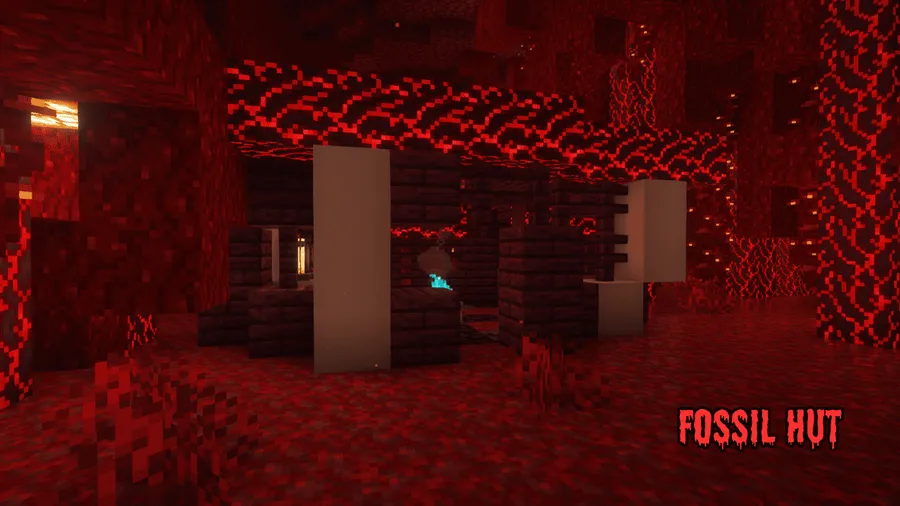
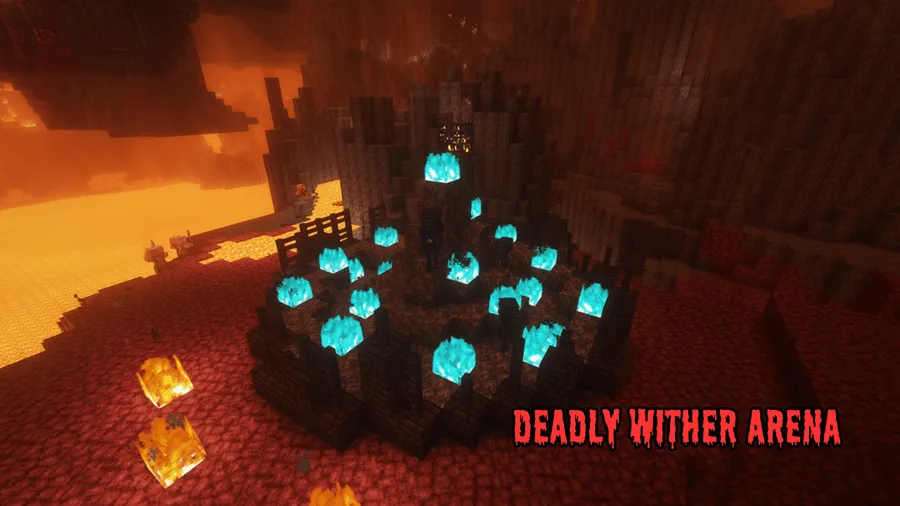
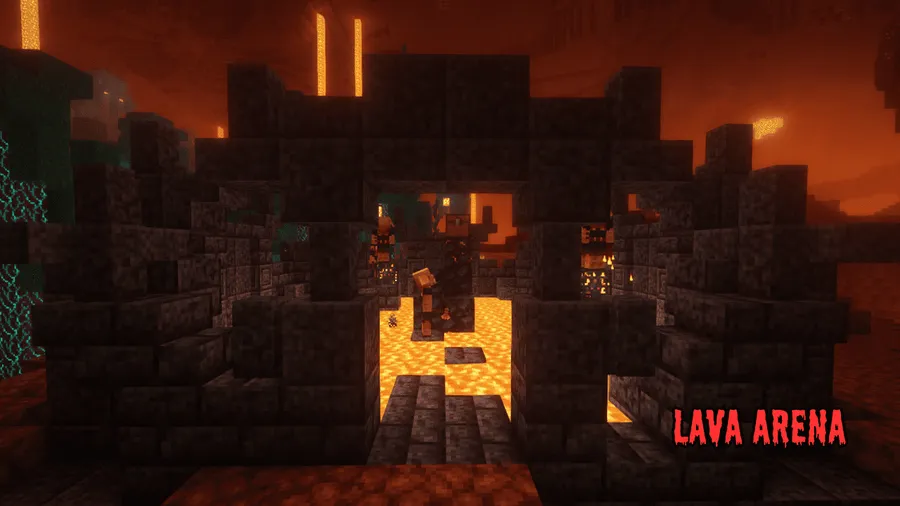
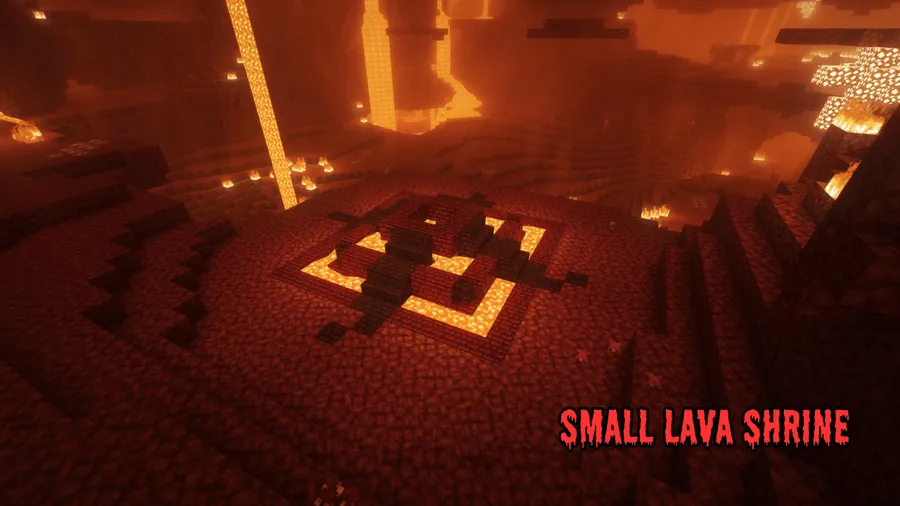
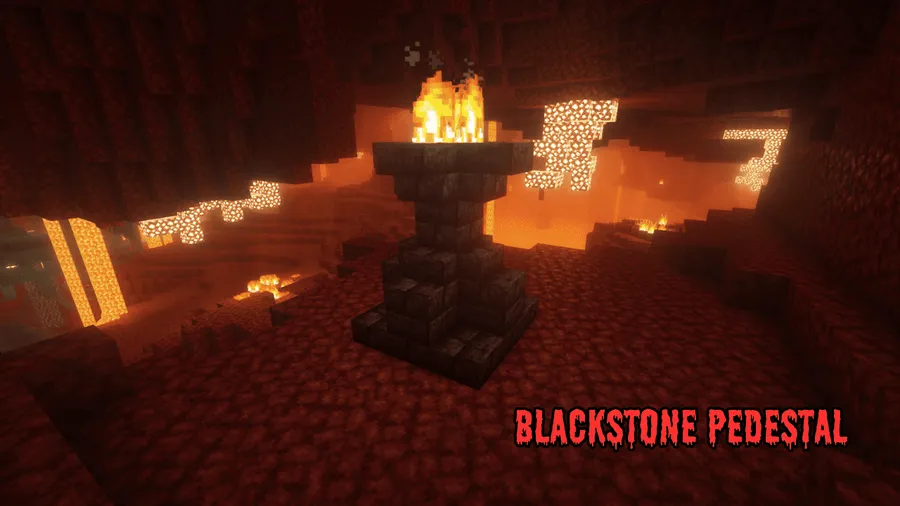
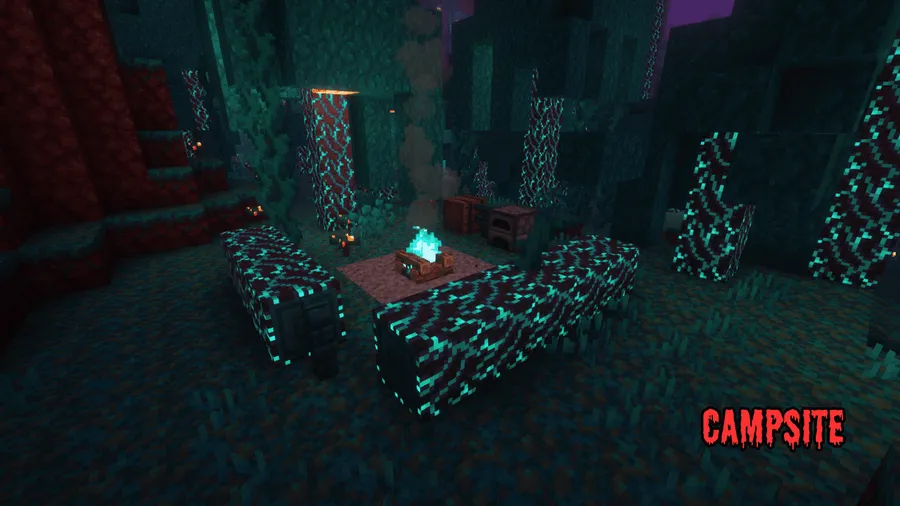
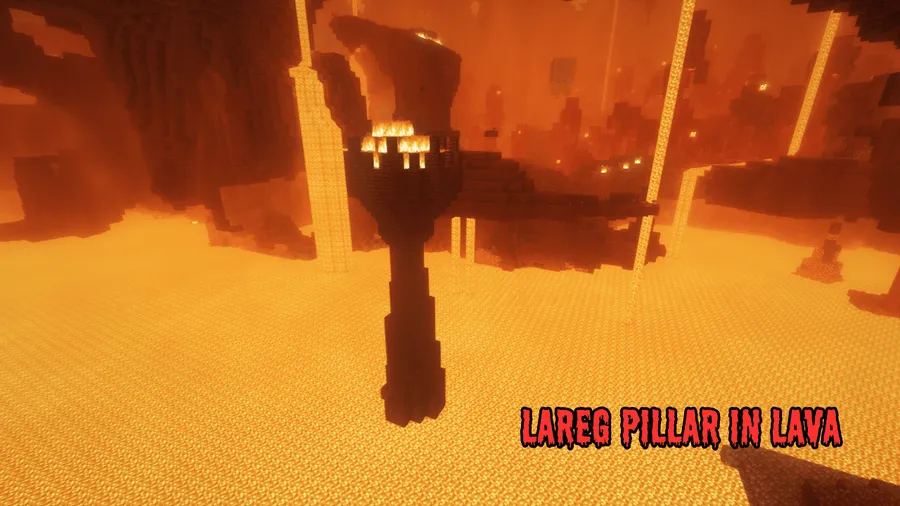
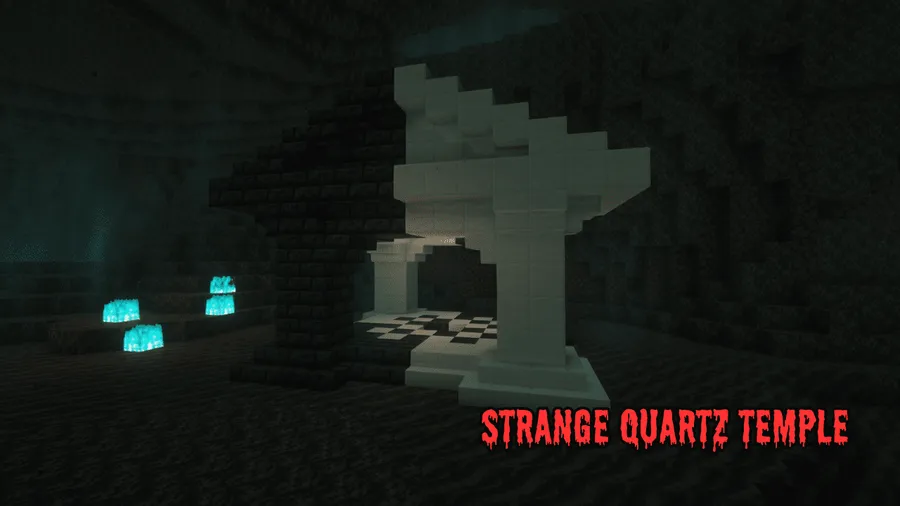
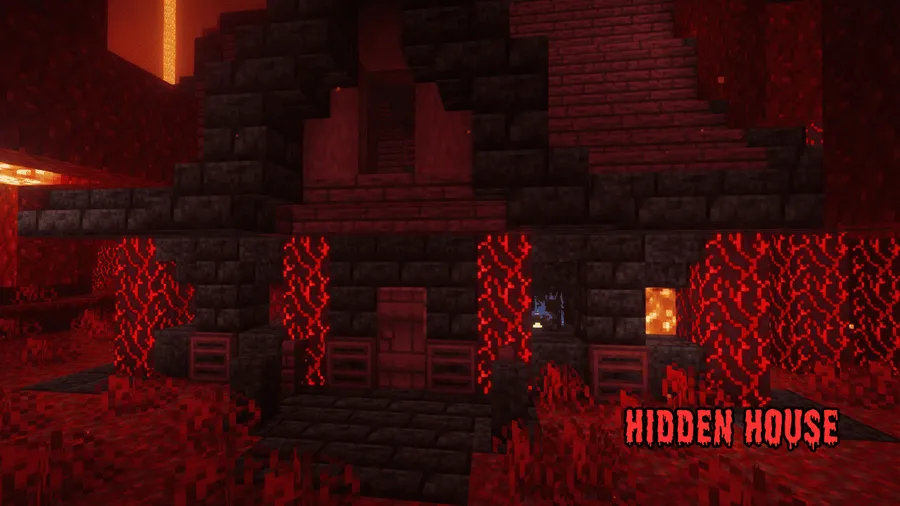
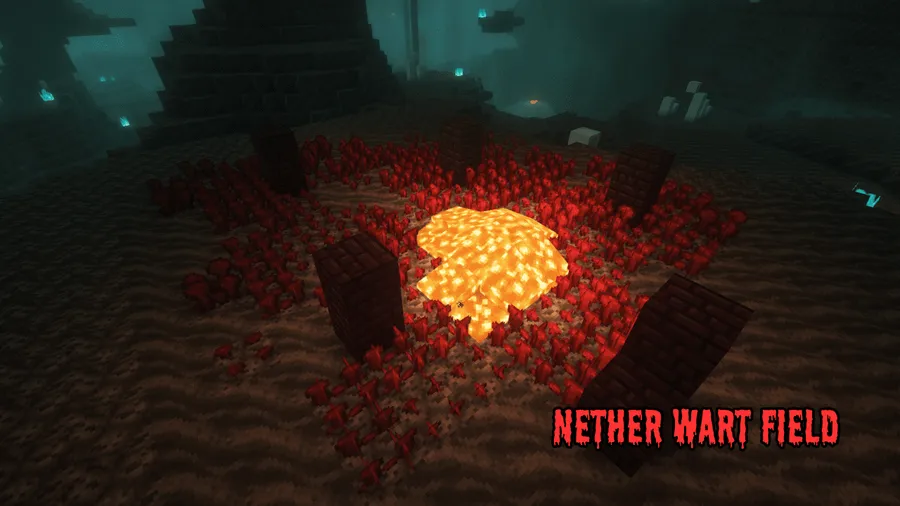
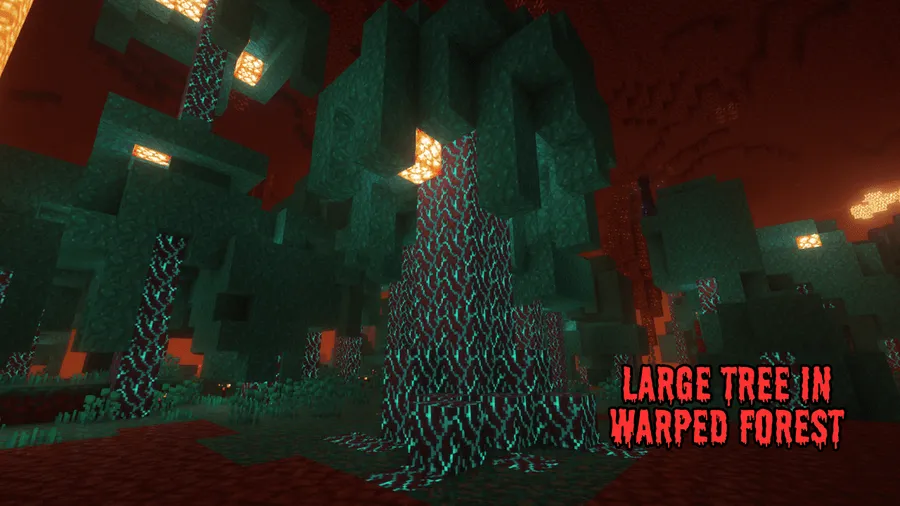
How to Install
- Download and install your preferred mod loader — Forge, NeoForge, Fabric (with Fabric API), or Quilt.
- Download the required Formation Mod (base library) and place it in your
.minecraft/modsfolder. - Download the Formations Nether Mod file matching your Minecraft version and mod loader.
- Place the Formations Nether
.jarfile into the same.minecraft/modsfolder. - Launch Minecraft with your modded profile and enter the Nether to discover new structures.
Requirements
| Type | Details |
|---|---|
| Mod Loaders | Forge, NeoForge, Fabric, Quilt |
| Dependencies | Minecraft Forge / Fabric API / Quilt Loader / NeoForge Installer, Formation Mod (required base mod) |
| Minecraft Versions | 26.1, 1.21.11, 1.21.10, 1.21.9, 1.21.8, 1.21.7, 1.21.6, 1.21.5, 1.21.4, 1.21.3, 1.21.1, 1.21, 1.20.6, 1.20.4, 1.20.3, 1.20.2, 1.20.1, 1.20 |
Pros & Cons
Pros
- Adds meaningful exploration content to an otherwise repetitive Nether
- Supports all four major mod loaders (Forge, NeoForge, Fabric, Quilt)
- Wide Minecraft version support from 1.20 through 26.1
- Works alongside the Formations Overworld companion mod for full-world coverage
- Server-friendly — clients without the mod can still join Forge servers that have it installed
Cons
- Requires the Formation Mod base library as an additional dependency
- Structures only generate in newly explored Nether chunks, not in previously visited areas
- All rights reserved license limits modification and redistribution
Download
Always download mods from official sources to stay safe.
What's New
- NeoForge 1.20.5+ support — The mod now officially supports NeoForge on Minecraft 1.20.5 and newer versions.
- Server compatibility improved — On Forge, servers running Formations Nether now show as compatible to clients that don't have the mod installed.
- Ore shard balancing — Valuables found in ore shard structures have been significantly decreased, and these structures now spawn less frequently.
- Loot table adjustments — The small fire arena structure received a rebalanced loot table for fairer rewards.
- NeoForge loader support — Earlier updates added the ability to load the mod on NeoForge alongside existing Forge support.
FAQ
Does Formations Nether Mod work with existing Nether worlds?
The mod adds structures to newly generated chunks only. If you've already explored your Nether, you'll need to travel to unvisited areas or reset your Nether dimension to see the new structures.
Do I need both Formation Mod and Formations Nether Mod?
Yes. Formation Mod is a required base library that handles the structure generation system. Without it, Formations Nether will not function. Both files must be placed in your mods folder.
Can I use Formations Nether together with Formations Overworld?
Absolutely. Both mods are designed by the same author to work side by side. Formations Nether adds structures to the Nether while Formations Overworld focuses on the surface world, giving you new exploration content in both dimensions.




![[Let's Do] Candlelight - Farm&Charm compat Mod (1.21.1) - thumbnail](http://mcinside.com/wp-content/uploads/2026/04/thumbnail-81-52x52.webp)


![[Let's Do] Meadow Mod (1.21.1) - thumbnail](http://mcinside.com/wp-content/uploads/2026/04/thumbnail-64-52x52.webp)


![Not Enough Recipe Book [NERB] Mod (1.21.11) - thumbnail](http://mcinside.com/wp-content/uploads/2026/04/thumbnail-63-52x52.webp)