
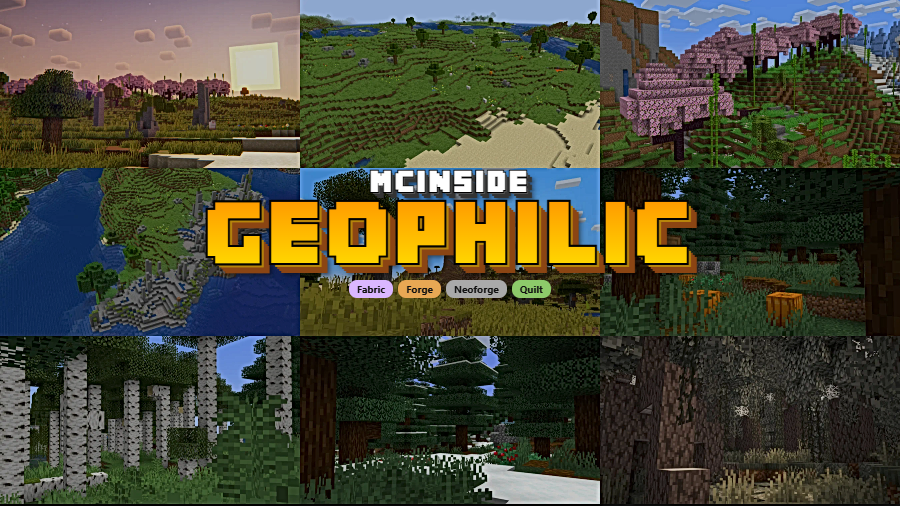
Geophilic is a worldgen overhaul mod that subtly improves vanilla Overworld biomes by adding fallen trees, boulders, bushes, forest clearings, and other natural details for Minecraft Fabric, Forge, NeoForge, and Quilt.
If you have ever loaded into a new Minecraft world and felt that the biomes look a bit flat or repetitive, you are not alone. Vanilla terrain generation does a solid job, but it leaves out the kind of small environmental details — fallen logs on a forest floor, scattered boulders in a meadow, mossy patches under tree canopies — that make a landscape feel genuinely lived-in. That is exactly the gap Geophilic fills. Inspired by scrapped concept art from what was originally planned as the Wild Update, this mod delivers a collection of subtle biome improvements that enhance immersion without adding new blocks, items, or biomes. With over 7 million downloads on Modrinth, it has become one of the most popular worldgen enhancements in the Minecraft modding community, and for good reason.
Key Features of Geophilic
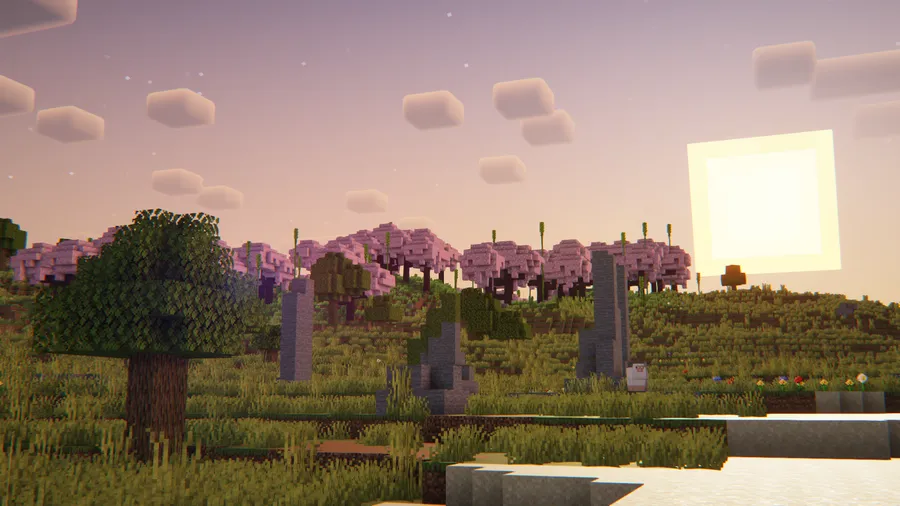
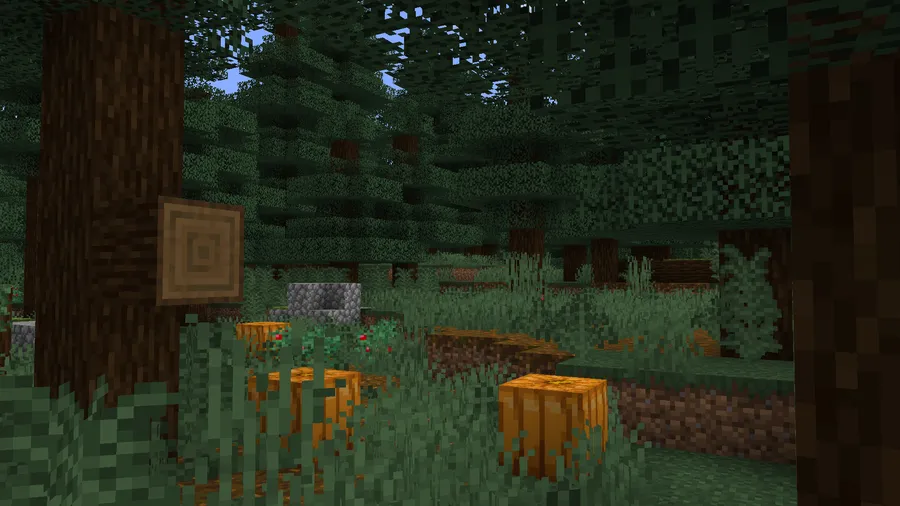
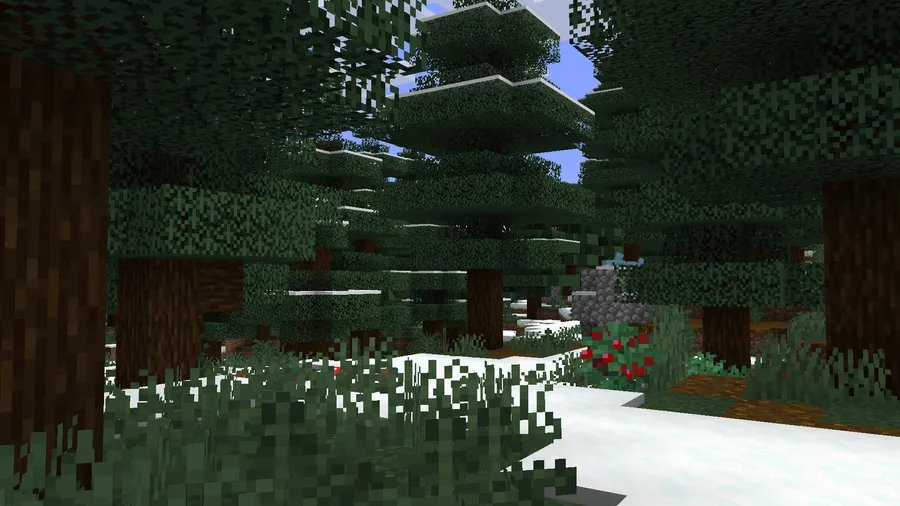
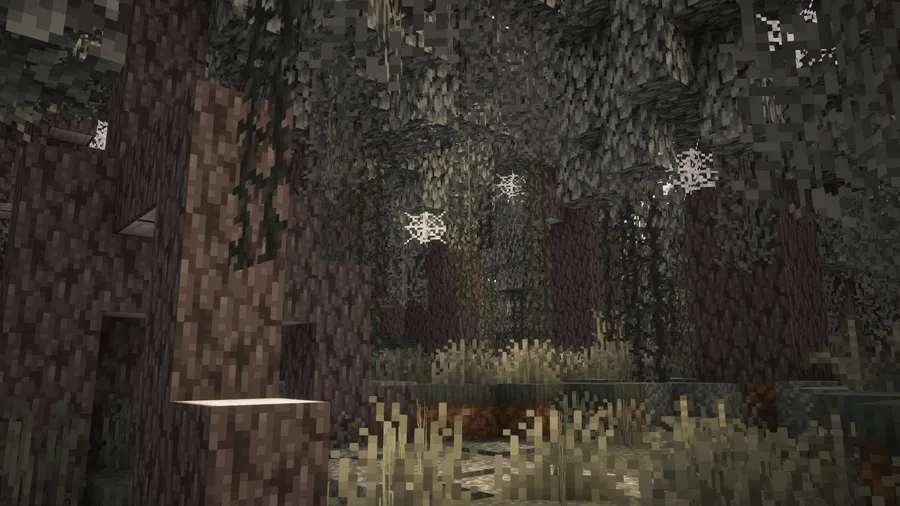
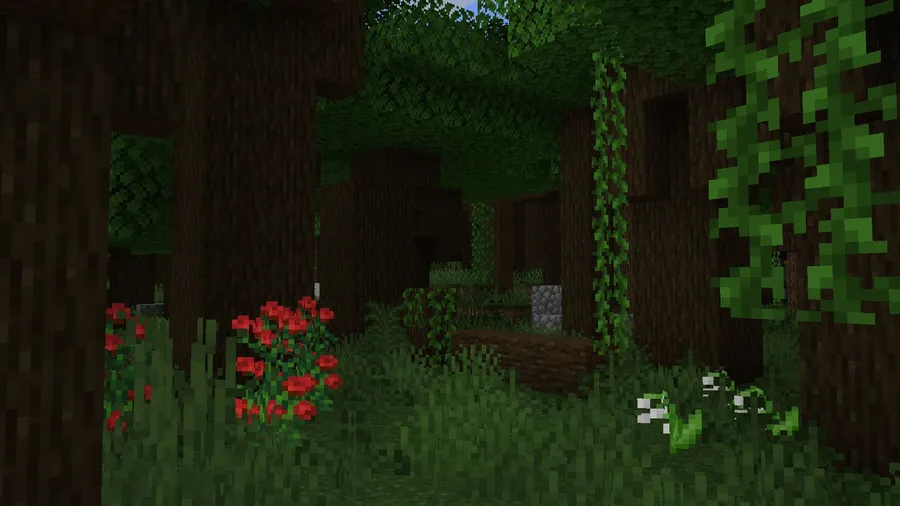
- Fallen Trees and Tree Stumps — Forests in vanilla Minecraft can feel oddly clean, as if no tree has ever fallen. Geophilic scatters fallen logs and stumps across forested biomes, creating a much more realistic woodland atmosphere. These details make exploring forests feel rewarding rather than monotonous.
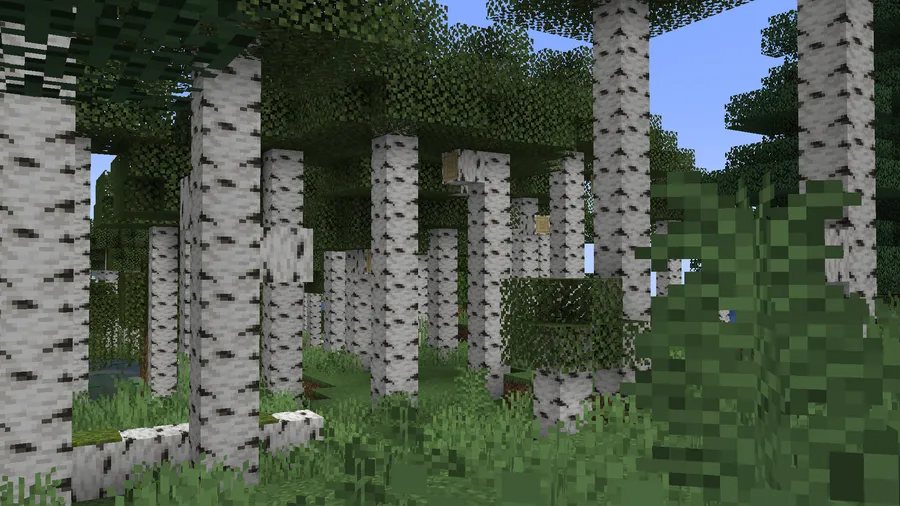
- Forest Clearings — Dense forests now occasionally open up into natural clearings, breaking up the wall-to-wall tree canopy. This adds visual variety and creates natural gathering spots that feel organic, giving players interesting landmarks to build near or navigate by.
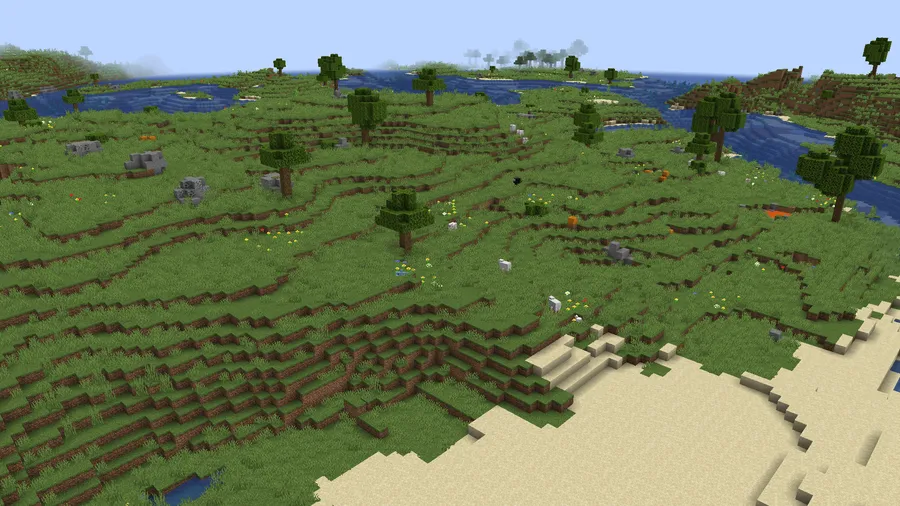
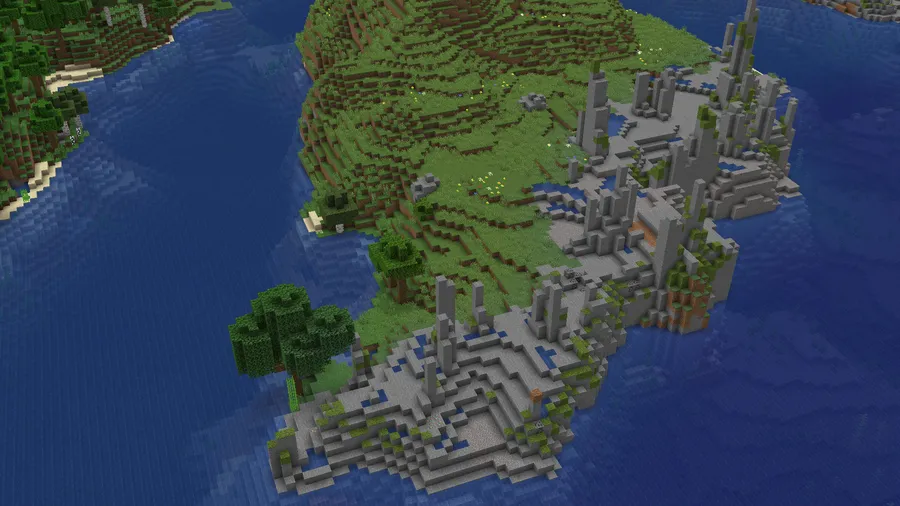
- Boulders and Rock Formations — Various biomes now feature scattered boulders and rocky outcrops that blend with the existing terrain. These formations add vertical interest to otherwise flat landscapes and make biomes like plains and taigas feel more geologically authentic.
- Bushes and Ground Cover — Additional vegetation like bushes and moss patches fill in the empty spaces between trees and across open terrain. This ground-level detail is something vanilla Minecraft largely ignores, and it makes a noticeable difference in how alive the world feels during exploration.
- Improved Tall Tree Generation — One of the most practical changes in Geophilic is how tall trees generate. The mod adjusts tree height so that players no longer constantly bump their heads on low-hanging leaves when walking through forests. It is a small quality-of-life fix that significantly reduces frustration during early-game exploration.
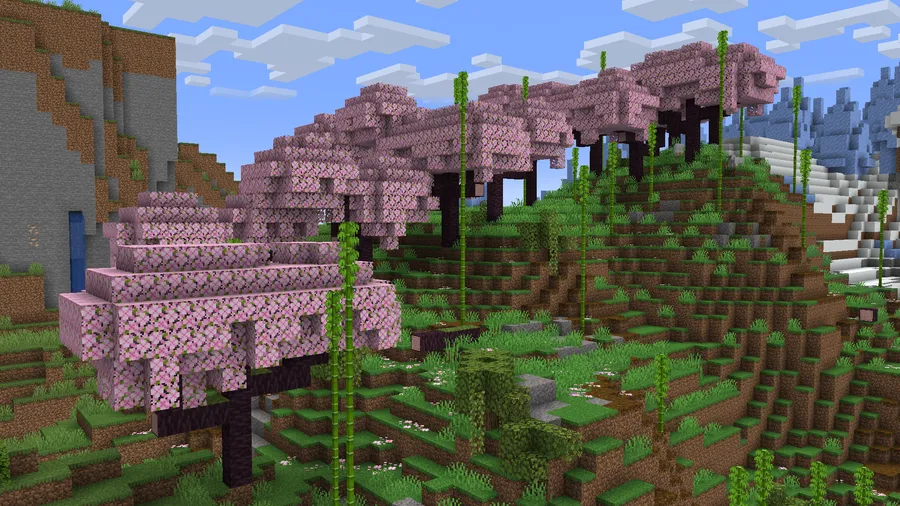
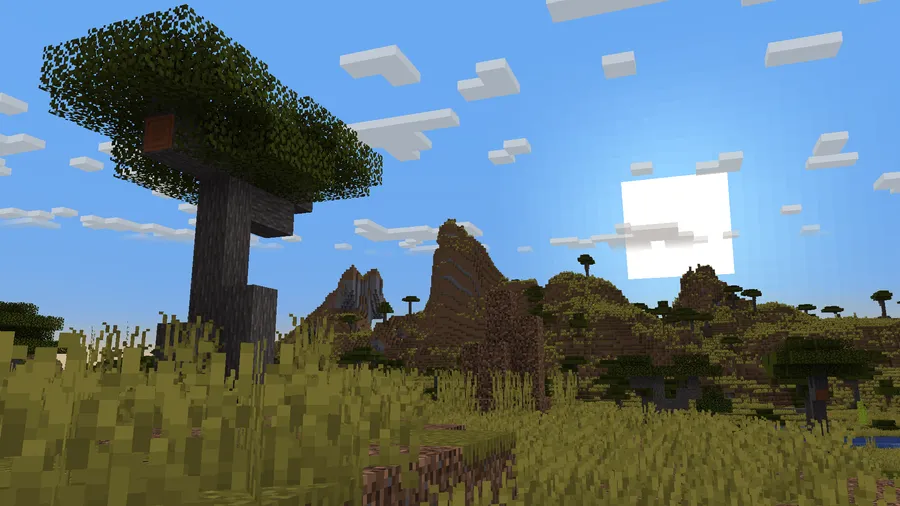
- Near-Complete Biome Coverage — From version 3.0.0 onward, Geophilic overhauls almost every non-ocean biome in the Overworld. This includes deserts, badlands, cherry groves, jungles, swamps, snowy plains, meadows, and many more. You get a consistent upgrade across the entire world rather than just a few select biomes.
- Vanilla-Faithful Design Philosophy — Geophilic deliberately avoids using block palettes or wood types that would not naturally appear in a given biome. This means the mod never feels out of place or breaks the vanilla aesthetic. It enhances what is already there rather than replacing it with something unfamiliar.
Screenshots
How to Install Geophilic
- Download and install your preferred mod loader. Geophilic supports Fabric, Forge, NeoForge, or Quilt.
- If you are using Fabric, make sure to also install Fabric API. Quilt users should install Quilted Fabric API instead.
- Download the correct version of Geophilic for your Minecraft version and mod loader from the download section below.
- Place the downloaded
.jarfile into themodsfolder inside your Minecraft directory. - Launch Minecraft with your mod loader profile selected. Geophilic will automatically apply its biome changes to any newly generated chunks.
Requirements & Compatibility
| Requirement | Details |
|---|---|
| Mod Loaders | Fabric, Forge, NeoForge, Quilt |
| Minecraft Versions | 1.21.11 – 1.19 |
| Dependencies | Fabric API (for Fabric) or Quilted Fabric API (for Quilt) |
| Compatibility | Works alongside terrain mods like Tectonic and Lithosphere since it only modifies vanilla biome files |
| World Safety | Safe to add to existing worlds — changes apply only to newly generated chunks |
| Configuration | Configurable via Datapack Toolkit |
Pros and Cons
Pros
- Enhances nearly every non-ocean Overworld biome with natural details
- Stays faithful to vanilla aesthetics — no out-of-place blocks or biomes
- Compatible with other terrain generation mods and data packs
- Available on all major mod loaders: Fabric, Forge, NeoForge, and Quilt
- Appears to be lightweight since it uses only vanilla blocks and data-driven generation
- Configurable through Datapack Toolkit for customization
Cons
- Only affects newly generated chunks — existing explored terrain remains unchanged
- Updates may remove or alter features, so previously generated terrain could look inconsistent
- Does not add any new blocks, items, or biomes — players seeking dramatic overhauls may want more
- Ocean biomes are not covered by the mod
Alternatives to Geophilic
- Tectonic — A terrain generation data pack that reshapes the overall landscape with dramatic mountains, valleys, and cliffs. Works alongside Geophilic for a combined visual upgrade.
- Terralith — Adds over 100 new biomes to the Overworld while maintaining vanilla compatibility, offering a much more extensive worldgen overhaul for players who want more variety.
- Biomes O' Plenty — A long-standing mod that introduces dozens of completely new biomes with unique blocks and vegetation, ideal for players who want a more dramatic departure from vanilla.
Download Geophilic
| Minecraft Version | Fabric | Forge | NeoForge | Quilt |
|---|---|---|---|---|
| For Minecraft 1.21.11 | Download | Download | Download | Download |
| For Minecraft 1.21.10 | Download | Download | Download | Download |
| For Minecraft 1.21.9 | Download | Download | Download | Download |
| For Minecraft 1.21.8 | Download | Download | Download | Download |
| For Minecraft 1.21.7 | Download | Download | Download | Download |
| For Minecraft 1.21.6 | Download | Download | Download | Download |
| For Minecraft 1.21.5 | Download | Download | Download | Download |
| For Minecraft 1.21.4 | Download | Download | Download | Download |
| For Minecraft 1.21.3 | Download | Download | Download | Download |
| For Minecraft 1.21.2 | Download | Download | Download | Download |
| For Minecraft 1.21.1 | Download | Download | Download | Download |
| For Minecraft 1.21 | Download | Download | Download | Download |
Always download mods from official sources to stay safe.
Frequently Asked Questions
Is Geophilic compatible with other worldgen mods?
Yes — Geophilic is compatible with most other worldgen mods and data packs. Because it only modifies vanilla biome files rather than overriding terrain generation itself, it works well alongside mods like Tectonic and Lithosphere that handle terrain shaping separately.
Can I add Geophilic to an existing world?
Yes, you can safely add Geophilic to an existing world. The mod only affects newly generated chunks, so your already-explored areas will remain unchanged while new terrain you discover will include the enhanced biome features.
Does Geophilic add new blocks or items?
No — Geophilic does not add any new blocks, items, or biomes to the game. It uses only vanilla blocks arranged in new configurations to create features like fallen trees, boulders, and bushes. This is a deliberate design choice to keep the mod feeling natural and vanilla-friendly.
Does Geophilic affect game performance?
Geophilic appears to be lightweight based on its design approach. Since it relies on vanilla blocks and data-driven worldgen rather than custom rendering or new assets, it should not add significant overhead during chunk generation or gameplay.
How do I configure which biome changes are active?
You can configure Geophilic using Datapack Toolkit, a web-based tool created by the mod author. This allows you to enable or disable specific biome overhauls and customize the mod to match your personal preferences without editing files manually.


