
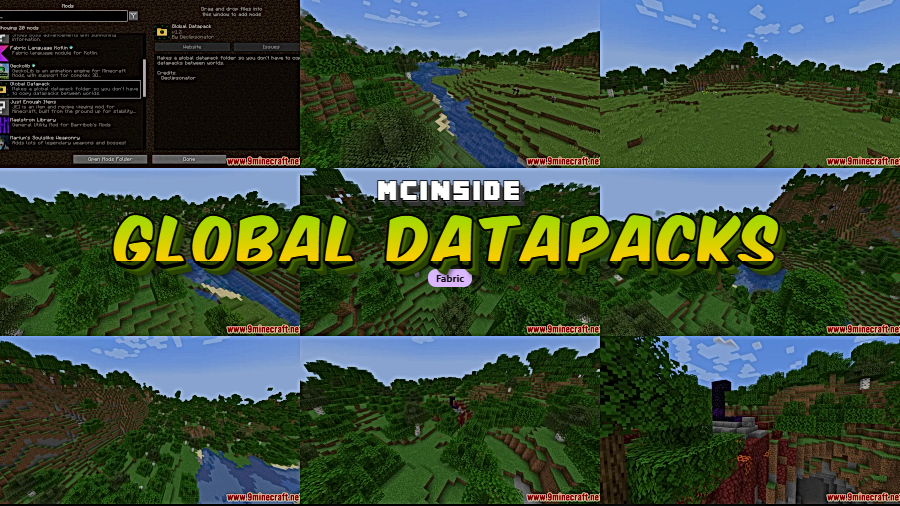
Managing datapacks across multiple Minecraft worlds is tedious — every new save means copying the same files over and over. Global Datapacks Mod solves this by letting you define shared datapacks in a single folder that automatically applies to every world you create or load. With over 202,000 downloads and active development since 2022, it has become a go-to utility for players and modpack creators who rely heavily on datapacks.
Key Features
- Global datapacks folder — Adds a dedicated
datapacksfolder to your.minecraftdirectory. Any datapack placed here is automatically enabled in every world, eliminating repetitive file copying. - Available datapacks folder — A separate
available_datapacksfolder holds datapacks that are disabled by default but can be toggled on per world, giving you fine-grained control over which packs load where.
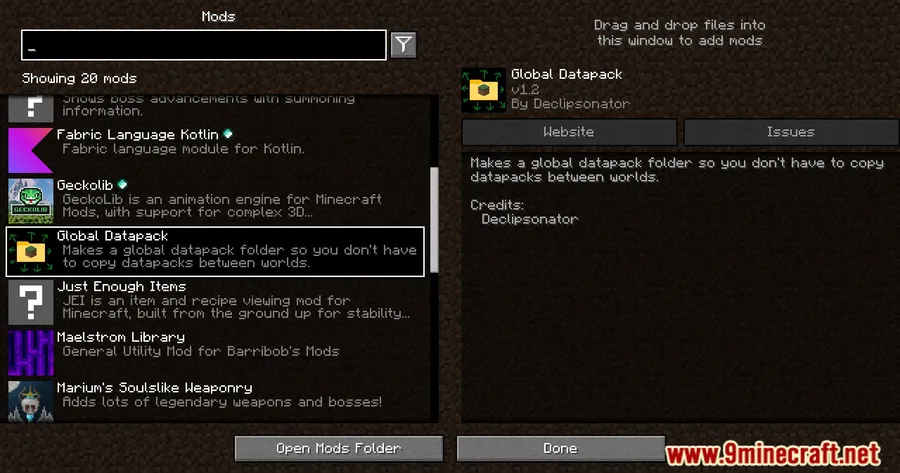
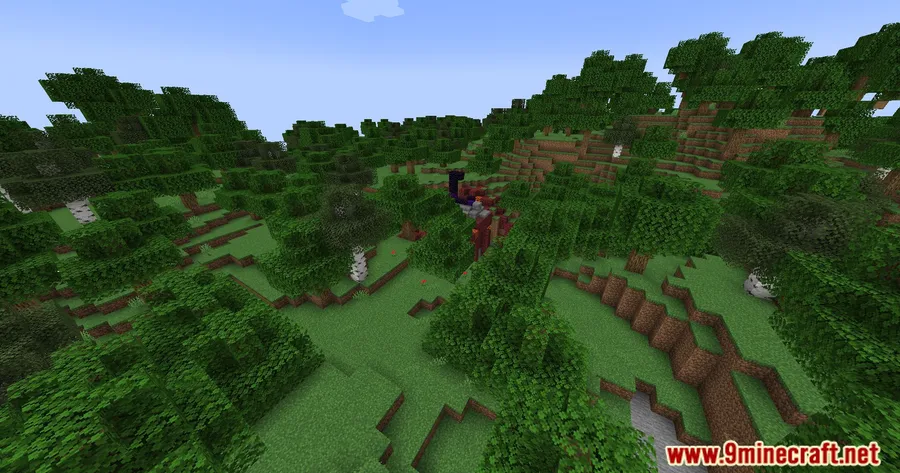
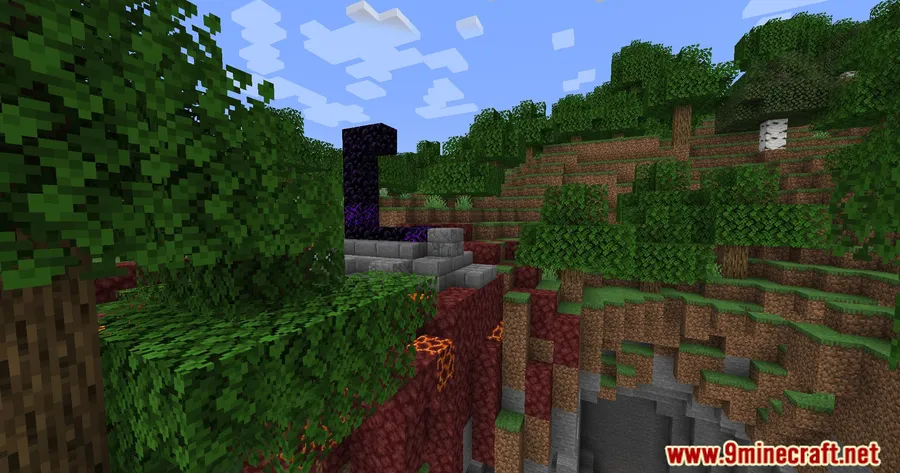
Screenshots
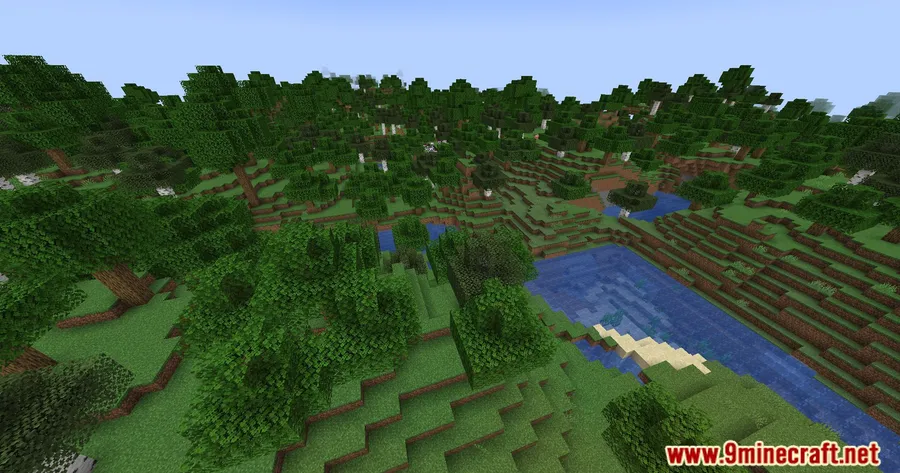
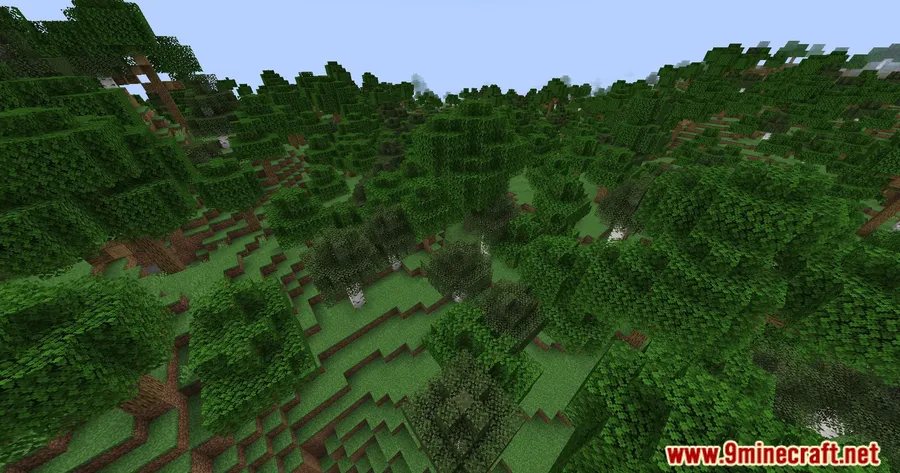
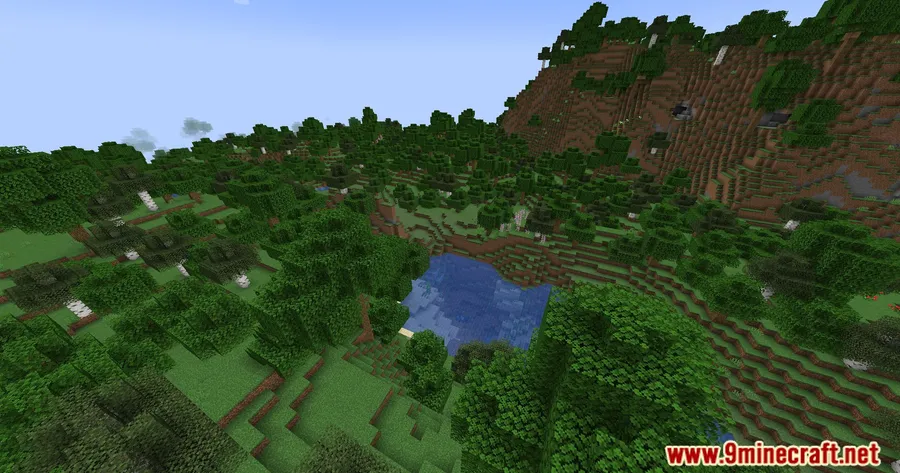
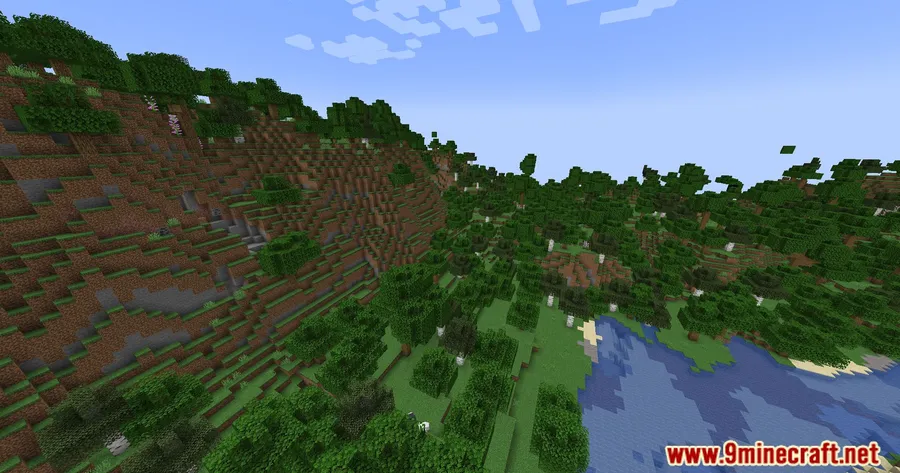

How to Install
- Download and install Fabric Loader for your Minecraft version.
- Download Fabric API and place it in your
.minecraft/modsfolder. - Download Global Datapacks Mod for your Minecraft version from the link below.
- Place the mod
.jarfile into your.minecraft/modsfolder and launch the game. - Drop your datapacks into the new
.minecraft/datapacksfolder to share them across all worlds.
Requirements
| Requirement | Details |
|---|---|
| Mod Loader | Fabric |
| Dependencies | Fabric Modloader, Fabric API |
| Minecraft Versions | 1.21.1, 1.21, 1.20.6, 1.20.4, 1.20.2, 1.20.1, 1.19.4, 1.19.1, 1.19, 1.18.2 |
Pros & Cons
Pros
- Eliminates the need to manually copy datapacks into each world save
- Two-folder system offers both global-by-default and opt-in-per-world flexibility
- Lightweight utility — appears to be lightweight with a focused feature set and no complex configuration
- Open source under LGPL-3.0, with active updates spanning from 1.18.2 to 1.21.1
Cons
- Fabric-only — no Forge or NeoForge support available
- Requires Fabric API as an additional dependency
- No in-game GUI for managing which datapacks are enabled or disabled
Download
Always download mods from official sources to stay safe.
What’s New
- Updated to version 1.6.1 with a targeted bug fix.
- Corrected an issue where the "available datapacks" feature was not working properly with unzipped datapacks.
- Unzipped (folder-based) datapacks in the
available_datapacksdirectory now function as expected.
FAQ
Do global datapacks apply to existing worlds or only new ones?
Datapacks placed in the global datapacks folder are enabled by default in every world, including existing saves. When you load an existing world, the mod makes those datapacks available automatically.
Can I disable a global datapack for a specific world?
If you want per-world control, place your datapacks in the available_datapacks folder instead. These are disabled by default and can be enabled on a per-world basis using the /datapack command.
Is Global Datapacks Mod compatible with Forge or NeoForge?
No, this mod requires Fabric Loader and Fabric API. There is no Forge or NeoForge version available based on the current releases.

![[Let's Do] API Mod (1.20.2, 1.20.1) – Library for Cristelknight's Mods](http://mcinside.com/wp-content/uploads/2026/04/thumbnail-37-300x169.webp)




![[Let's Do] Meadow Mod (1.21.1) - thumbnail](http://mcinside.com/wp-content/uploads/2026/04/thumbnail-64-52x52.webp)


![Not Enough Recipe Book [NERB] Mod (1.21.11) - thumbnail](http://mcinside.com/wp-content/uploads/2026/04/thumbnail-63-52x52.webp)
