

Running a heavy modpack shouldn't mean accepting single-digit frame rates. Graphene Mod tackles Minecraft's worst performance bottlenecks — from entity ticking and chunk generation to lighting recalculations and memory leaks — all through a single, highly configurable package. Whether you're launching a lightweight client or a 400-mod kitchen-sink pack, every optimization can be toggled on or off in a simple TOML config file, making it one of the most flexible performance mods available today.
Key Features
- Entity freeze for distant mobs — Entities and tile entities far from the player stop ticking, freeing up server and client resources. Important entities like projectiles and the Ender Dragon are protected from being frozen.
- Faster client startup — Shaves seconds off Minecraft's launch time, which is especially noticeable in large modpacks.
- Background throttling — Automatically lowers FPS and chunk updates when the game window loses focus, then instantly restores full performance when you return.
- Accelerated world generation — Speeds up chunk generation and remains compatible with other chunk acceleration mods.
- Light engine improvements — Reduces unnecessary lighting recalculations and suppresses bamboo light checks.
- Rendering optimizations — Includes leaf culling (1.21.1 and below), static chest model batching at long range, configurable chest render distance, and a Reflex feature that lowers render latency for better responsiveness.
- Vanilla bug fixes — Fixes the long-standing boat fall damage bug and patches several memory leaks ported from standalone mods.
- Ground item merger — A configurable built-in replacement for the Stxck mod that merges ground items for better performance.
- Instant language switching — Language changes apply immediately without requiring a resource pack reload.
- Fully configurable — Every single optimization can be toggled in
config/graphene.toml. Some aggressive optimizations ship disabled by default, letting you opt in at your own pace.
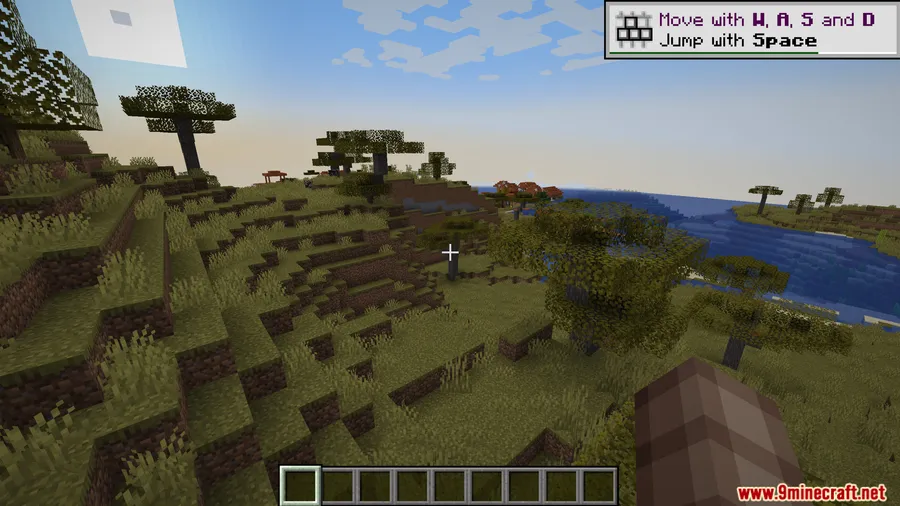
Screenshots


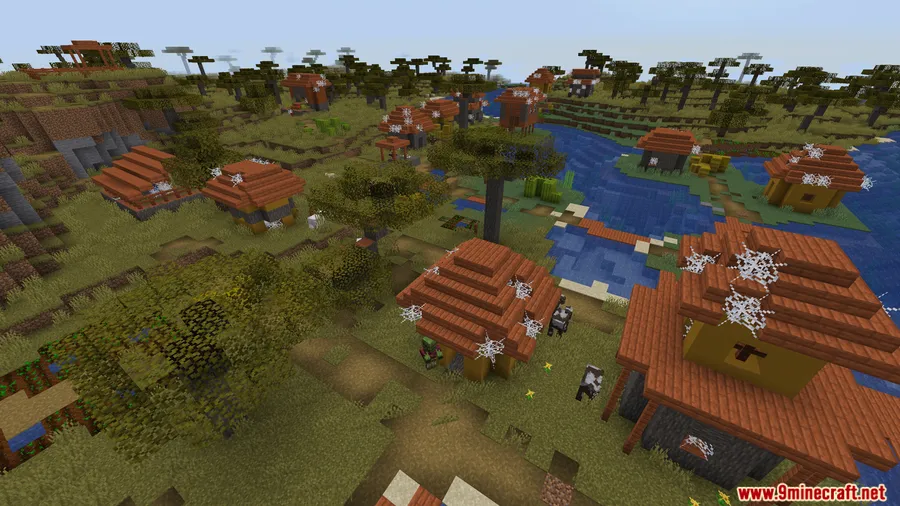
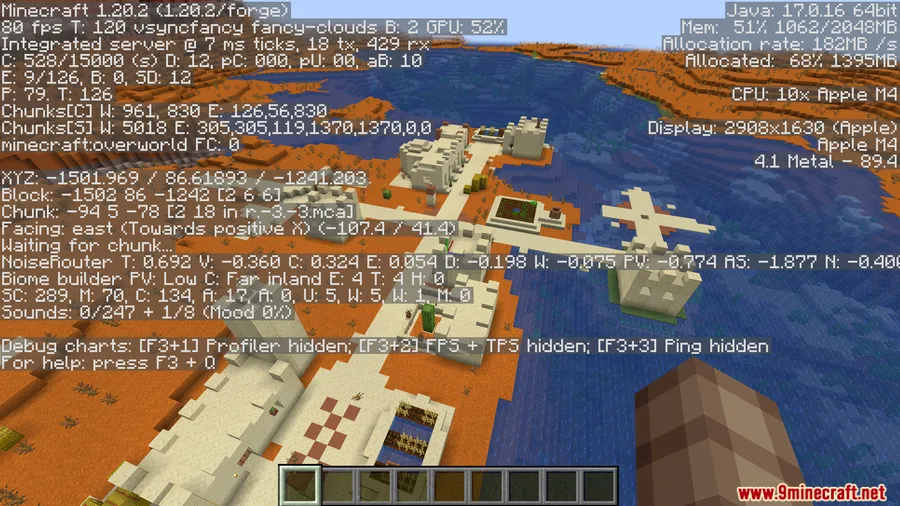
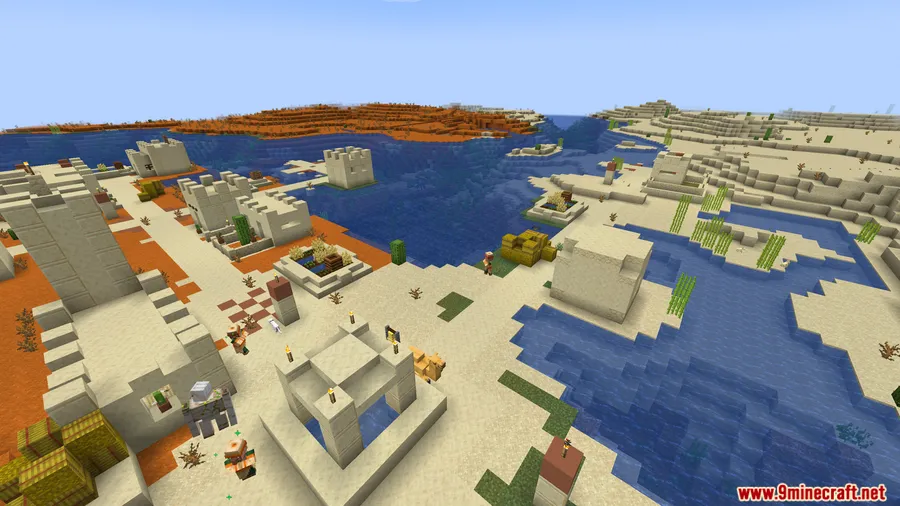
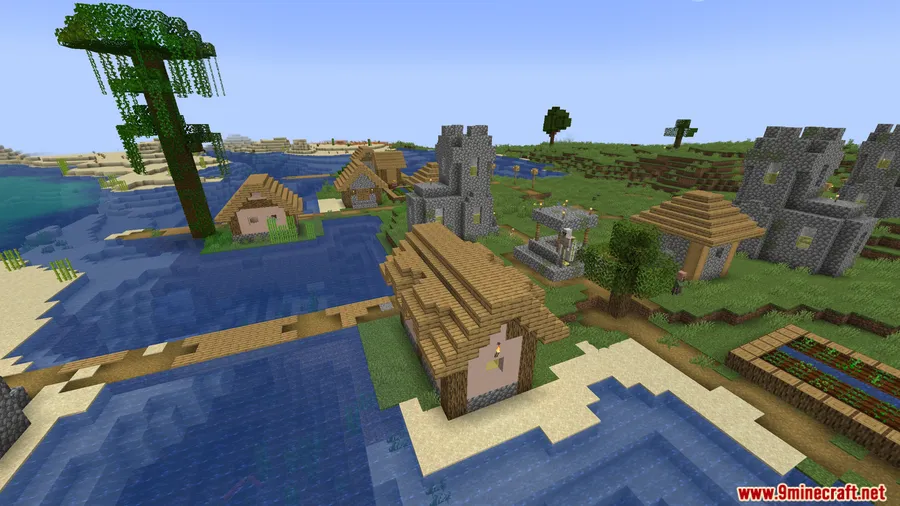
How to Install
- Download and install your preferred mod loader (Fabric, Forge, NeoForge, or Quilt) for your Minecraft version.
- Install Cloth Config API, which Graphene Mod requires as a dependency.
- Download the Graphene Mod file matching your Minecraft version and mod loader from the link below.
- Place the downloaded
.jarfile into your.minecraft/modsfolder. - Launch Minecraft and adjust settings in
config/graphene.tomlas needed.
Requirements
| Requirement | Details |
|---|---|
| Mod Loader | Fabric, Forge, NeoForge, or Quilt |
| Dependencies | Cloth Config API |
| Minecraft Version | 1.12.2, 1.19.4, 1.20–1.20.6, 1.21–1.21.8 |
Pros & Cons
Pros
- Supports all four major mod loaders — Fabric, Forge, NeoForge, and Quilt
- Every optimization is individually toggleable via a config file
- Bundles multiple fixes (memory leaks, boat bug, item merging) that would otherwise require separate mods
- Compatible with other chunk acceleration mods
- Open-source project with wide Minecraft version support
Cons
- Leaf culling only works on version 1.21.1 and below
- Some aggressive optimizations are disabled by default and require manual configuration
- Requires Cloth Config API as an additional dependency
Download
Always download mods from official sources to stay safe.
FAQ
Is Graphene Mod compatible with Sodium or OptiFine?
Graphene Mod is designed to work alongside other optimization mods and is compatible with other chunk acceleration mods. However, specific compatibility with Sodium or OptiFine is not confirmed by the source data — test with your setup and disable any conflicting features in the config file.
How do I configure Graphene Mod?
All settings are stored in config/graphene.toml. Every optimization can be toggled individually, so you can disable anything that conflicts with your mod setup or playstyle.
Does Graphene Mod work on servers?
Graphene Mod includes server-side optimizations such as distant entity freeze and faster world generation. It can be installed on both client and server to get the full range of performance improvements.


![[Let's Do] Meadow Mod (1.21.1) - thumbnail](http://mcinside.com/wp-content/uploads/2026/04/thumbnail-64-52x52.webp)


![Not Enough Recipe Book [NERB] Mod (1.21.11) - thumbnail](http://mcinside.com/wp-content/uploads/2026/04/thumbnail-63-52x52.webp)
