

Ever installed a dozen mods only to find your controls screen overflowing with keybinds you'll never use? Hide Key Binding Mod solves that clutter by letting you hide any shortcut you don't need — and it actually disables them too, so no more accidental commands mid-game. With over 2.4 million downloads on Modrinth, this lightweight utility has become a go-to pick for modpack creators and players who like a clean setup.
Key Features
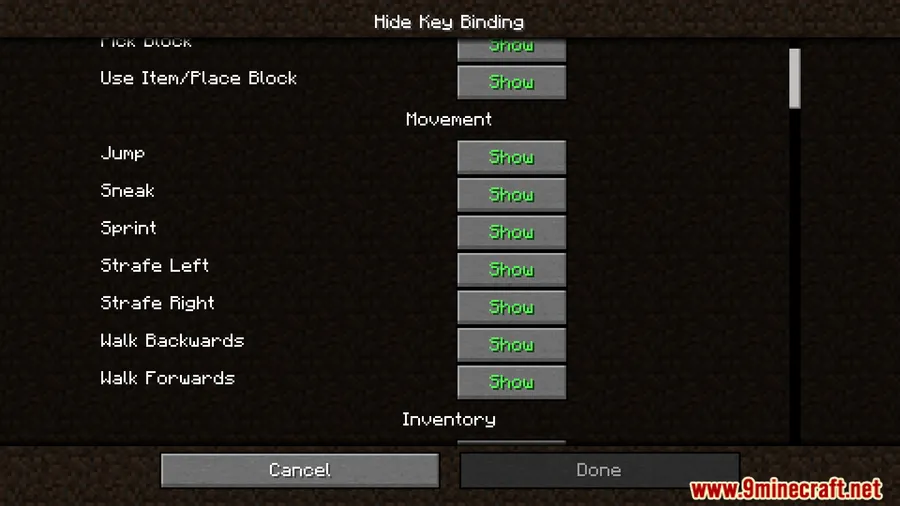
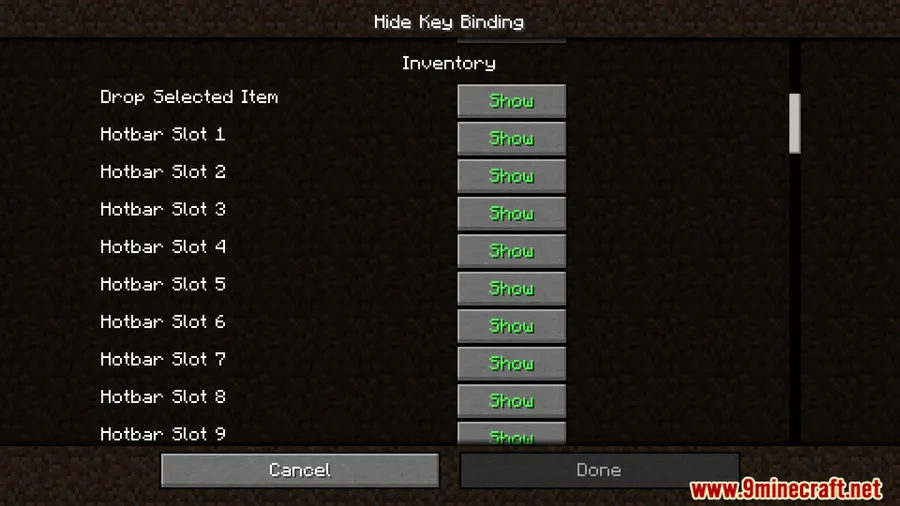
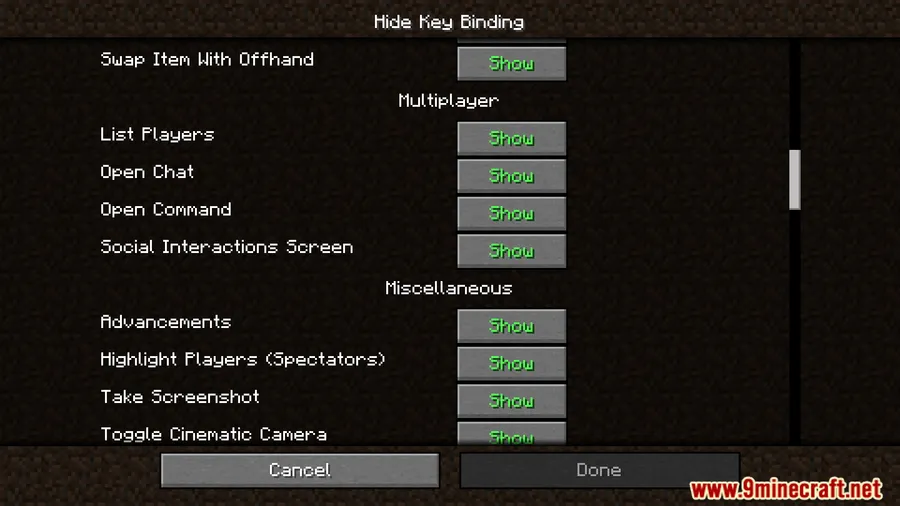
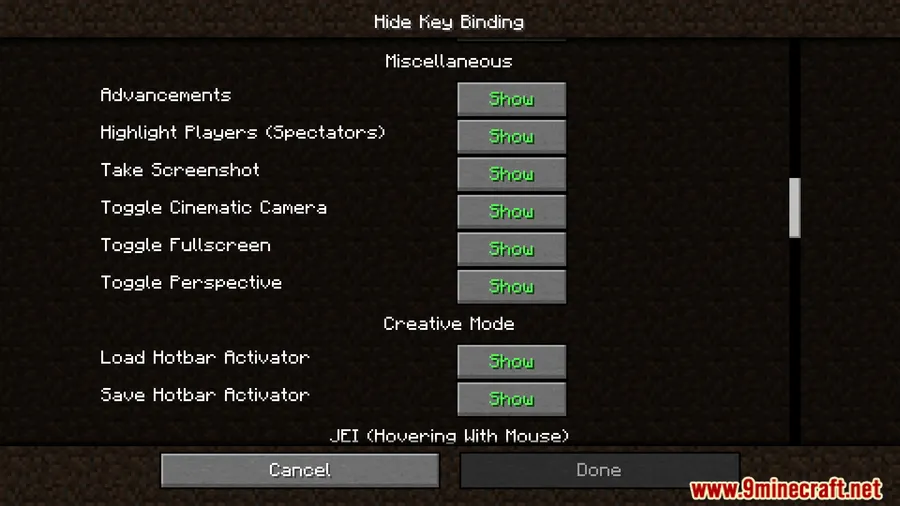
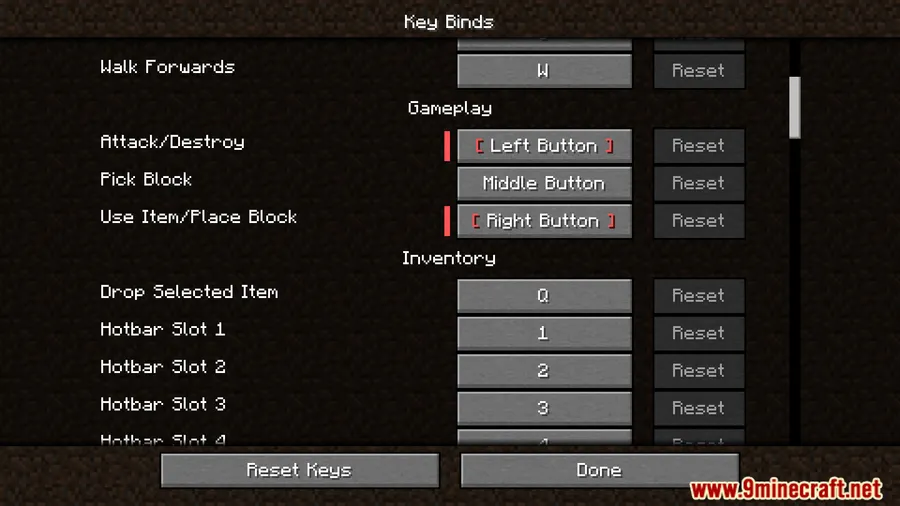
- Hide unused shortcuts — Remove any keybind from the controls menu so it stops cluttering your settings screen.
- Prevent hidden shortcuts from activating — Hidden keybinds are fully disabled, not just visually removed, which means no accidental triggers during gameplay.
- Restore original settings instantly — Unhide a shortcut and it returns to its original key assignment without any manual reconfiguration.
Screenshots


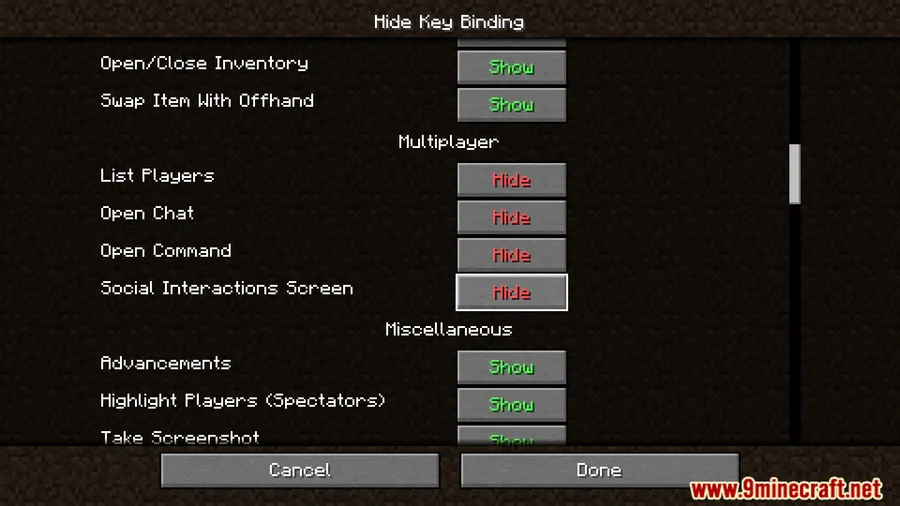
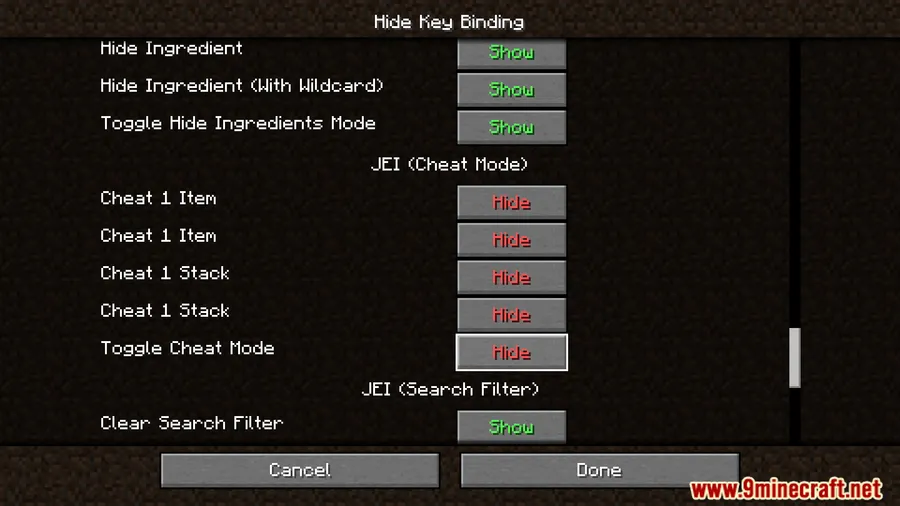
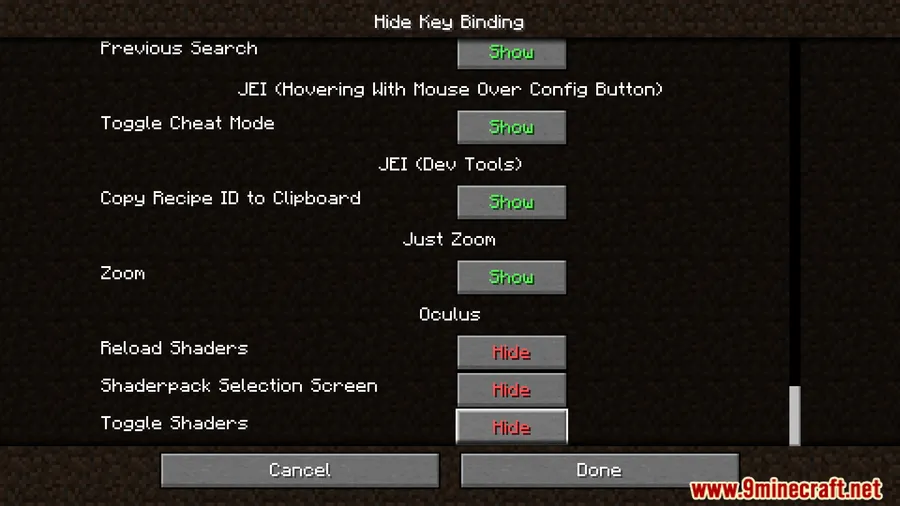
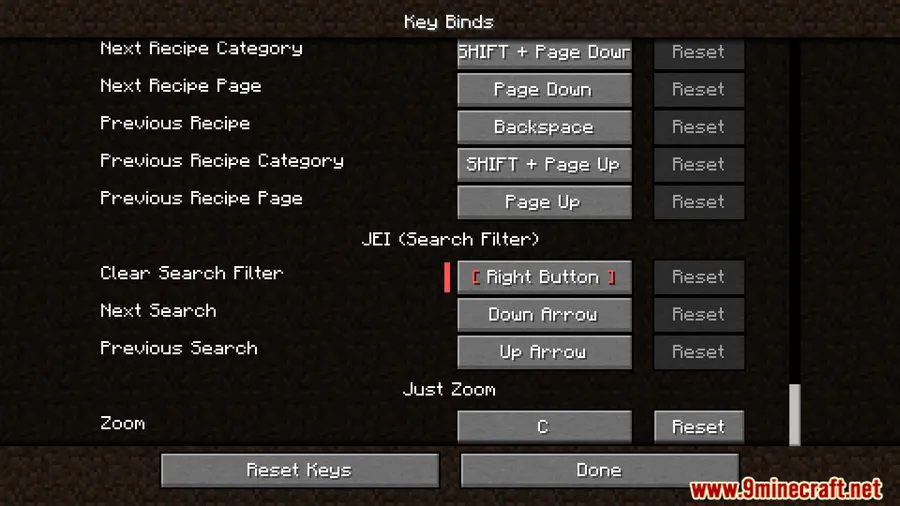
How to Install
- Download and install Minecraft Forge for your Minecraft version.
- Download the Hide Key Binding Mod file for your game version from the links below.
- Place the downloaded
.jarfile into your.minecraft/modsfolder. - Launch Minecraft with the Forge profile and open the Controls menu to start hiding keybinds.
Requirements
| Component | Details |
|---|---|
| Mod Loader | Forge |
| Dependencies | Minecraft Forge |
| Minecraft Versions | 1.20.1, 1.20, 1.18.2, 1.16.5, 1.12.2 |
Pros & Cons
Pros
- Completely disables hidden keybinds instead of just removing them visually
- Original key assignments are preserved and restored automatically when unhidden
- Supports a wide range of Minecraft versions from 1.12.2 to 1.20.1
- Appears to be lightweight with no additional dependencies beyond Forge
Cons
- Only available for Forge — no Fabric or NeoForge support
- No versions available for Minecraft 1.19.x or newer than 1.20.1
Download
Always download mods from official sources to stay safe.
What's New
- Optimized config event processing logic for better efficiency.
- The mod continues to receive updates, with the latest changes published in March 2025.
- Source code remains available on GitHub for those who want to review or contribute.
FAQ
Does Hide Key Binding Mod work with modpacks that add lots of keybinds?
Yes, it works with any mod-added keybinds. This makes it especially useful in large modpacks where dozens of mods each register their own shortcuts, letting you hide everything you don't actively use.
Will my hidden keybinds reset if I update the mod?
The mod keeps your original key assignments intact. When you unhide a shortcut, it returns to whatever key it was originally bound to without needing manual reconfiguration.
Is Hide Key Binding Mod available for Fabric?
Currently, this mod is only available for Minecraft Forge. There is no Fabric or NeoForge version at this time.


![CobbleDollars [Cobblemon Addon] Mod (1.21.1) - thumbnail](http://mcinside.com/wp-content/uploads/2026/04/thumbnail-108-52x52.webp)

![[Let's Do] Farm & Charm Mod (1.21.1) - thumbnail](http://mcinside.com/wp-content/uploads/2026/04/thumbnail-82-52x52.webp)


![[Let's Do] Candlelight - Farm&Charm compat Mod (1.21.1) - thumbnail](http://mcinside.com/wp-content/uploads/2026/04/thumbnail-81-52x52.webp)

