

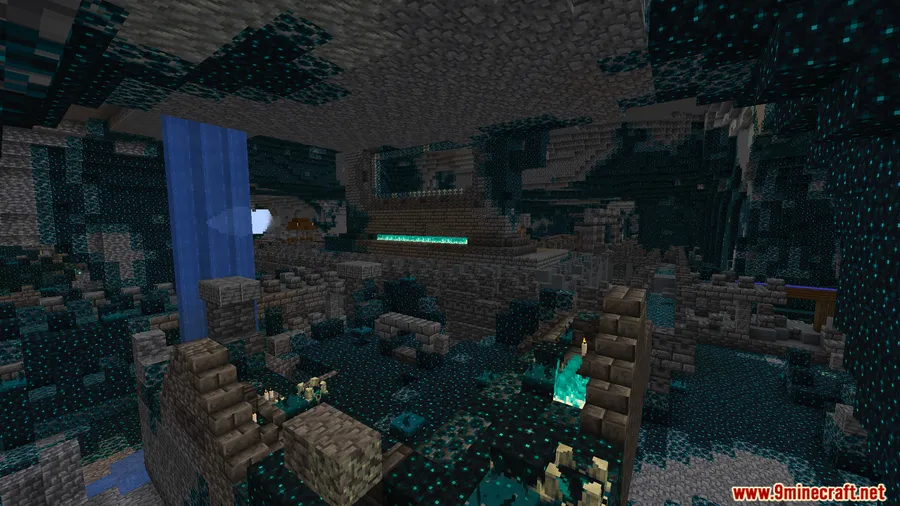
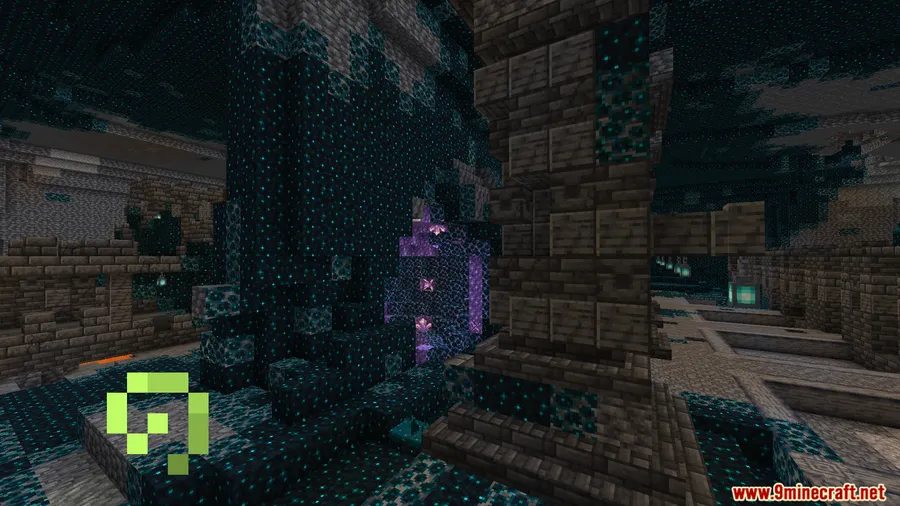
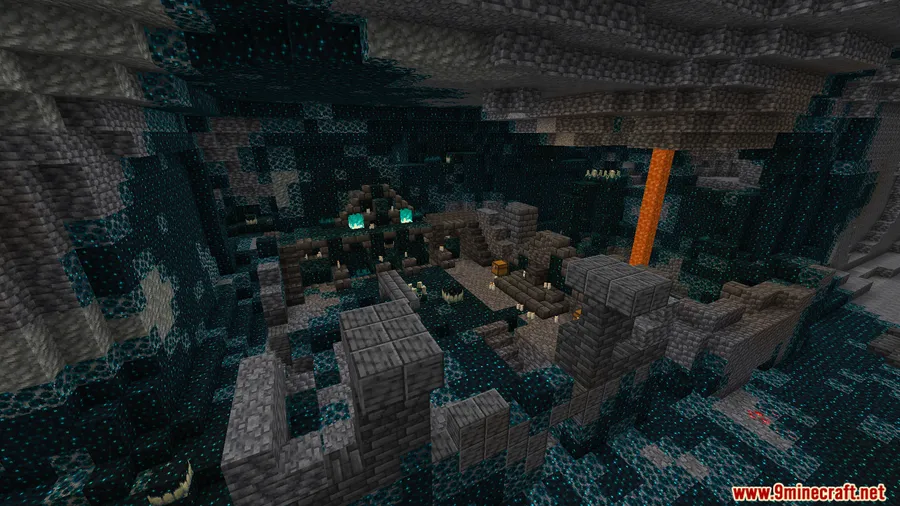
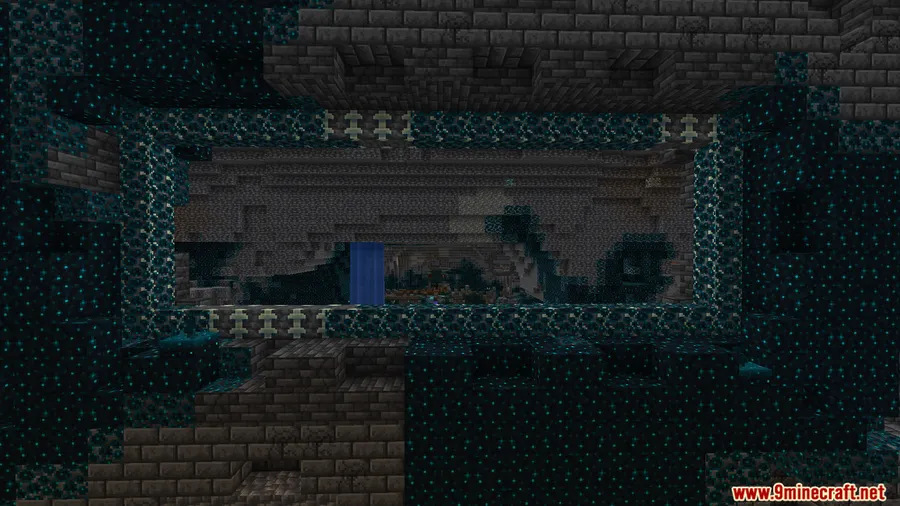
Reinforced Deepslate is one of the most visually striking blocks in Minecraft, yet vanilla limits it to a single upward-facing orientation — a frustrating restriction for builders who want full creative control. Horizontal Reinforced Deepslate Mod removes that limitation entirely, letting you place these iconic blocks in all four horizontal directions based on which face you click. Whether you're designing custom Ancient City-inspired builds or experimenting with directional textures, this small tweak opens up possibilities that vanilla simply doesn't offer.
Key Features
- Full horizontal placement — Place Reinforced Deepslate blocks facing any of the four horizontal directions, not just upward. The orientation is determined by which block face you place it against.
- Vanilla structures untouched — Ancient Cities and their naturally generated Reinforced Deepslate remain exactly as Mojang intended. This mod only affects newly placed blocks.
- Creative-only block — No crafting recipe is added, staying consistent with vanilla behavior where Reinforced Deepslate is only available in Creative mode.
- Lightweight and compatible — The mod appears to be lightweight with a narrow scope, making it unlikely to conflict with other mods in your load order.
Screenshots


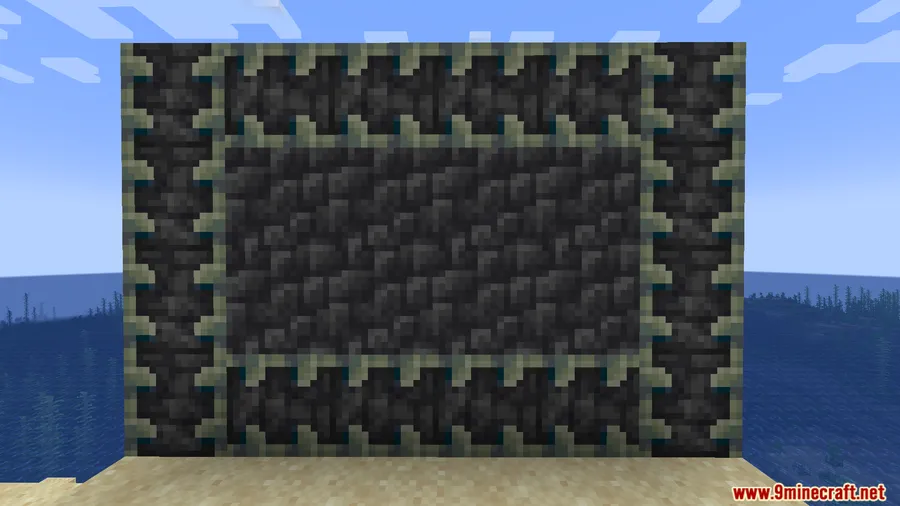
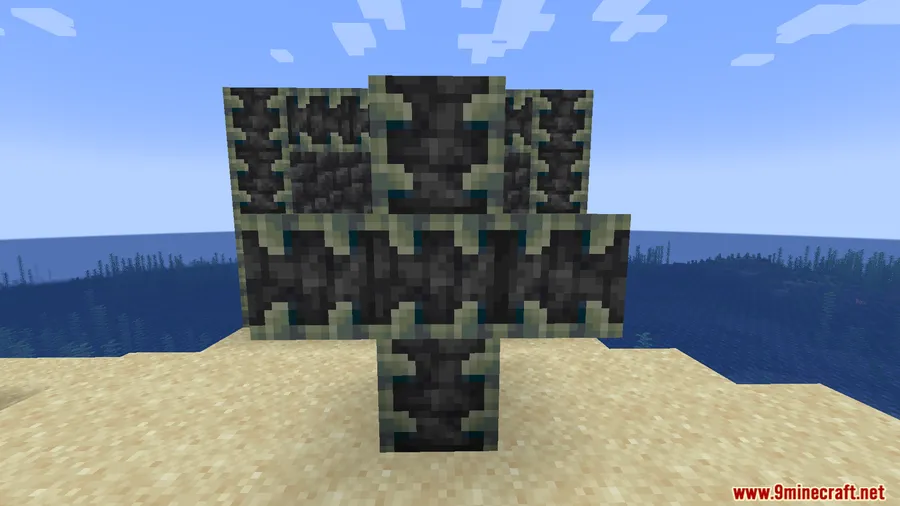
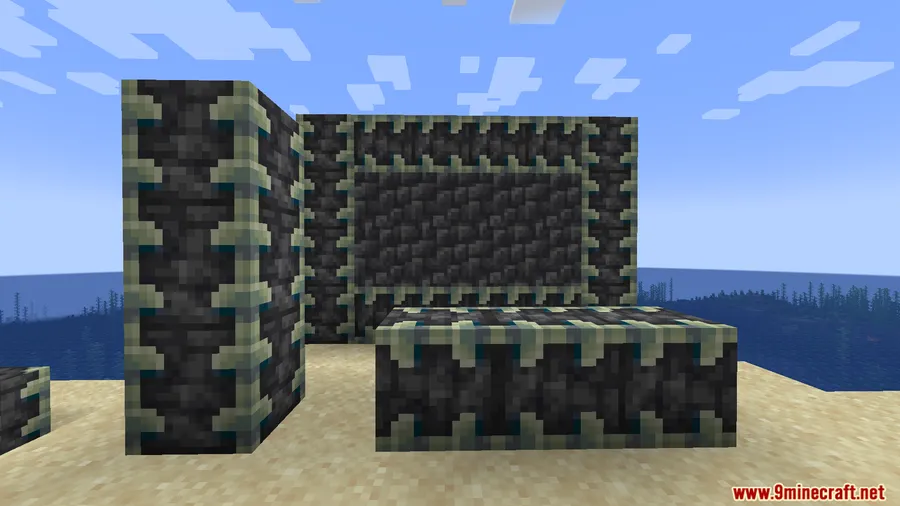
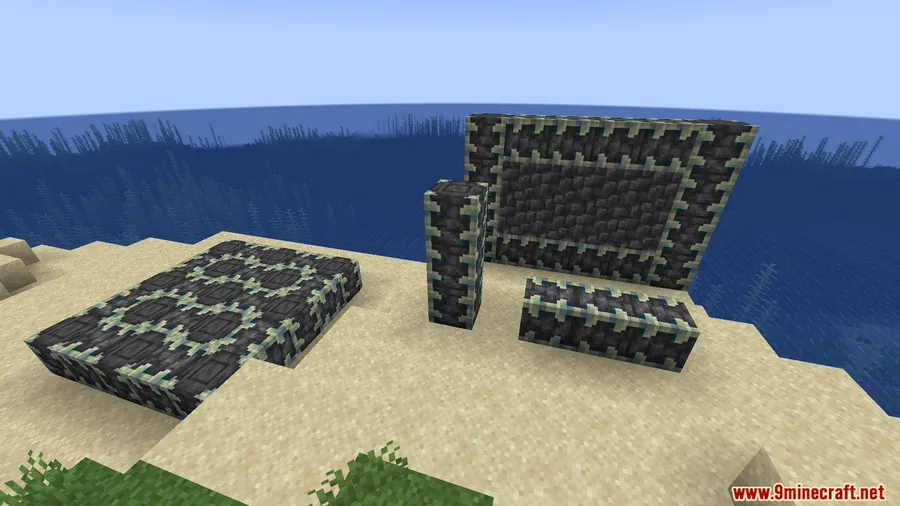
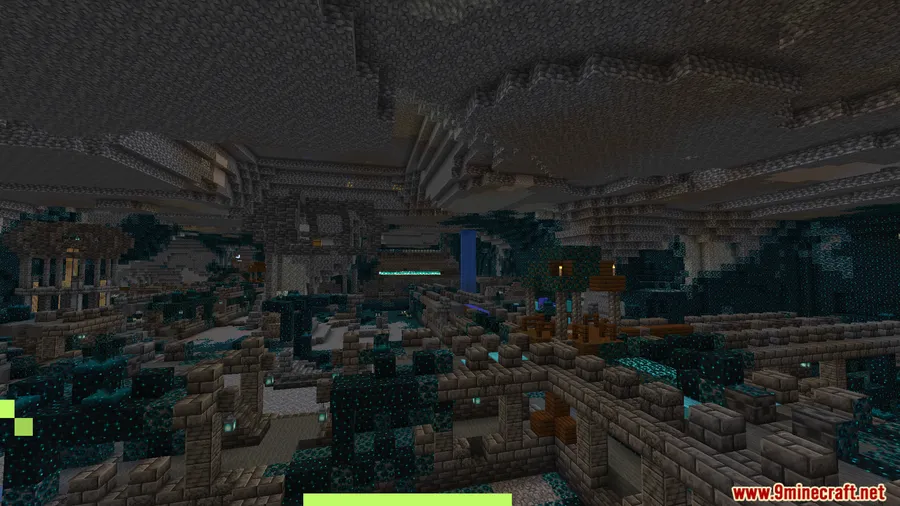
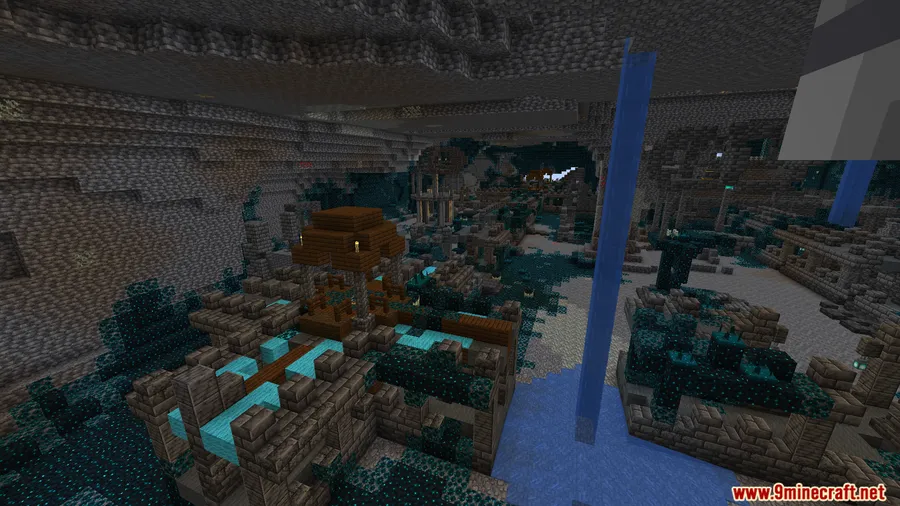
How to Install
- Download and install Minecraft Forge or NeoForge for your Minecraft version.
- Download the Horizontal Reinforced Deepslate Mod file matching your game version from the link below.
- Move the downloaded
.jarfile into your.minecraft/modsfolder. - Launch Minecraft using the Forge or NeoForge profile and enter a Creative world to start placing blocks horizontally.
Requirements
| Requirement | Details |
|---|---|
| Mod Loader | Forge (1.19–1.20.1) or NeoForge (1.20.2+) |
| Dependencies | None — only the mod loader is required |
| Minecraft Version | 1.19 – 1.21.11 |
Pros & Cons
Pros
- Solves a long-standing vanilla limitation for builders
- Intuitive placement — direction follows the face you click
- Does not alter existing world generation or Ancient City structures
- Wide version support from 1.19 through 1.21.11
- Appears to be lightweight with minimal mod conflicts
Cons
- Only available in Creative mode — no Survival crafting recipe
- Limited to a single block type (Reinforced Deepslate only)
- Older versions require Forge while newer versions require NeoForge — check which loader you need
Download
Always download mods from official sources to stay safe.
FAQ
Does this mod change Ancient Cities or existing Reinforced Deepslate?
No. The mod only affects blocks you place yourself. All naturally generated Reinforced Deepslate in Ancient Cities and other structures remains completely unchanged.
Can I use this block in Survival mode?
No. Horizontal Reinforced Deepslate follows vanilla rules and is only available in Creative mode. The mod does not add a crafting recipe.
Do I need Forge or NeoForge to run this mod?
It depends on your Minecraft version. For 1.19 through 1.20.1, you need Minecraft Forge. For 1.20.2 and newer (up to 1.21.11), you need NeoForge instead.


![[Let's Do] Candlelight - Farm&Charm compat Mod (1.21.1) - thumbnail](http://mcinside.com/wp-content/uploads/2026/04/thumbnail-81-52x52.webp)


![[Let's Do] Meadow Mod (1.21.1) - thumbnail](http://mcinside.com/wp-content/uploads/2026/04/thumbnail-64-52x52.webp)


![Not Enough Recipe Book [NERB] Mod (1.21.11) - thumbnail](http://mcinside.com/wp-content/uploads/2026/04/thumbnail-63-52x52.webp)