

Every Minecraft world has its quiet moments — but what if those silences were broken by cryptic, unsettling messages appearing in your chat? Horror Messages Mod delivers a subtle psychological horror experience by sending random creepy messages to all players every 10–15 minutes. There are no jump scares, no new mobs, and no gameplay changes — just eerie text that builds tension over time, from simple pleas like "Help me" to personalized warnings that use your actual player name.
Key Features
- Randomized creepy chat messages — Messages appear every 10–15 minutes with no warning, keeping players on edge during normal gameplay.
- Escalating tone — Messages range from vague ("Hello?", "Can you hear me??") to deeply unsettling ("I can see you", "Behind you", "It is controlling me.").
- Personalized warnings — Some messages use actual player names, such as "[YourName] Help", "[YourName] I'm not me", and obfuscated scrambled text tied to player names.
- Hidden binary message — One message displays the binary string "01001100 01000101 01000001 01010110 01000101", which translates to "LEAVE".
- Multiplayer support — All players in the world see the horror messages, making it effective for shared survival or horror-themed servers.
- Multi-loader compatibility — Available for Forge, Fabric, and NeoForge across Minecraft versions 1.19.2 through 1.21.8.
Screenshots


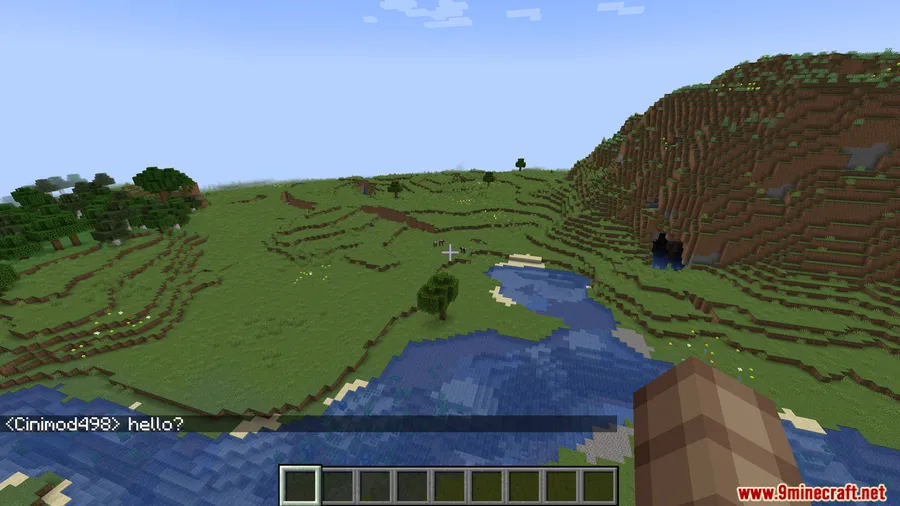
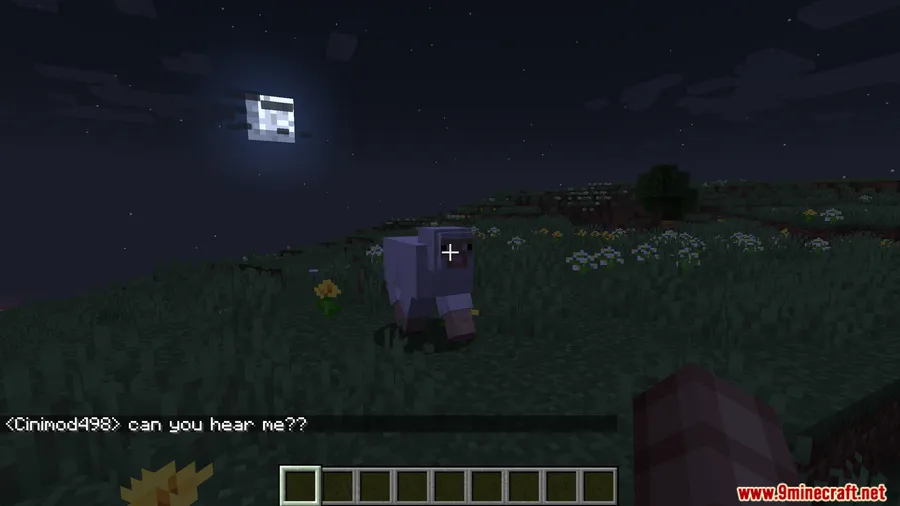
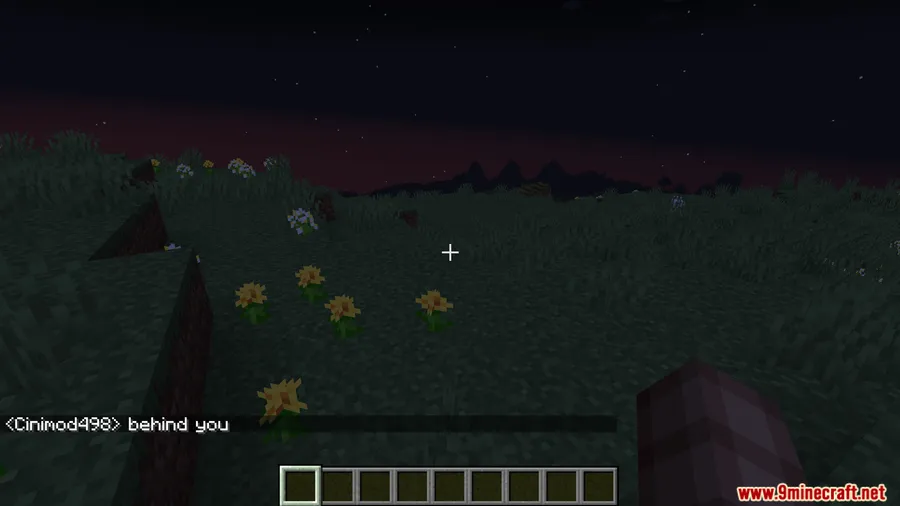
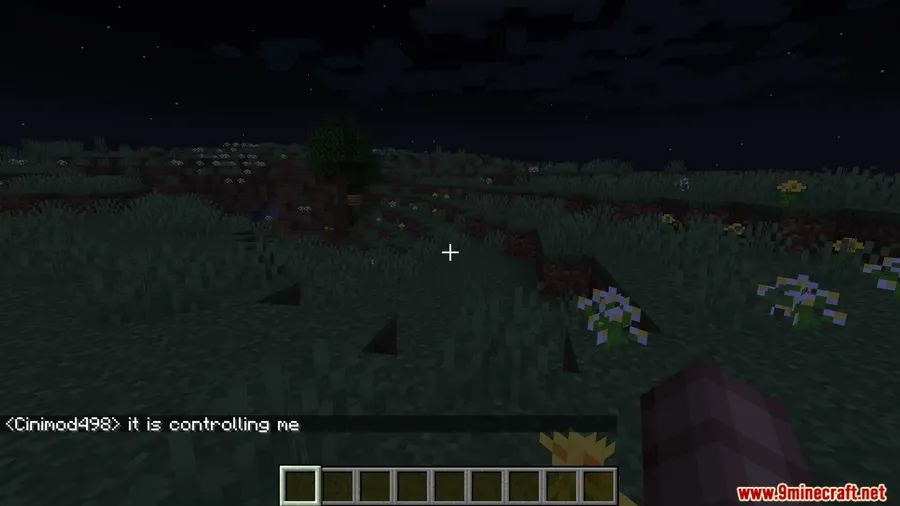
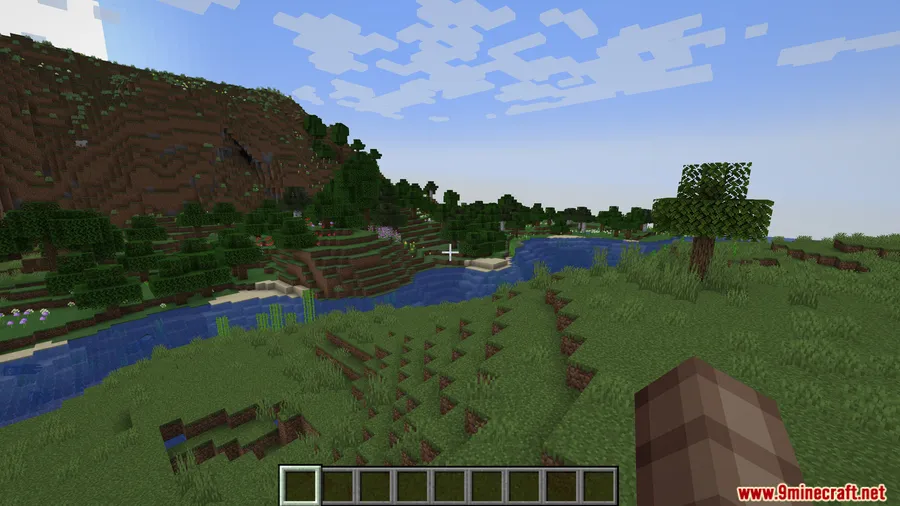
How to Install
- Download and install the required mod loader (Forge, Fabric, or NeoForge) for your Minecraft version.
- If using Fabric, also install the Fabric API.
- Download the Horror Messages Mod file matching your Minecraft version and loader from the links below.
- Place the downloaded
.jarfile into your.minecraft/modsfolder. - Launch Minecraft and the horror messages will begin appearing automatically in chat.
Requirements
| Requirement | Details |
|---|---|
| Mod Loader | Forge, Fabric, or NeoForge |
| Dependencies | Fabric API (Fabric only) |
| Minecraft Version | 1.19.2 – 1.21.8 |
Pros & Cons
Pros
- Adds atmosphere without altering core gameplay mechanics
- Personalized messages using player names create genuine unease
- Works across Forge, Fabric, and NeoForge with broad version support
- Great for horror-themed multiplayer servers and map builds
- Appears to be lightweight — no new entities, textures, or world generation
Cons
- Limited message pool may become repetitive over long sessions
- No configuration options to adjust message frequency or content
- Messages are chat-only — no visual or audio horror elements
Download
Always download mods from official sources to stay safe.
FAQ
How often do horror messages appear in chat?
Horror messages appear randomly every 10 to 15 minutes during gameplay. They are sent to all players in the world simultaneously.
Does Horror Messages Mod work in multiplayer?
Yes, the mod works in multiplayer. All players on the server will see the creepy messages, including personalized ones that use individual player names.
What does the binary message in Horror Messages Mod mean?
The binary string "01001100 01000101 01000001 01010110 01000101" translates to the word "LEAVE" — a hidden warning that adds to the unsettling atmosphere.


![[Let's Do] Candlelight - Farm&Charm compat Mod (1.21.1) - thumbnail](http://mcinside.com/wp-content/uploads/2026/04/thumbnail-81-52x52.webp)


![[Let's Do] Meadow Mod (1.21.1) - thumbnail](http://mcinside.com/wp-content/uploads/2026/04/thumbnail-64-52x52.webp)


![Not Enough Recipe Book [NERB] Mod (1.21.11) - thumbnail](http://mcinside.com/wp-content/uploads/2026/04/thumbnail-63-52x52.webp)