
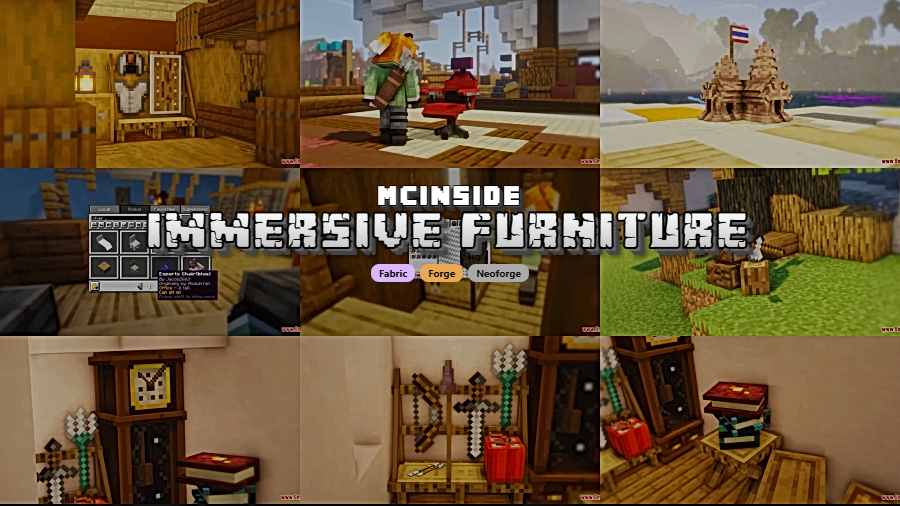
Tired of cluttering your mod list with five different decoration packs just to furnish a single room? Immersive Furniture Mod by Luke100000 takes a different approach — it hands you a full in-game editor to design your own furniture from scratch, then backs it up with an online library holding thousands of community-made pieces you can download and place instantly. Whether you want a cozy reading nook or a fully interactive kitchen, this single mod replaces an entire category of add-ons.
Key Features
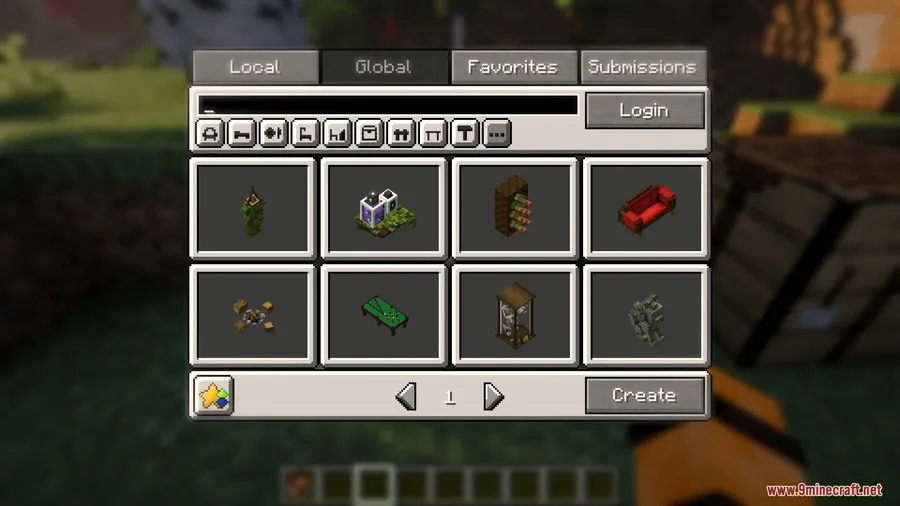
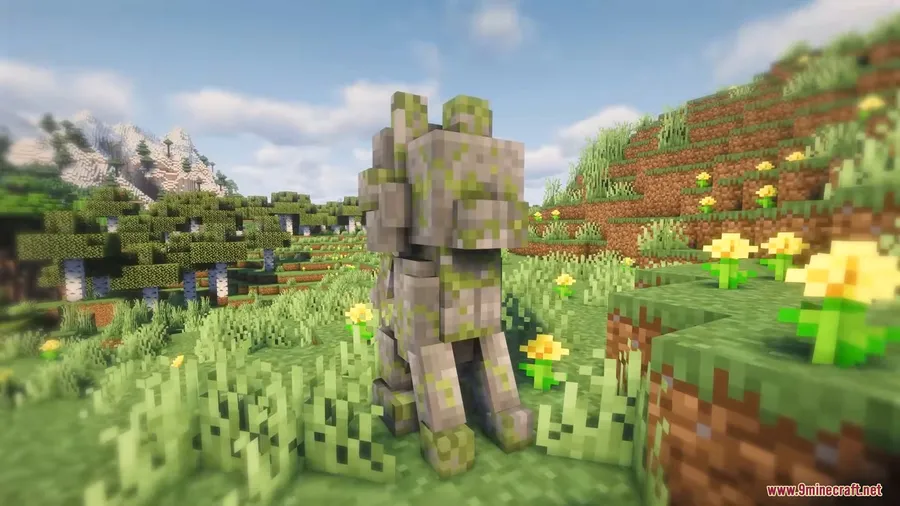
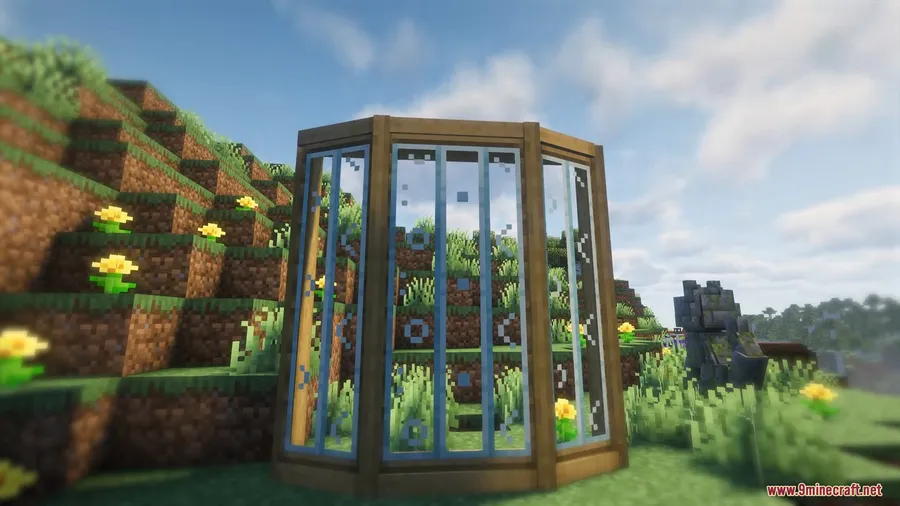
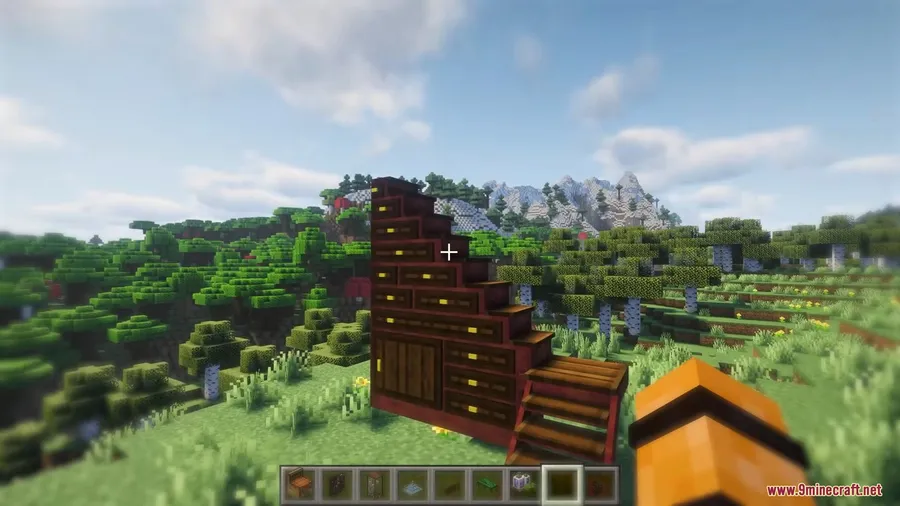
- Massive Online Library — Browse and download thousands of furniture pieces created by the community, ready to place in your world with no extra setup.
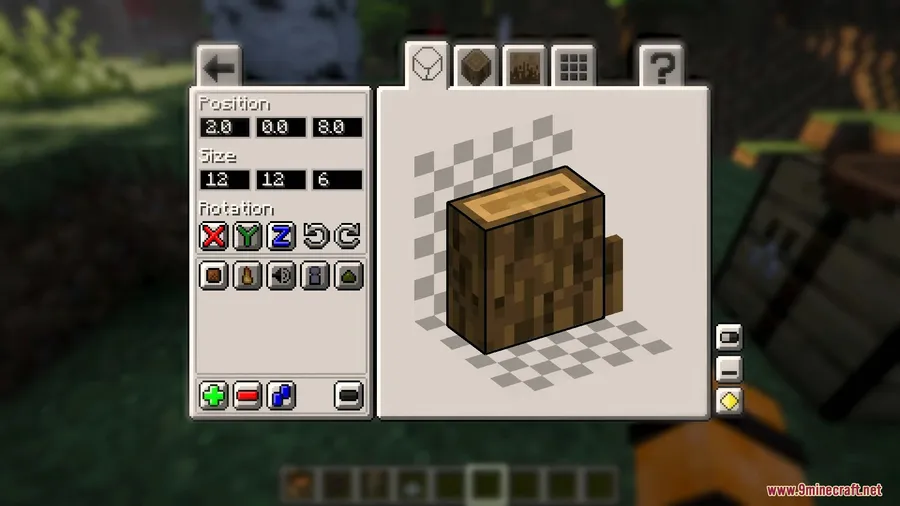
- Built-In Furniture Editor — Design completely custom furniture using the in-game editor and share your creations with other players through the online library.
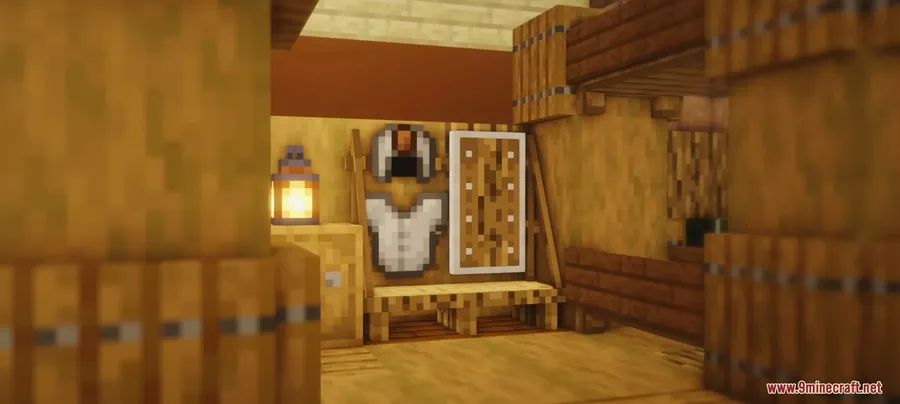
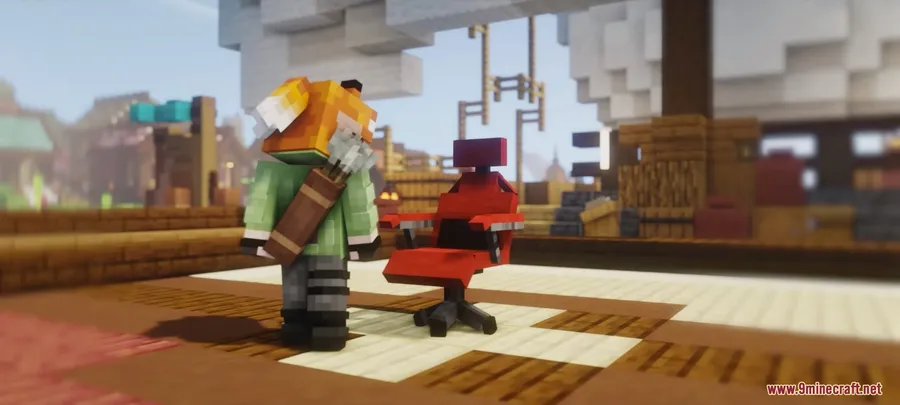
- Interactive Furniture States — Furniture supports toggleable states like open/closed doors, lights switching on and off, and functional sitting and sleeping animations.
- Automatic Texturing — The mod applies textures automatically based on the materials you use, so your creations look natural without manual texture work.
- Particles & Sound Effects — Add particle effects and sounds to your furniture for extra immersion, from crackling fireplaces to humming appliances.
Screenshots
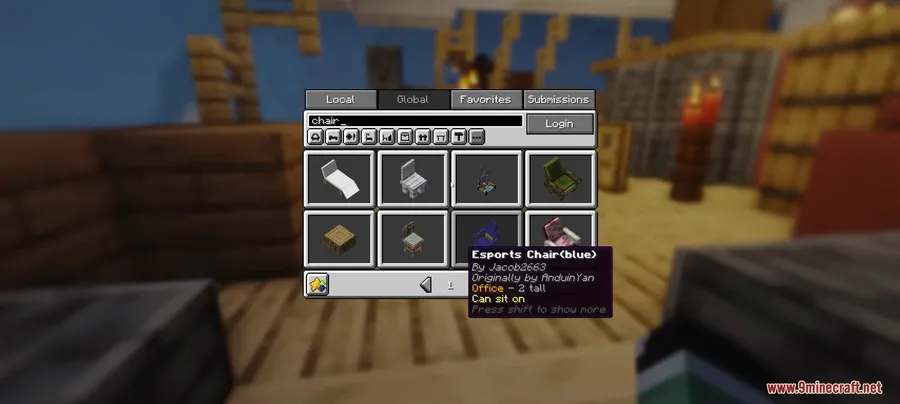
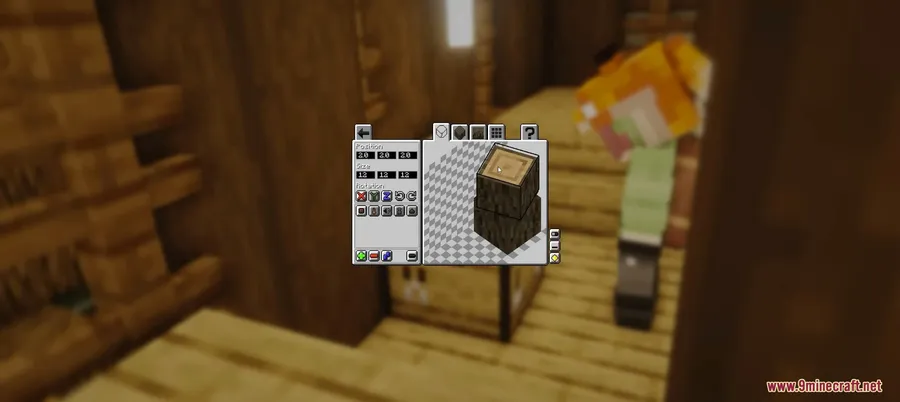
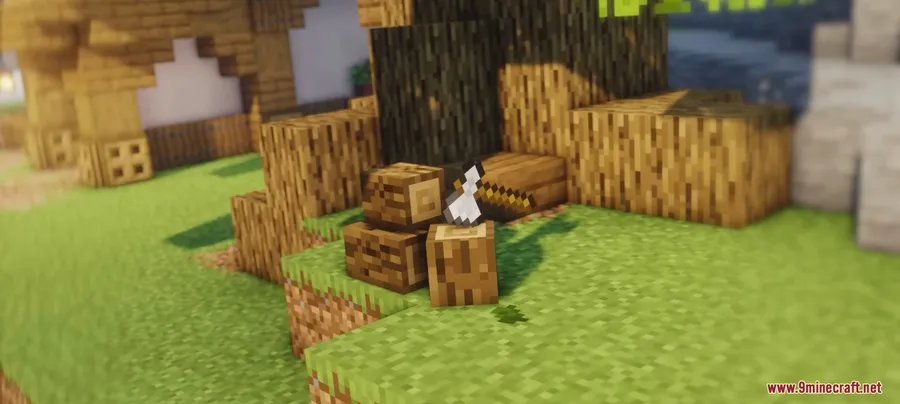
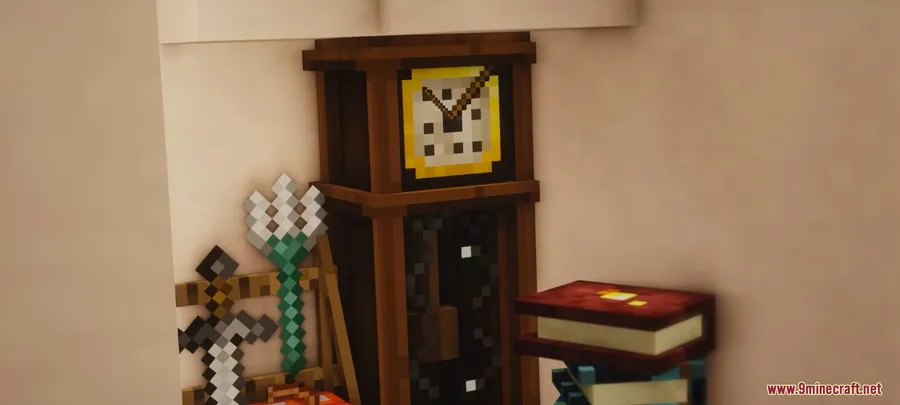
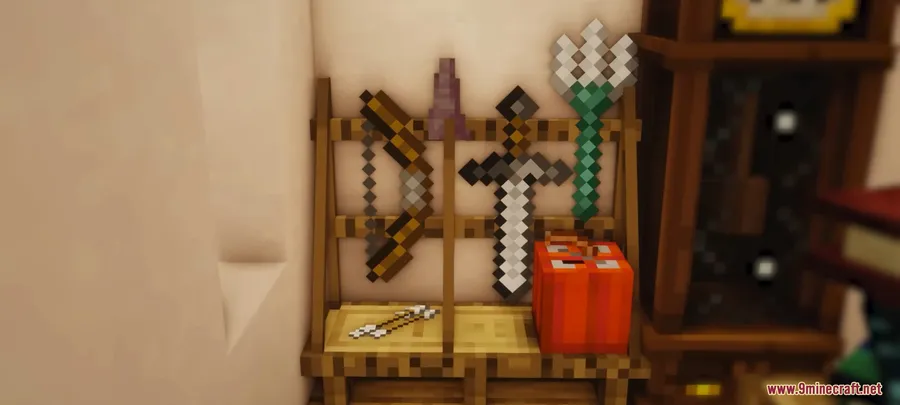
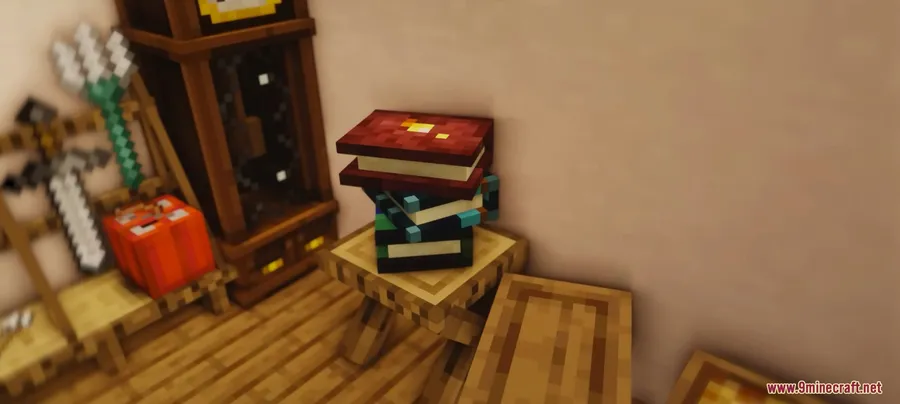
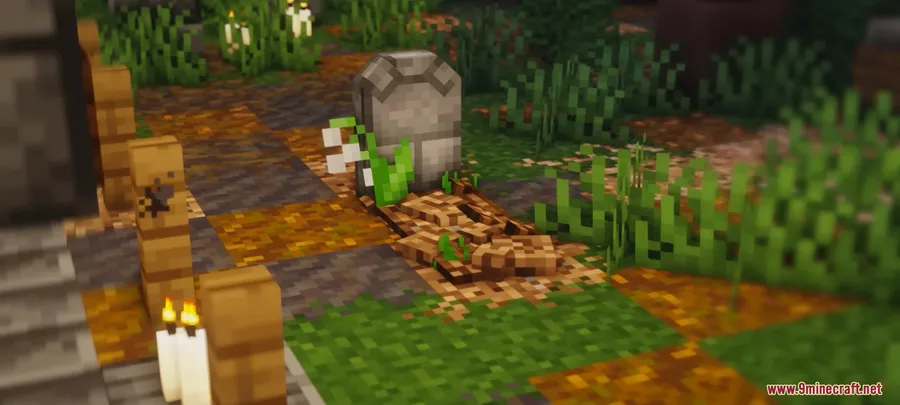
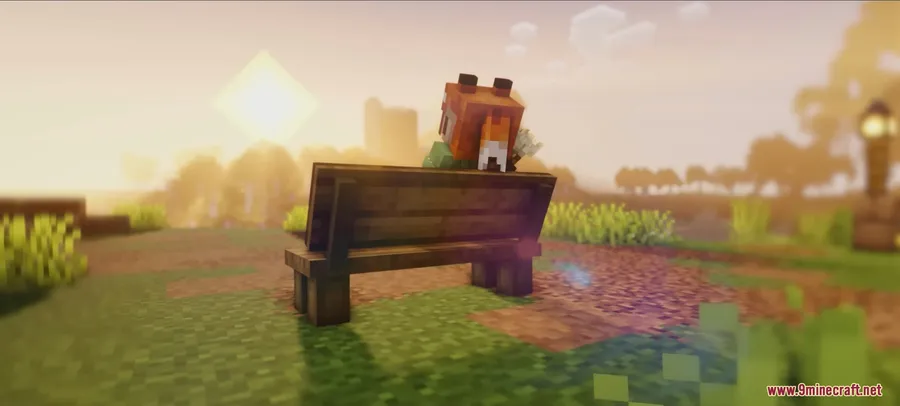
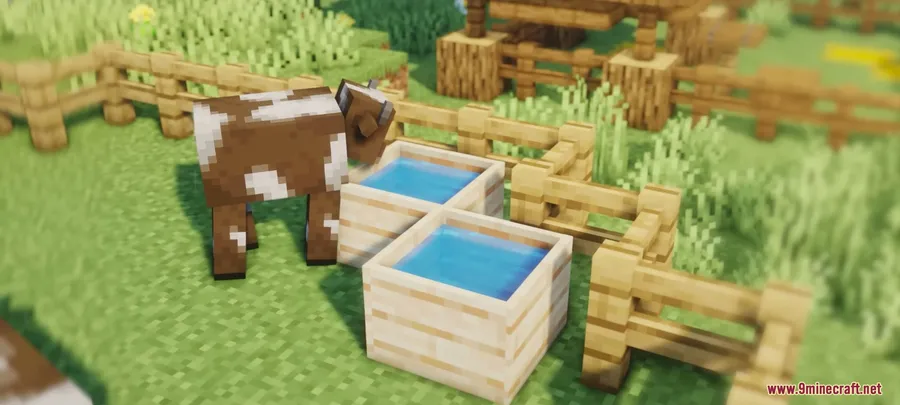
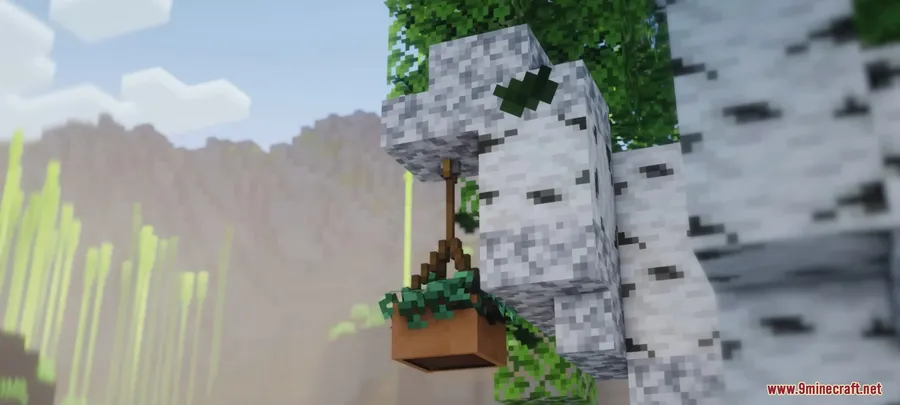
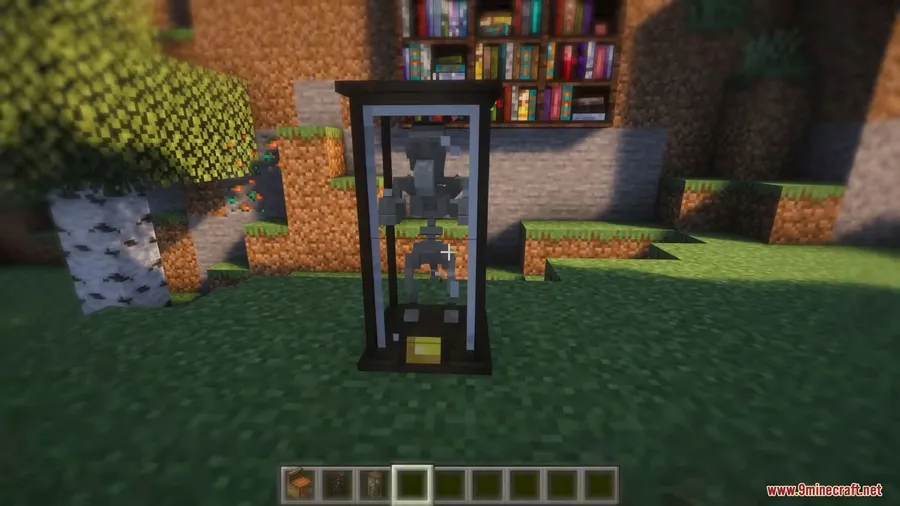
How to Install
- Download and install your preferred mod loader — Forge, Fabric, or NeoForge — for your Minecraft version.
- If using Fabric, make sure you also have the Fabric API installed.
- Download the Immersive Furniture Mod file matching your loader and Minecraft version from the links below.
- Place the downloaded
.jarfile into your.minecraft/modsfolder. - Launch Minecraft with your mod loader profile and start designing furniture.
Requirements
| Component | Details |
|---|---|
| Mod Loader | Forge, Fabric, or NeoForge |
| Dependencies | Fabric API (Fabric only) |
| Minecraft Version | 1.21.1, 1.21, 1.20.1, 1.20 |
Pros & Cons
Pros
- Replaces multiple decoration mods with a single install
- The in-game editor lets you create exactly what you want without external tools
- Thousands of ready-made community furniture pieces available instantly
- Supports three major mod loaders (Forge, Fabric, NeoForge)
- Interactive features like sitting, sleeping, and toggleable states add real functionality
Cons
- Relies on an online library — limited usefulness without internet access
- Learning the in-game editor may take time for players new to custom creation
- Community-made content quality can vary
Download
Always download mods from official sources to stay safe.
FAQ
Can I use Immersive Furniture Mod on multiplayer servers?
The mod supports standard Forge, Fabric, and NeoForge installations, so it can be added to compatible servers. All players on the server will need the mod installed to see and interact with custom furniture.
Do I need to design my own furniture or are there pre-made options?
You don't have to design anything yourself. The mod includes a large online library with thousands of community-created furniture pieces you can browse and download directly in-game.
Does Immersive Furniture Mod work with Forge and Fabric at the same time?
No, you need to choose one mod loader per installation. For Minecraft 1.20.1 and 1.20, both Forge and Fabric versions are available. For 1.21.1 and 1.21, the mod supports NeoForge and Fabric.


![[Let's Do] Meadow Mod (1.21.1) - thumbnail](http://mcinside.com/wp-content/uploads/2026/04/thumbnail-64-52x52.webp)


![Not Enough Recipe Book [NERB] Mod (1.21.11) - thumbnail](http://mcinside.com/wp-content/uploads/2026/04/thumbnail-63-52x52.webp)

