

Immersive Paintings Mod gives players a practical way to turn screenshots, URLs, and drag-and-drop images into Minecraft-stylized wall art, making personal builds and server spaces feel more custom without a resource pack. It is multiplayer-friendly, supports sharing paintings that other players can view on a server, and the project was updated on 2026-03-25 with 3,173,883 downloads on Modrinth.
Key Features
- Import custom images through drag-and-drop, by pasting a URL, or by choosing a screenshot.
- Convert those images into Minecraft-stylized paintings that fit the game’s visual style.
- Use pixelation, dithering, and post-effects to make imported art look more natural in-game.
- Share paintings in multiplayer so other players on the same server can view them.
- Customize presentation with different frame styles and materials, glowing paintings, and wall graffiti.
Screenshots


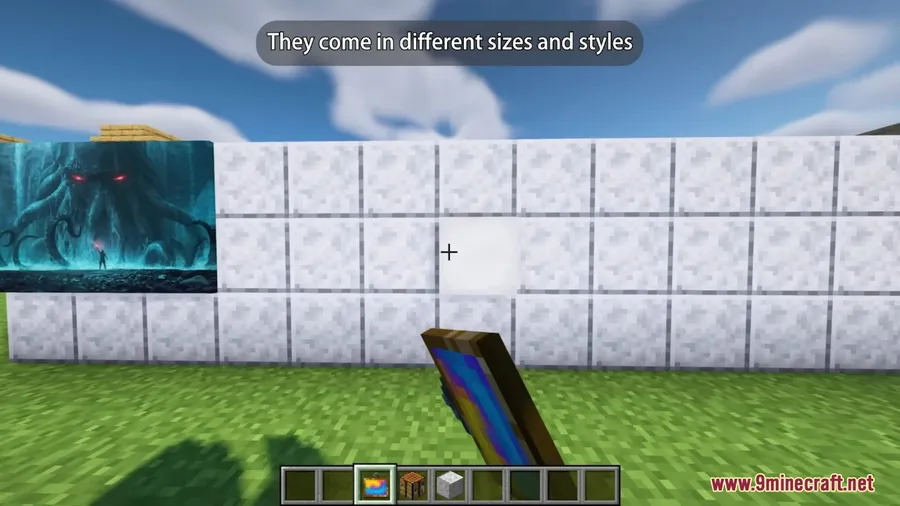
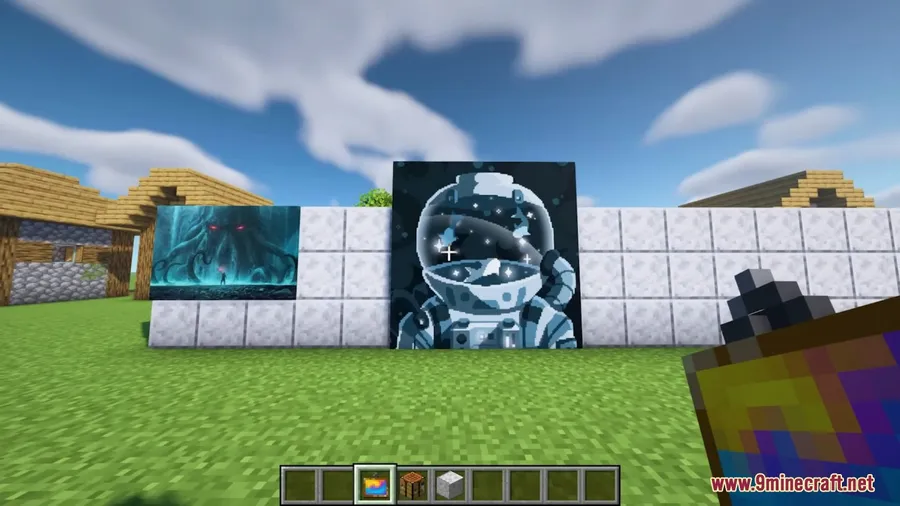
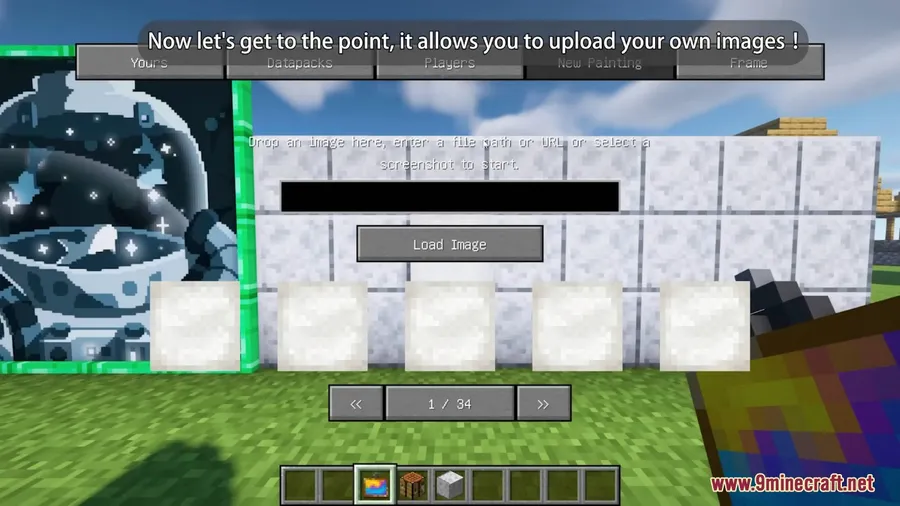
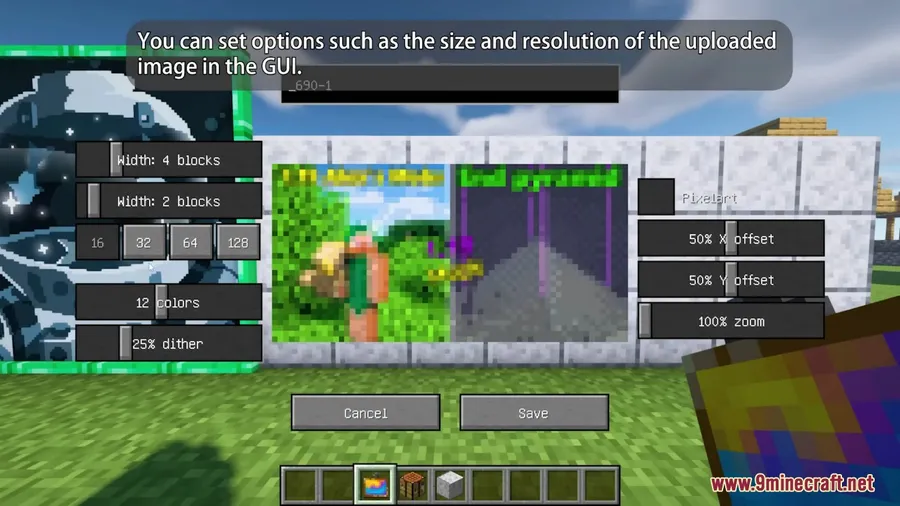

How to Install
- Choose the download that matches your Minecraft version.
- Use the correct loader for that version: Forge or Fabric for 1.16.5 through 1.19.4, and NeoForge or Fabric for 1.21 and 1.21.1.
- If you use Fabric, install Fabric API. If you use NeoForge, use the NeoForge Installer listed in the requirements.
- Launch the game with the same Minecraft version and loader combination as the file you selected.
Requirements
| Requirement | Details |
|---|---|
| Mod Loader | Forge, Fabric, NeoForge |
| Dependencies | Fabric API; NeoForge Installer |
| Minecraft Version | 1.16.5, 1.18.2, 1.19, 1.19.2, 1.19.3, 1.19.4, 1.21, 1.21.1 |
Pros & Cons
Pros
- Multiple import methods make it easy to create custom paintings from your own images.
- Visual effects such as pixelation and dithering help artwork match Minecraft’s style.
- Multiplayer support lets other players view shared paintings on a server.
- Extra cosmetic options include frame styles, glowing paintings, and graffiti.
Cons
- Loader choice depends on the Minecraft version you want to run.
- Fabric setups require Fabric API.
- Only the Minecraft versions listed here are specified in the available data.
Download
Always download mods from official sources to stay safe.
What's New
- 0.6.11 fixes an incompatibility with BetsyRoss.
- 0.6.10 fixes a crash introduced in 0.6.9.
- 0.6.9 fixes a crash on unusual URLs on Windows.
- 0.6.9 also fixes cases where maxPaintingResolution was lower than 32.
- 0.6.8 lets ops bypass the hidden flag.
FAQ
How do you add custom images in Immersive Paintings Mod?
You can import images by drag-and-drop, by providing a URL, or by choosing a screenshot.
Does Immersive Paintings Mod work in multiplayer?
Yes. Paintings can be shared and viewed by other players on a server.
Which Minecraft versions and loaders does Immersive Paintings Mod support?
The listed Minecraft versions are 1.16.5, 1.18.2, 1.19, 1.19.2, 1.19.3, 1.19.4, 1.21, and 1.21.1. Available loaders include Forge, Fabric, and NeoForge, with 1.21 and 1.21.1 downloads listed for NeoForge and Fabric.


![[Let's Do] Meadow Mod (1.21.1) - thumbnail](http://mcinside.com/wp-content/uploads/2026/04/thumbnail-64-52x52.webp)


![Not Enough Recipe Book [NERB] Mod (1.21.11) - thumbnail](http://mcinside.com/wp-content/uploads/2026/04/thumbnail-63-52x52.webp)


