

Exploring dark caves or diving into deep ocean trenches usually means carrying stacks of torches or brewing night vision potions every few minutes. Infinite Night Vision Mod removes that hassle entirely by granting a permanent night vision effect the moment you load into your world — no potions, no commands, no clutter on your HUD. It is a simple quality-of-life addition that lets you focus on building, mining, and exploring without ever squinting at a dark screen again.
Key Features
- Permanent night vision effect — The mod applies a constant night vision buff that works everywhere: caves, oceans, the Nether, and the overworld at night. No torches or light sources required.
- Clean, immersive experience — Unlike standard potion effects, this mod can apply night vision silently without displaying a status icon on your screen, keeping your HUD clean.
- Automatic reactivation — If the effect is ever cleared — for example, after dying or switching dimensions — simply reloading the world brings it right back.
- Zero configuration needed — There is no GUI to navigate and no commands to memorize. Install the mod, launch your world, and the effect is active immediately.
Screenshots


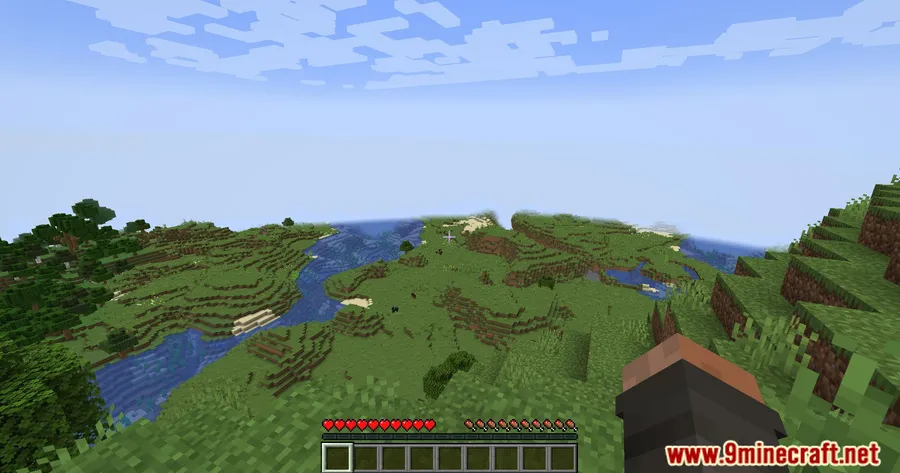
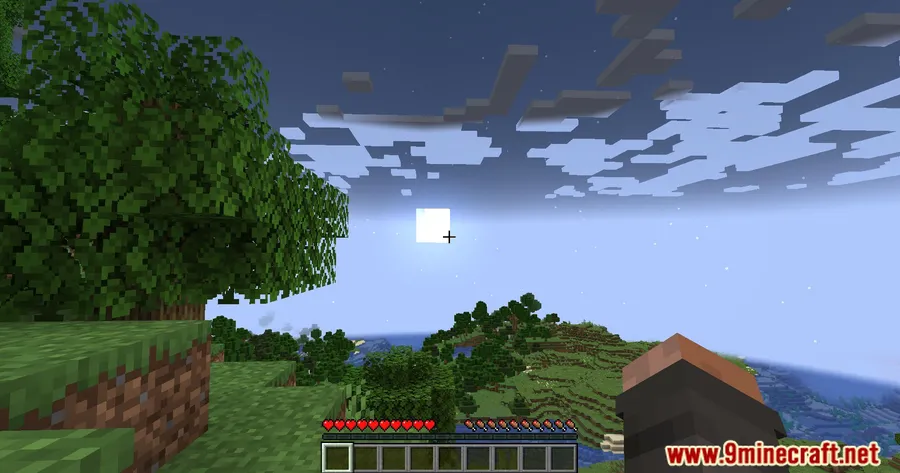
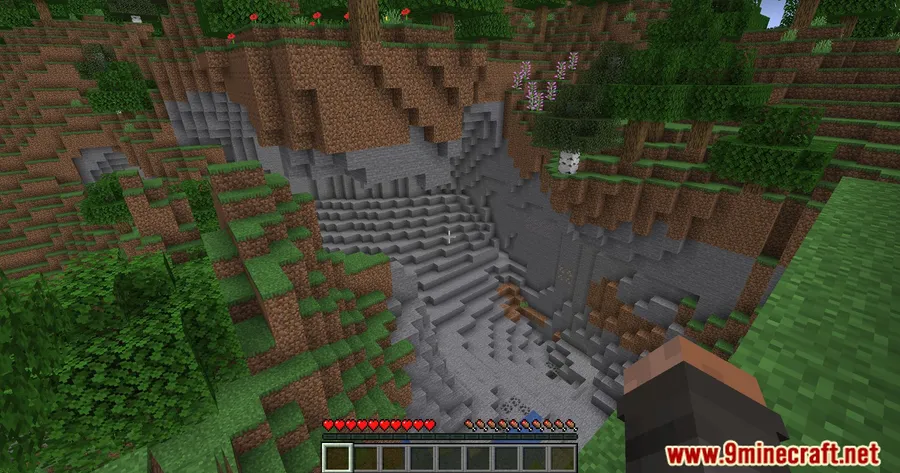
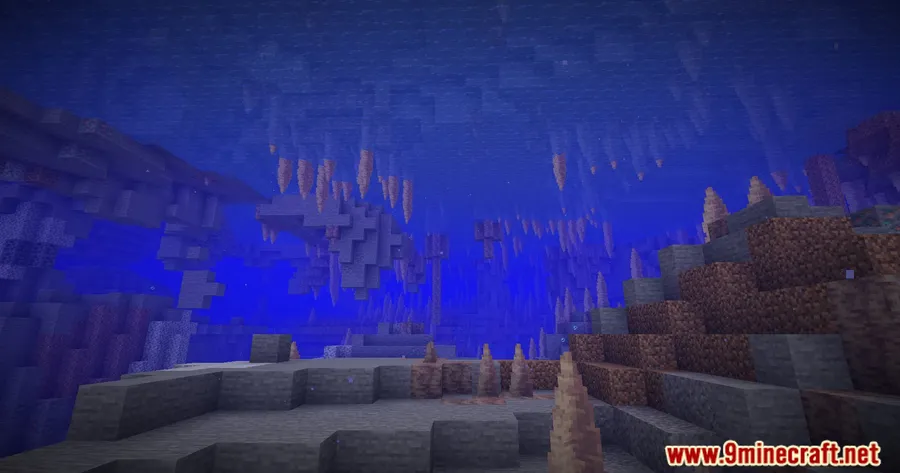
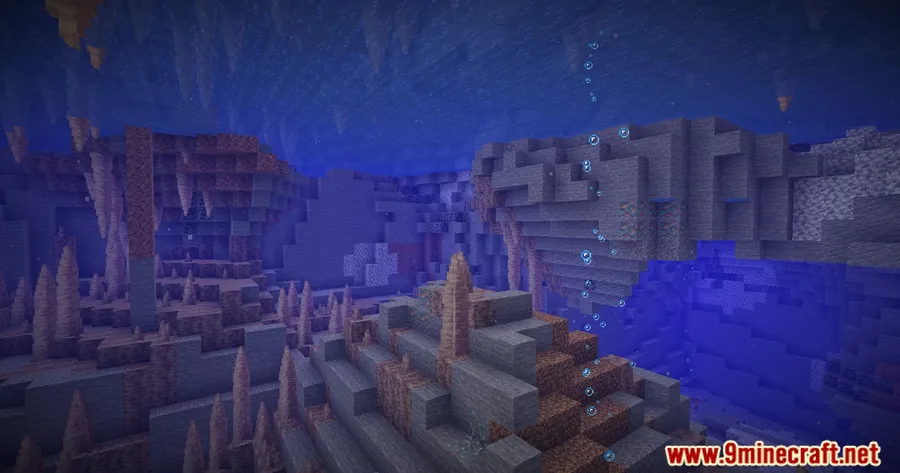
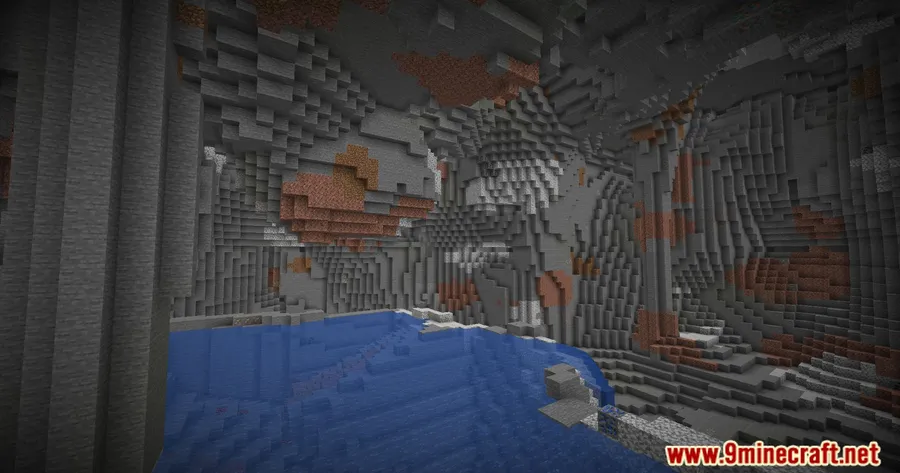
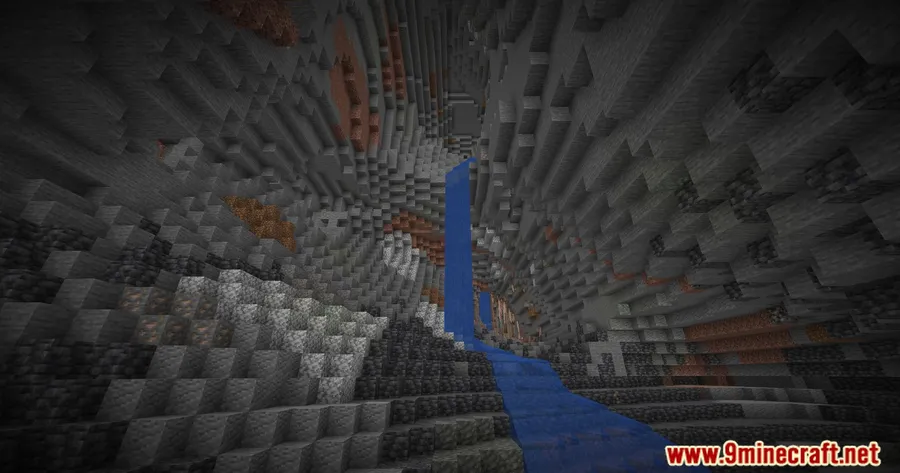
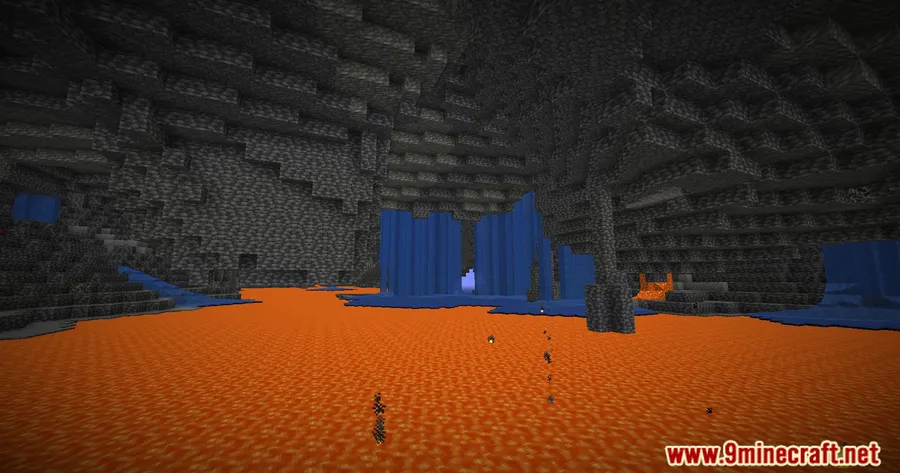
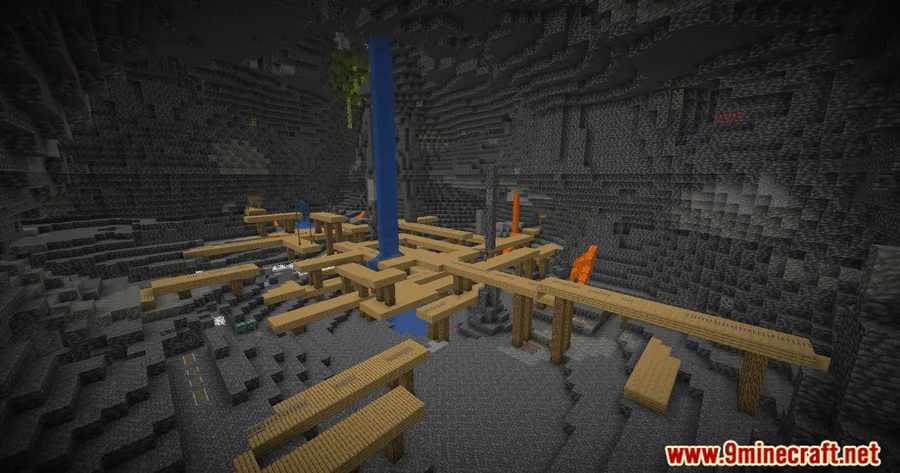
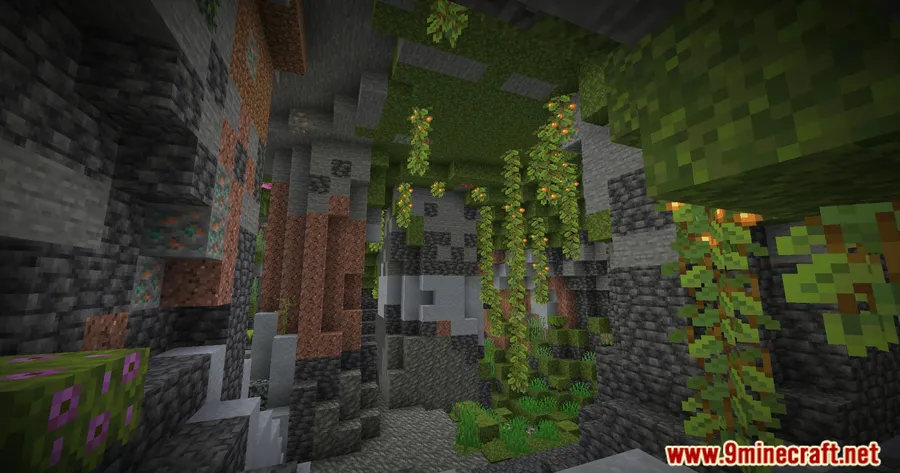
How to Install
- Download and install your preferred mod loader (Forge, Fabric, or NeoForge) for your Minecraft version.
- If using Fabric, also install the Fabric API mod.
- Download the Infinite Night Vision Mod file matching your Minecraft version and loader from the links below.
- Place the downloaded
.jarfile into your.minecraft/modsfolder. - Launch Minecraft using your mod loader profile — night vision activates automatically.
Requirements
| Requirement | Details |
|---|---|
| Mod Loader | Forge, Fabric, or NeoForge |
| Dependencies | Fabric API (for Fabric users only) |
| Minecraft Version | 1.12.2, 1.18.2, 1.19.2, 1.19.4, 1.20 – 1.20.6 |
Pros & Cons
Pros
- Works instantly with no setup or configuration
- Supports multiple mod loaders (Forge, Fabric, NeoForge)
- Silent effect keeps the screen free of status icons
- Automatically reactivates after death or dimension changes
- Appears to be lightweight since it only applies a single visual effect
Cons
- No toggle option — you cannot disable the effect without removing the mod
- Removes the survival challenge of managing light sources and torches
- Not yet updated for 1.21.x versions on all loaders based on available downloads
Download
Always download mods from official sources to stay safe.
FAQ
Does Infinite Night Vision Mod work in multiplayer servers?
The mod applies a client-side night vision effect. However, server-side compatibility depends on the server's mod configuration. It is best suited for singleplayer or modded servers where client mods are permitted.
Can I turn off the night vision effect without uninstalling the mod?
Based on the mod's design, there is no built-in toggle or command to disable the effect. To turn it off, you would need to remove the mod file from your mods folder.
Does Infinite Night Vision Mod conflict with other visual mods or shaders?
Since the mod applies a standard night vision effect, it generally works alongside most visual mods. If you use shader packs that override lighting, the night vision effect may look different than expected.


![[Let's Do] Candlelight - Farm&Charm compat Mod (1.21.1) - thumbnail](http://mcinside.com/wp-content/uploads/2026/04/thumbnail-81-52x52.webp)


![[Let's Do] Meadow Mod (1.21.1) - thumbnail](http://mcinside.com/wp-content/uploads/2026/04/thumbnail-64-52x52.webp)


![Not Enough Recipe Book [NERB] Mod (1.21.11) - thumbnail](http://mcinside.com/wp-content/uploads/2026/04/thumbnail-63-52x52.webp)