

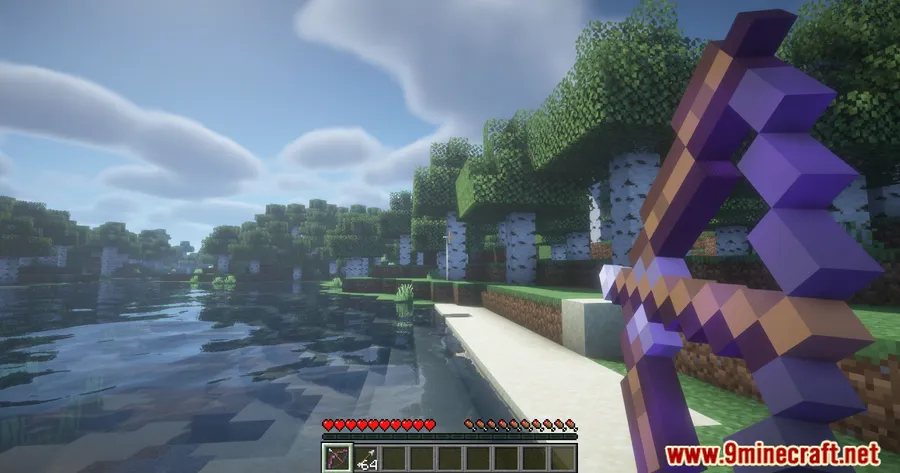
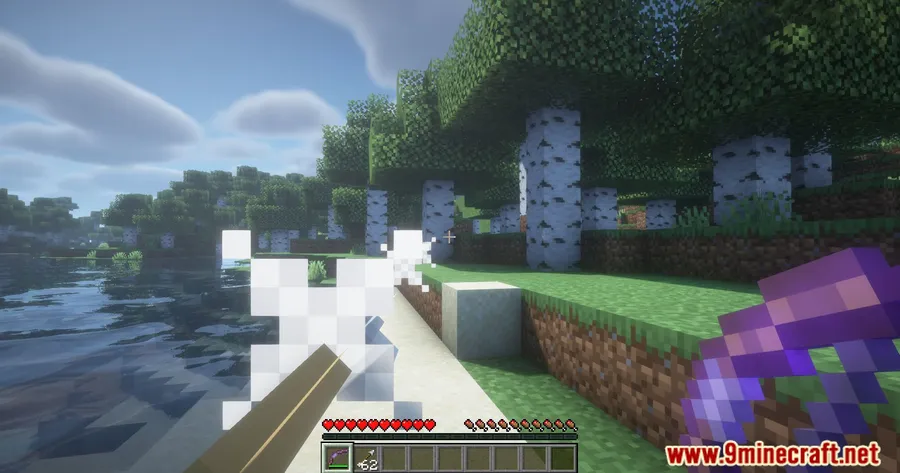
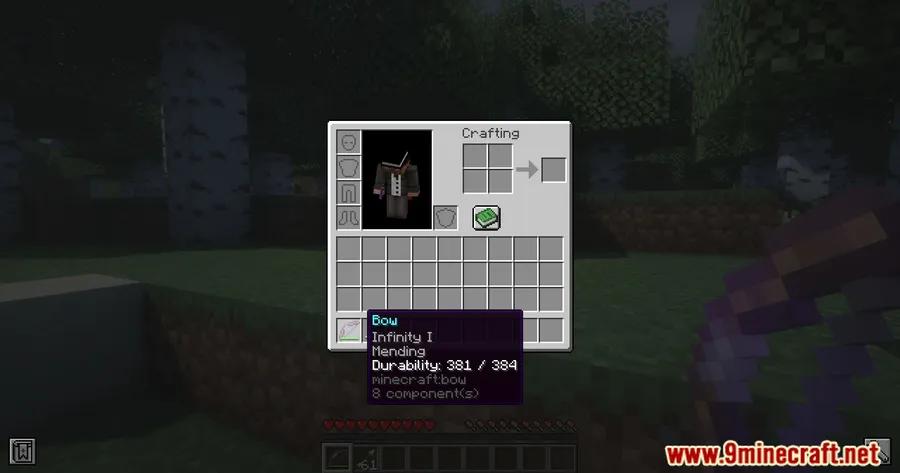
Vanilla Minecraft forces an uncomfortable choice: pick Infinity or Mending for your bow, never both. Infinity Rework Mod eliminates that restriction entirely while redesigning how Infinity works, splitting it into three distinct tiers that save arrows at 25%, 50%, and 75% rates. The result is a more gradual enchantment progression that feels earned rather than all-or-nothing, and it finally lets archers keep their favorite bow alive with Mending without sacrificing unlimited arrows.
Key Features
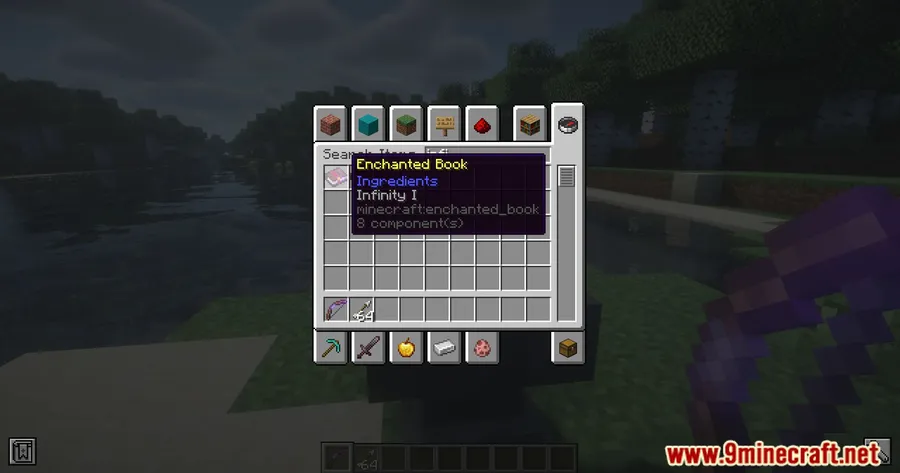
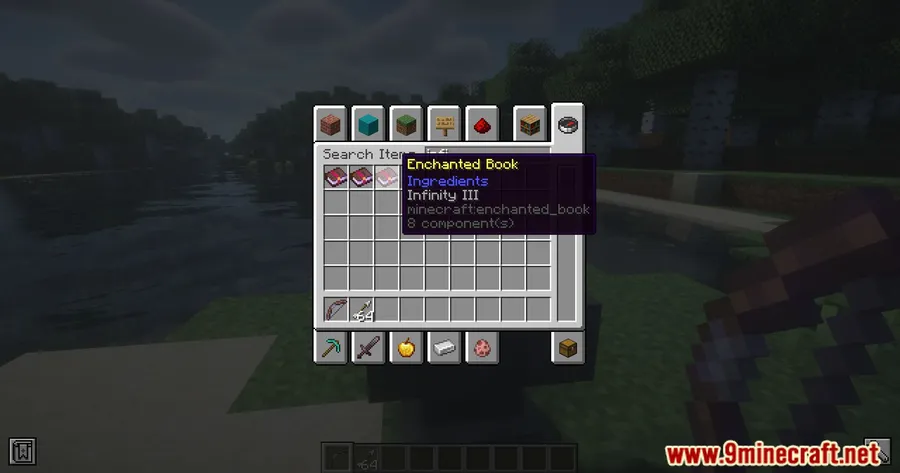
- Tiered Infinity Enchantment — Instead of a single on/off enchantment, Infinity now comes in three levels. Tier I saves arrows 25% of the time, Tier II bumps that to 50%, and Tier III reaches 75%. This creates meaningful progression as you invest more resources into your bow.
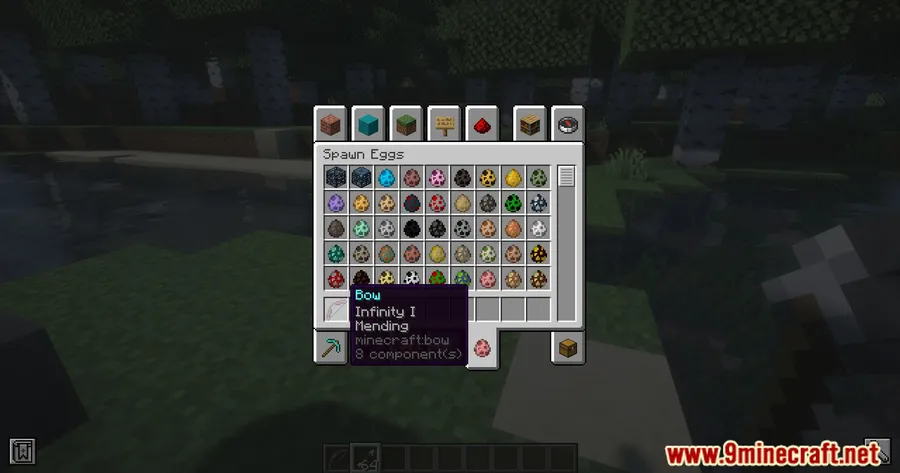
- Infinity + Mending Compatibility — The vanilla restriction preventing both enchantments on the same bow is removed. You can finally run a fully enchanted bow without choosing between durability and ammo conservation.
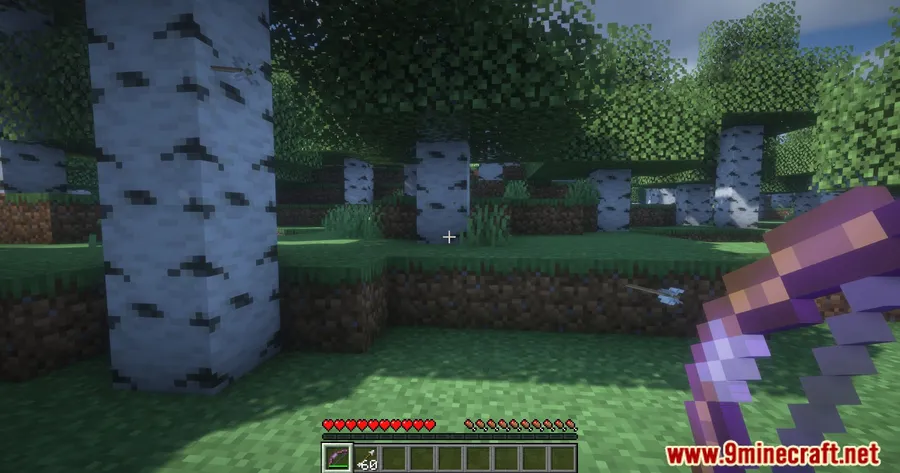
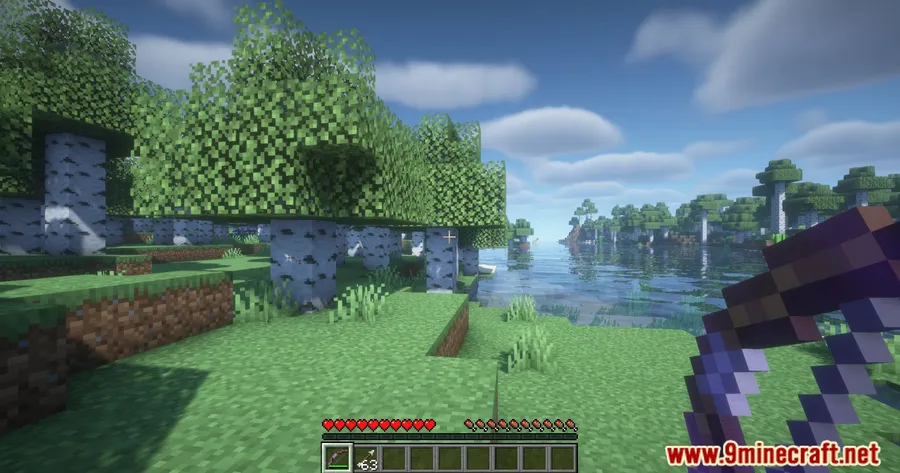
- Works with Special Arrows — Tipped arrows and spectral arrows are both compatible with the reworked Infinity tiers, so potion-tipped shots and glowing arrows benefit from the same arrow-saving mechanic.
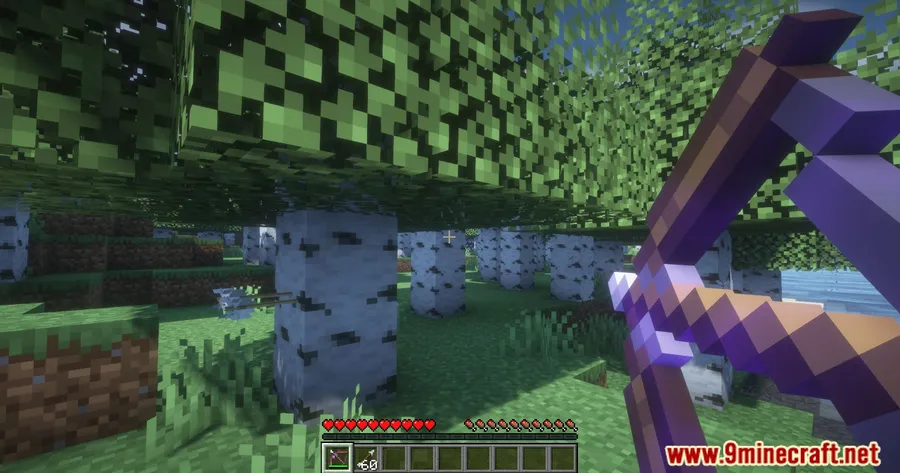
Screenshots


How to Install
- Download and install Fabric Loader for your Minecraft version.
- Place Fabric API and MidnightLib into your
modsfolder — both are required dependencies. - Download the Infinity Rework Mod file matching your Minecraft version from the link below.
- Drop the mod
.jarfile into your.minecraft/modsfolder. - Launch Minecraft with the Fabric profile and verify the mod loads correctly.
Requirements
| Mod Loader | Dependencies | Minecraft Versions |
|---|---|---|
| Fabric | Fabric API, MidnightLib Mod | 1.21.11, 1.21.3, 1.21.1, 1.21, 1.20.6, 1.20.1 |
Pros & Cons
Pros
- Tiered system adds meaningful enchantment progression that vanilla lacks
- Removes the frustrating Infinity vs Mending conflict
- Full support for tipped and spectral arrows keeps potion archery viable
- Broad version support from 1.20.1 through 1.21.11
Cons
- Fabric-only — no Forge or NeoForge version available
- Requires two additional dependencies (Fabric API and MidnightLib)
- May conflict with other mods that modify enchantment behavior or bow mechanics
Download
Always download mods from official sources to stay safe.
FAQ
Can I use Infinity and Mending on the same bow with this mod?
Yes. Infinity Rework Mod removes the vanilla restriction that prevents both enchantments from coexisting on a single bow, so you can apply Mending alongside any tier of Infinity.
Do tipped arrows work with the reworked Infinity enchantment?
They do. Both tipped arrows and spectral arrows are fully compatible with all three Infinity tiers, meaning your potion-effect arrows have the same chance of being saved as regular arrows.
What are the arrow-saving rates for each Infinity tier?
Infinity I saves arrows 25% of the time, Infinity II saves them 50% of the time, and Infinity III saves them 75% of the time. Unlike vanilla's all-or-nothing approach, this gives you a gradual improvement as you level up the enchantment.




![[Let's Do] Meadow Mod (1.21.1) - thumbnail](http://mcinside.com/wp-content/uploads/2026/04/thumbnail-64-52x52.webp)


![Not Enough Recipe Book [NERB] Mod (1.21.11) - thumbnail](http://mcinside.com/wp-content/uploads/2026/04/thumbnail-63-52x52.webp)


