
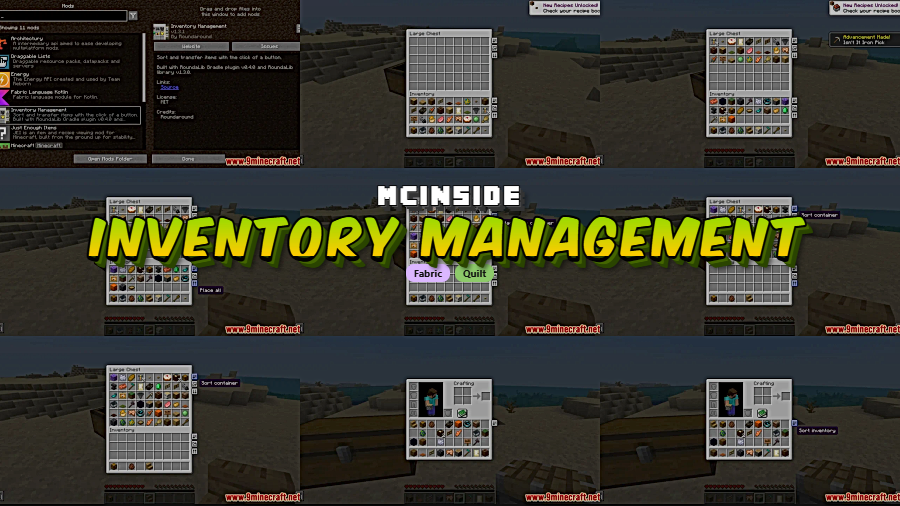
Messy inventories slow down looting, crafting, and chest organization fast. Inventory Management Mod focuses on two practical fixes: one-click alphabetical sorting that leaves the hotbar untouched, and one-click transfers between your inventory and storage containers when you need to move items in bulk.
Key Features
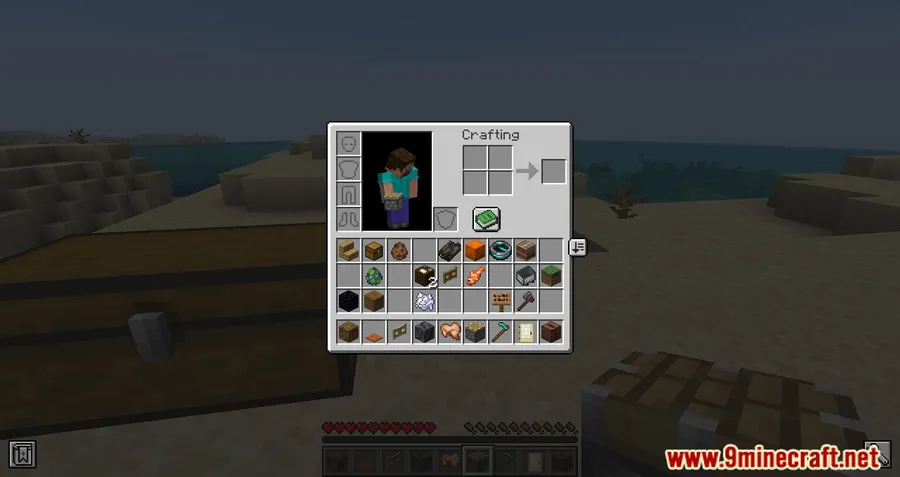
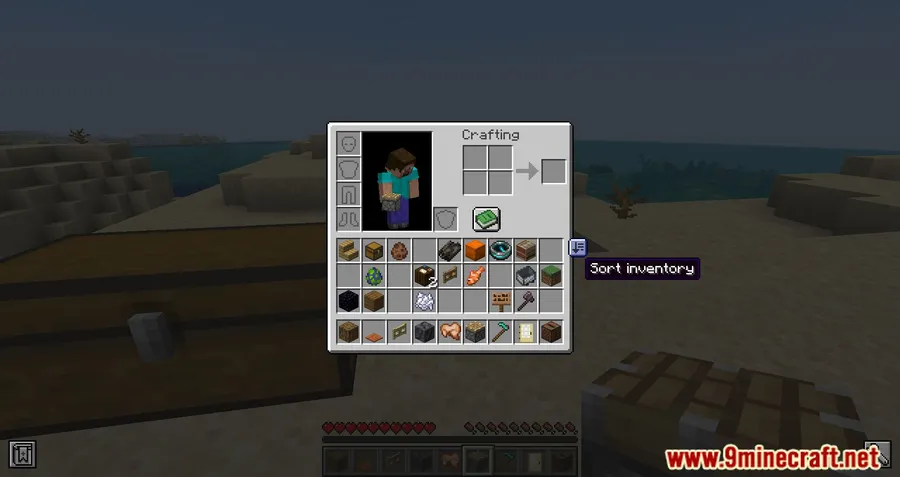
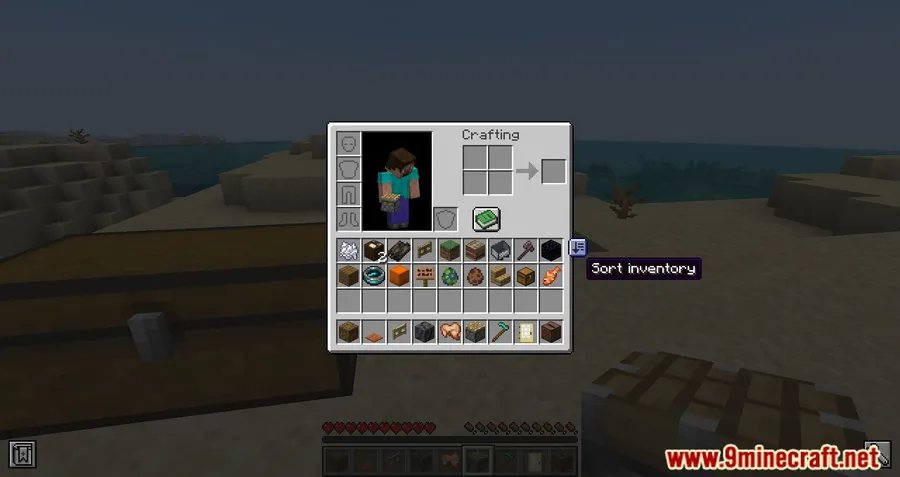
- Sorts inventory contents alphabetically while excluding the hotbar, so quick-access slots stay in place.
- Moves all items between inventories with a single click, making bulk transfers much faster when working with storage.
Screenshots
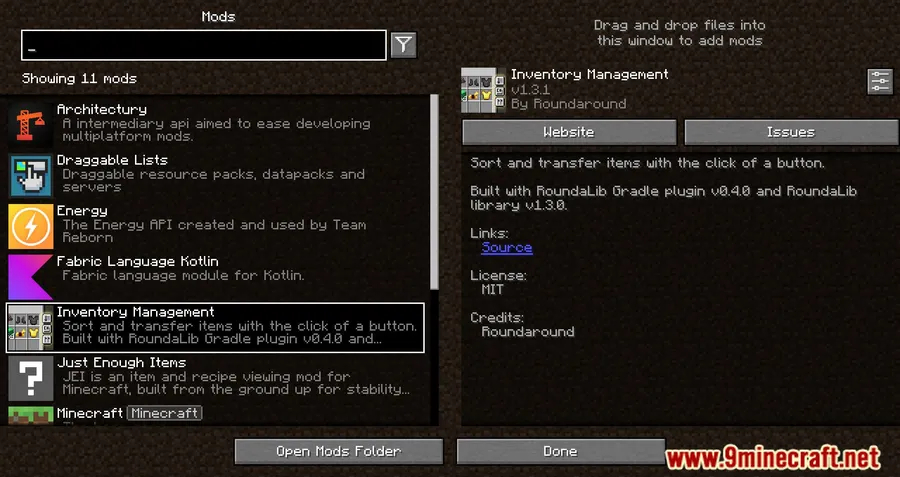
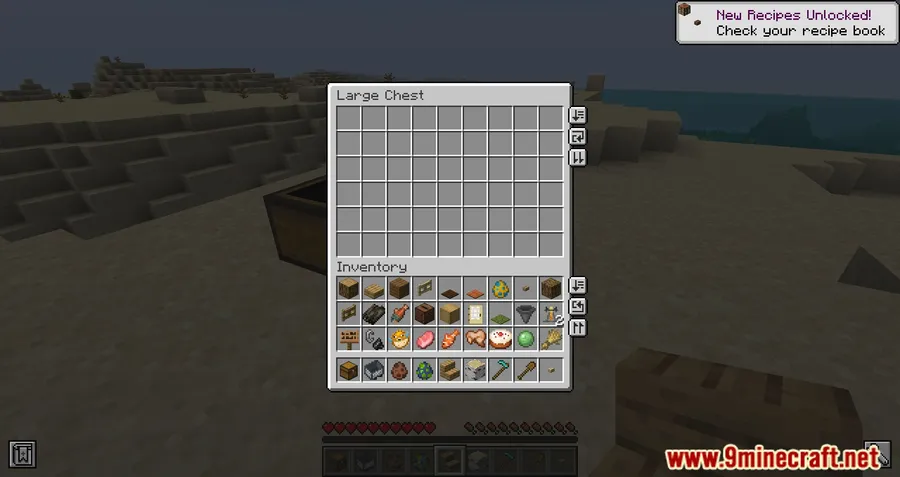
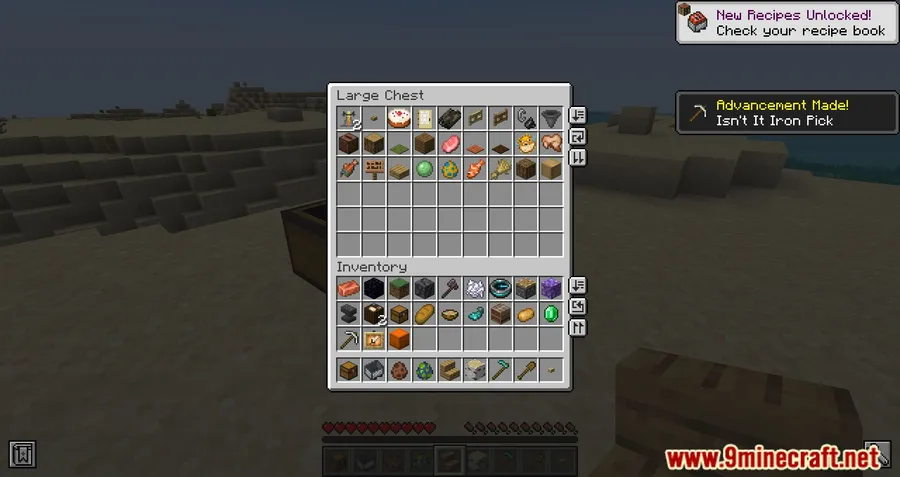
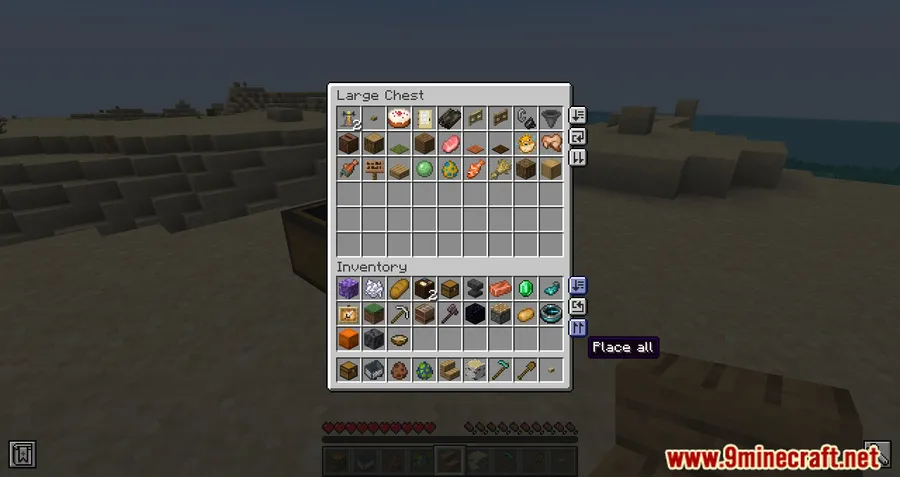
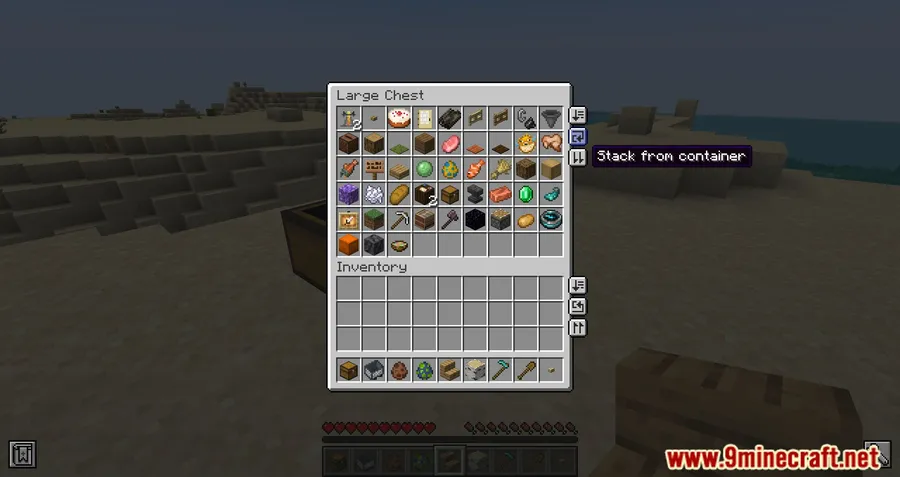
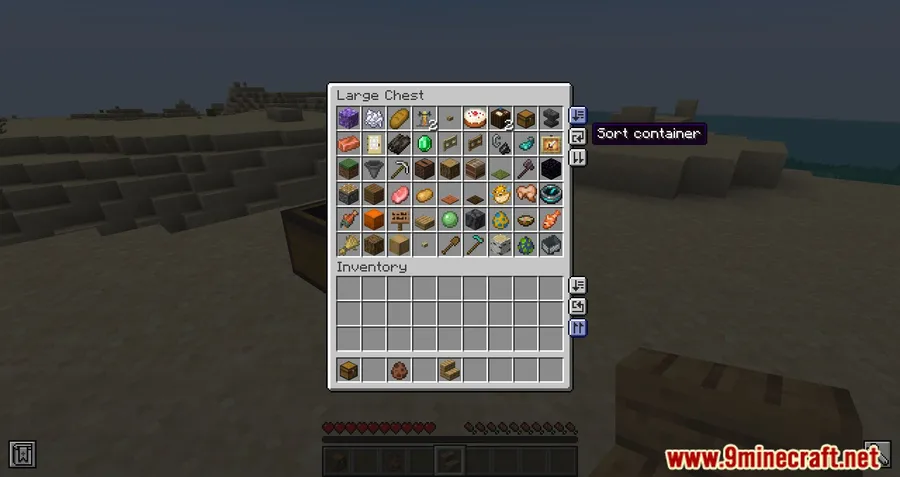
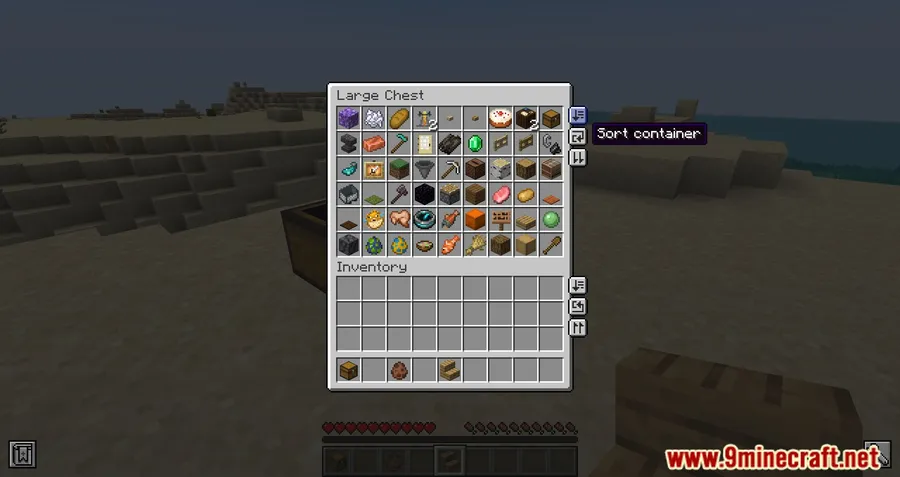
How to Install
- Choose the build that matches your Minecraft version and the loader listed for your setup.
- Install the required platform component from the provided requirements, such as Minecraft Forge, Fabric API, Quilt Loader, or NeoForge Installer.
- Place the mod file in your Minecraft
modsfolder, then launch the game with the matching loader.
Requirements
| Requirement | Details |
|---|---|
| Mod Loader | NeoForge, Forge, Fabric, Quilt |
| Dependencies | Minecraft Forge, Fabric API, Quilt Loader, NeoForge Installer |
| Minecraft Version | 1.18.2, 1.19, 1.19.1, 1.19.2, 1.19.3, 1.19.4, 1.20, 1.20.1, 1.20.2, 1.20.4, 1.20.6, 1.21, 1.21.1, 1.21.3, 1.21.4, 1.21.5, 1.21.6, 1.21.7, 1.21.8, 1.21.9, 1.21.10, 1.21.11 |
Pros & Cons
Pros
- Solves two common inventory chores with simple one-click actions.
- Alphabetical sorting keeps the hotbar unchanged, which helps preserve muscle memory.
- Mod metadata lists support across NeoForge, Forge, Fabric, and Quilt.
Cons
- The provided feature set is narrow, focusing only on sorting and full transfers.
- Hotbar slots are intentionally excluded from sorting.
- The download entries provided here are only listed for Fabric builds through Minecraft 1.20.6.
Download
Always download mods from official sources to stay safe.
What's New
- Modrinth metadata shows the project was updated on 2025-12-29.
- Latest listed changelog note: fixed issue with mixins.
- The project was originally published on 2022-06-10.
- Modrinth reports 2,732,195 downloads.
FAQ
What does Inventory Management Mod do in Minecraft?
It adds two core inventory actions: alphabetical sorting that leaves the hotbar alone, and one-click transfers for moving all items between inventories.
Which Minecraft versions are listed for Inventory Management Mod?
The provided metadata lists support from Minecraft 1.18.2 up to 1.21.11, including multiple 1.19, 1.20, and 1.21 releases.
Are downloads listed for every loader?
No. The download entries provided here are Fabric builds for versions from 1.18.2 through 1.20.6, while the metadata also lists NeoForge, Forge, Fabric, and Quilt as supported mod types.




![[Let's Do] Meadow Mod (1.21.1) - thumbnail](http://mcinside.com/wp-content/uploads/2026/04/thumbnail-64-52x52.webp)


![Not Enough Recipe Book [NERB] Mod (1.21.11) - thumbnail](http://mcinside.com/wp-content/uploads/2026/04/thumbnail-63-52x52.webp)

