

For years, OptiFine held a near-monopoly on Minecraft shaders — but it never supported Fabric, leaving an entire modding ecosystem without beautiful lighting and shadows. Iris Shaders Mod changes that entirely. Built as an open-source alternative, Iris brings full shader pack compatibility to Fabric, Quilt, and NeoForge while working alongside Sodium for performance that OptiFine simply cannot match. If you want stunning visuals without sacrificing frames, Iris is the shader loader to use in 2026.
Key Features
- Wide Shader Pack Compatibility — Supports almost all existing OptiFine shader packs out of the box, so you can use popular packs like BSL, Complementary, and Sildur's without hunting for special versions.
- Realistic Lighting & Effects — Enables dynamic shadows, ambient occlusion, reflections, bloom, depth of field, and color grading through your chosen shader pack, dramatically improving Minecraft's visual quality.
- Customizable Shader Settings — Lets you fine-tune individual shader options directly in-game, adjusting effects to balance visual fidelity with your hardware capabilities.
- Frequent Updates — Shader packs for Iris receive more frequent updates compared to other loaders, meaning you get access to the latest versions and fixes faster.
- Open-Source Development — Fully open-source, allowing community contributions, code transparency, and rapid bug fixes driven by an active developer community.
Screenshots


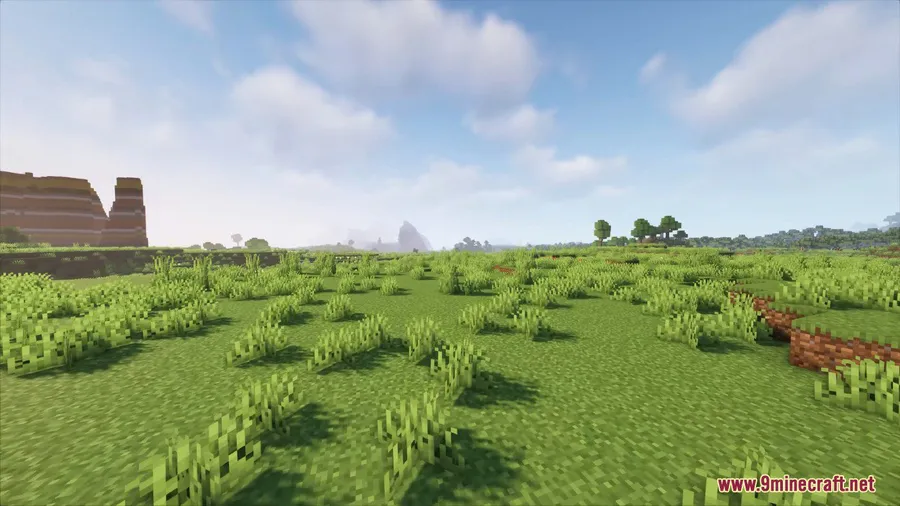
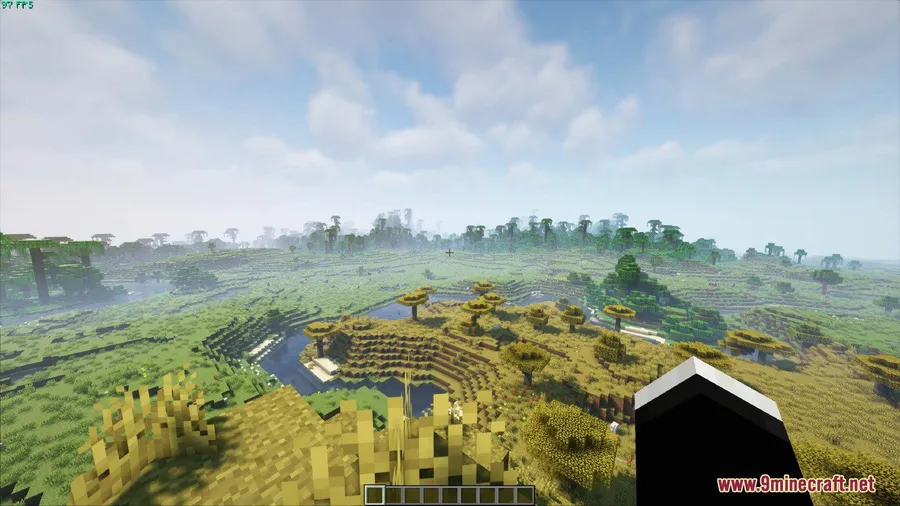
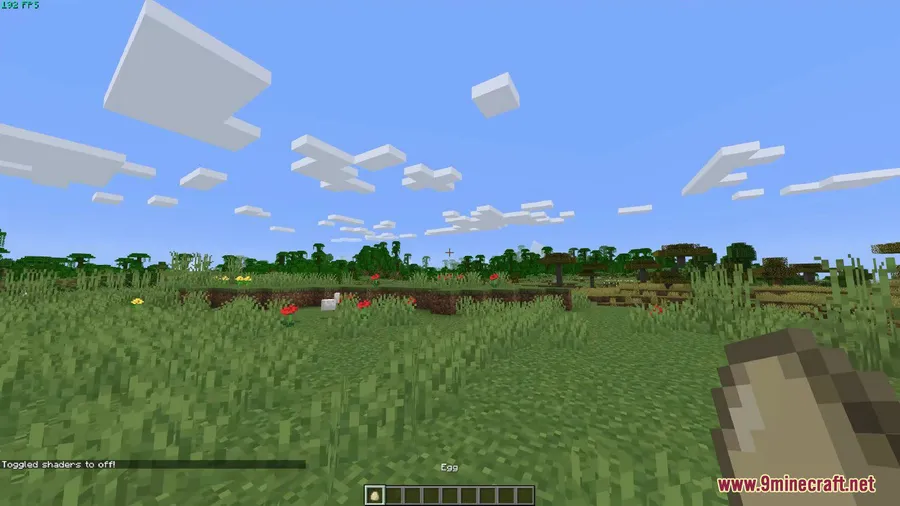
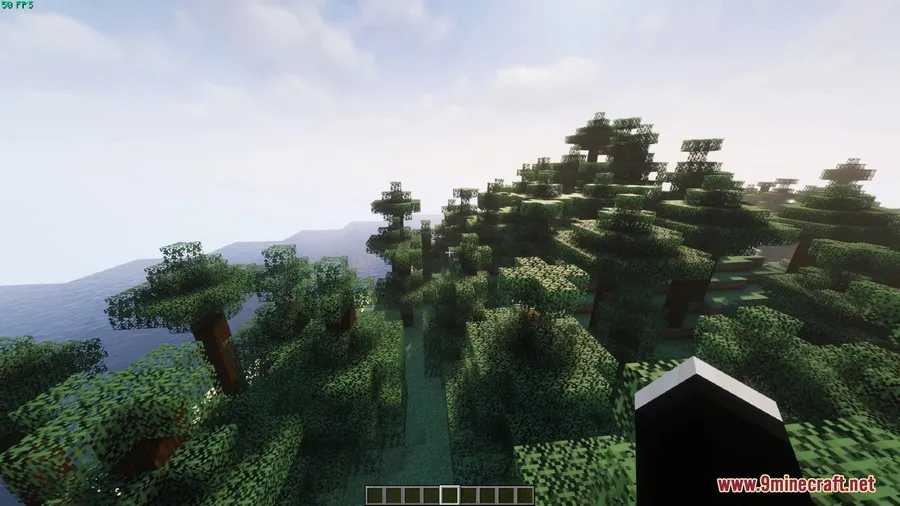
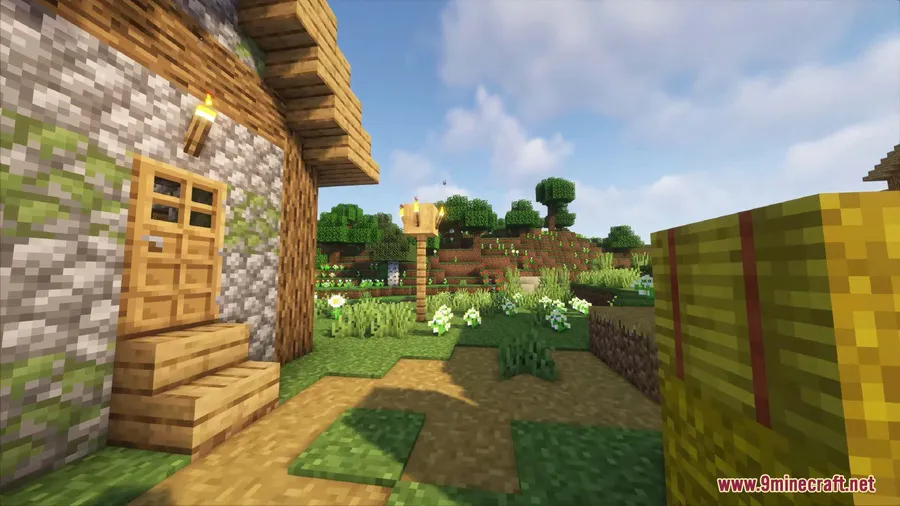
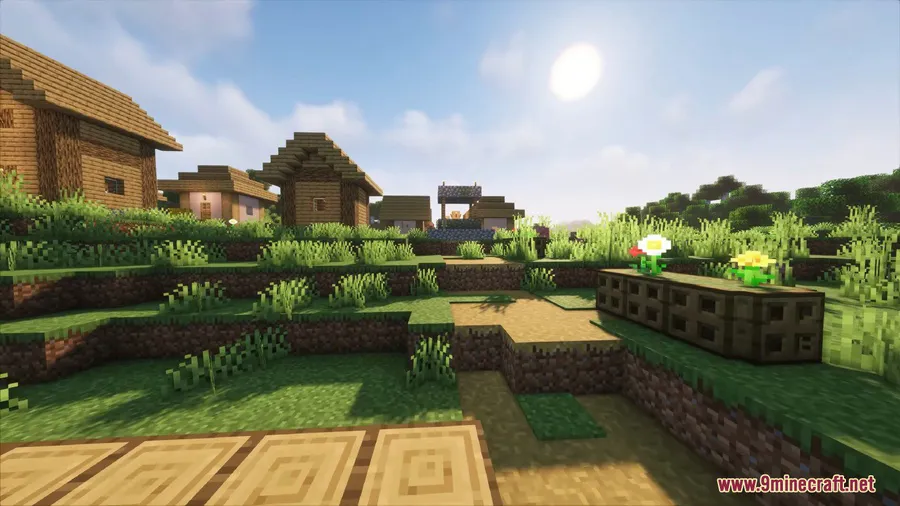
How to Install
- Download and install Fabric Loader (or NeoForge/Quilt) for your Minecraft version.
- Download the Sodium mod and place it in your
.minecraft/modsfolder — Iris requires Sodium to function. - Download the Iris Shaders mod file from the link below and drop it into the same
modsfolder. - Launch Minecraft, go to Options → Video Settings → Shader Packs, and load your preferred shader pack.
Requirements
| Requirement | Details |
|---|---|
| Mod Loader | Fabric, NeoForge, or Quilt |
| Dependencies | Fabric API (for Fabric), Sodium Mod |
| Minecraft Version | 1.16.5 – 1.21.11 |
Pros & Cons
Pros
- Works with nearly all existing OptiFine shader packs
- Pairs with Sodium for better performance than OptiFine alone
- Open-source with active community development
- Supports Fabric, NeoForge, and Quilt mod loaders
- Wide Minecraft version range from 1.16.5 to 1.21.11
Cons
- Requires Sodium as a dependency — cannot run standalone
- Some older or highly customized OptiFine shader packs may not be fully compatible
- No built-in OptiFine features beyond shaders (no zoom, connected textures, etc.)
Download
Always download mods from official sources to stay safe.
FAQ
Can I use OptiFine shader packs with Iris?
Yes, Iris is designed to be compatible with almost all existing OptiFine shader packs. You can drop your favorite packs into the shader folder and they should work without modification.
Do I need Sodium installed to use Iris?
Yes, Iris requires Sodium as a dependency. Sodium handles the rendering optimizations while Iris adds shader support on top, and together they deliver better performance than OptiFine in most cases.
Does Iris work with NeoForge or only Fabric?
Iris supports Fabric, NeoForge, and Quilt. NeoForge support is available for Minecraft 1.20.2 and newer versions, while Fabric support covers the full version range back to 1.16.5.


![Chat Animation [Smooth Chat] Mod (1.21.11, 1.20.6) – Smooth Animation](http://mcinside.com/wp-content/uploads/2026/03/thumbnail-2253-300x169.webp)


![Not Enough Recipe Book [NERB] Mod (1.21.11) - thumbnail](http://mcinside.com/wp-content/uploads/2026/04/thumbnail-63-52x52.webp)


