
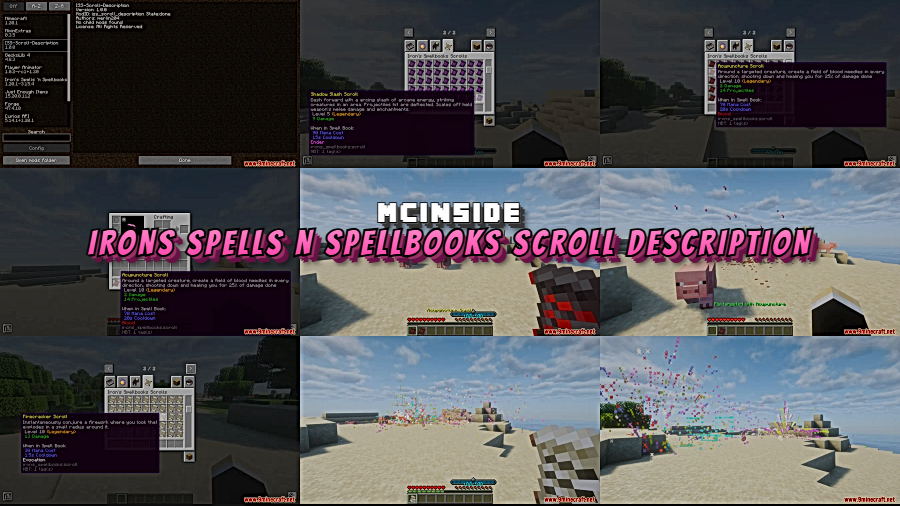
Ever hovered over a mystery spell scroll in Iron's Spells 'n Spellbooks and had no idea what it actually does? Irons Spells N Spellbooks Scroll Description Mod solves that annoyance by injecting clear, readable tooltip descriptions into every spell scroll in your inventory. Instead of blindly equipping scrolls to figure out their effects, you can now compare them at a glance and pick exactly the right spell for your build.
Key Features
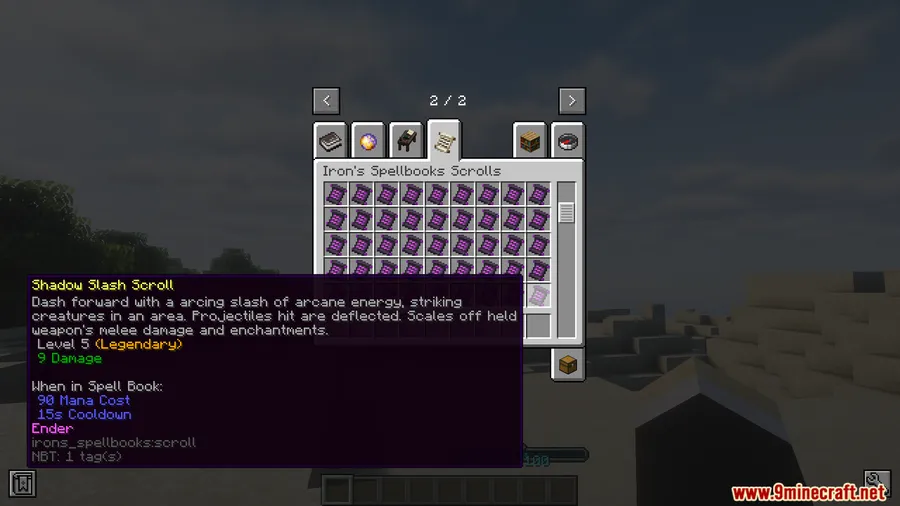
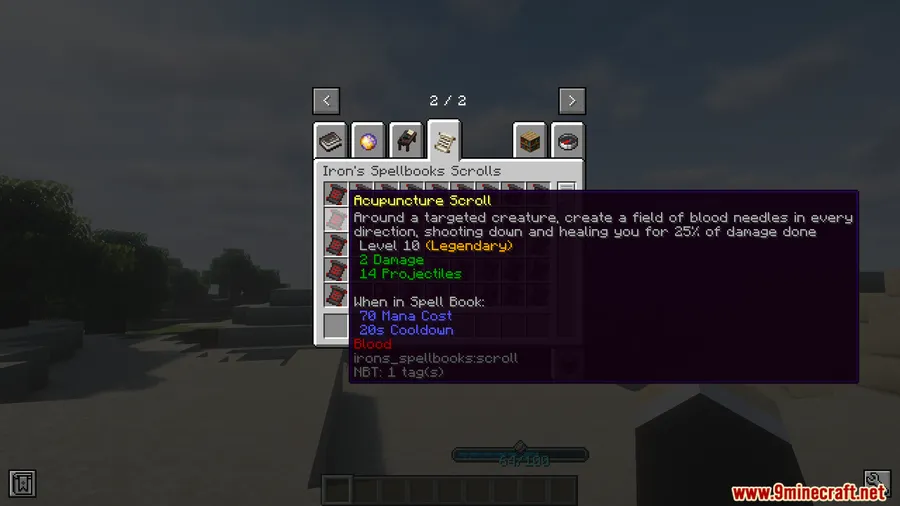
- Tooltip Spell Descriptions — Every spell scroll from Iron's Spells 'n Spellbooks now displays its effect directly in the item tooltip, so you know exactly what you're holding before you commit to using it.
- Quick Scroll Comparison — Hovering over multiple scrolls lets you compare their effects side by side, making it far easier to plan your loadout or decide which scrolls to keep.
- No Equip Required — You no longer need to slot a scroll into your spellbook just to identify what it does. This is especially helpful when looting dungeon chests full of unknown scrolls.
- Client-Side Only — The mod works entirely on your interface with no server-side changes needed, making it safe to install on multiplayer servers without requiring the server owner to add anything.
Screenshots
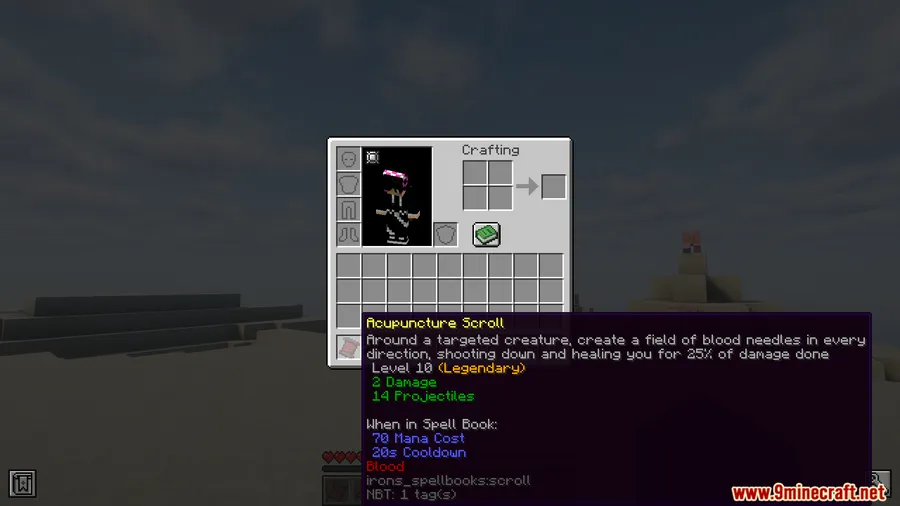
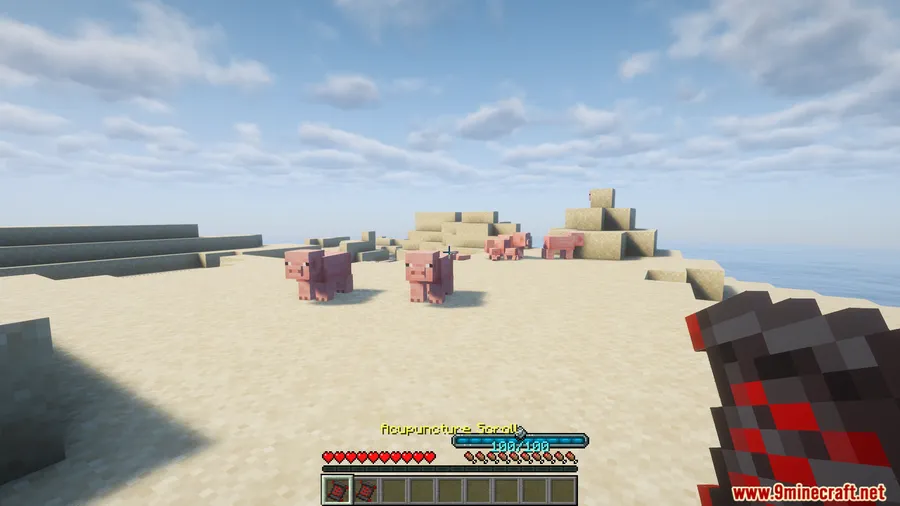
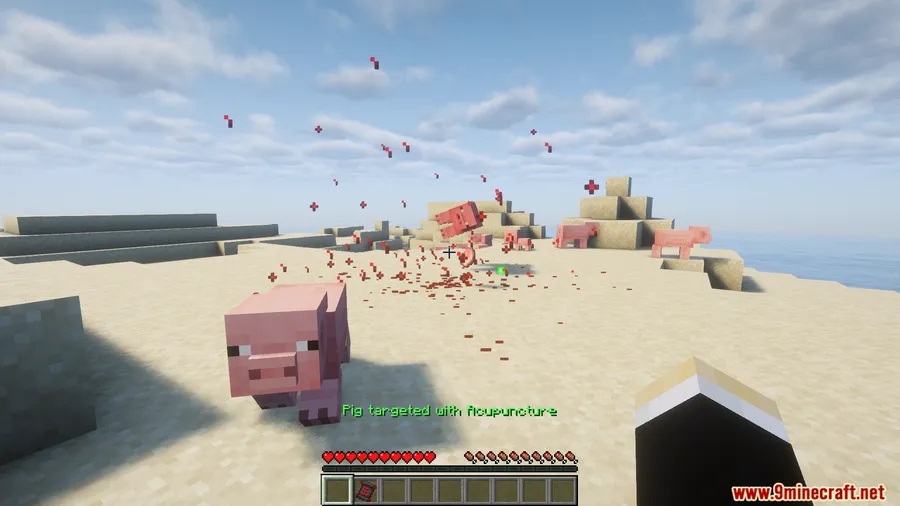
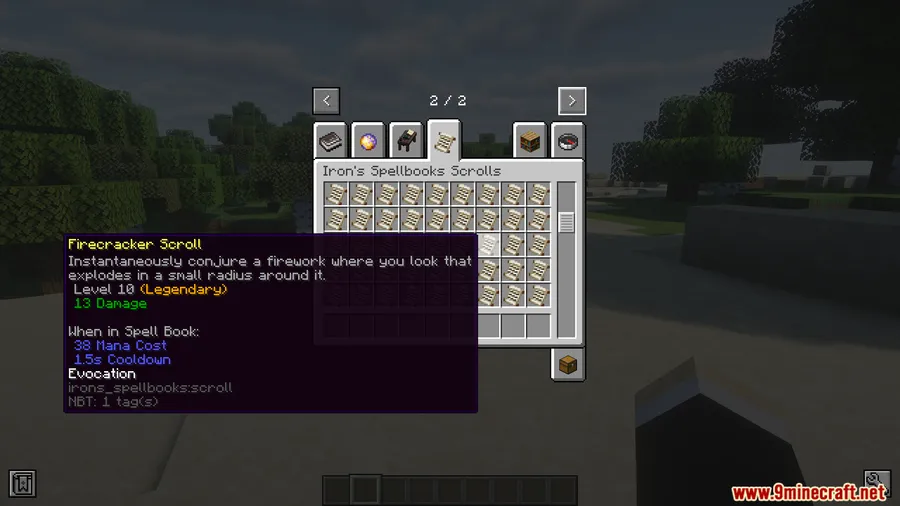
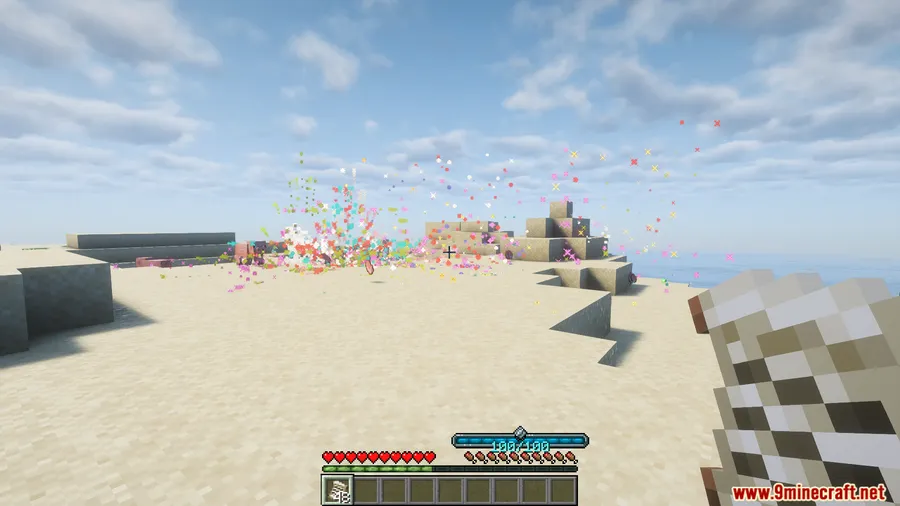
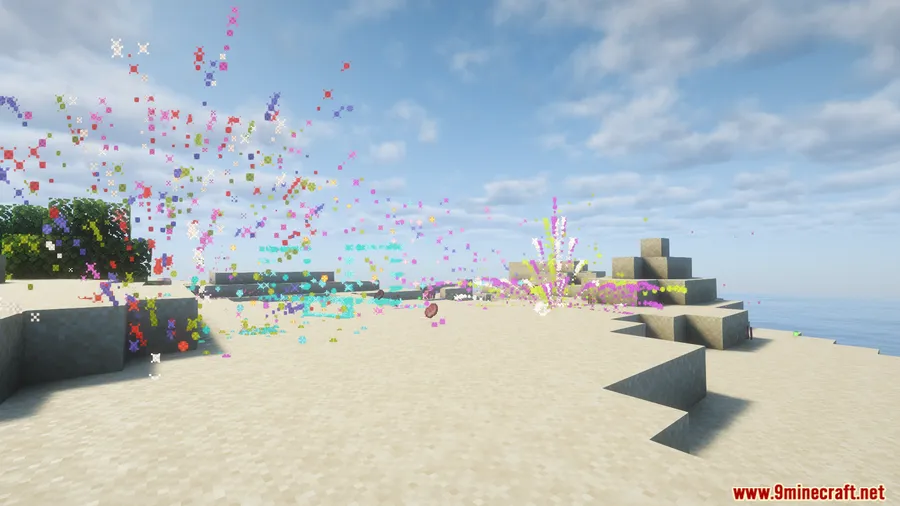
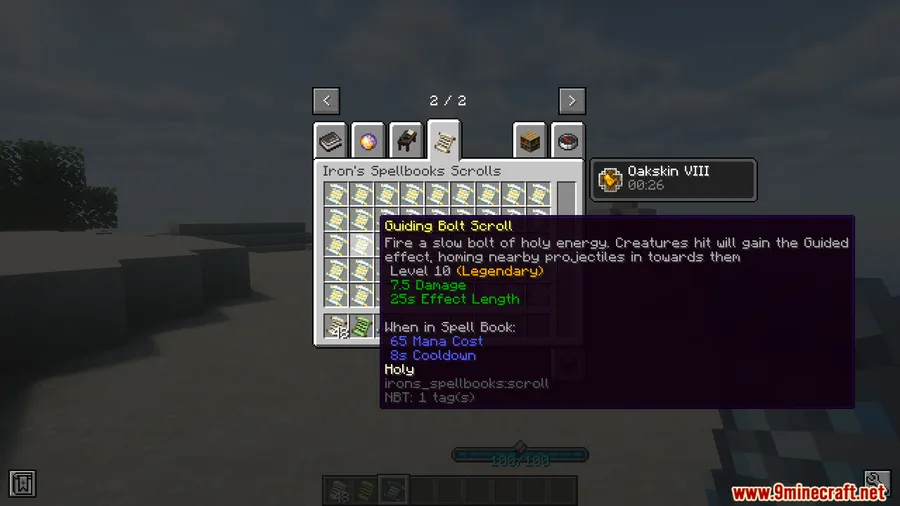
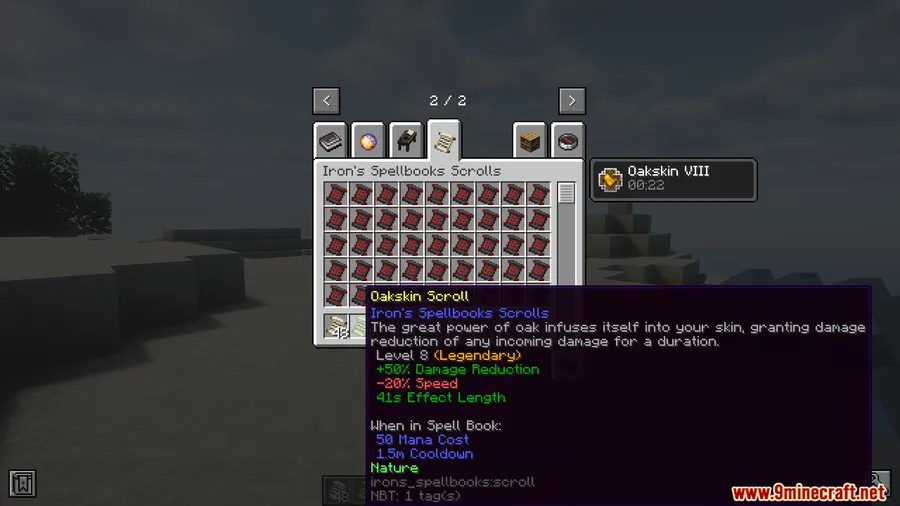
How to Install
- Download and install Minecraft Forge for your Minecraft version (1.20 or 1.20.1).
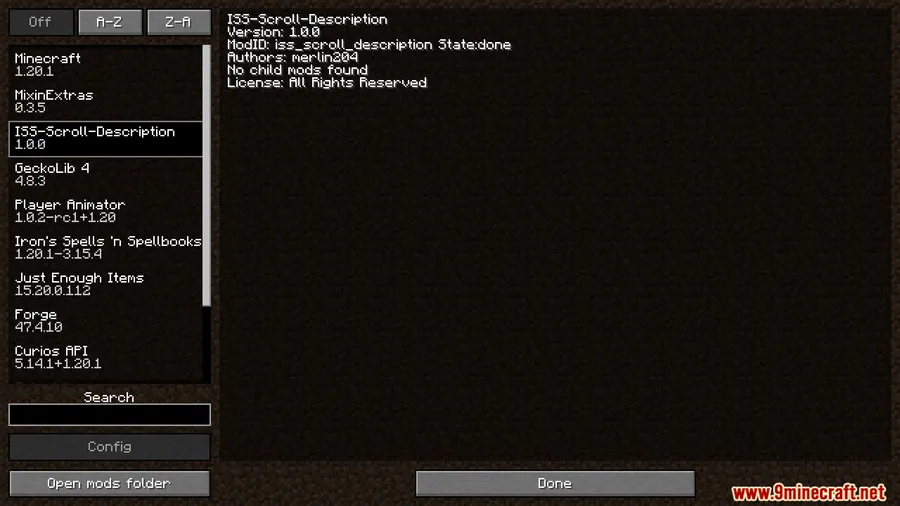
- Install all required dependencies: Curios API, GeckoLib, Player Animator, and Iron's Spells 'n Spellbooks.
- Download the Irons Spells N Spellbooks Scroll Description Mod file from the link below.
- Place the downloaded
.jarfile into your.minecraft/modsfolder. - Launch Minecraft with the Forge profile and verify the tooltips appear on spell scrolls.
Requirements
| Requirement | Details |
|---|---|
| Mod Loader | Forge |
| Dependencies | Curios API, GeckoLib, Iron's Spells 'n Spellbooks, Player Animator |
| Minecraft Version | 1.20.1, 1.20 |
Pros & Cons
Pros
- Eliminates the guesswork when sorting through spell scrolls
- Client-side only — no server installation required for multiplayer use
- Simple quality-of-life improvement that appears to be lightweight
- Makes inventory management with large scroll collections much faster
Cons
- Only available for Forge — no Fabric or NeoForge version
- Limited to Minecraft 1.20 and 1.20.1 at this time
- Requires several dependencies, which adds to your mod folder size
Download
Always download mods from official sources to stay safe.
FAQ
Does this mod work on multiplayer servers?
Yes. The mod is client-side only, meaning it changes your interface without modifying the server. You can install it and join any server that runs Iron's Spells 'n Spellbooks without the server needing the mod.
Do I need Iron's Spells 'n Spellbooks installed for this to work?
Yes, Iron's Spells 'n Spellbooks is a required dependency. This mod adds tooltip descriptions specifically to spell scrolls from that mod, so it won't function without it.
Is there a Fabric version of Scroll Description Mod?
Currently, the mod is only available for Forge on Minecraft 1.20 and 1.20.1. There is no Fabric or NeoForge version at this time.


![[Let's Do] Meadow Mod (1.21.1) - thumbnail](http://mcinside.com/wp-content/uploads/2026/04/thumbnail-64-52x52.webp)


![Not Enough Recipe Book [NERB] Mod (1.21.11) - thumbnail](http://mcinside.com/wp-content/uploads/2026/04/thumbnail-63-52x52.webp)

