
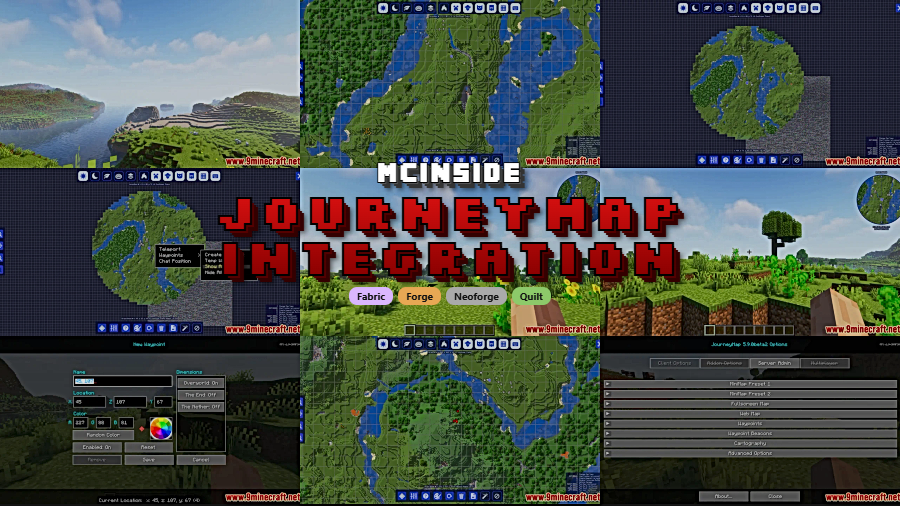
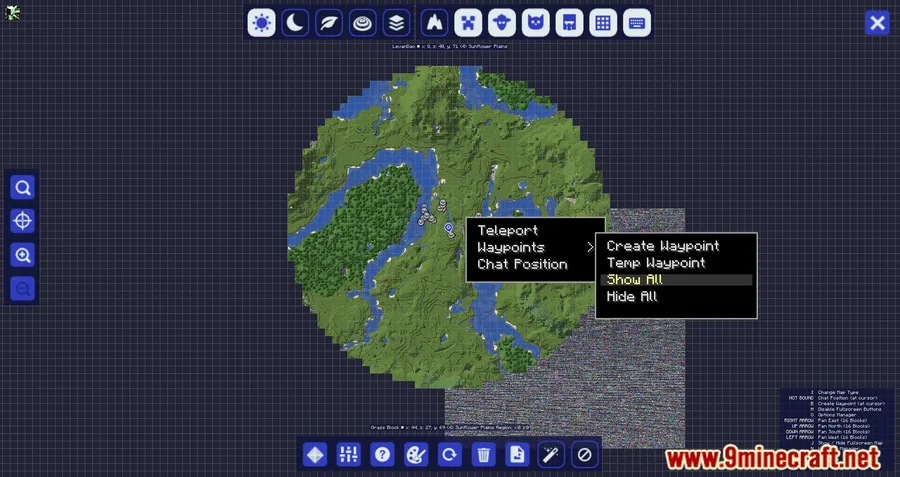
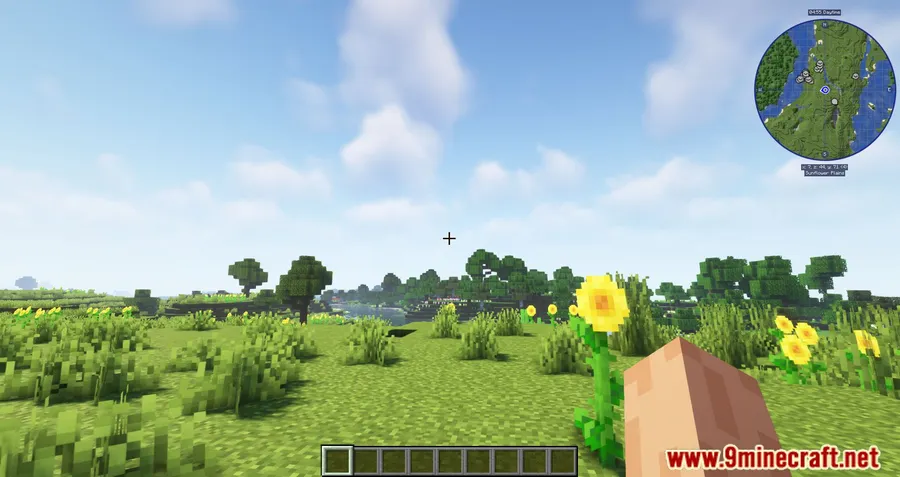
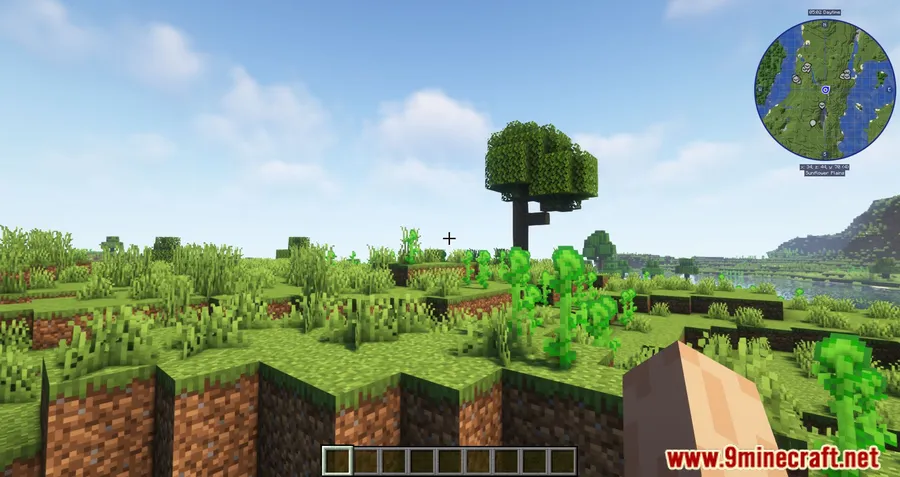
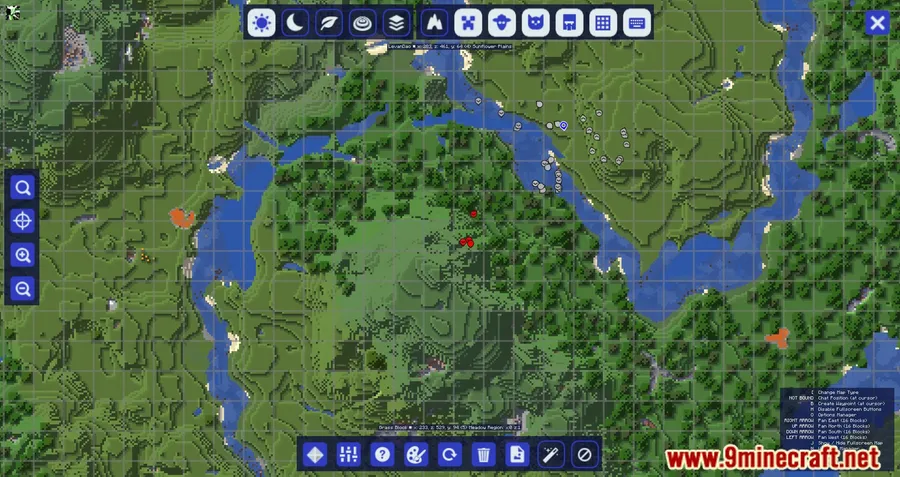
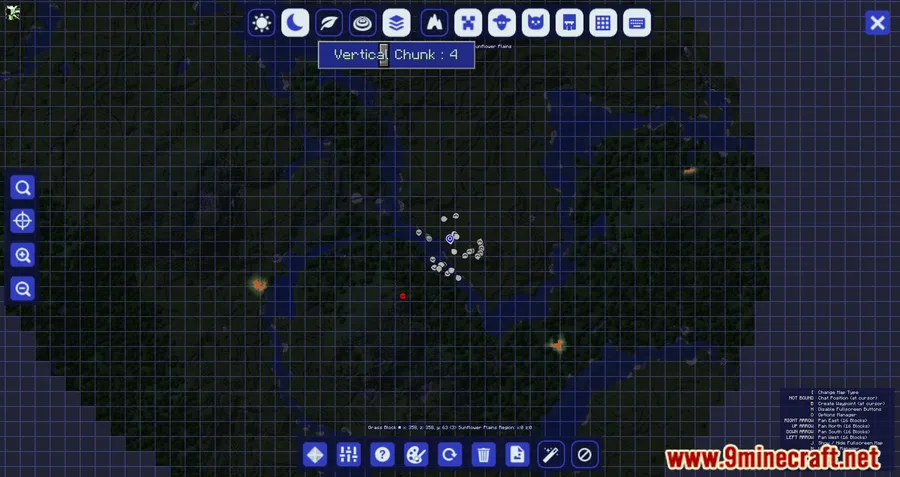
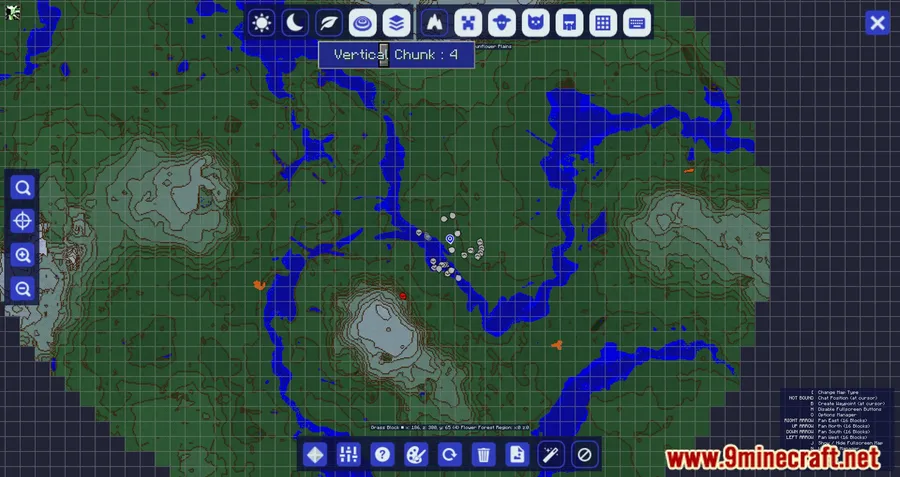
If you rely on JourneyMap for navigation, JourneyMap Integration Mod takes it several steps further by connecting it with popular companion mods like FTB Chunks and Waystones. Instead of switching between interfaces to manage claimed land or locate waystones, everything shows up directly on your JourneyMap — claimed chunks highlighted with color overlays, waystones displayed as icon markers, and coordinate details layered right into the map. Downloaded over 659,000 times since its 2022 release, this lightweight utility mod by frankv_ has become a go-to quality-of-life upgrade for JourneyMap users across Forge, Fabric, NeoForge, and Quilt.
Key Features
- FTB Chunks integration — Claim and unclaim chunks directly through the JourneyMap interface, with claimed areas visually highlighted on the map so you always know which land belongs to whom.
- Claimed chunk info slot — Displays the name of the claimed chunk at your current position, removing the guesswork when exploring territory boundaries.
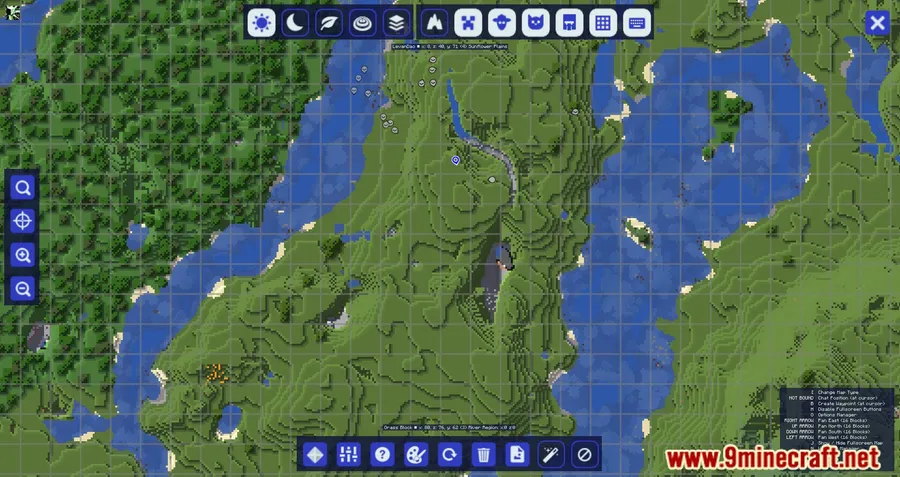
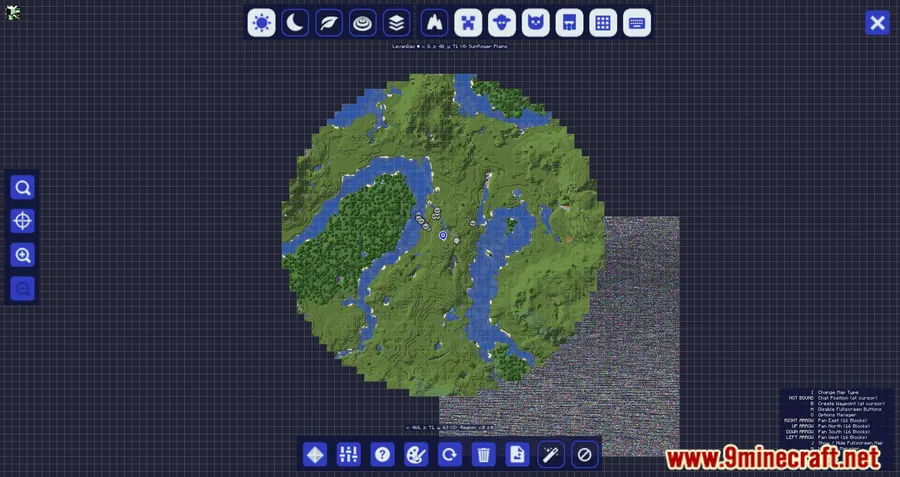
- Waystones on the map — Any placed waystones appear as icon markers on JourneyMap, making fast-travel points visible at a glance without opening a separate menu.
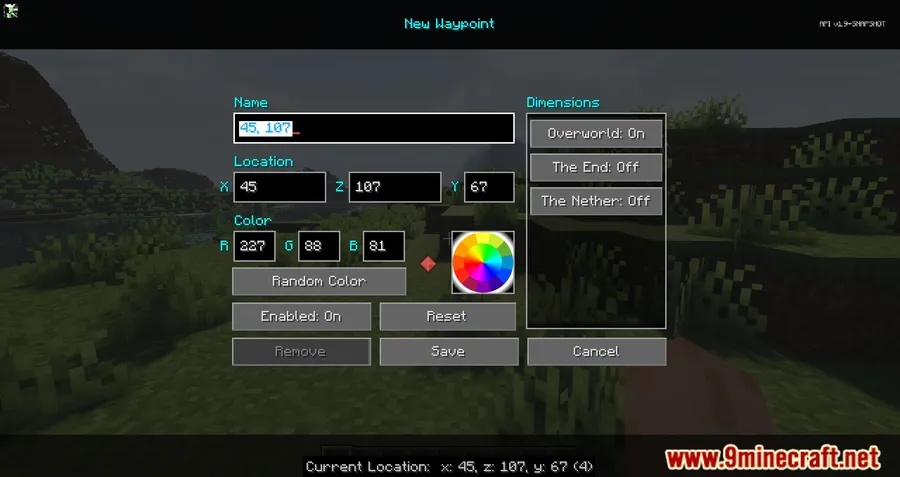
- Waypoint sharing — Send waypoint suggestion messages in client-side chat by shift-right-clicking, handy for quickly sharing locations with friends on a server.
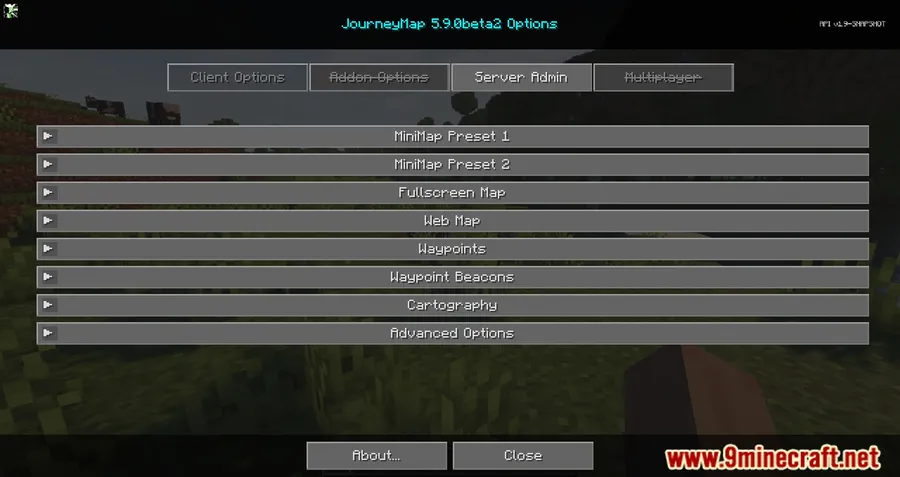
- Smart conflict handling — Automatically disables features that would clash with JourneyMap, such as duplicate MiniMap overlays, Death waypoints, and Waypoint beams.
Screenshots
How to Install
- Install your preferred mod loader — Forge, Fabric, NeoForge, or Quilt — for your Minecraft version.
- Download and install JourneyMap Mod (required dependency). If using Fabric, also install Fabric API.
- Download JourneyMap Integration Mod for your matching Minecraft version and loader from the link below.
- Place the downloaded
.jarfile into your.minecraft/modsfolder. - Launch Minecraft and verify the mod loads — claimed chunks and waystone icons should appear on your JourneyMap.
Requirements
| Category | Details |
|---|---|
| Mod Loader | Forge, Fabric, NeoForge, Quilt |
| Dependencies | JourneyMap Mod, Fabric API (for Fabric), Minecraft Forge / NeoForge Installer (for respective loaders) |
| Minecraft Versions | 26.1, 1.21.11, 1.21.10, 1.21.9, 1.21.8, 1.21.7, 1.21.6, 1.21.5, 1.21.4, 1.21.3, 1.20.4, 1.20.2, 1.19.2, 1.19, 1.18.2, 1.18.1, 1.16.5 |
Pros & Cons
Pros
- Combines FTB Chunks and Waystones into one unified map view
- Supports all major mod loaders — Forge, Fabric, NeoForge, and Quilt
- Wide version range from 1.16.5 through the latest snapshots
- Open-source under MIT license with active development since 2022
- Automatically resolves conflicts with overlapping JourneyMap features
Cons
- Requires JourneyMap as a mandatory dependency — not a standalone mod
- FTB Chunks and Waystones features only work if those mods are also installed
- Some older Minecraft versions (1.16.5, 1.18.1) only support Forge, not Fabric
Download
Always download mods from official sources to stay safe.
What's New
- Improved chunk claiming mode for FTB Chunks, making land management smoother.
- Better client performance through a revamped overlay label rendering system (requires JourneyMap 6.0.0.beta45 or newer for labels to display).
- Fixed a bug where overlay colors did not update properly when a team changed its color.
- Current supported integrations include FTB Chunks and Waystones.
FAQ
Does JourneyMap Integration Mod work without FTB Chunks or Waystones installed?
Yes, the mod functions alongside JourneyMap on its own, but the chunk claiming and waystone marker features only activate when FTB Chunks or Waystones are present in your mod list.
Which mod loaders are supported for the latest Minecraft versions?
For Minecraft 1.21.3, the mod supports NeoForge and Fabric. For 1.20.4, Forge, NeoForge, and Fabric are all available. Older versions vary — check the download section for your specific version.
Do I need a minimum JourneyMap version for the latest update?
Yes, the latest changelog notes that JourneyMap 6.0.0.beta45 or newer is required for overlay labels to render correctly. Older JourneyMap versions may still work but without the improved label display.


![[Let's Do] Meadow Mod (1.21.1) - thumbnail](http://mcinside.com/wp-content/uploads/2026/04/thumbnail-64-52x52.webp)


![Not Enough Recipe Book [NERB] Mod (1.21.11) - thumbnail](http://mcinside.com/wp-content/uploads/2026/04/thumbnail-63-52x52.webp)


