

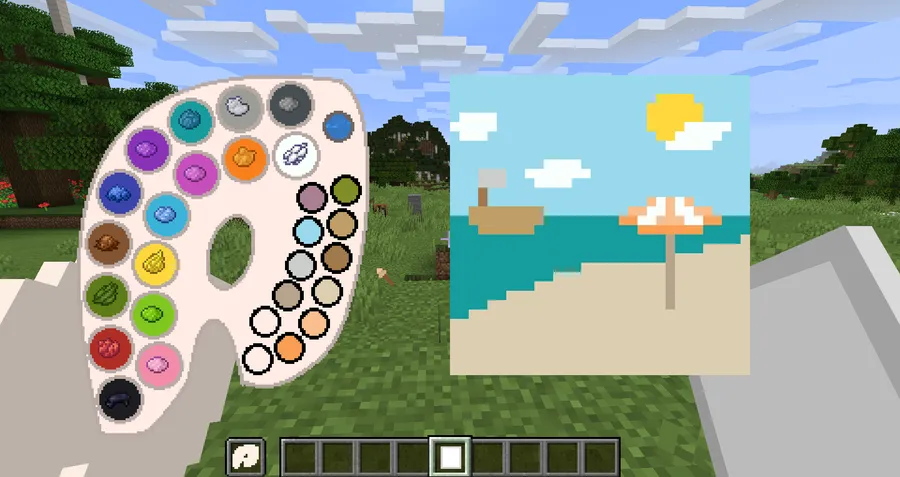
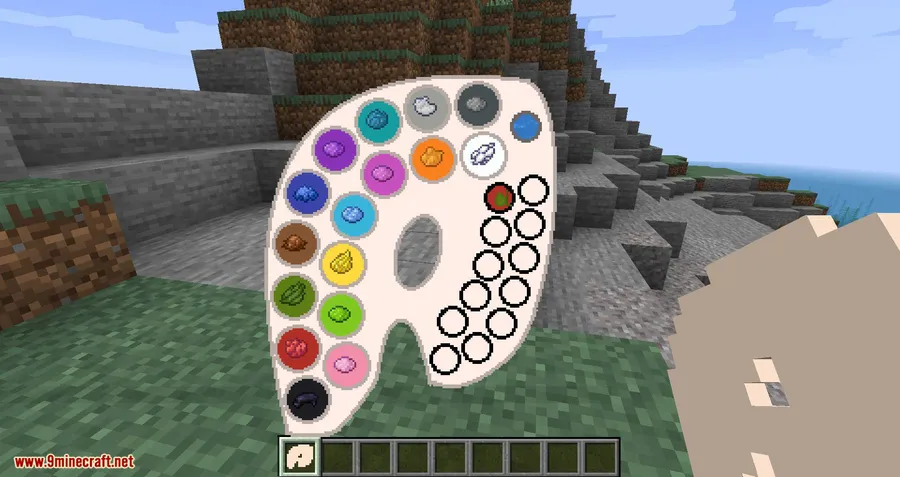
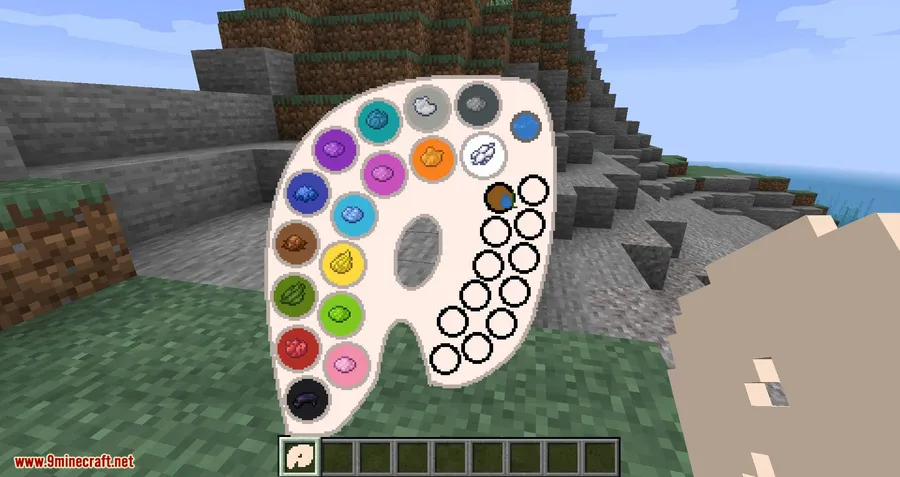
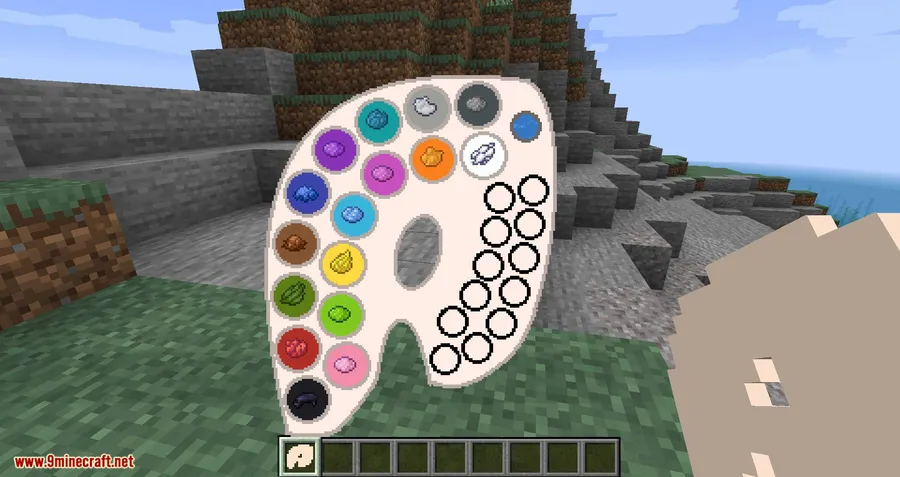
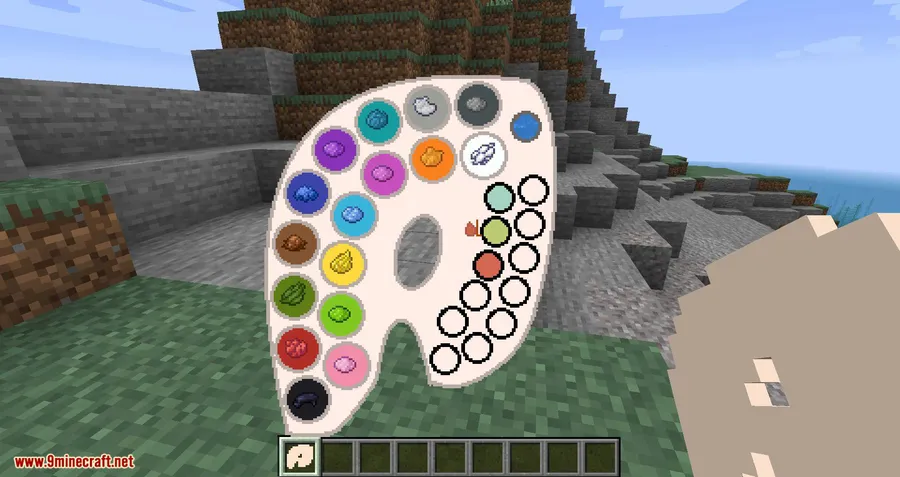
Ever wished you could replace those generic Minecraft paintings with your own creations? Joy of Painting Mod gives you exactly that — a crafting-based painting system where you mix colors on a real palette, pick your brush size, and paint custom artwork directly onto canvases that hang on walls just like vanilla paintings. With over 2.5 million downloads and support across Forge, Fabric, and NeoForge, this community favorite by xerca0 has been a go-to creative tool for builders since its original release.
Key Features
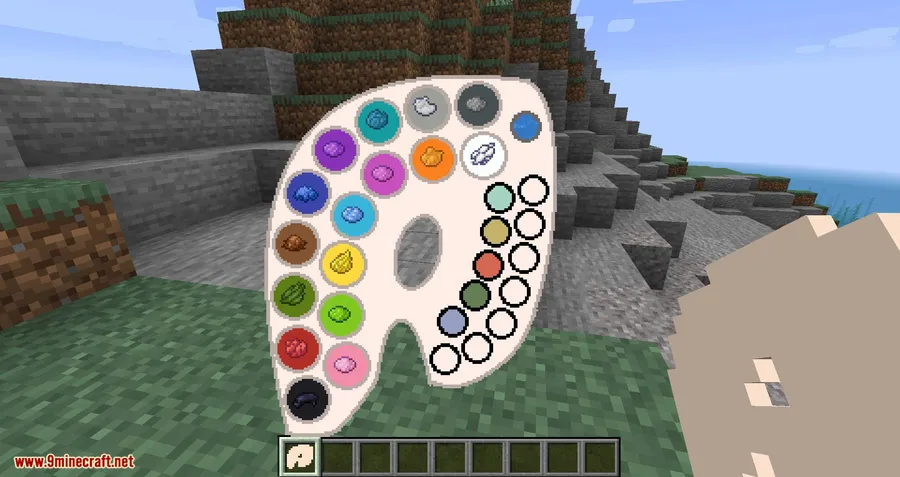
- Full color mixing system — Blend colors on a palette using a mechanic that feels faithful to vanilla Minecraft's crafting style, giving you access to all 16 million RGB colors.
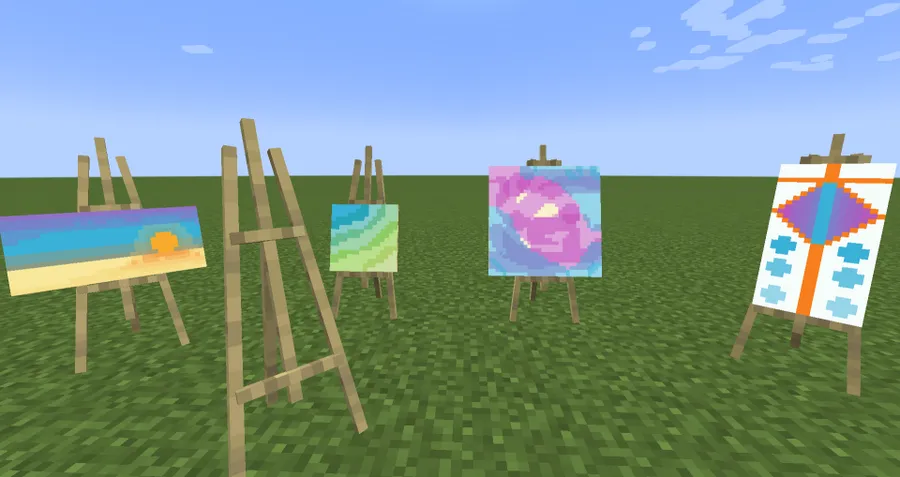
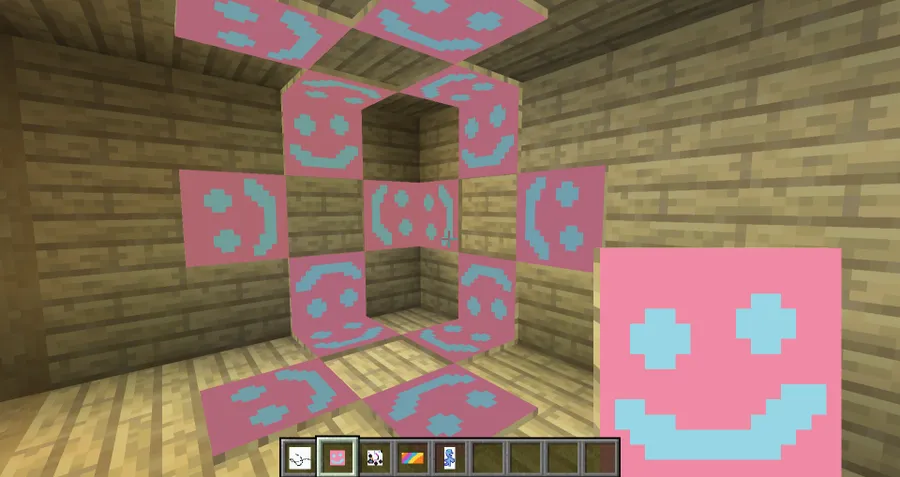
- Multiple brush and canvas options — Choose from several brush sizes for fine detail or broad strokes, and pick from multiple canvas sizes and shapes to fit any wall space.
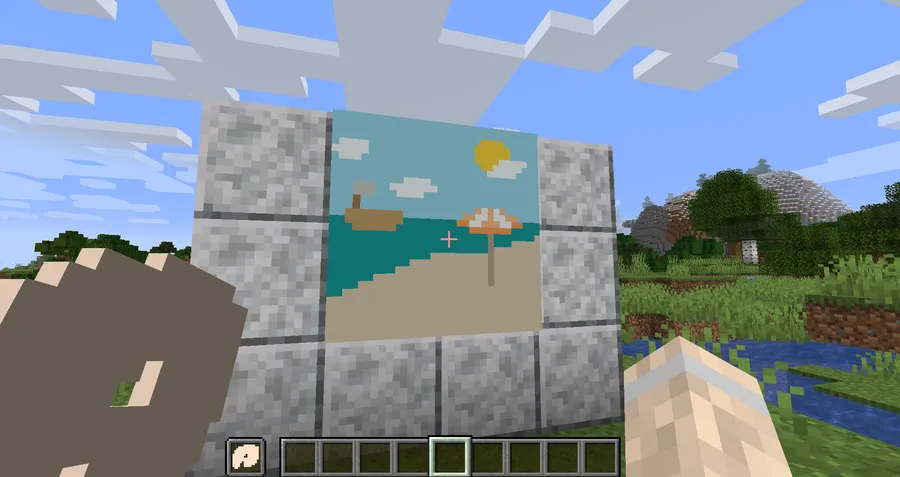
- Hang your art like vanilla paintings — Finished canvases mount directly on walls, replacing generic paintings with your own custom artwork.
- Undo support — Made a mistake? Hit CTRL+Z to undo your last stroke, just like a real drawing program.
Screenshots
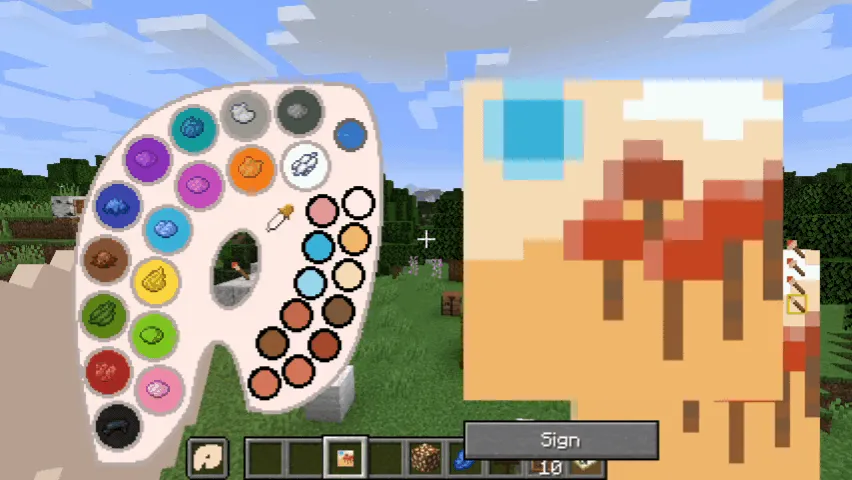
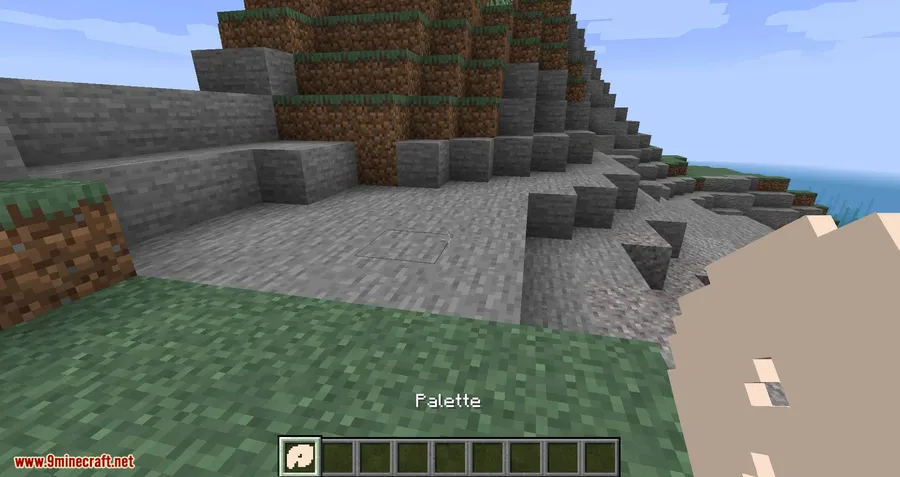
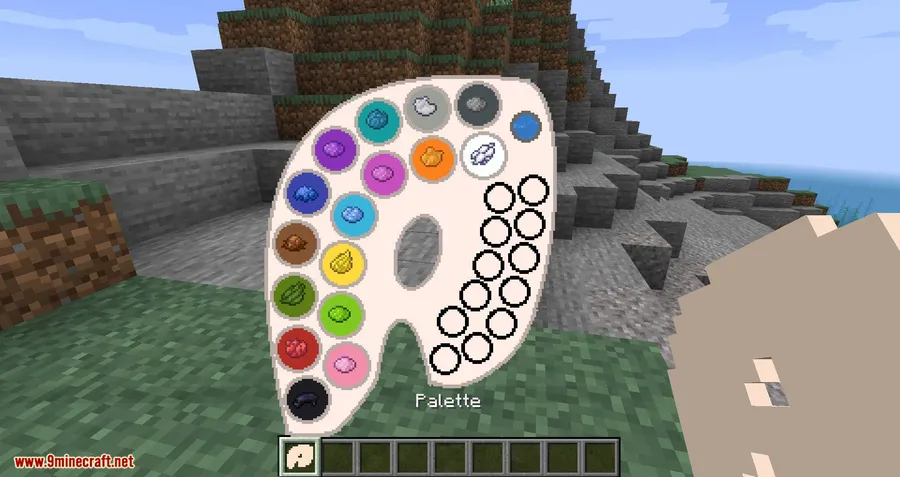
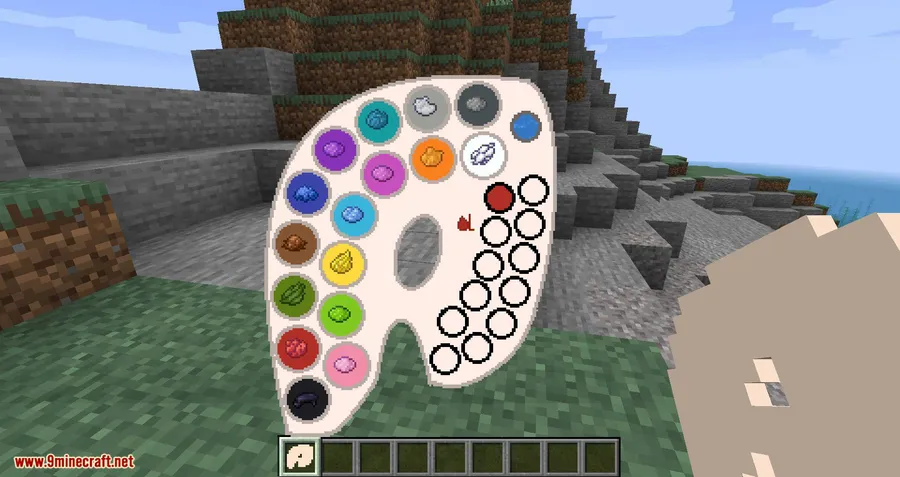
How to Install
- Download and install your preferred mod loader — Forge, Fabric, or NeoForge — for your Minecraft version.
- If using Fabric, also install the Fabric API mod.
- Download the Joy of Painting Mod file matching your Minecraft version and loader.
- Place the downloaded
.jarfile into your.minecraft/modsfolder. - Launch Minecraft with your modded profile and start painting.
Requirements
| Mod Loader | Dependencies | Minecraft Versions |
|---|---|---|
| Forge, Fabric, NeoForge | Minecraft Forge, Fabric API, NeoForge Installer | 1.21.3, 1.19.4, 1.19.3, 1.19.2, 1.18.2, 1.18.1, 1.17.1, 1.16.5, 1.15.2, 1.14.4, 1.12.2 |
Pros & Cons
Pros
- Incredibly intuitive color mixing system that fits Minecraft's crafting feel
- Massive creative freedom with 16 million colors and multiple canvas sizes
- Wide version support spanning from 1.12.2 to 1.21.3
- Available on all three major mod loaders (Forge, Fabric, NeoForge)
- CTRL+Z undo makes the painting process forgiving and enjoyable
Cons
- No multiplayer painting sharing system mentioned — artwork appears to be local
- Fabric support only starts from 1.18.2 onward; earlier versions are Forge-only
- Canvas resolution may feel limited for players expecting high-detail pixel art
Download
Always download mods from official sources to stay safe.
What's New
- Fixed numerous bugs and compatibility issues across supported Minecraft versions.
- Added new palette textures, giving the painting interface a fresh visual update.
- Continued maintenance and updates as of March 2026, showing active development.
FAQ
Can I hang custom paintings on walls like normal Minecraft paintings?
Yes — once you finish painting on a canvas, you can place it on any wall surface and it displays just like a vanilla Minecraft painting.
Does Joy of Painting Mod work with Fabric?
Fabric is supported starting from Minecraft 1.18.2 and newer versions. You will also need the Fabric API installed. For versions 1.17.1 and older, use Forge instead.
How many colors can I use when painting?
The mod gives you access to all 16 million RGB colors through its color mixing mechanic. You blend colors directly on a palette item before applying them to your canvas.


![[Let's Do] Meadow Mod (1.21.1) - thumbnail](http://mcinside.com/wp-content/uploads/2026/04/thumbnail-64-52x52.webp)


![Not Enough Recipe Book [NERB] Mod (1.21.11) - thumbnail](http://mcinside.com/wp-content/uploads/2026/04/thumbnail-63-52x52.webp)
