

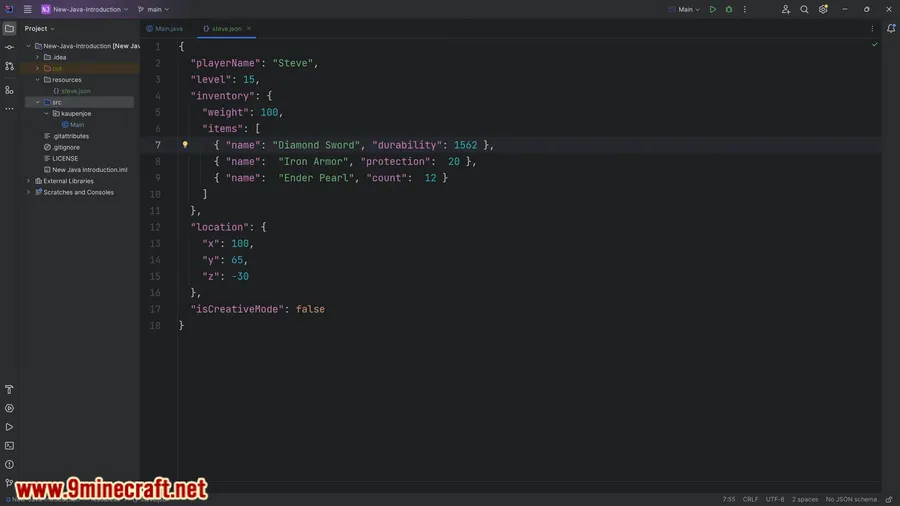
Creating custom Minecraft content typically means diving deep into Java code — a barrier that keeps many creative players on the sidelines. Json Things Mod changes that by letting you define new items, blocks, and recipes using simple JSON files, no programming knowledge required. Whether you're a modpack creator looking to add custom resources or a server owner who wants unique items, this mod turns what used to be hours of coding into a few lines of readable configuration.
Key Features
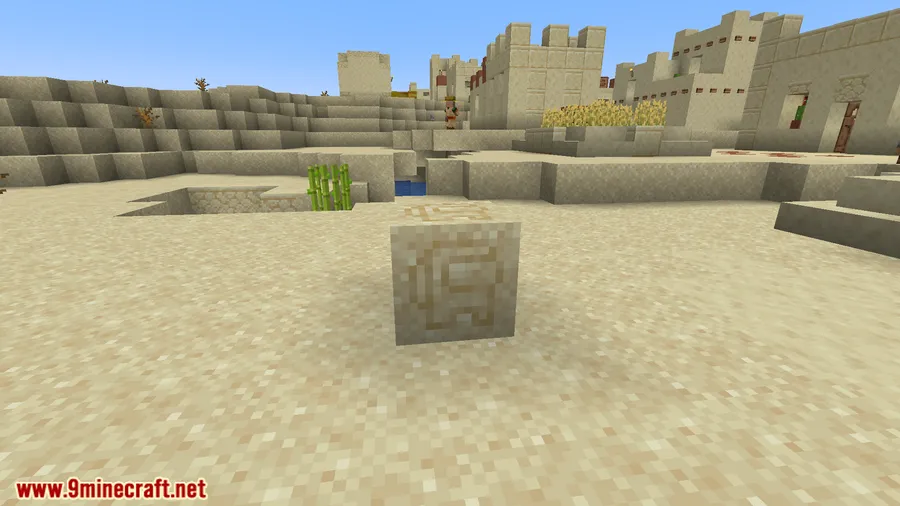
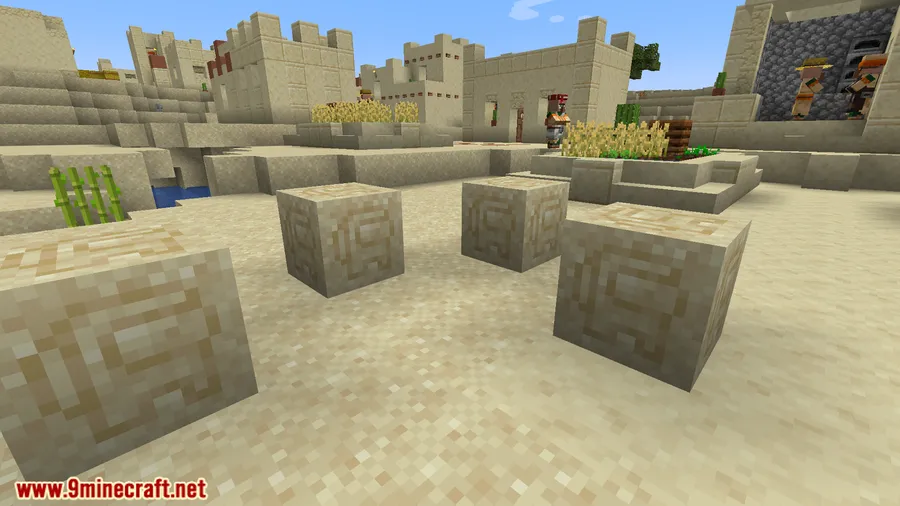
- Custom Items & Blocks via JSON — Define properties like durability, stack size, and behavior for entirely new items and blocks without writing a single line of Java.
- Recipe Management — Add or modify crafting, smelting, and other recipe types through straightforward JSON configurations, making balancing and tweaking a breeze.
- Beginner-Friendly Design — Built with non-programmers in mind, so content creators and modpack authors can expand their Minecraft worlds without a development background.
- Dynamic Resource Pack Updates — Changes load dynamically with resource packs, allowing quick iterations without restarting the game every time you adjust something.
Screenshots


How to Install
- Download and install Minecraft Forge or NeoForge for your Minecraft version.
- Download the Json Things Mod file matching your game version from the link below.
- Open your Minecraft directory and navigate to the
modsfolder (create it if it doesn't exist). - Place the downloaded
.jarfile into themodsfolder. - Launch Minecraft using your Forge or NeoForge profile and verify the mod appears in the mod list.
Requirements
| Requirement | Details |
|---|---|
| Mod Loader | Minecraft Forge or NeoForge |
| Dependencies | None listed beyond the mod loader |
| Minecraft Version | 1.16.5, 1.17.1, 1.18.2, 1.19.2, 1.19.4, 1.20 – 1.20.6, 1.21.11 |
Pros & Cons
Pros
- No Java knowledge needed — pure JSON configuration
- Wide version support from 1.16.5 through 1.21.11
- Hot-reload through resource packs saves time during development
- Works with both Forge and NeoForge on newer versions
Cons
- Limited to what JSON definitions can express — complex behaviors still require Java
- NeoForge support only available from 1.20.4 onward
- Requires understanding of JSON syntax, which may have a small learning curve for complete beginners
Download
Always download mods from official sources to stay safe.
FAQ
Do I need to know how to code to use Json Things Mod?
No. The entire mod is built around JSON files, which are simple text-based configurations. You define items, blocks, and recipes by writing structured data rather than programming logic.
Does Json Things Mod work with Forge and NeoForge?
Yes. Versions for Minecraft 1.16.5 through 1.20.1 use Forge, while 1.20.4 and 1.20.6 use NeoForge. Check the download section for the correct file matching your setup.
Can I add custom content without restarting Minecraft?
Json Things Mod updates dynamically with resource packs, so many changes can be applied without a full game restart — making the content creation workflow significantly faster.


![[Let's Do] Candlelight - Farm&Charm compat Mod (1.21.1) - thumbnail](http://mcinside.com/wp-content/uploads/2026/04/thumbnail-81-52x52.webp)


![[Let's Do] Meadow Mod (1.21.1) - thumbnail](http://mcinside.com/wp-content/uploads/2026/04/thumbnail-64-52x52.webp)


![Not Enough Recipe Book [NERB] Mod (1.21.11) - thumbnail](http://mcinside.com/wp-content/uploads/2026/04/thumbnail-63-52x52.webp)