

Just Enough Items (JEI) is one of those mods that, once installed, you will never want to play Minecraft without again. It places a searchable item browser right inside your inventory screen, letting you look up crafting recipes, block uses, and every item from both vanilla Minecraft and your installed mods in seconds. Whether you are a veteran modpack player juggling hundreds of new items or a beginner trying to remember how to craft a piston, JEI keeps the answers one keystroke away.
Key Features
- Instant Recipe Lookup — Hover over any item and press R to see every way it can be crafted, smelted, or created. No more alt-tabbing to a wiki.
- Usage Viewer — Press U on any item to discover what recipes or machines use it as an ingredient, which is invaluable in large modpacks.
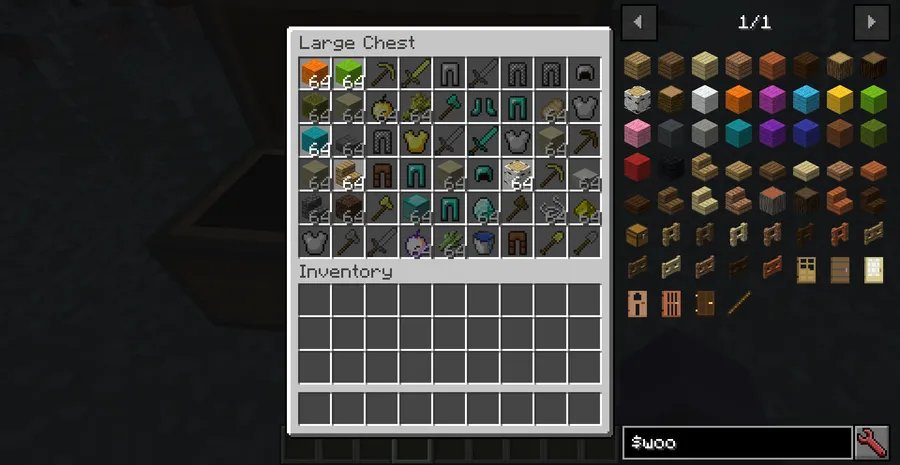
- Searchable Item Browser — A built-in search engine on the right side of your inventory lets you find any block or item by name or ID, including items added by other mods.
- Creative-Style Item Access — Grab any block or item directly from the browser, even in survival mode, making it a handy tool for testing builds or debugging modpacks.
- Toggleable Interface — Press O to show or hide the JEI overlay at any time, keeping your screen clean when you do not need it.
- Wide Mod Loader Support — Available for Forge, Fabric, NeoForge, and Quilt, covering virtually every modern Minecraft setup.
Screenshots
 Just Enough Items Mod (1.21.11, 1.20.1) – JEI, Crafting Recipes Viewing screenshot 1 showing mod in action" loading="lazy" />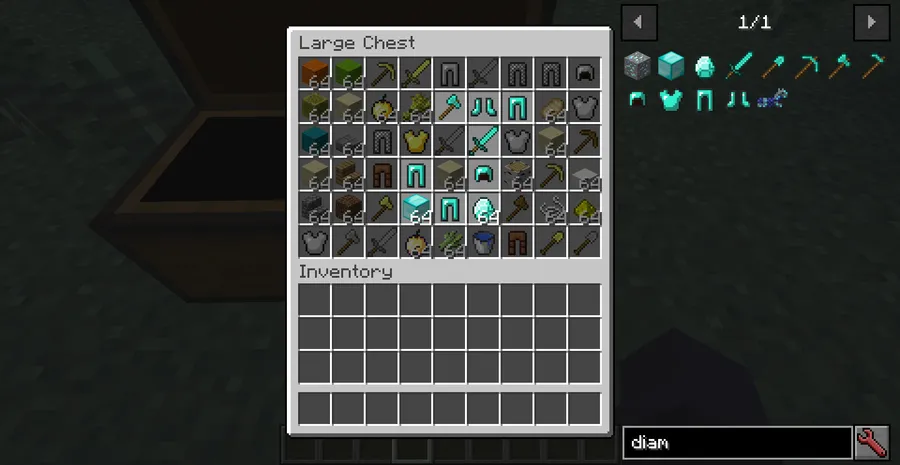
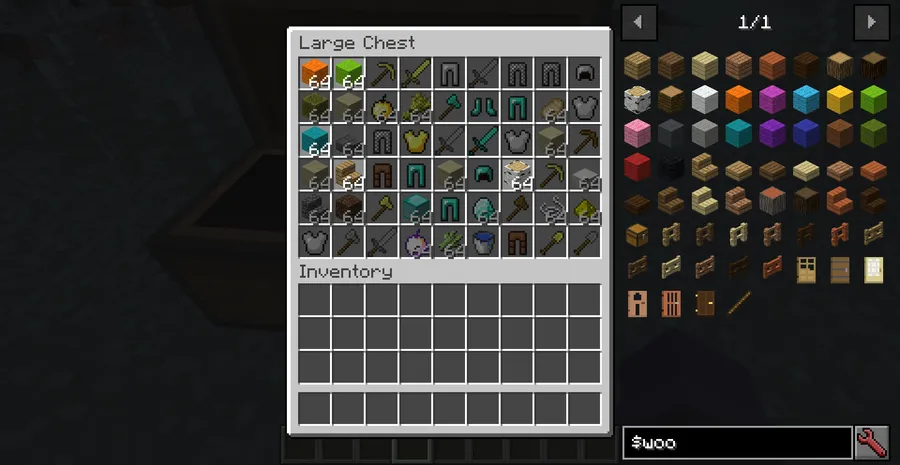
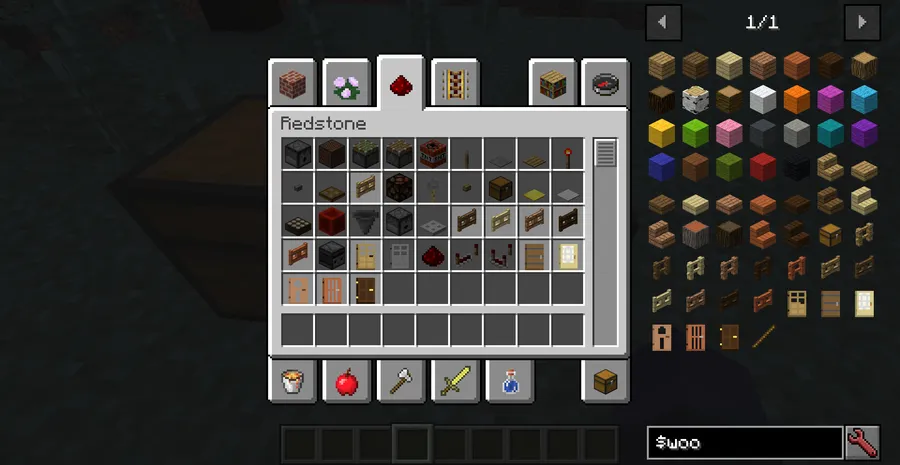
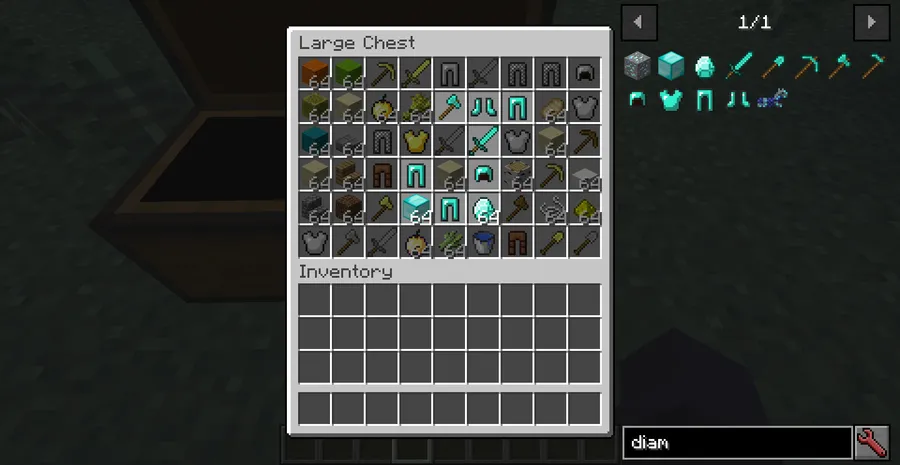
How to Install
- Download and install your preferred mod loader (Forge, Fabric, NeoForge, or Quilt) for your Minecraft version.
- If using Fabric, also install the Fabric API mod.
- Download the matching JEI file from the download section below.
- Place the downloaded
.jarfile into your.minecraft/modsfolder. - Launch Minecraft and open your inventory — the JEI item list should appear on the right side. If it does not, press O to toggle it on.
Requirements
| Requirement | Details |
|---|---|
| Mod Loader | Forge, Fabric, NeoForge, or Quilt |
| Dependencies | Fabric API (Fabric only), Quilt Loader (Quilt only) |
| Minecraft Version | 1.7.10 – 1.21.11 |
Pros & Cons
Pros
- Covers recipes from both vanilla Minecraft and virtually all modded content
- Simple keyboard shortcuts (R, U, O) make it extremely quick to use
- Supports all four major mod loaders — Forge, Fabric, NeoForge, and Quilt
- Available across a huge range of Minecraft versions, from 1.7.10 to 1.21.11
- Built-in search filters items by name or ID instantly
Cons
- The JEI overlay can feel cluttered on smaller screen resolutions
- Requires a separate Fabric API install when running on Fabric
- Not all older versions include support for every mod loader
Download
Always download mods from official sources to stay safe.
FAQ
How do I open the JEI interface in Minecraft?
JEI should appear automatically on the right side of your inventory screen after installation. If it does not show up, press the O key to toggle the interface on or off.
What is the difference between the R and U keys in JEI?
Pressing R while hovering over an item shows you its crafting recipes, while pressing U shows you all the recipes and machines that use that item as an ingredient.
Does JEI work with other mods in a modpack?
Yes. JEI automatically detects items and recipes added by other installed mods and includes them in its searchable browser, making it an essential companion for any modpack.


![[Let's Do] Meadow Mod (1.21.1) - thumbnail](http://mcinside.com/wp-content/uploads/2026/04/thumbnail-64-52x52.webp)


![Not Enough Recipe Book [NERB] Mod (1.21.11) - thumbnail](http://mcinside.com/wp-content/uploads/2026/04/thumbnail-63-52x52.webp)


