

Running a Minecraft server means constantly dealing with player onboarding — handing out starter gear, resupplying after raids, or setting up event loadouts. Kits Mod solves this by letting server admins create, save, and distribute predetermined inventory sets through simple commands. Instead of manually trading items to every new player, you define a kit once and any player can claim it with a single command, complete with configurable cooldowns to prevent abuse.
Key Features
- Create custom kits with cooldowns — Use
/kit add [kit_name] [cooldown_milliseconds]to save your current inventory as a reusable kit. The cooldown timer prevents players from spamming claims. - One-command kit claiming — Players simply type
/kit claim [kit_name]to receive a full set of items instantly, no admin intervention needed. - Easy kit management — Remove outdated or unwanted kits with
/kit remove [kit_name], keeping your server's kit list clean and organized. - Flexible kit contents — Kits can include any combination of items: armor sets, food, tools, weapons, or any other inventory items your server needs.
Screenshots


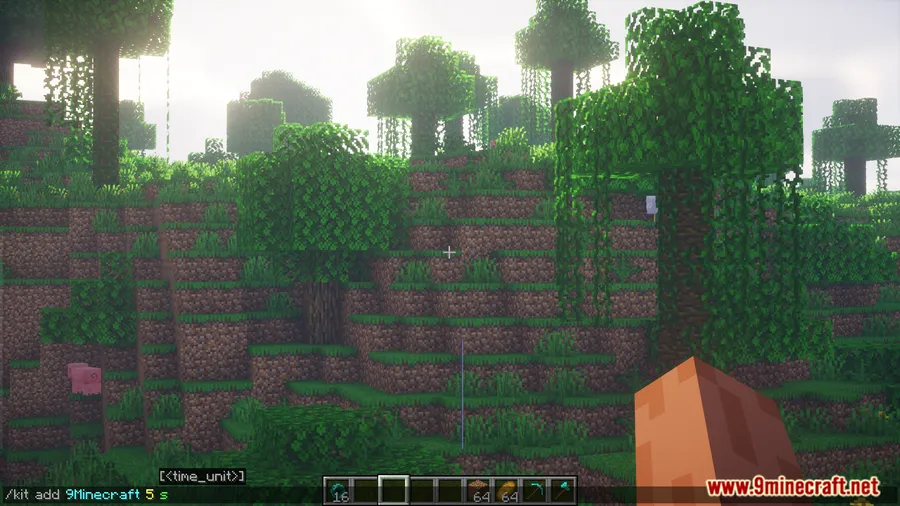
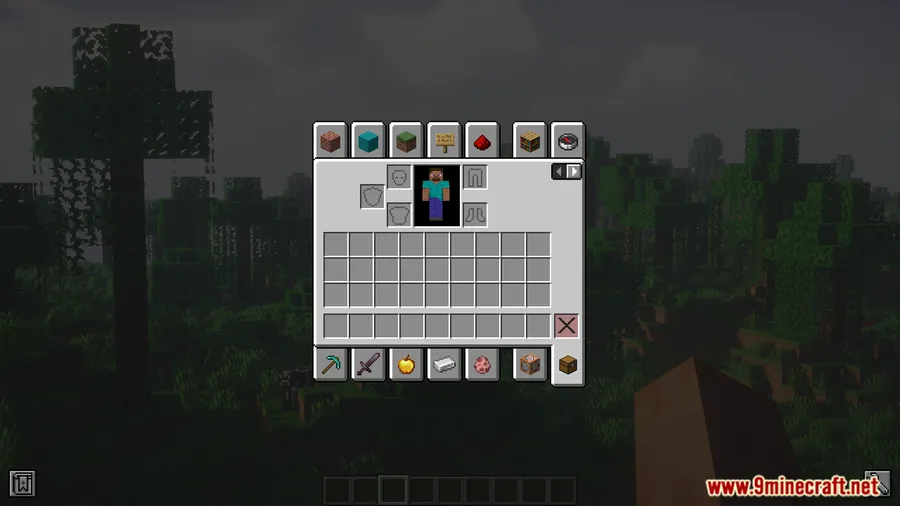
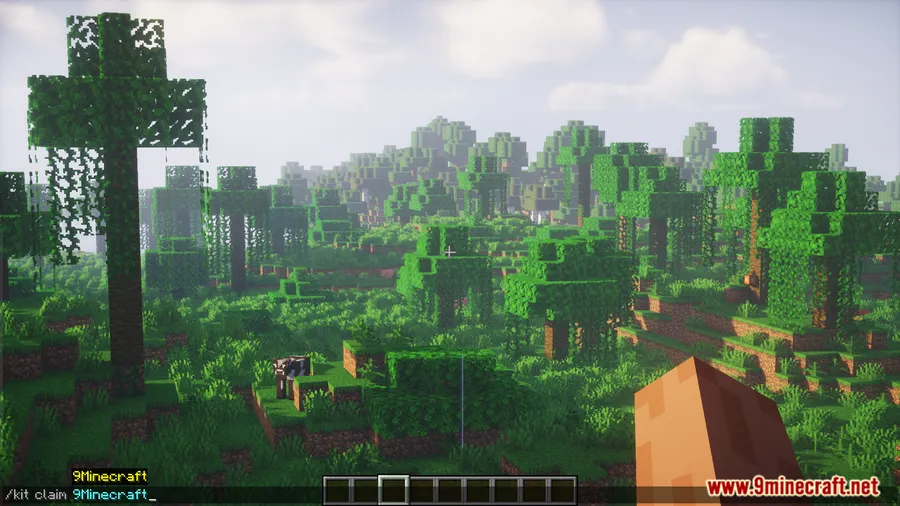

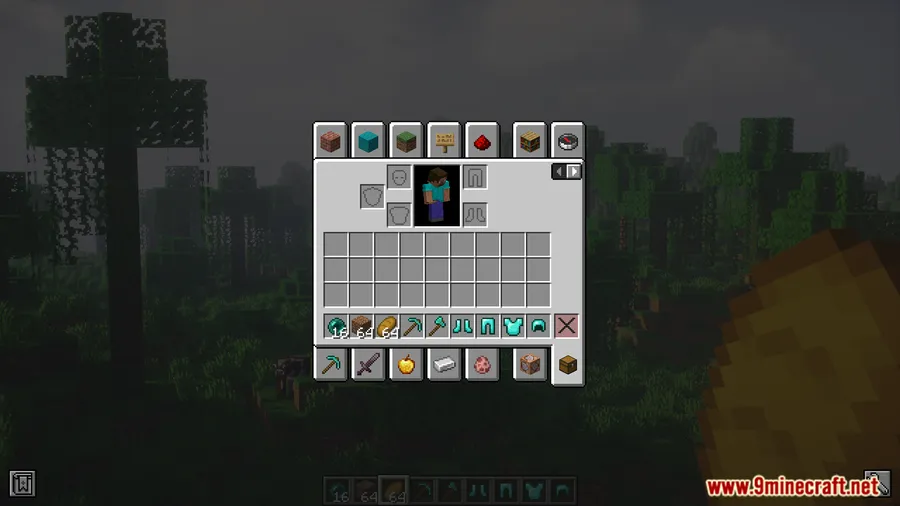
How to Install
- Download and install Fabric Loader for your Minecraft version.
- Download Fabric API and place it in your
.minecraft/modsfolder. - Download Kits Mod for your Minecraft version from the link below.
- Place the Kits Mod
.jarfile into the samemodsfolder. - Launch Minecraft with the Fabric profile and start your server.
Requirements
| Requirement | Details |
|---|---|
| Mod Loader | Fabric |
| Dependencies | Fabric API |
| Minecraft Version | 1.17.1, 1.18.2, 1.19.2, 1.19.3, 1.20 – 1.20.6, 1.21 – 1.21.1 |
Pros & Cons
Pros
- Simple command-based system that requires no complex configuration files
- Built-in cooldown support to prevent kit abuse on public servers
- Supports a wide range of Minecraft versions from 1.17.1 to 1.21.1
- Appears to be lightweight — server utility mod with minimal overhead
Cons
- Fabric-only — no Forge or NeoForge support available
- Requires Fabric API as an additional dependency
- Limited to command-based interaction with no GUI for kit management
Download
Always download mods from official sources to stay safe.
FAQ
How do I set a cooldown for kits in Kits Mod?
When creating a kit, use the command /kit add [kit_name] [cooldown_milliseconds]. The cooldown value is set in milliseconds — for example, 3600000 equals a one-hour cooldown between claims.
Can regular players create their own kits?
No, kit creation and removal are admin-level commands. Regular players can only claim existing kits using /kit claim [kit_name].
Does Kits Mod work with Forge?
Kits Mod is built exclusively for the Fabric mod loader and requires Fabric API. There is no Forge or NeoForge version available based on current releases.


![[Let's Do] Meadow Mod (1.21.1) - thumbnail](http://mcinside.com/wp-content/uploads/2026/04/thumbnail-64-52x52.webp)


![Not Enough Recipe Book [NERB] Mod (1.21.11) - thumbnail](http://mcinside.com/wp-content/uploads/2026/04/thumbnail-63-52x52.webp)


