

Every Minecraft world quietly loads a 21×21 grid of spawn chunks — 441 chunks sitting in memory whether you need them or not. Ksyxis Mod by VidTu eliminates this behavior entirely, letting worlds load faster and freeing up resources that matter on modest hardware. Downloaded over 4.7 million times across Forge, Fabric, Quilt, and NeoForge, it has become one of the most popular lightweight performance tweaks in the modding community.
Key Features
- Spawn chunk removal — Prevents Minecraft from keeping the default 441 spawn chunks permanently loaded, cutting unnecessary memory usage and processing overhead right from world entry.
- Faster world loading — By skipping the spawn chunk initialization step, world loading times drop noticeably, especially on lower-spec machines, laptops, or servers with limited RAM.
- Multi-loader support — Works across Forge, Fabric, Quilt, and NeoForge, so you can slot it into virtually any modpack setup without compatibility headaches.
- Lightweight and passive — No configuration needed. Install it and forget it — Ksyxis runs silently in the background with no UI or settings to manage.
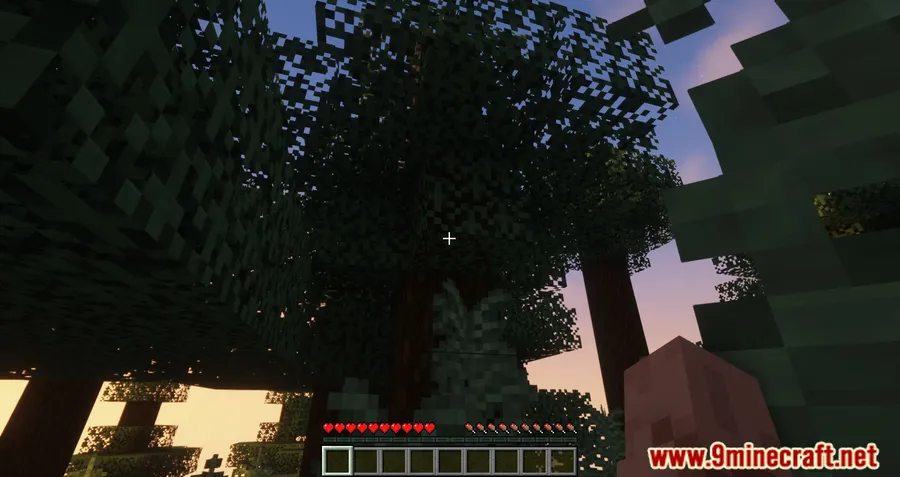
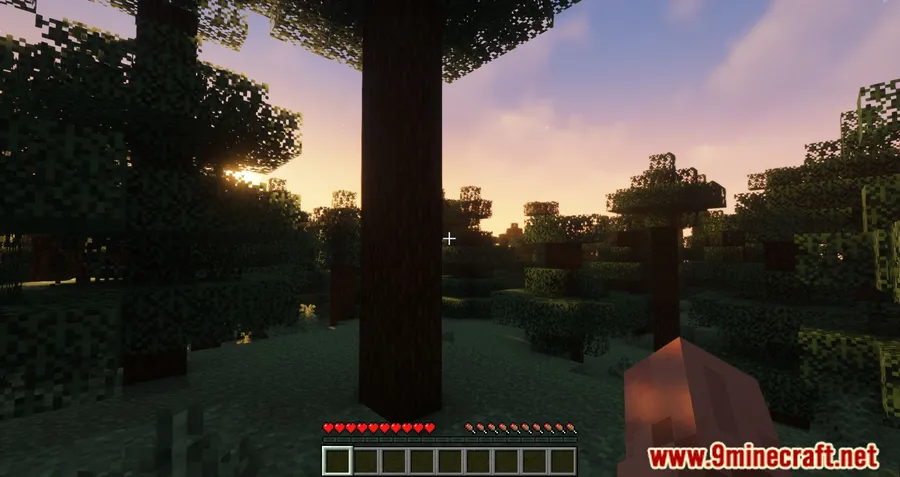
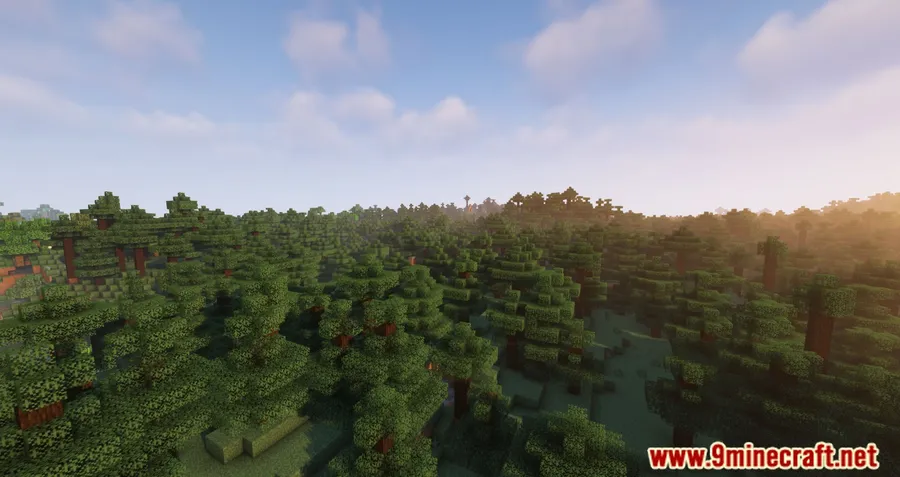
Screenshots




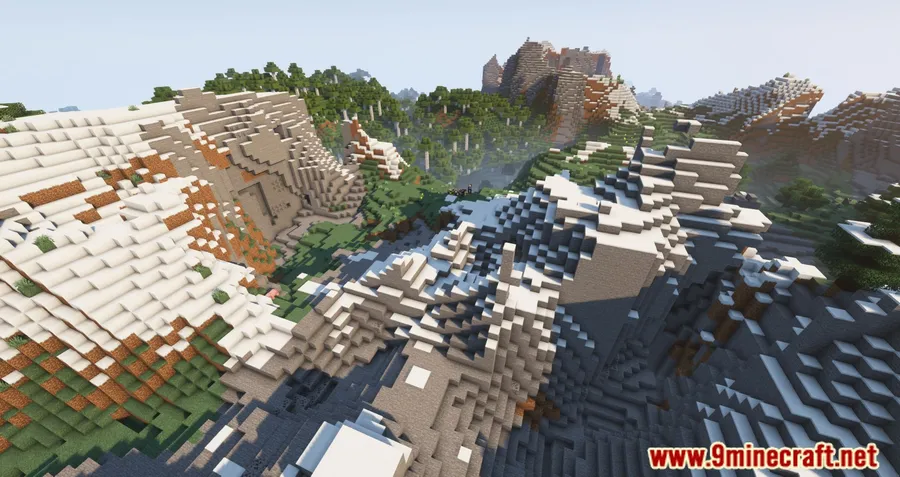
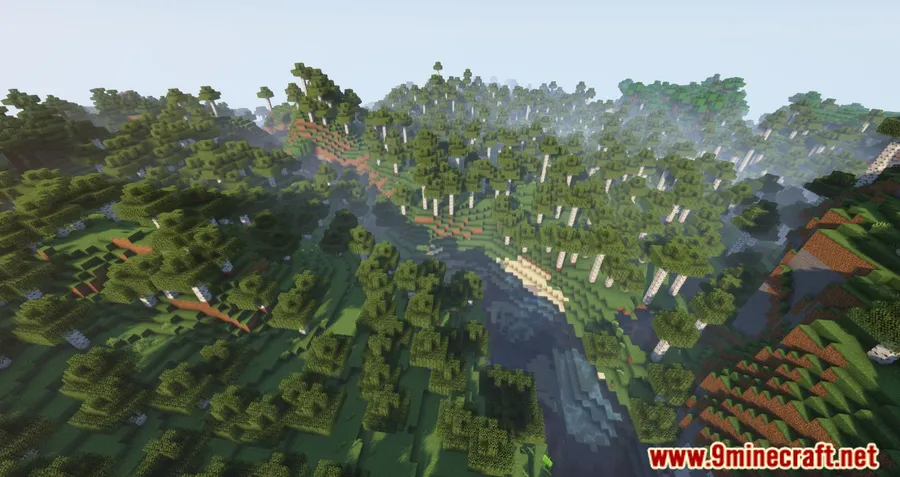
How to Install
- Download and install your preferred mod loader (Forge, Fabric, NeoForge, or Quilt).
- If using Fabric, make sure Fabric API is also installed.
- Download the Ksyxis version that matches your Minecraft version and mod loader.
- Place the downloaded
.jarfile into your.minecraft/modsfolder. - Launch Minecraft — spawn chunks will no longer be force-loaded.
Requirements
| Category | Details |
|---|---|
| Mod Loaders | Forge, Fabric, Quilt, NeoForge |
| Dependencies | Minecraft Forge, Fabric API, Quilt Loader, NeoForge Installer |
| Minecraft Versions | See download section for available versions |
Pros & Cons
Pros
- Significantly speeds up world loading on lower-end hardware
- Supports all four major mod loaders
- Zero configuration — install and go
- Open-source under MIT license with active development
- Appears to be lightweight with minimal footprint
Cons
- High-end PCs may not notice a meaningful difference
- Spawn-point-based farms or contraptions may not stay loaded as expected
- Versions newer than 1.21.8 are unsupported since Mojang removed spawn chunks natively
Download
Always download mods from official sources to stay safe.
What's New
- Versions newer than 1.21.8 are now explicitly marked as unsupported — Mojang removed spawn chunks in snapshot 25w31a, making the mod unnecessary on those builds.
- A logging marker has been added to every logging call for easier debugging and troubleshooting.
- General logging improvements throughout the mod.
- Added support for reproducible builds, increasing transparency and build verification.
- Various internal code improvements and cleanup.
FAQ
Does Ksyxis break spawn-point farms or redstone contraptions?
It can. Since Ksyxis removes the always-loaded spawn chunks, any farms or redstone machines that rely on those chunks staying active will stop functioning when you move away. Consider this before installing if your world depends on spawn-area automation.
Do I still need Ksyxis on Minecraft 1.21.8 and newer?
No. Mojang removed spawn chunks natively starting from snapshot 25w31a, so the mod has no effect on those versions. The developer has explicitly marked them as unsupported.
Is Ksyxis compatible with other performance mods like Sodium or Lithium?
Ksyxis targets a specific mechanic — spawn chunk loading — that other performance mods typically do not touch. It is generally used alongside other optimization mods without reported conflicts, though always check version compatibility for your specific modpack.


![[Let's Do] Meadow Mod (1.21.1) - thumbnail](http://mcinside.com/wp-content/uploads/2026/04/thumbnail-64-52x52.webp)


![Not Enough Recipe Book [NERB] Mod (1.21.11) - thumbnail](http://mcinside.com/wp-content/uploads/2026/04/thumbnail-63-52x52.webp)
