

Playing Minecraft with friends should be simple, but vanilla LAN setup often involves messing with port forwarding, firewall rules, and network configurations that most players would rather skip entirely. LAN World Plug-N-Play Mod takes care of all that automatically — open your world to LAN, and it handles the networking behind the scenes so anyone can join from anywhere, not just your local network. With over 5.1 million downloads and active development since 2021, this utility has become a go-to solution for players who want hassle-free multiplayer without running a dedicated server.
Key Features
- Automatic Port Forwarding — The mod handles all network configuration automatically when you open a LAN world, removing the need to manually configure your router or firewall settings.
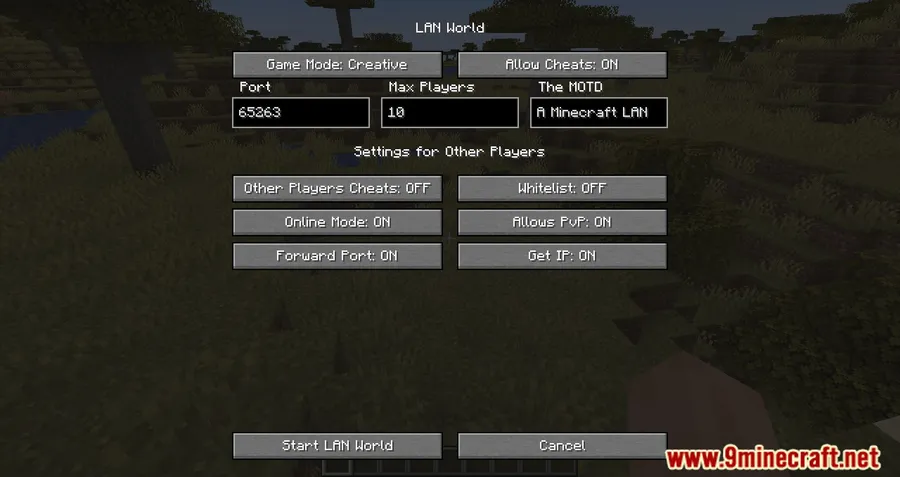
- Custom Port Selection — Change the port number of your LAN world, which is useful if the default port is blocked or already in use by another application.
- Remote Connections — Players can connect to your world from anywhere, not just devices on the same local network — effectively turning your singleplayer world into a lightweight server.
- OP Permission Control — Manage operator permissions for other players who join, giving you control over who can use commands in your world.
- Game Mode & PVP Toggle — Automatically selects the appropriate game mode based on your world type, and lets you enable or disable PVP as needed.
- Offline Mode Support — Includes a UUID Fixer to prevent loss of backpack and inventory items for offline mode players, plus a
/forceofflinecommand to control offline mode behavior.
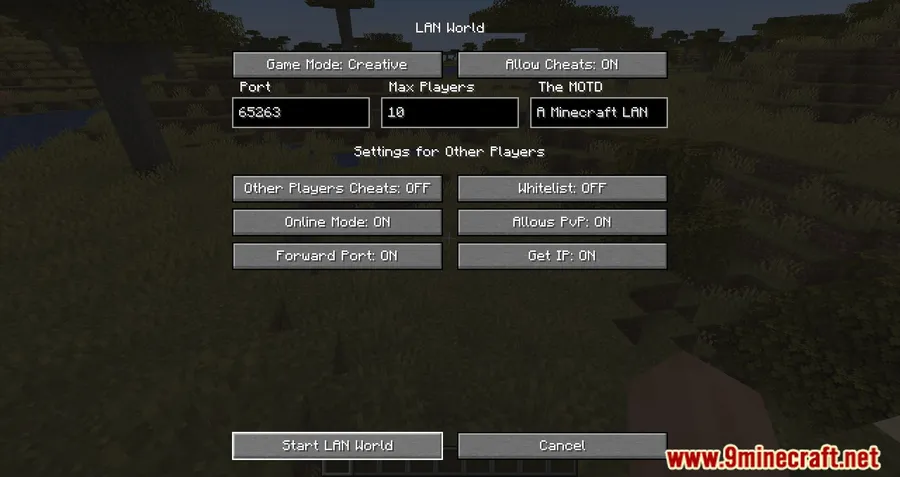
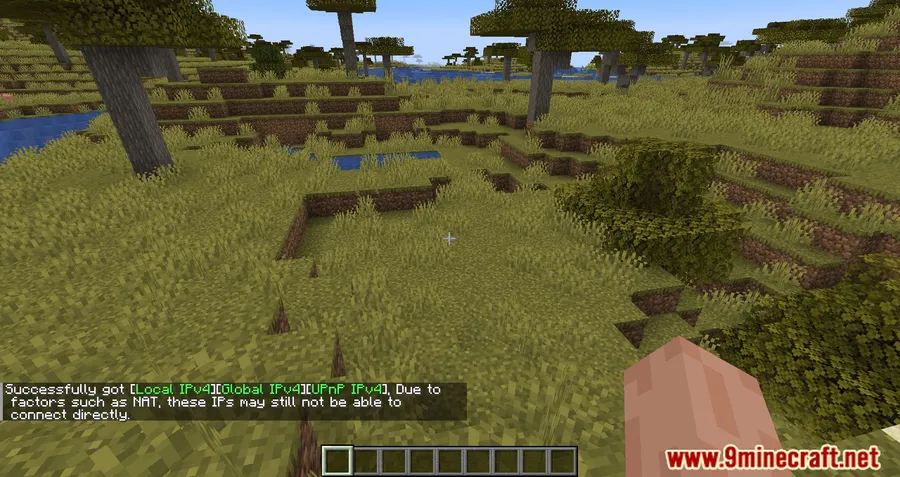
Screenshots


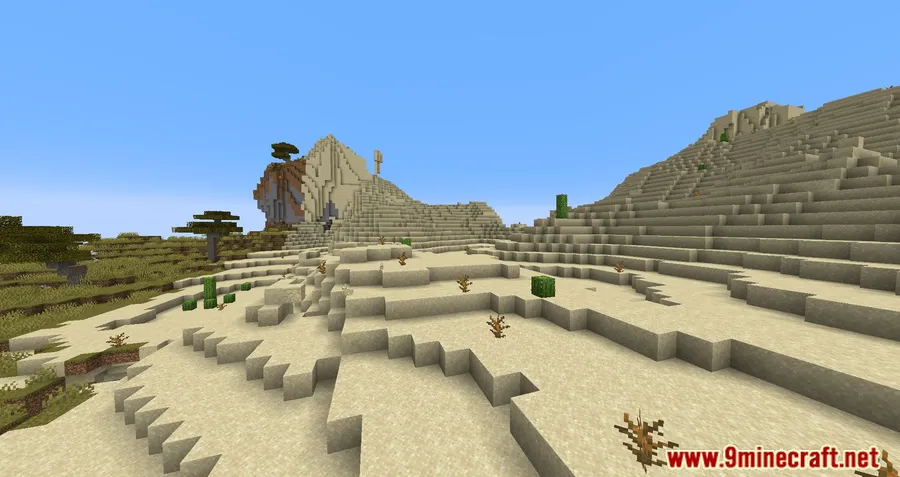
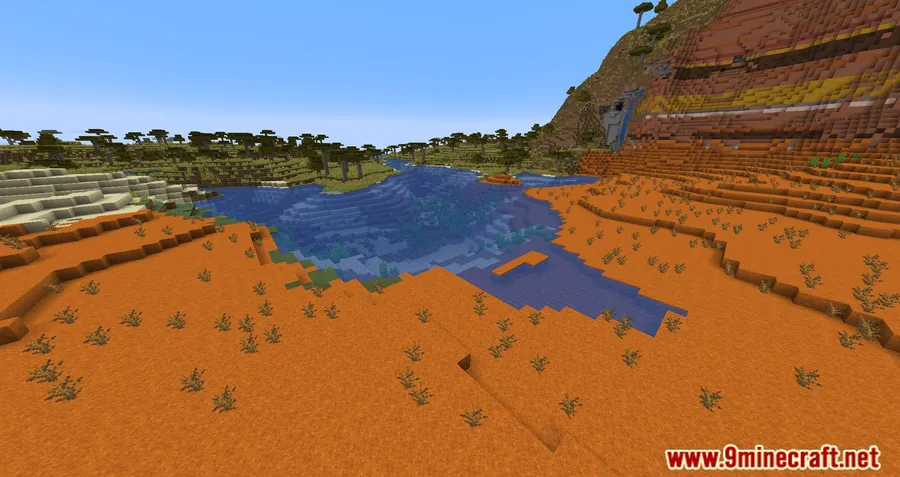
How to Install
- Download and install your preferred mod loader (Forge, Fabric, NeoForge, or Quilt) for your Minecraft version.
- If using Fabric, make sure you also install the Fabric API.
- Download the LAN World Plug-N-Play Mod file matching your Minecraft version and mod loader.
- Place the downloaded
.jarfile into your.minecraft/modsfolder. - Launch Minecraft, open a world, and use the "Open to LAN" option — the mod handles the rest automatically.
Requirements
| Mod Loader | Dependencies | Minecraft Versions |
|---|---|---|
| Forge, Fabric, NeoForge, Quilt | Fabric API (for Fabric), Quilt Loader (for Quilt), NeoForge Installer (for NeoForge) | 26.1, 1.21.11, 1.21.10, 1.21.9, 1.21.8, 1.21.7, 1.21.6, 1.21.5, 1.21.4, 1.21.3, 1.21.1, 1.21, 1.20.6, 1.20.4, 1.20.2, 1.20.1, 1.20, 1.19.4, 1.19.3, 1.19.2, 1.19.1, 1.19, 1.18.2, 1.18.1, 1.17.1, 1.16.5, 1.15.2 |
Pros & Cons
Pros
- Eliminates manual port forwarding and network setup entirely
- Supports all four major mod loaders (Forge, Fabric, NeoForge, Quilt)
- Covers a wide range of Minecraft versions from 1.15.2 to 26.1
- Includes offline player support with UUID Fixer to prevent item loss
- Open source under Apache-2.0 license with active development
Cons
- Some older Minecraft versions only support Fabric or Forge, not both
- Quilt support appears limited to specific versions (1.19.4)
- Relies on automatic port forwarding which may not work on all network setups (e.g., strict NAT or corporate networks)
Download
Always download mods from official sources to stay safe.
FAQ
Can my friends join from a different network, not just LAN?
Yes, that is the main purpose of this mod. It automatically handles port forwarding so players can connect to your world from anywhere, not just devices on your local network.
Does LAN World Plug-N-Play work with both Forge and Fabric?
Yes, the mod supports Forge, Fabric, NeoForge, and Quilt. However, loader availability varies by Minecraft version — check the downloads section for your specific version.
Will my friend lose their inventory if they play in offline mode?
The mod includes a UUID Fixer specifically designed to prevent loss of backpack and inventory items for offline mode players. You can also use the /forceoffline command to manage offline mode behavior.


![[Let's Do] Meadow Mod (1.21.1) - thumbnail](http://mcinside.com/wp-content/uploads/2026/04/thumbnail-64-52x52.webp)


![Not Enough Recipe Book [NERB] Mod (1.21.11) - thumbnail](http://mcinside.com/wp-content/uploads/2026/04/thumbnail-63-52x52.webp)

