

Anyone who has played on a busy multiplayer server knows the pain — the Wither spawns on the other side of the map, and every single player hears that deafening roar. Lazyboys No Global Sounds Mod puts an end to that by automatically disabling the global sound gamerule each time your game or server loads. No more world-wide Ender Dragon death screams, no more surprise End portal activation blasts reaching players thousands of blocks away.
Key Features
- Automatic gamerule override — Sets the global sound gamerule to false on every game or server load, so you never have to remember to toggle it manually.
- Silences boss event broadcasts — Blocks the Wither spawn and charge-up sounds, Ender Dragon death roar, and End portal activation noise from playing for all players regardless of distance.
- Removes Guardian curse reach — Prevents the Guardian "curse" attack sound from reaching players who are nowhere near the source.
- Set-and-forget design — Once installed, the mod works automatically with no configuration needed. It re-applies the setting on every load, so even server restarts won't undo it.
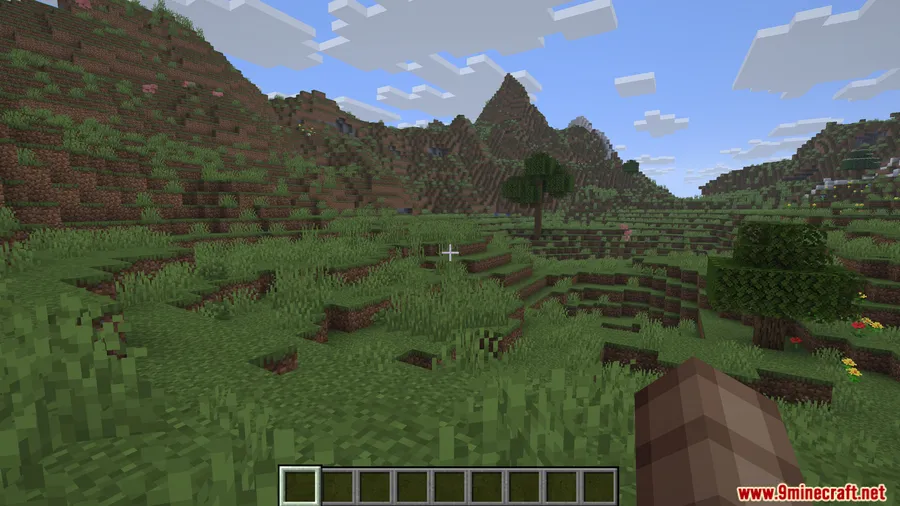
Screenshots
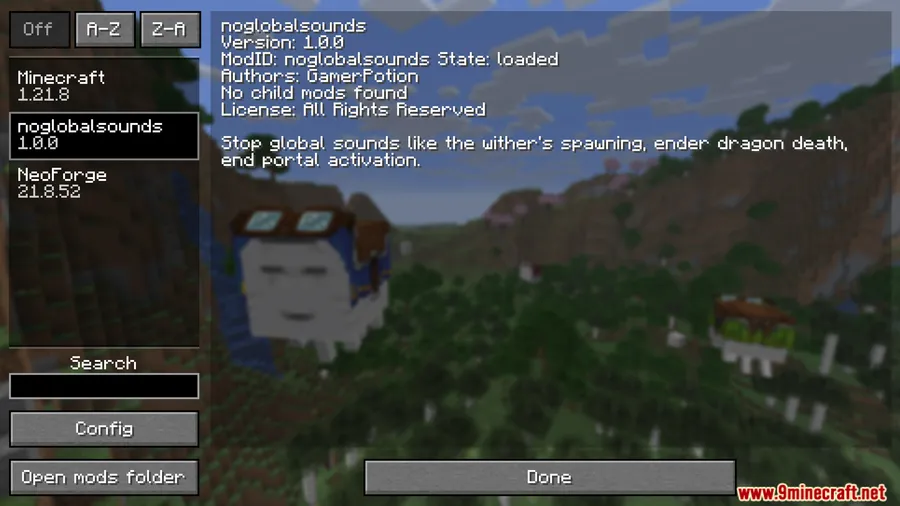
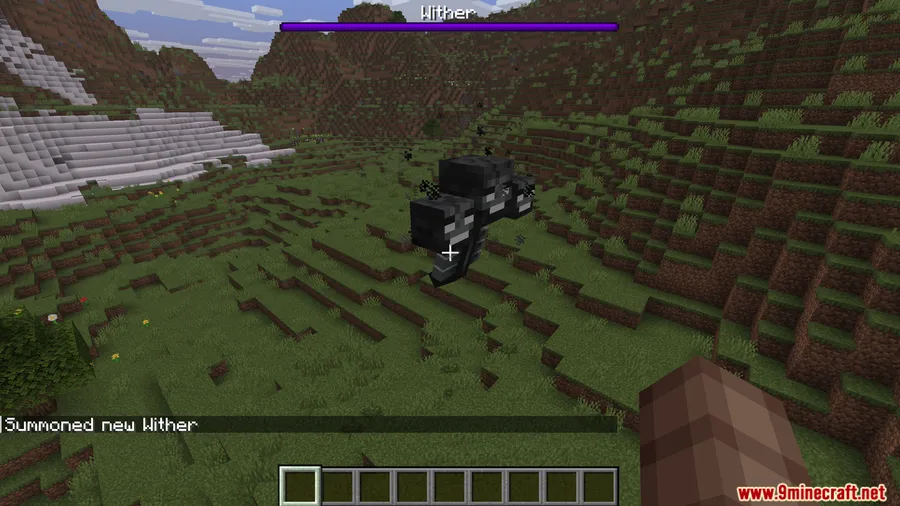
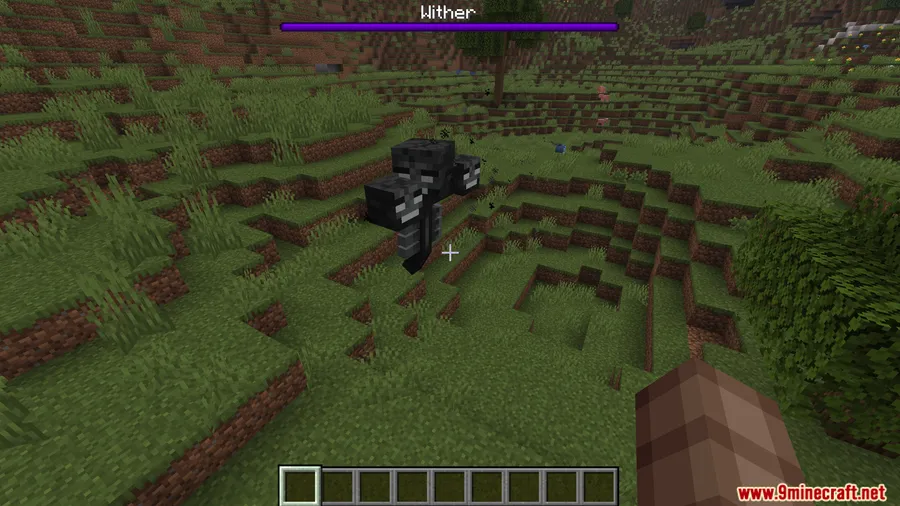
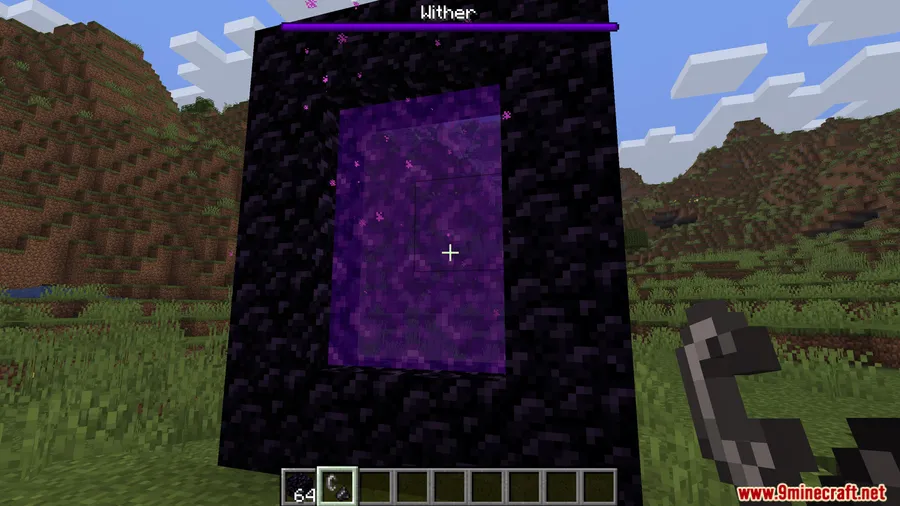
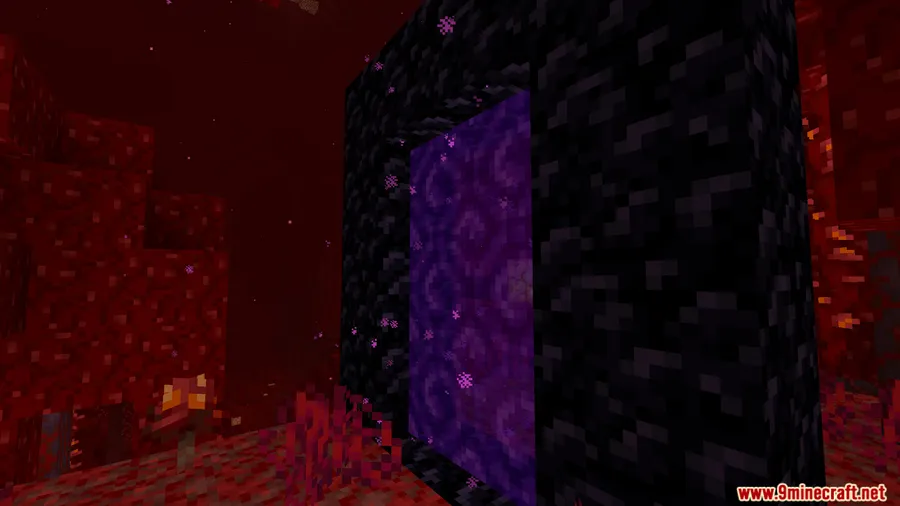

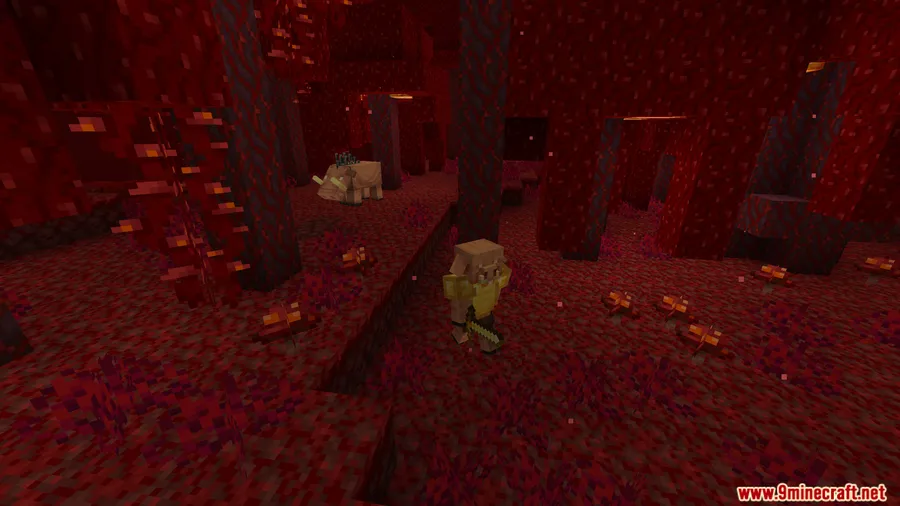
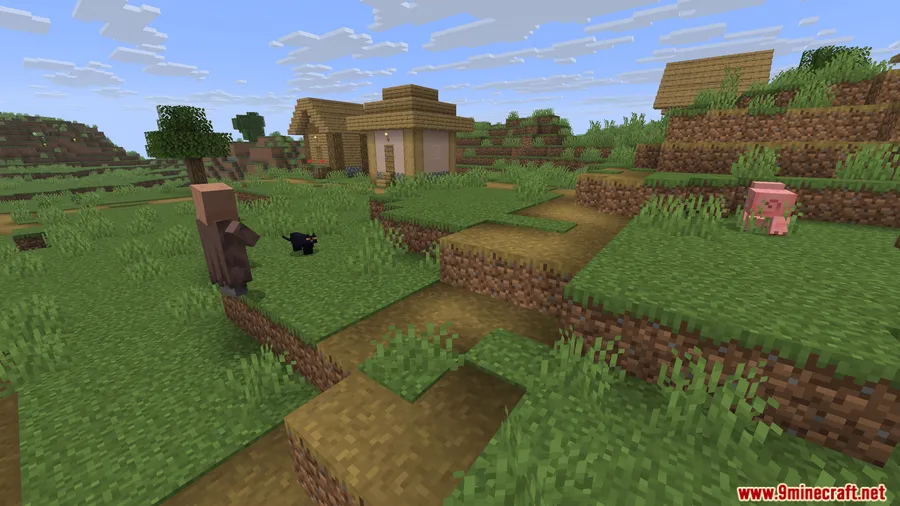
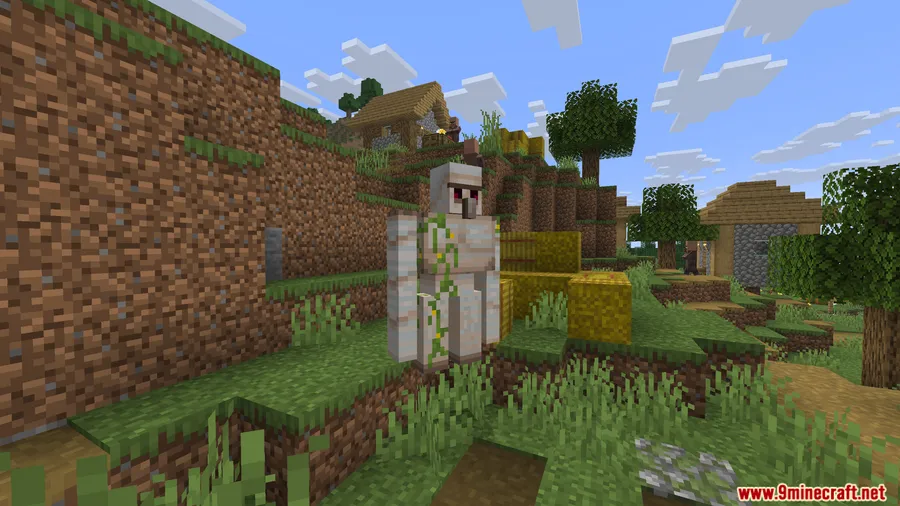
How to Install
- Download and install your preferred mod loader (Forge, Fabric, or NeoForge) for your Minecraft version.
- If using Fabric, make sure you also have the Fabric API installed.
- Download the Lazyboys No Global Sounds Mod file for your Minecraft version from the link below.
- Place the downloaded
.jarfile into your.minecraft/modsfolder. - Launch Minecraft — the mod activates automatically with no extra setup.
Requirements
| Requirement | Details |
|---|---|
| Mod Loader | Forge, Fabric, or NeoForge |
| Dependencies | Fabric API (Fabric only) |
| Minecraft Version | 1.20 – 1.20.1, 1.21 – 1.21.1, 1.21.8, 1.21.11 |
Pros & Cons
Pros
- Fully automatic — no commands or config files to manage
- Ideal for multiplayer servers where global sounds disrupt gameplay
- Supports all three major mod loaders (Forge, Fabric, NeoForge)
- Appears to be lightweight with a single, focused function
Cons
- Disables all global sounds with no option to selectively keep some
- Players who enjoy hearing boss events across the world will lose that atmosphere
- Overrides the gamerule on every load, which may conflict with other mods or datapacks that manage the same setting
Download
Always download mods from official sources to stay safe.
FAQ
Does this mod affect normal in-game sounds like footsteps or music?
No. Lazyboys No Global Sounds only disables global sounds — the ones that broadcast to every player regardless of distance, such as the Wither spawn and Ender Dragon death sounds. Regular positional audio remains unchanged.
Do I need to install this mod on both the server and client?
The mod works by setting a gamerule, so installing it on the server side should be sufficient to stop global sounds for all connected players. However, installing it on singleplayer works the same way.
Can I choose which global sounds to keep and which to block?
Currently, the mod disables all global sounds by toggling a single gamerule. There is no built-in option to selectively allow specific global sounds like the Ender Dragon roar while blocking others.


![[Let's Do] Meadow Mod (1.21.1) - thumbnail](http://mcinside.com/wp-content/uploads/2026/04/thumbnail-64-52x52.webp)


![Not Enough Recipe Book [NERB] Mod (1.21.11) - thumbnail](http://mcinside.com/wp-content/uploads/2026/04/thumbnail-63-52x52.webp)

