
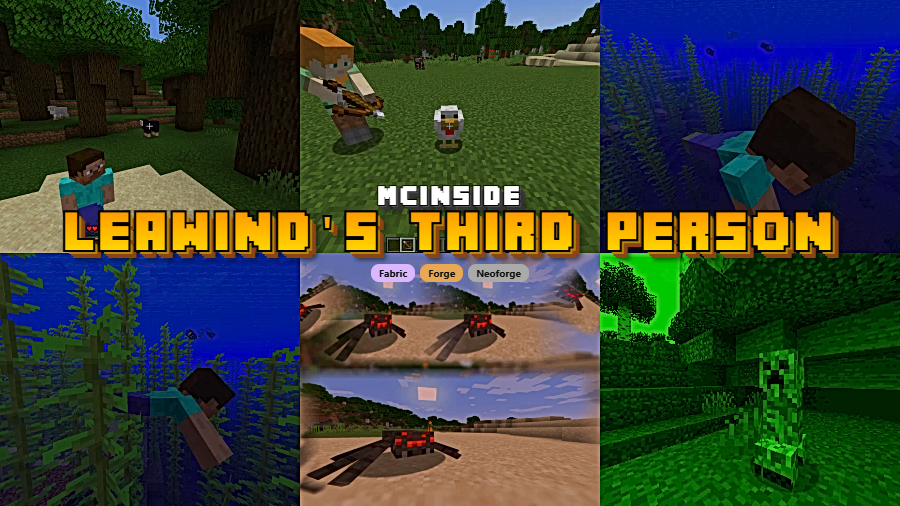
Leawind's Third Person Mod is a third-person camera mod that improves how you look, aim, and move in Minecraft on Fabric, Forge, and NeoForge. It focuses on smoother perspective control, smarter combat handling, and more flexible camera placement.
Vanilla Minecraft third person is useful, but it often feels blunt when you are exploring, fighting, or trying to keep your character framed the way you want. This mod tackles that problem by making camera movement more deliberate and more comfortable, especially when you want a better view without sacrificing control. With more than 1.8 million downloads on Modrinth, it already has strong social proof among players who want a cleaner third-person experience.
Key Features of Leawind's Third Person Mod
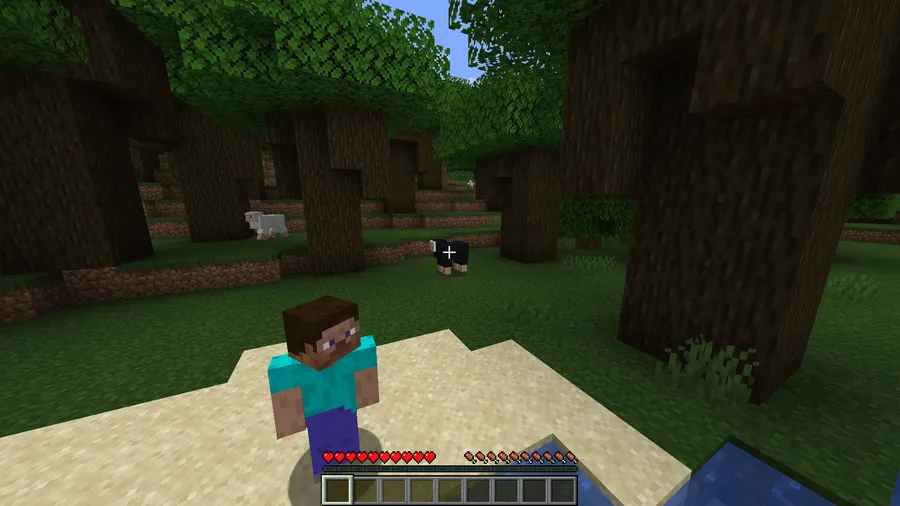
- Free Rotation — This lets you rotate the camera more freely while your character body stays put, which makes general movement feel less rigid. In practice, it gives you a much better look around your surroundings without constantly forcing your player model to follow the camera.
- Camera Position Adjustment — The mod allows you to fine-tune camera offset and distance, which matters more than it sounds once you start fighting, building, or navigating tight spaces. Being able to shift the view left, center, or right helps you create a more natural over-the-shoulder angle instead of accepting one fixed viewpoint.
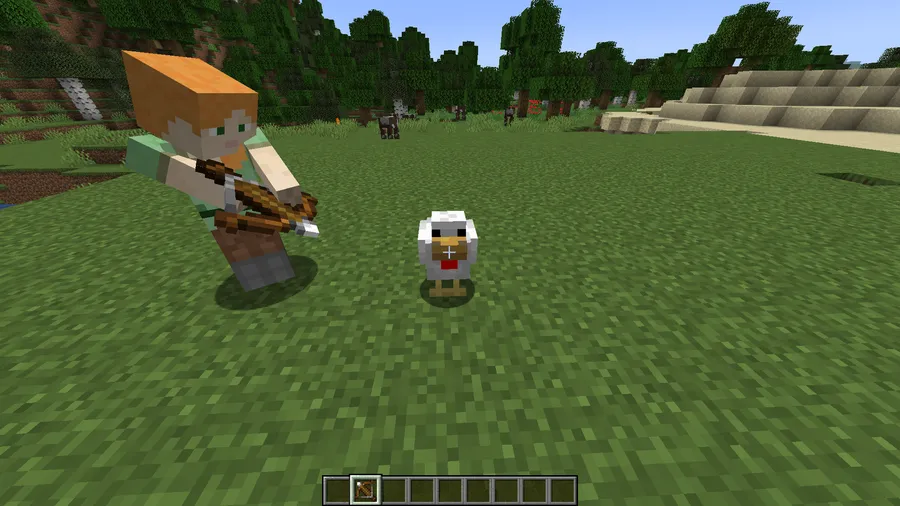
- Smart Aim Mode — This system can switch into aim mode depending on the item you are holding and whether you are using it. That matters because ranged combat in third person usually feels inconsistent, while here the mod appears to make aiming behavior feel more intentional and adaptable.
- First-Person-Like Shooting Logic — When you target enemies in third person, the mod is designed to better predict what you actually want to hit. The benefit is simple: ranged attacks feel less guesswork-heavy, so third-person combat becomes more usable instead of something you only tolerate for style.
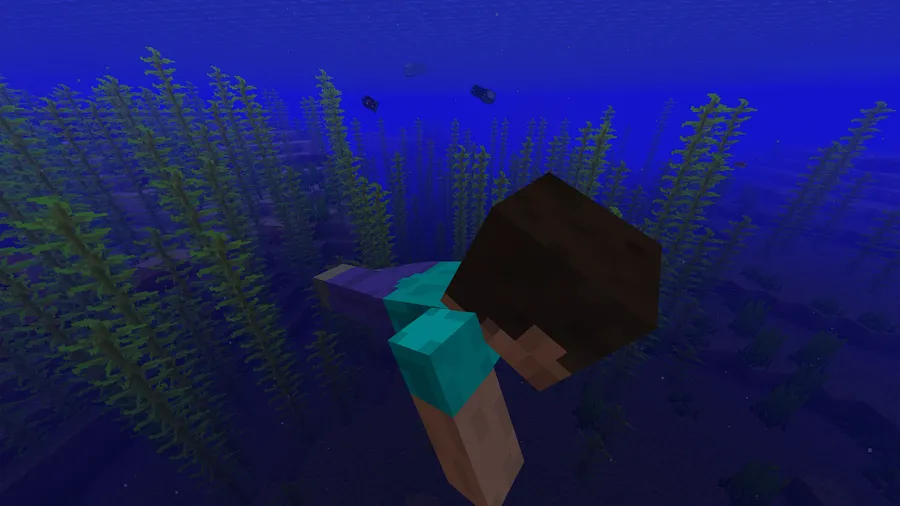
- Player Transparency — If your own character blocks the camera, the model can become semi-transparent so the view stays readable. This is a practical quality-of-life feature for close spaces and combat, though the author notes it may not be compatible with Sodium and it is disabled by default.
- Smooth Perspective Switching — Jumping between first and third person can feel abrupt in the base game, especially if you switch often. A smoother transition makes the camera feel less mechanical, which is exactly the kind of polish that keeps a utility mod installed long term.
- Disable Anytime — If you run into an issue or simply want vanilla behavior again, you can turn the mod off in-game through its config menu or hotkey. That matters because it lowers the risk of trying the mod in the first place; you are not locked into its camera rules once it is installed.
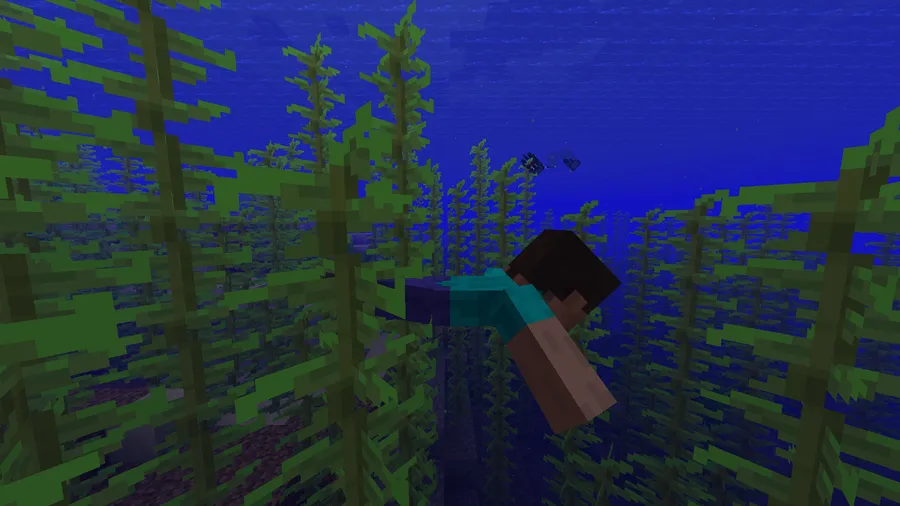
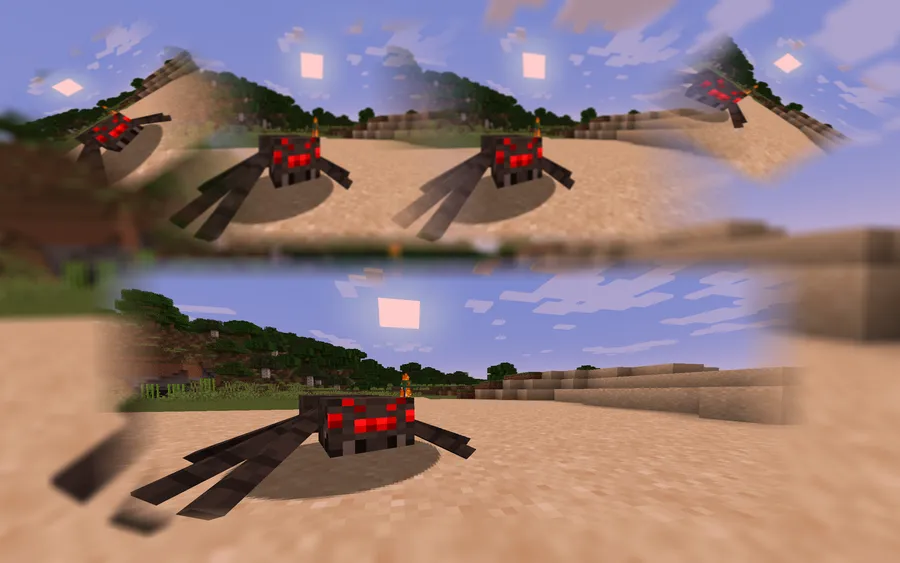
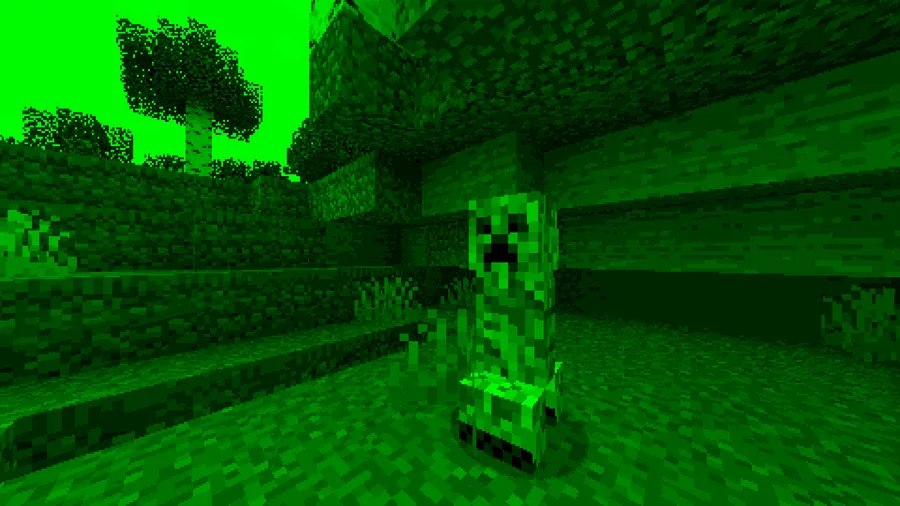
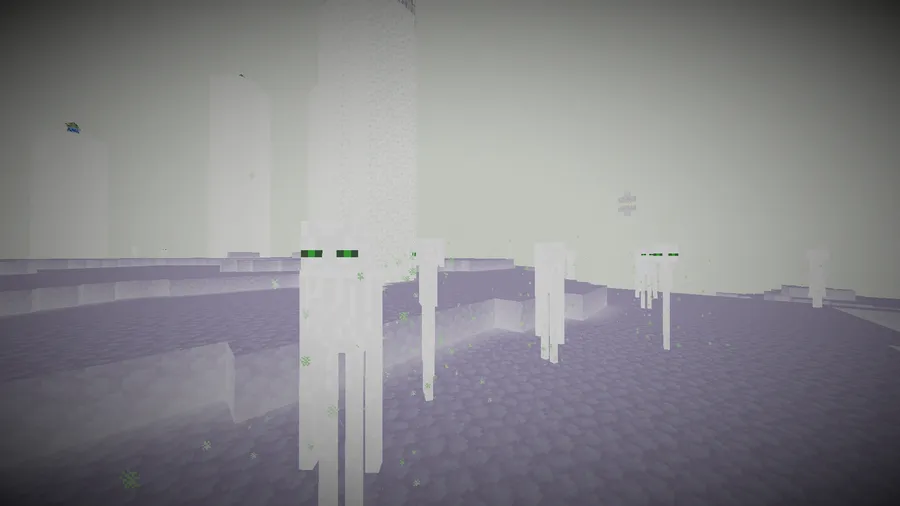
Screenshots
How to Install Leawind's Third Person Mod
- Choose the correct version of the mod for your Minecraft version, such as 1.21.11, 1.21.4, 1.21.1, 1.20.4, or another supported release listed below.
- Install the loader that matches your file: Fabric Mod Loader, Minecraft Forge, or NeoForge.
- Place the downloaded mod file into your Minecraft
modsfolder on the client. - Launch the game with the same loader profile you installed, then open a world and check the mod settings or hotkeys.
- Adjust camera offset, switching behavior, and aim-related options until the third-person view feels right for your play style.
Requirements & Compatibility
| Item | Details |
|---|---|
| Minecraft Versions | 1.21.11, 1.21.4, 1.21.1, 1.21, 1.20.4, 1.20.1, 1.20, 1.19.4, 1.19.3, 1.19.2, 1.19.1, 1.19, 1.18.2 |
| Supported Loaders | Fabric, Forge, NeoForge |
| Installation Side | Client side only |
| Category | Minecraft Mods, utility, adventure |
| Author | leawind |
| License | MIT |
What's New
- Ported to Minecraft 1.21.11.
- Added a mod icon.
- Fixed an issue where rotation was not working correctly.
- The latest listed update date is 2026-04-01.
Pros and Cons
Pros
- Third-person camera feels more flexible and modern than vanilla.
- Smart aim and target prediction make ranged play more practical.
- Client-side installation means you do not need it on the server.
- In-game disabling makes it easier to test without committing to it permanently.
Cons
- Some players may need time to learn the hotkeys and camera adjustment options.
- Player transparency may not be compatible with Sodium.
- Loader availability changes by Minecraft version, so you need the correct file for your setup.
Alternatives to Leawind's Third Person Mod
- Shoulder Surfing Reloaded — A comparable choice for players who want a different over-the-shoulder camera style.
- Free Look — A complementary option if your main goal is looking around more freely while moving.
- Camera Utils — Worth checking if you want more camera-focused tweaks alongside your regular gameplay setup.
Download Leawind's Third Person Mod
| Minecraft Version | Fabric | Forge | NeoForge |
|---|---|---|---|
| For Minecraft 1.21.11 | Download | — | Download |
| For Minecraft 1.21.4 | Download | — | Download |
| For Minecraft 1.21.1 | Download | — | Download |
| For Minecraft 1.21 | Download | — | Download |
| For Minecraft 1.20.4 | Download | Download | — |
| For Minecraft 1.20.1 | Download | Download | — |
| For Minecraft 1.20 | Download | Download | — |
| For Minecraft 1.19.4 | Download | Download | — |
| For Minecraft 1.19.3 | Download | Download | — |
| For Minecraft 1.19.2 | Download | Download | — |
| For Minecraft 1.19.1 | Download | Download | — |
| For Minecraft 1.19 | Download | Download | — |
Always download mods from official sources to stay safe.
Frequently Asked Questions
What does Leawind's Third Person Mod actually change?
It changes the third-person camera experience. The mod adds freer camera rotation, adjustable camera placement, smarter aim behavior, smoother perspective switching, and optional player transparency when your character blocks the view.
Do I need to install Leawind's Third Person Mod on my server?
No — this is a client-side-only mod. The description specifically says you do not need to install it on a server, so you can join servers while using it on your own client.
Which Minecraft versions and loaders does it support?
It supports Minecraft 1.18.2 through 1.21.11 on Fabric, Forge, and NeoForge, depending on the release. The listed download entries show newer versions on Fabric and NeoForge, while several 1.20.x and 1.19.4 files are available for Fabric and Forge.
Can I turn the mod off without uninstalling it?
Yes — you can disable it in-game. The author states that you can switch it off through the configuration menu or a hotkey and return to the original third-person perspective.
Is the latest update for Minecraft 1.21.11?
Yes — the changelog says the mod was ported to 1.21.11. The data also lists 2026-04-01 as the latest update date.
Does it work with Sodium?
Partly — the mod notes that the player transparency feature may not be compatible with Sodium. That specific feature is also disabled by default, which helps limit surprises if you are testing the mod in an existing setup.


