
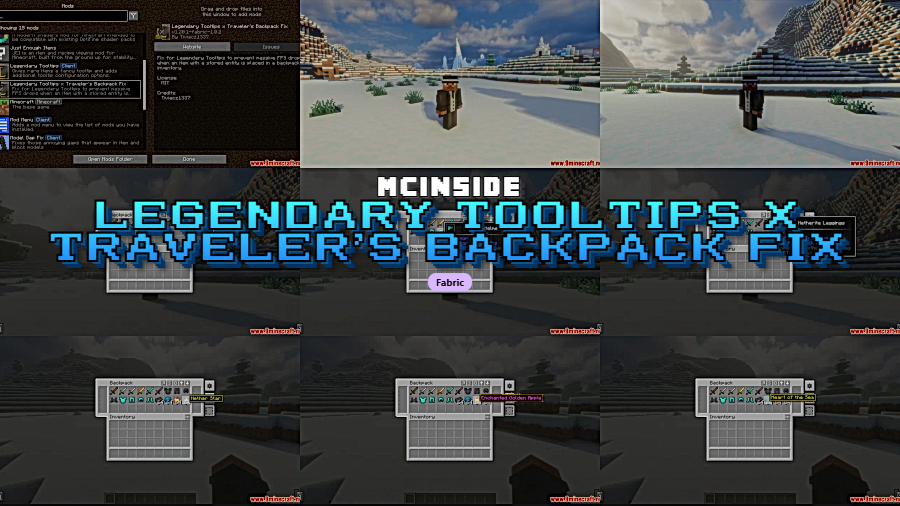
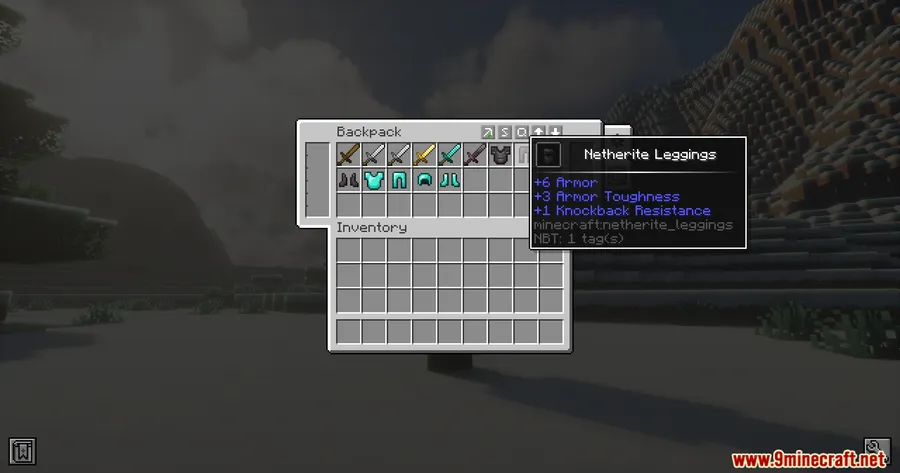
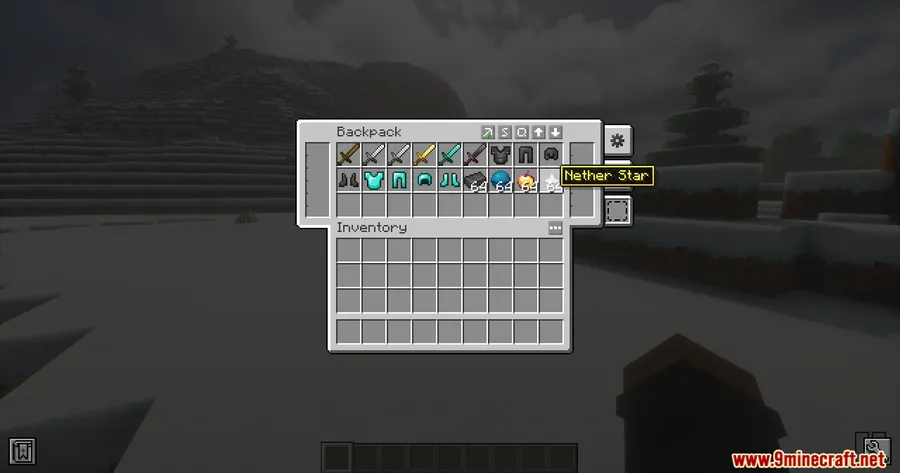
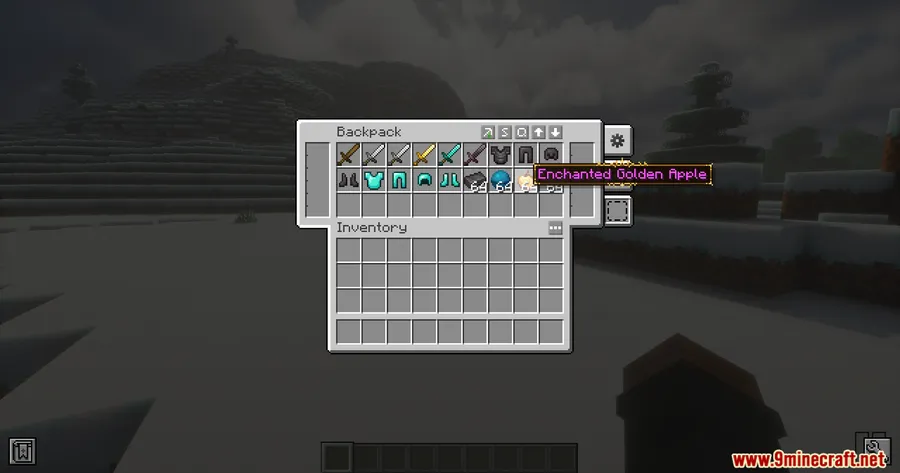
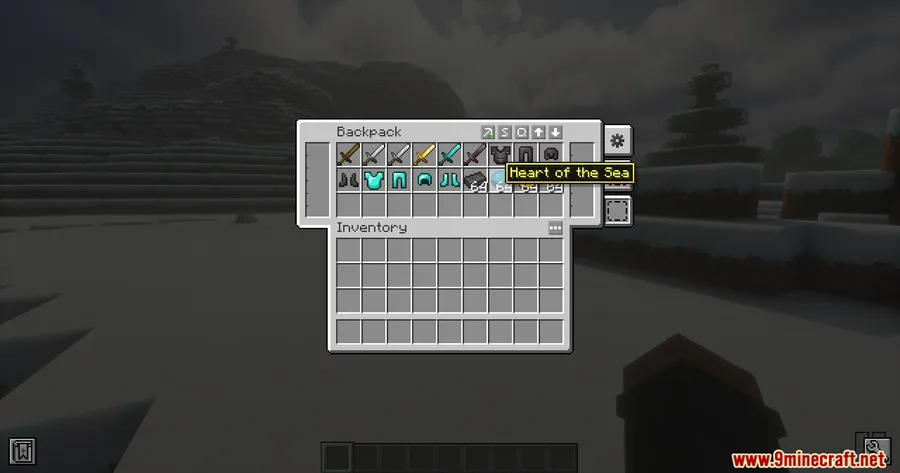
If you've ever opened your Traveler's Backpack only to watch your framerate nosedive, you already know the frustration. Legendary Tooltips X Traveler's Backpack Fix Mod addresses a specific but painful conflict between two popular mods — when items containing stored entities sit inside a backpack inventory while Legendary Tooltips renders its fancy previews, the result can be severe FPS drops. This small compatibility patch quietly eliminates that slowdown so both mods can coexist without wrecking your performance.
Key Features
- Targeted compatibility patch — bridges the gap between Legendary Tooltips and Traveler's Backpack, two mods that otherwise clash in a very specific scenario involving stored-entity items.
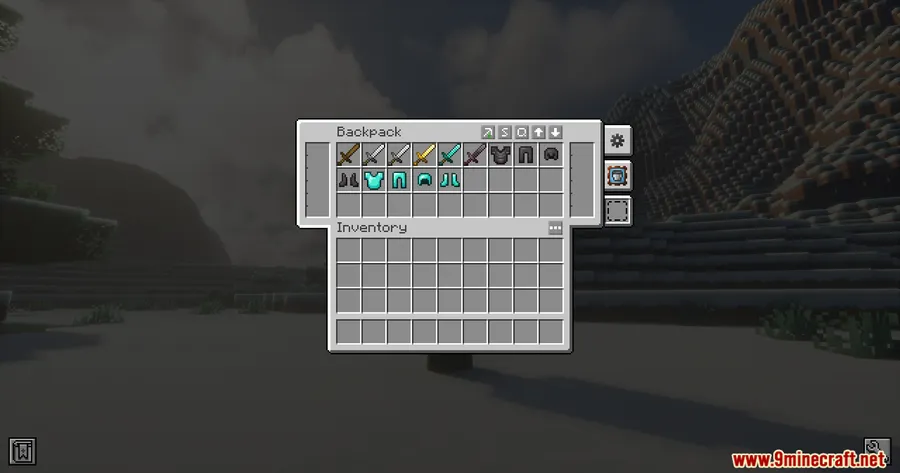
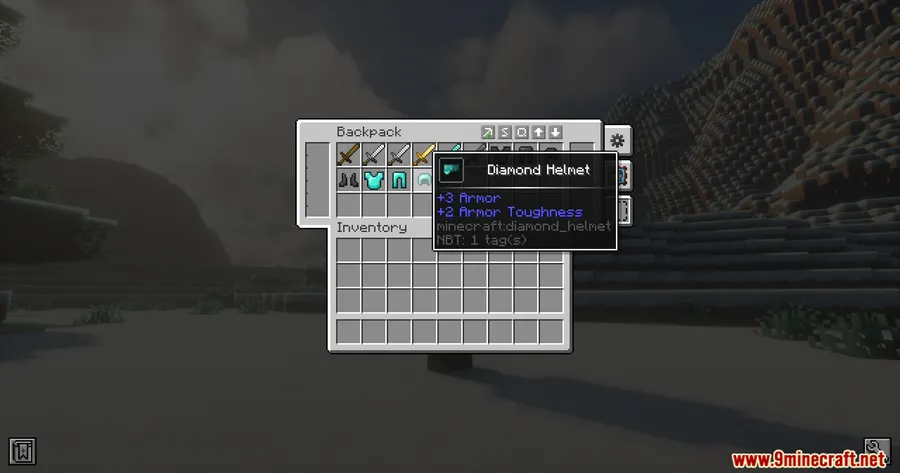
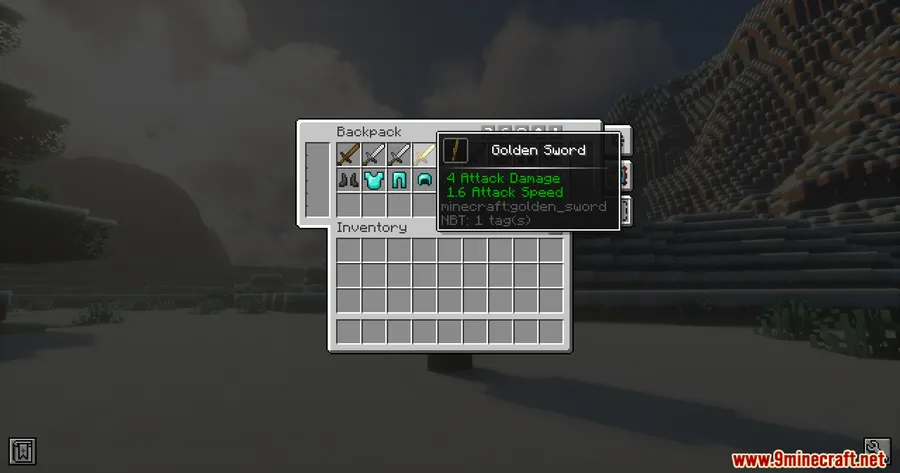
- FPS drop prevention — stops the massive framerate spikes that occur when Legendary Tooltips tries to render tooltip previews for entity-containing items inside the backpack inventory.
- Lightweight and focused — does one thing and does it well. No configuration needed, no extra UI elements, just a silent fix running in the background.
Screenshots


How to Install
- Download and install Fabric Loader for Minecraft 1.20.1 or 1.20.
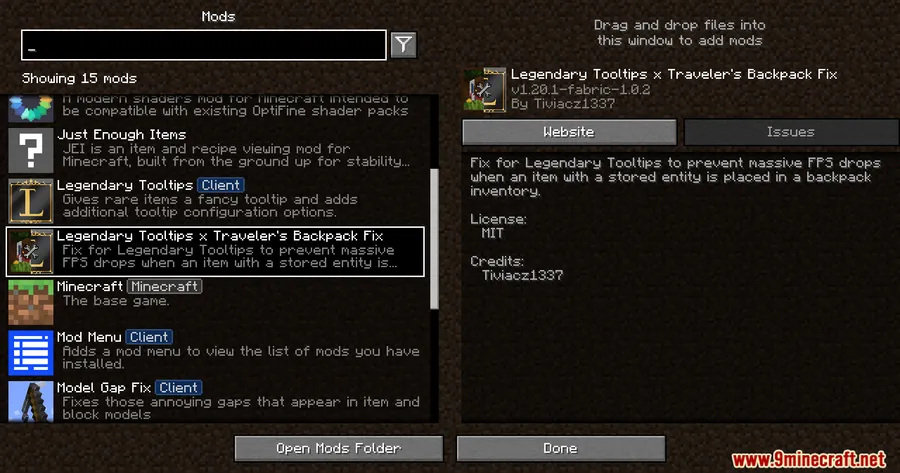
- Make sure Fabric API, Legendary Tooltips, and Traveler's Backpack are already in your mods folder.
- Download the Legendary Tooltips X Traveler's Backpack Fix Mod file from the link below.
- Drop the downloaded
.jarfile into your.minecraft/modsfolder. - Launch Minecraft through the Fabric profile — the fix applies automatically.
Requirements
| Requirement | Details |
|---|---|
| Mod Loader | Fabric |
| Dependencies | Fabric API, Legendary Tooltips Mod, Traveler's Backpack Mod |
| Minecraft Version | 1.20.1, 1.20 |
Pros & Cons
Pros
- Solves a genuinely frustrating FPS issue that affects a common mod combo
- No configuration required — install and forget
- Appears to be lightweight with a narrow, focused scope
Cons
- Only available for Fabric — no Forge or NeoForge version
- Limited to Minecraft 1.20–1.20.1; no support for newer versions yet
- Only useful if you run both Legendary Tooltips and Traveler's Backpack together
Download
Always download mods from official sources to stay safe.
FAQ
Why does Legendary Tooltips cause FPS drops with Traveler's Backpack?
The issue occurs when items containing stored entities are placed inside a Traveler's Backpack inventory. Legendary Tooltips attempts to render previews for these items, which triggers a performance-heavy process that causes major FPS spikes.
Do I need to change any settings after installing this fix?
No. The mod works automatically once placed in your mods folder alongside Fabric API, Legendary Tooltips, and Traveler's Backpack. There are no config files or in-game settings to adjust.
Does this fix mod work with Forge or NeoForge?
Currently, this mod is only available for the Fabric mod loader. There is no Forge or NeoForge version based on the available downloads.


![Not Enough Recipe Book [NERB] Mod (1.21.11) - thumbnail](http://mcinside.com/wp-content/uploads/2026/04/thumbnail-63-52x52.webp)


