

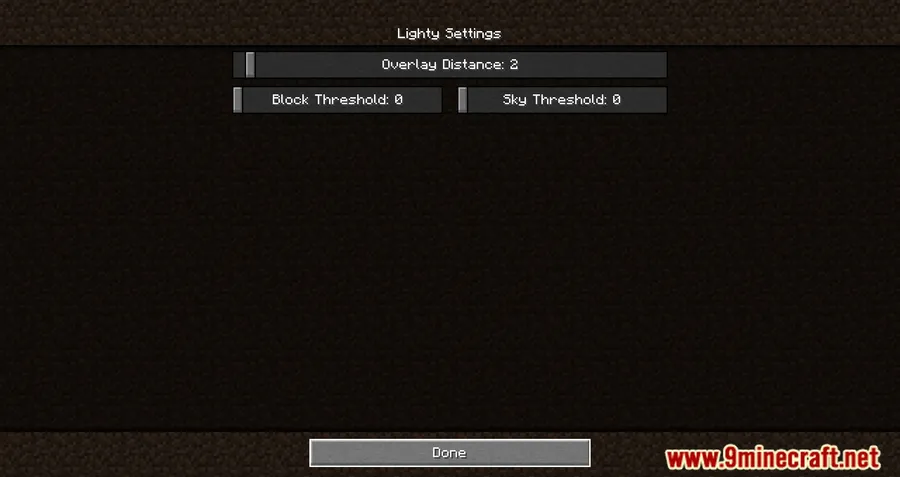
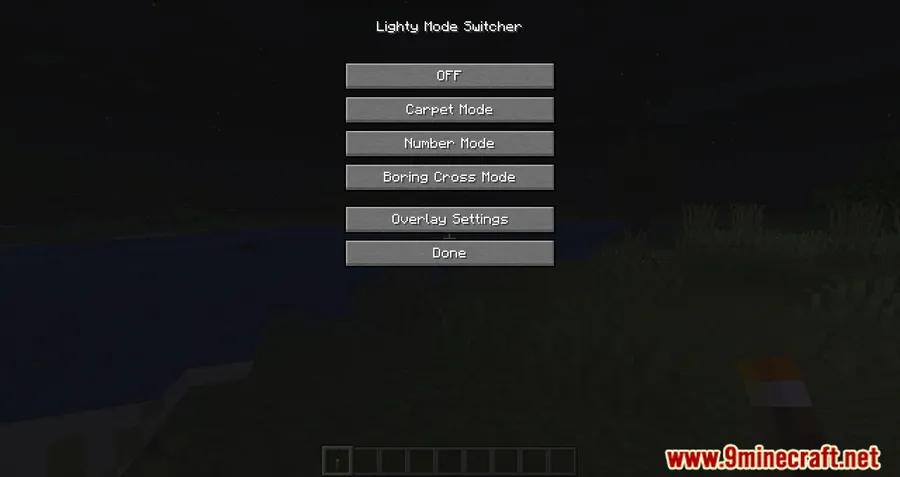
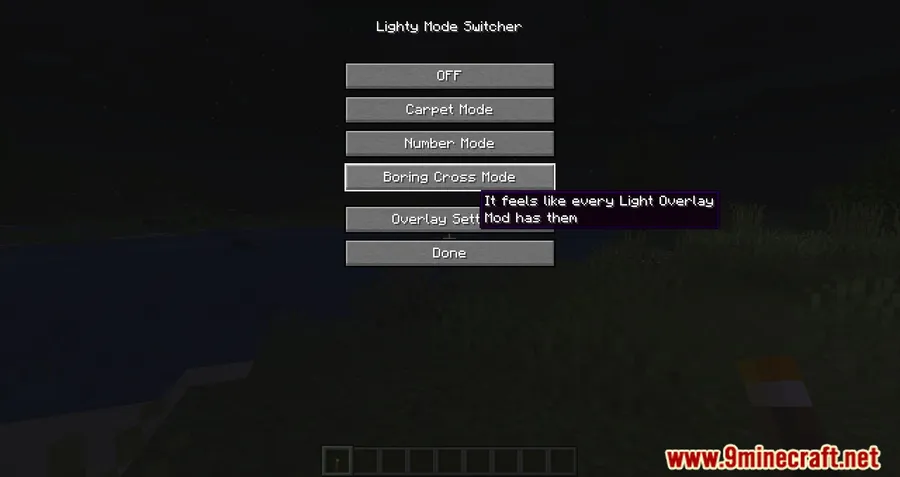
Lighty Mod helps players read spawn-safe and dangerous areas more clearly by turning block lighting into a visible overlay. Instead of relying only on standard crosses or numbers, it can display a transparent carpet-like marker, while still allowing a switch back to the traditional view. The mod also includes adjustable brightness and display distance, with F7 opening settings mode and F8 providing a quick on/off toggle.
Key Features
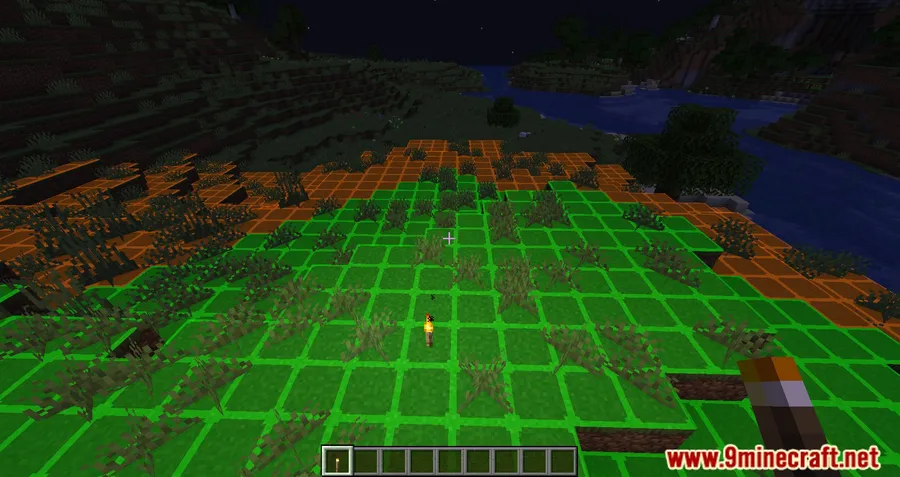
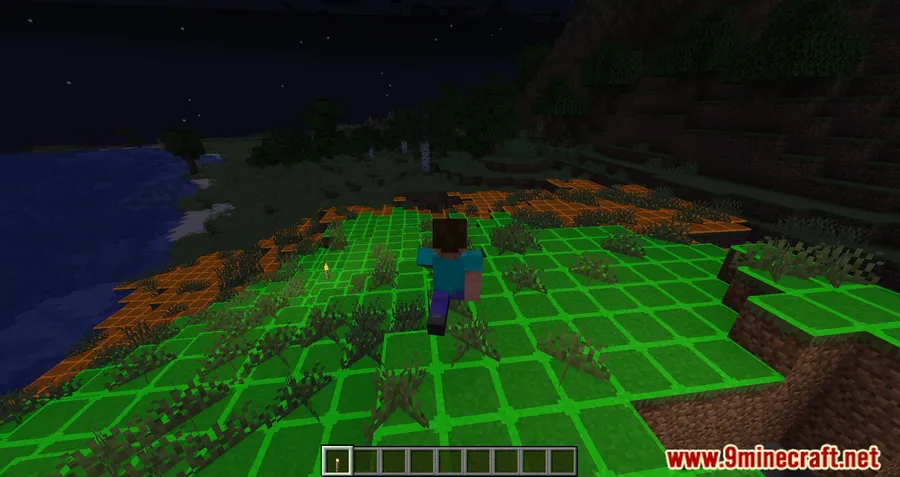
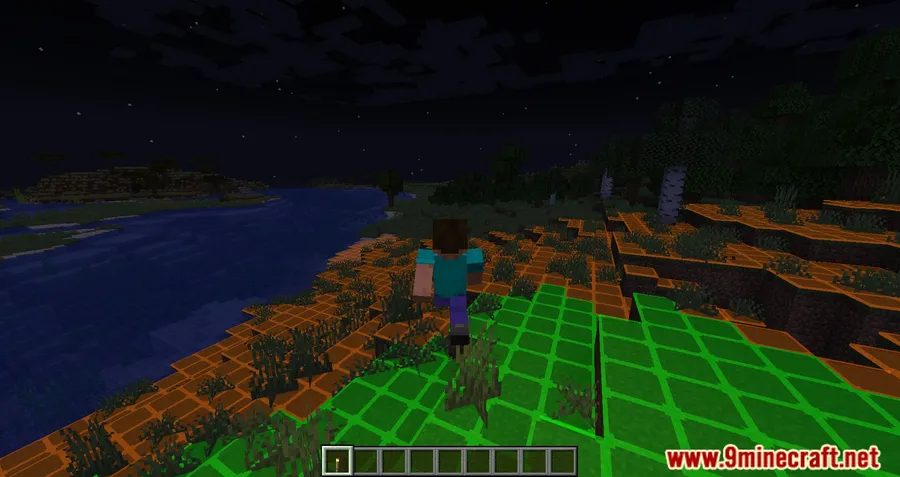
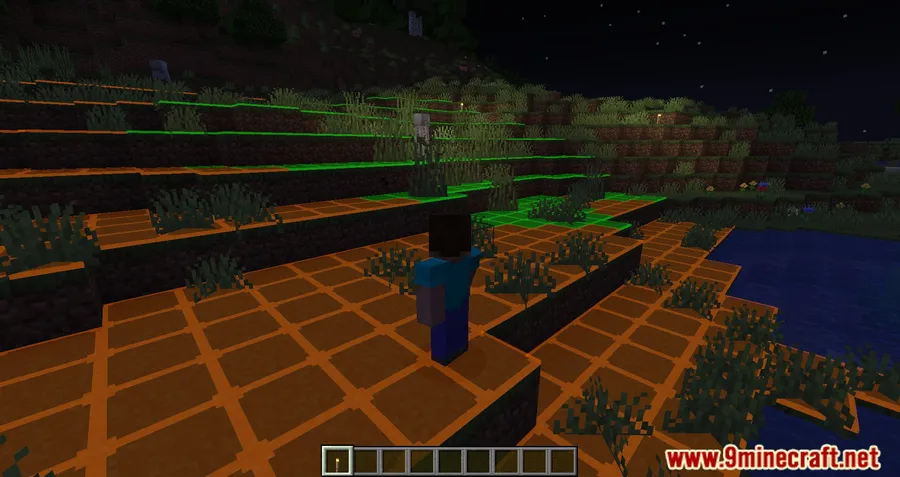
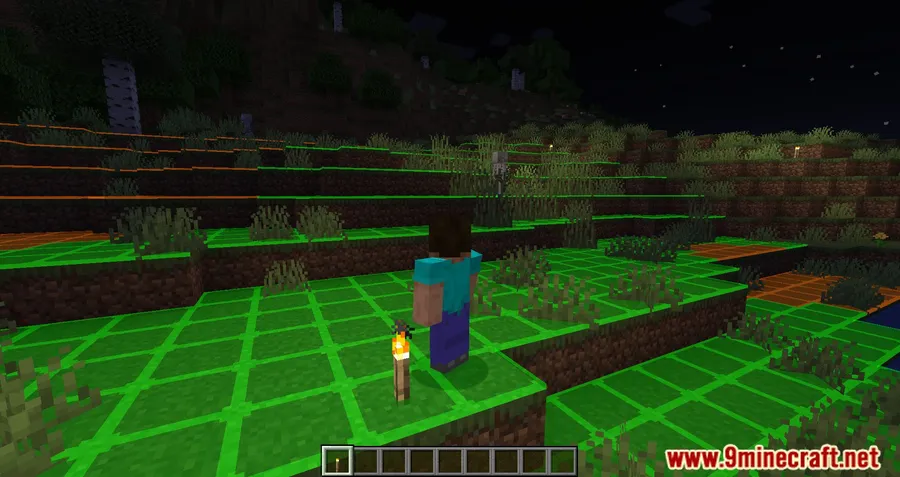
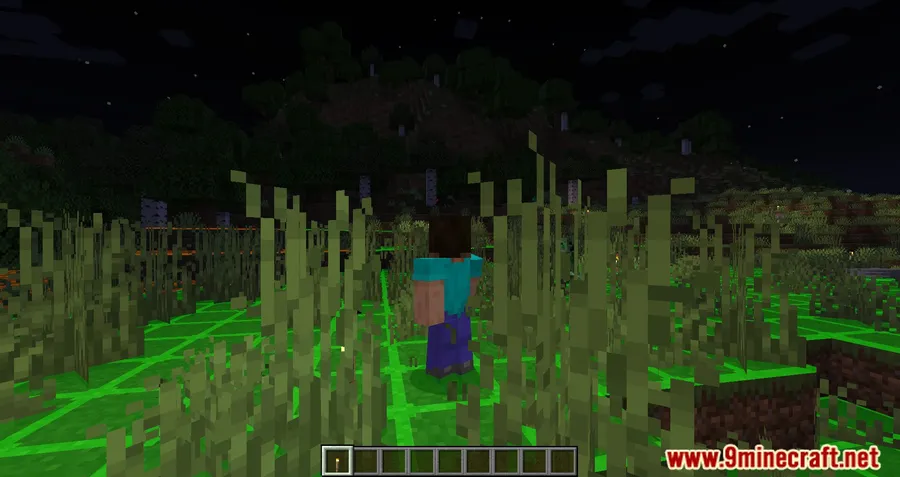
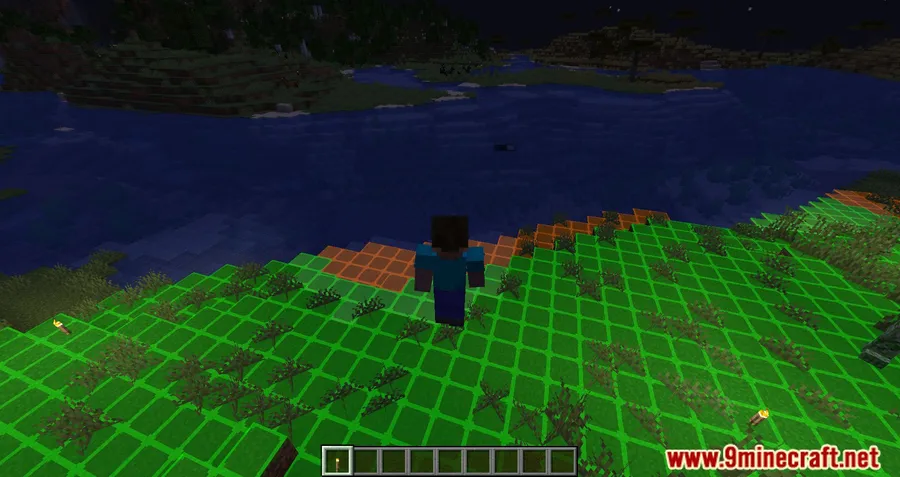
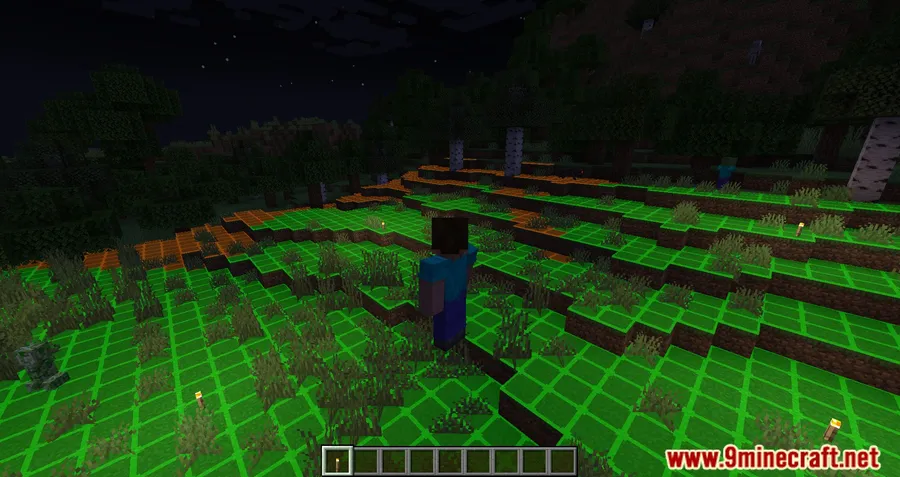
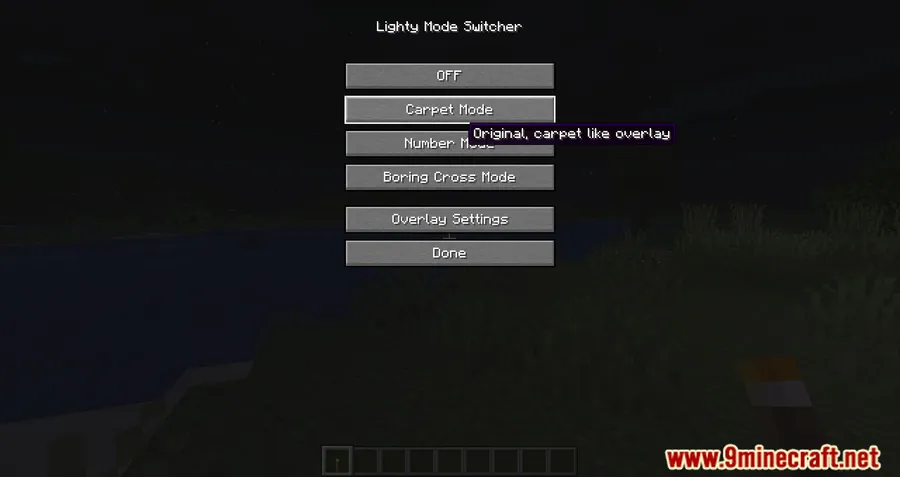
- Replaces the usual light overlay style with a transparent block that mimics a carpet.
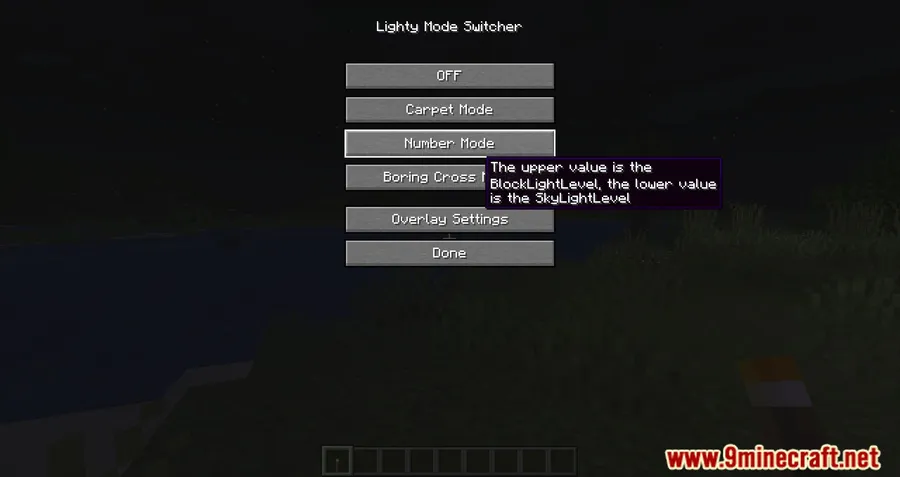
- Lets players switch back to the traditional display with numbers or crosses if preferred.
- Uses color-coded danger levels: green for complete safety, orange for areas where mobs may appear at night, and red for areas where mobs can spawn at any time.
- Includes adjustable settings for brightness, display distance, and other visual options.
- Provides quick controls with F7 for settings mode and F8 for fast toggling.
Screenshots


How to Install
- Choose the Lighty Mod file that matches your Minecraft version and supported loader in the download section.
- Install the required platform or dependency listed for your setup, including Minecraft Forge, Fabric API, Quilt Loader, or NeoForge Installer.
- Place the mod in your Minecraft mods folder and launch the game with the matching loader profile.
- Use F7 to open settings mode or F8 to toggle the overlay once in-game.
Requirements
| Requirement | Details |
|---|---|
| Mod Loader | NeoForge, Forge, Fabric, Quilt |
| Dependencies | Minecraft Forge, Fabric API, Quilt Loader, NeoForge Installer |
| Minecraft Version | 1.18.2, 1.19.1, 1.19.2, 1.19.3, 1.19.4, 1.20.2, 1.20.4, 1.20.6, 1.21, 1.21.1, 1.21.3, 1.21.4, 1.21.5, 1.21.6, 1.21.7, 1.21.8, 1.21.10, 1.21.11 |
Pros & Cons
Pros
- Offers a more visual alternative to standard light-level overlays.
- Supports both carpet-style and traditional number or cross displays.
- Makes risk levels easy to read with a simple green, orange, and red system.
- Includes quick hotkeys for settings and fast toggling.
Cons
- Feature depth in the available data is limited to lighting display and visual settings.
- Loader support varies by download version, so not every listed loader appears on every file.
- The latest Modrinth note says carpet and number modes are only partly working with Iris on Minecraft 1.21.11.
Download
Always download mods from official sources to stay safe.
What's New
- Updated on Modrinth for Minecraft 1.21.11.
- The 1.21.11 release is marked as only partly working with Iris.
- Cross mode works in that release.
- Carpet mode and number mode do not show when shaders are enabled.
- The tracked source for the project is available on GitHub.
FAQ
What does Lighty Mod show in-game?
It visualizes block lighting with a transparent carpet-like overlay and can also switch to a traditional numbers or crosses view. Its colors indicate how safe or dangerous an area is for mob spawning.
How do you open Lighty Mod settings?
Press F7 to activate settings mode. If you only want to turn the overlay on or off quickly, use F8.
Does Lighty Mod work with shaders?
According to the latest Modrinth changelog for Minecraft 1.21.11, the release is only partly working with Iris. Cross mode works, but carpet mode and number mode do not show when shaders are enabled.


![[Let's Do] Meadow Mod (1.21.1) - thumbnail](http://mcinside.com/wp-content/uploads/2026/04/thumbnail-64-52x52.webp)


![Not Enough Recipe Book [NERB] Mod (1.21.11) - thumbnail](http://mcinside.com/wp-content/uploads/2026/04/thumbnail-63-52x52.webp)


