
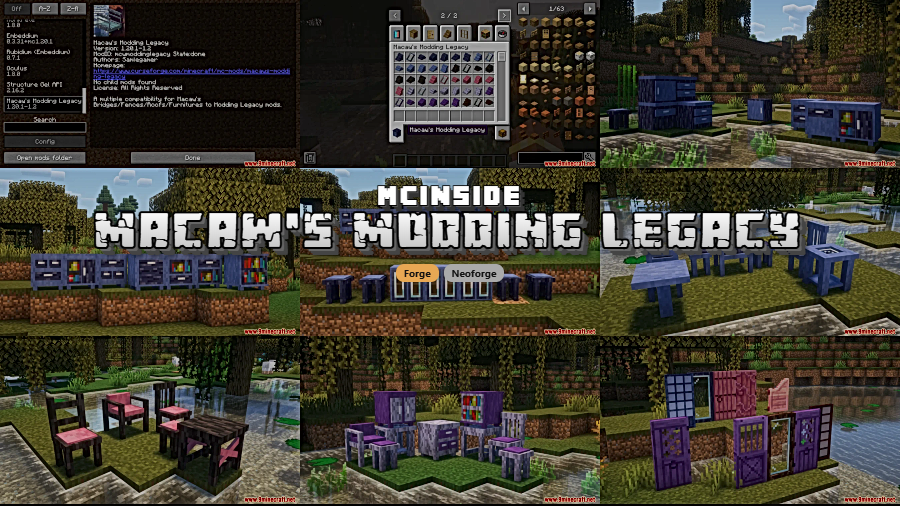
Building in Minecraft becomes far more versatile when your favorite mods actually talk to each other. Macaw's Modding Legacy Mod bridges the gap between Macaw's widely-used building mods and content from Modding Legacy — including Blue Skies and Premium Wood — so bridges, fences, roofs, furniture, and stairs can all be crafted from an expanded palette of materials. If you already run both mod families, this compatibility layer is practically essential.
Key Features
- Cross-mod material support — Craft bridges, fences, roofs, and other Macaw's blocks using wood types and materials introduced by Modding Legacy mods like Blue Skies and Premium Wood.
- Seamless legacy conversion — All old blocks and items from earlier versions are automatically converted, so updating won't break existing builds.
- Unified building experience — Expands your creative options by making two popular mod ecosystems work together without conflicts or missing textures.
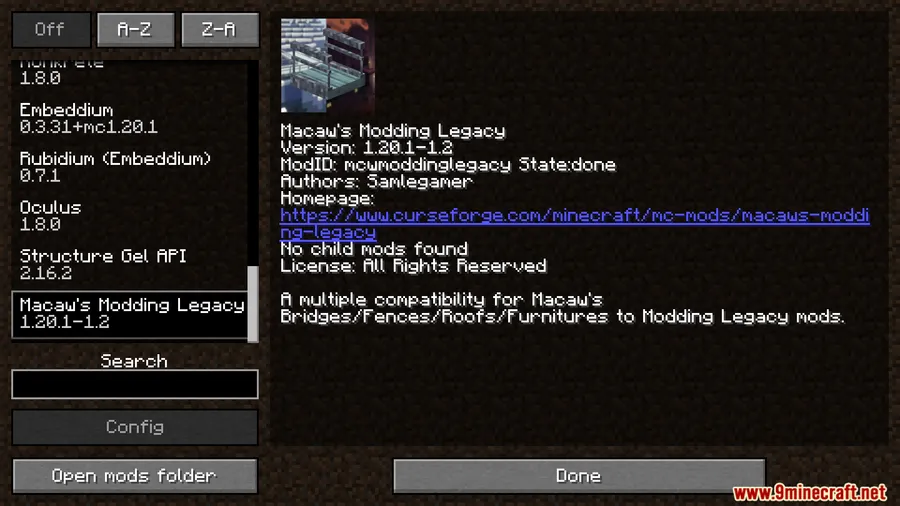
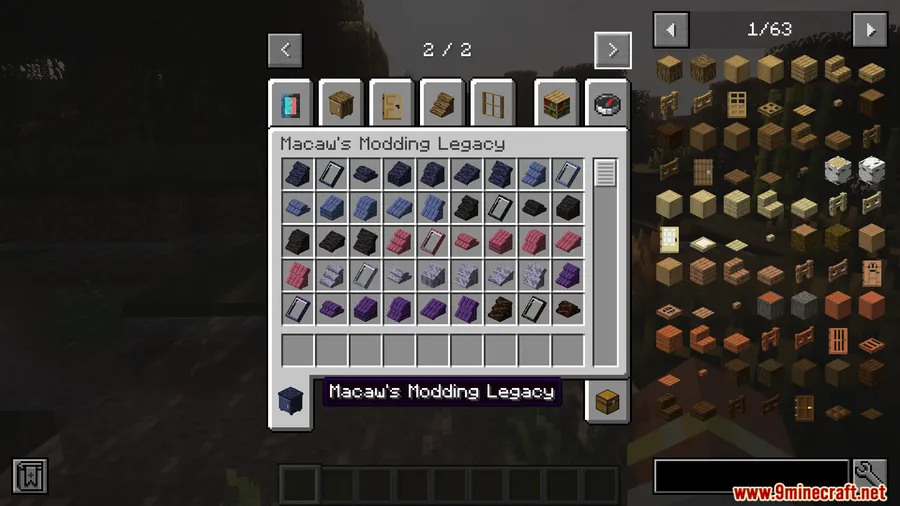
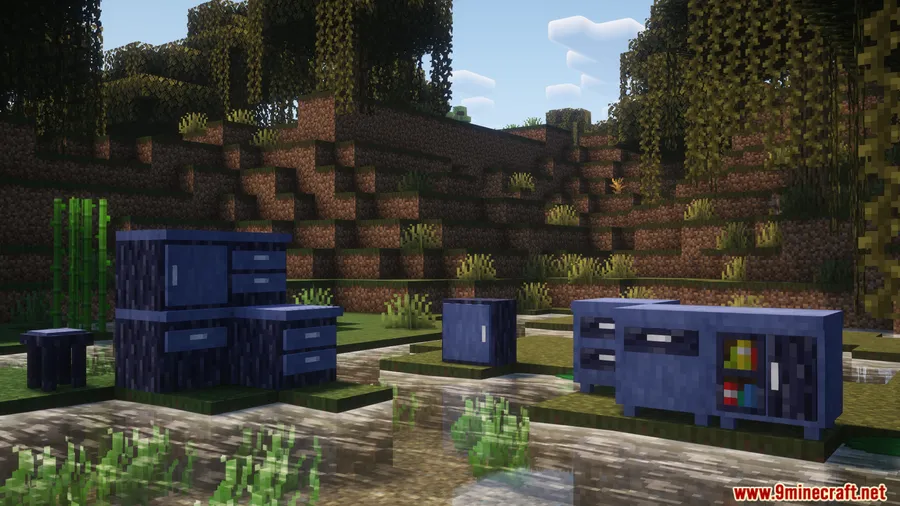
Screenshots
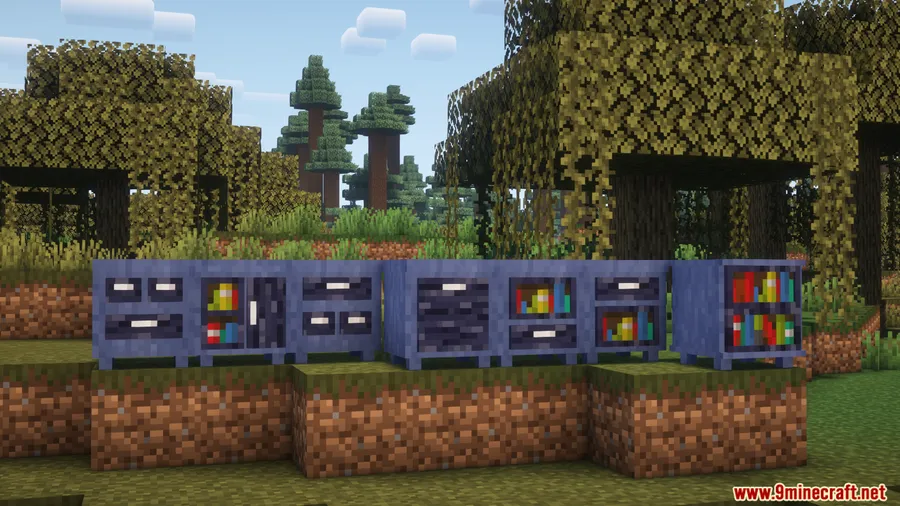
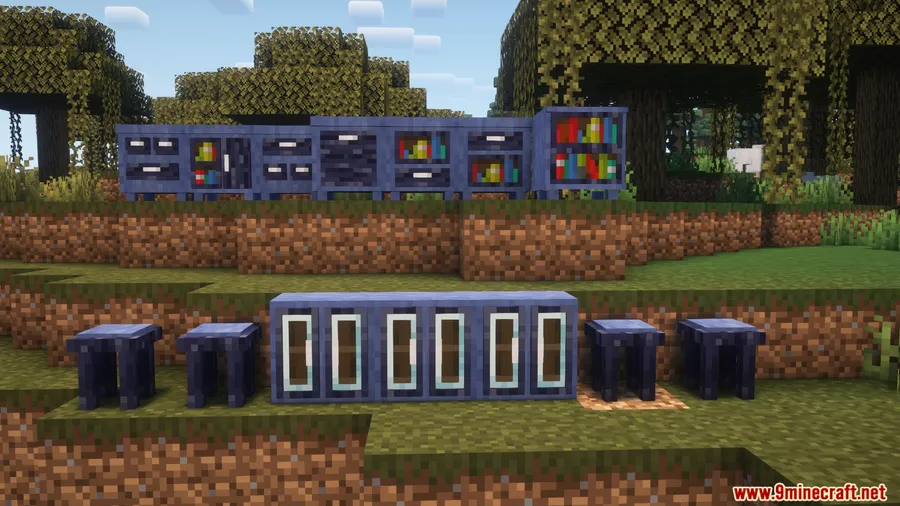
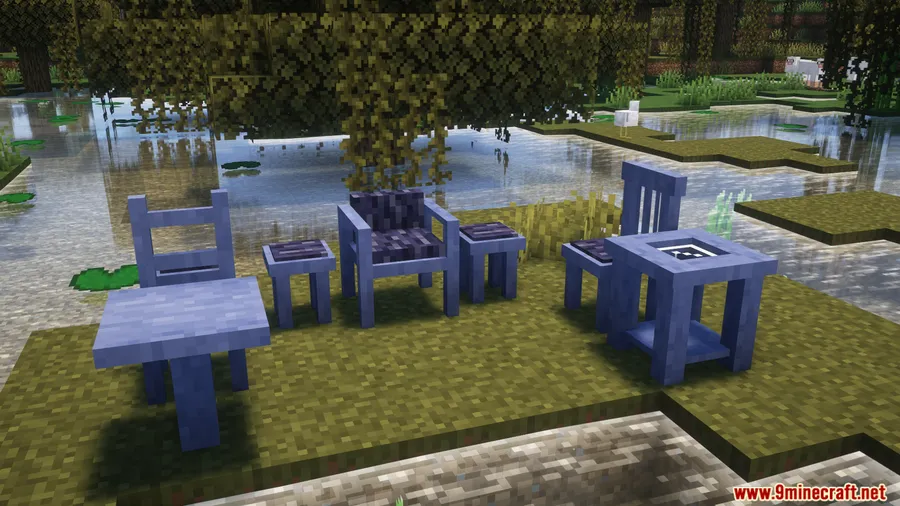
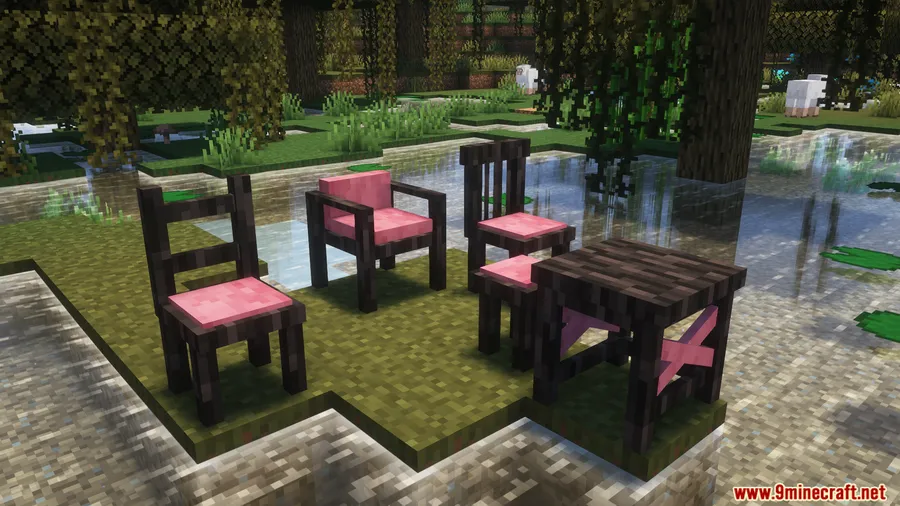
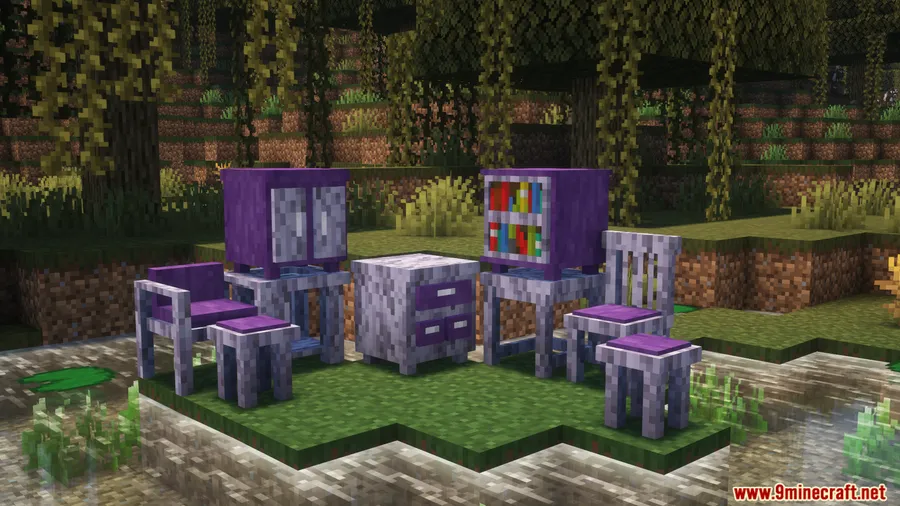
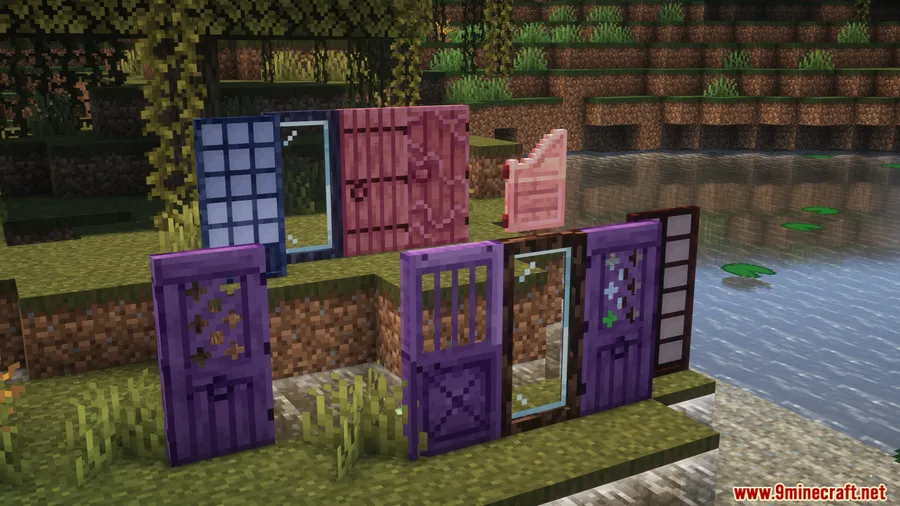
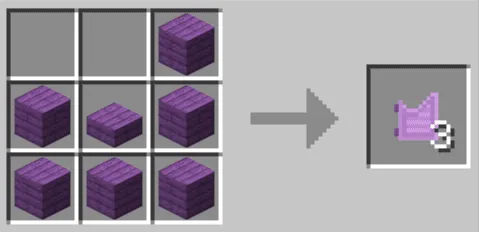
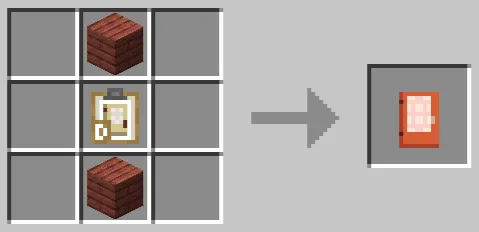
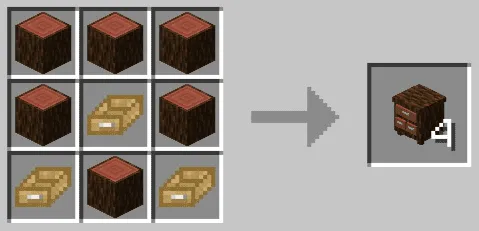
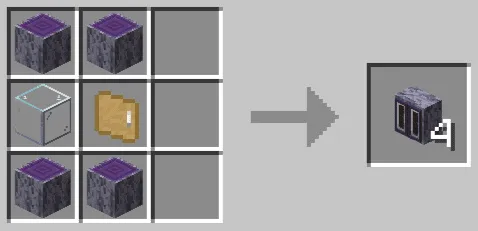
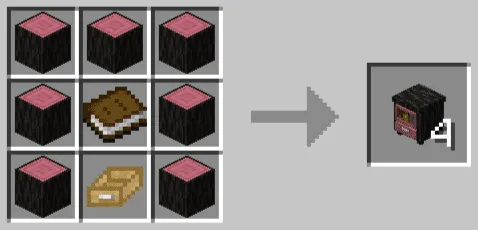
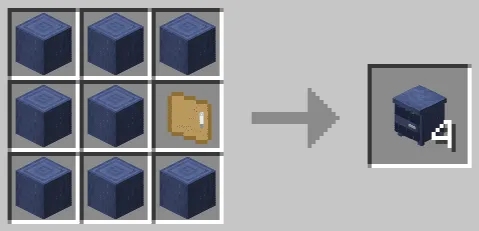
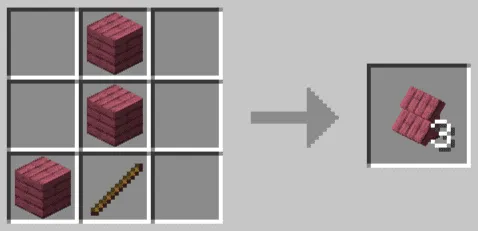
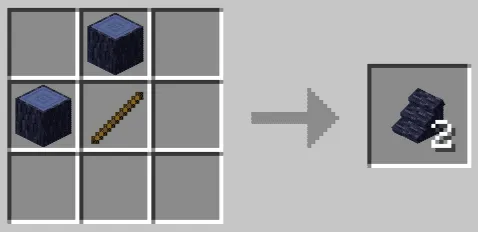
How to Install
- Download and install Minecraft Forge or NeoForge for your Minecraft version.
- Install the required dependencies: AddonsLib Mod and Structure Gel API.
- Download Macaw's Modding Legacy Mod for your Minecraft version from the link below.
- Place the downloaded
.jarfile into your.minecraft/modsfolder. - Launch Minecraft with the Forge or NeoForge profile and confirm the mod loads.
Requirements
| Requirement | Details |
|---|---|
| Mod Loader | Forge (1.16.5–1.20.1) or NeoForge (1.20.4+) |
| Dependencies | AddonsLib Mod, Structure Gel API |
| Minecraft Version | 1.16.5, 1.17.1, 1.18.2, 1.19.2–1.19.4, 1.20–1.20.4, 1.21.3 |
Pros & Cons
Pros
- Significantly expands building variety without adding standalone content packs
- Automatic block conversion keeps old worlds intact after updates
- Supports a wide range of Minecraft versions from 1.16.5 through 1.21.3
Cons
- Requires multiple dependencies (AddonsLib, Structure Gel API) in addition to the mod loader
- Only useful if you already have both Macaw's mods and Modding Legacy mods installed
- Fabric loader is not supported
Download
Always download mods from official sources to stay safe.
FAQ
Does Macaw's Modding Legacy work with Blue Skies?
Yes. This mod specifically adds compatibility between Macaw's building mods and Modding Legacy content, including Blue Skies and Premium Wood. You can use their wood types for bridges, fences, roofs, and furniture.
Will my old builds break if I update to a newer version?
No. The mod automatically converts all old blocks and items from earlier versions, so your existing structures should remain intact after updating.
Can I use this mod with Fabric?
No. Macaw's Modding Legacy currently supports Forge for Minecraft 1.16.5 through 1.20.1 and NeoForge for 1.20.4 and above. There is no Fabric version available.

![[Let's Do] API Mod (1.20.2, 1.20.1) – Library for Cristelknight's Mods](http://mcinside.com/wp-content/uploads/2026/04/thumbnail-37-300x169.webp)


![Not Enough Recipe Book [NERB] Mod (1.21.11) - thumbnail](http://mcinside.com/wp-content/uploads/2026/04/thumbnail-63-52x52.webp)


