

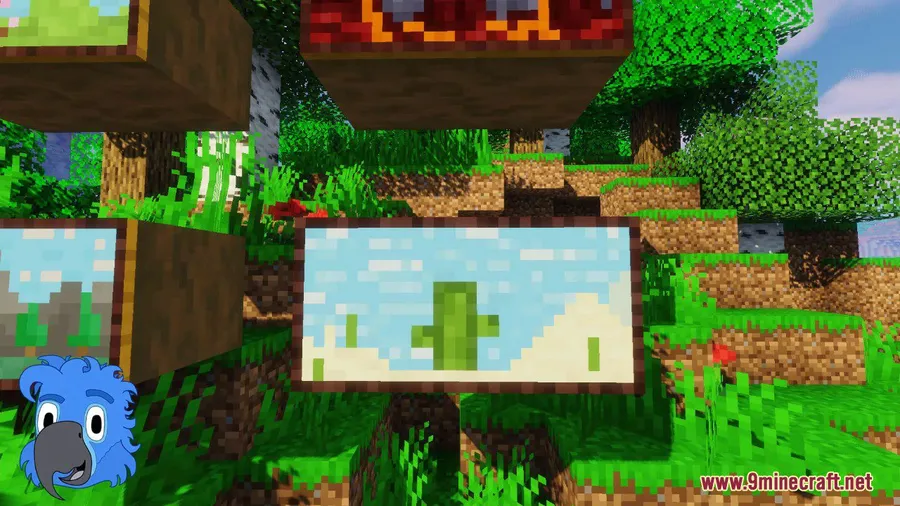
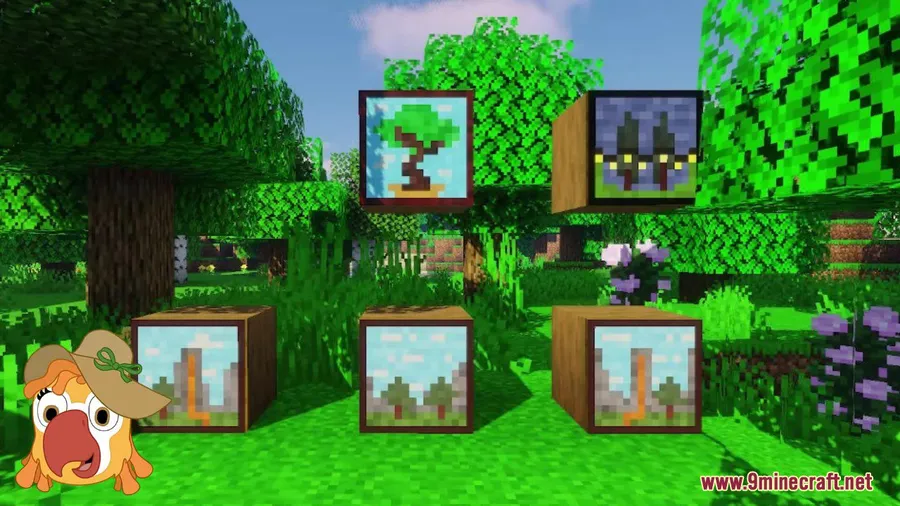
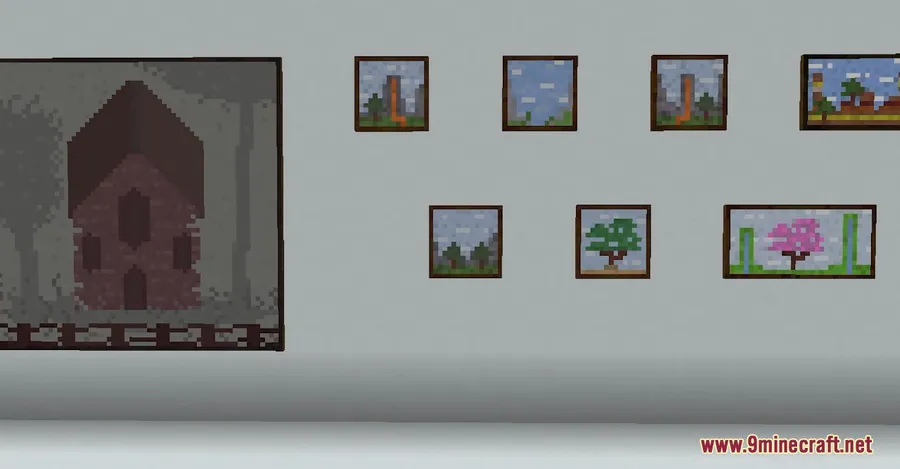
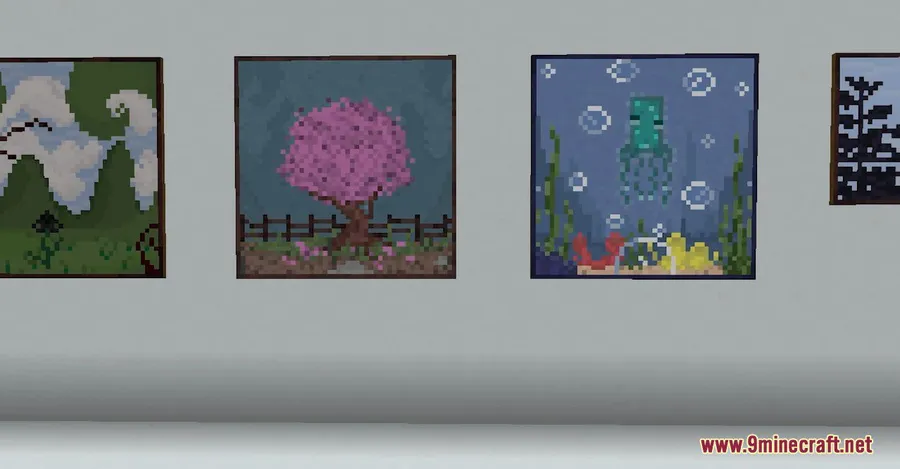
Vanilla Minecraft's painting selection has barely changed in over a decade, and if you've ever wished for more wall art options, Macaw's Paintings Mod delivers exactly that — 40 new pixel art paintings in various sizes that blend right into the game's visual style. Downloaded over 3.7 million times, this decoration mod by sketch_macaw has become a staple for builders who want more personality in their interiors without replacing any of the original artwork.
Key Features
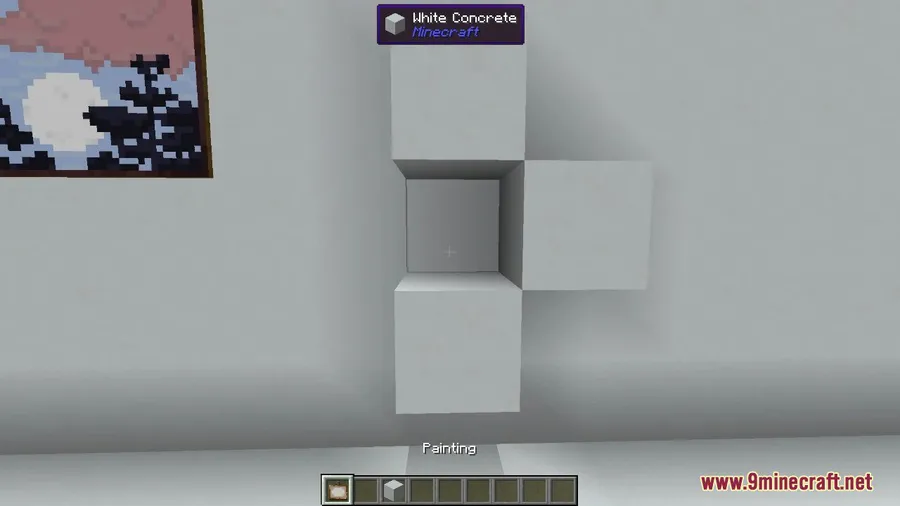
- 40 new paintings in pixel art style — Each piece is designed to match Minecraft's native aesthetic, so they look like they belong in the base game rather than standing out as modded additions.
- Multiple sizes available — From small accent pieces to larger wall art, giving you far more flexibility when decorating rooms of different scales.
- Non-destructive additions — The mod doesn't replace any vanilla paintings. New designs are added to the existing pool and can be cycled through the same way you'd scroll through regular paintings.
- No new crafting recipes needed — Craft paintings the standard way and all 40 new options become available automatically.
Screenshots


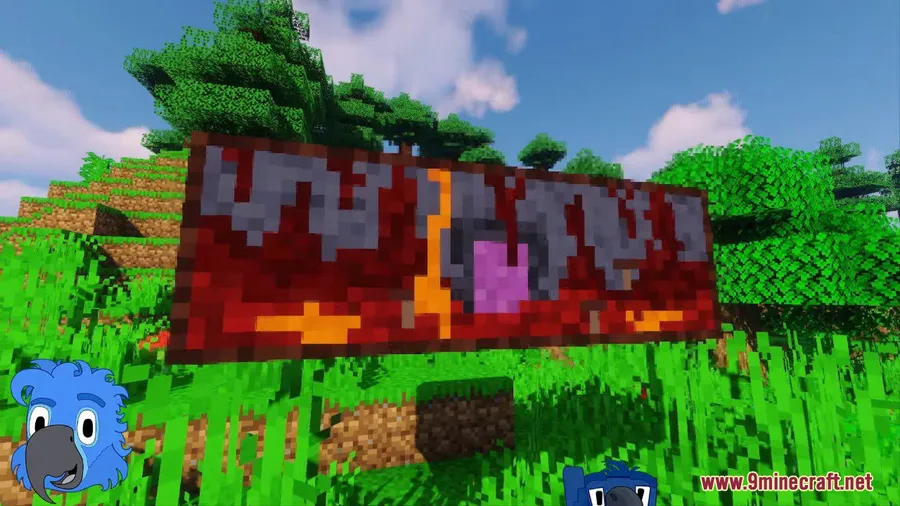
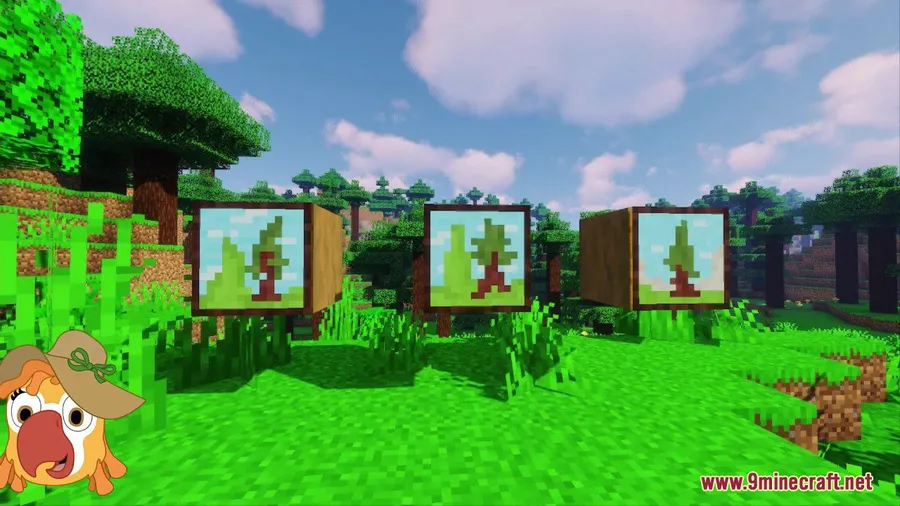
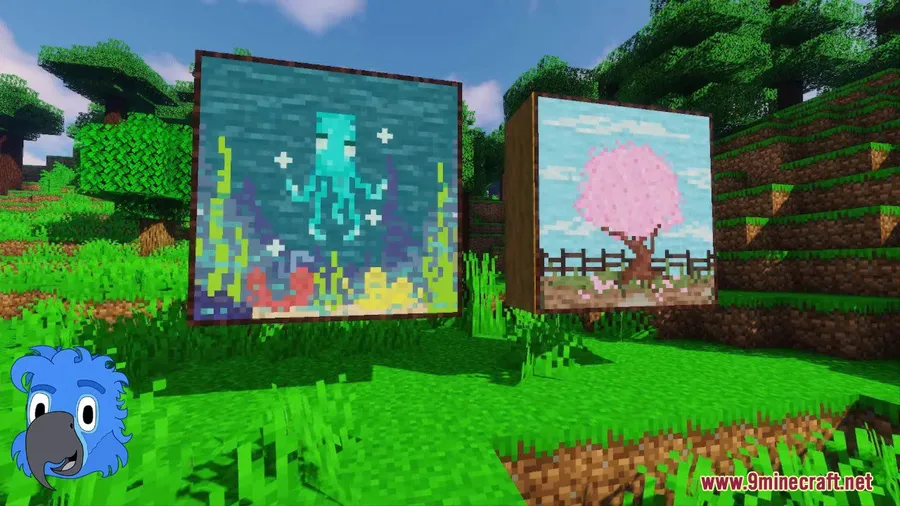
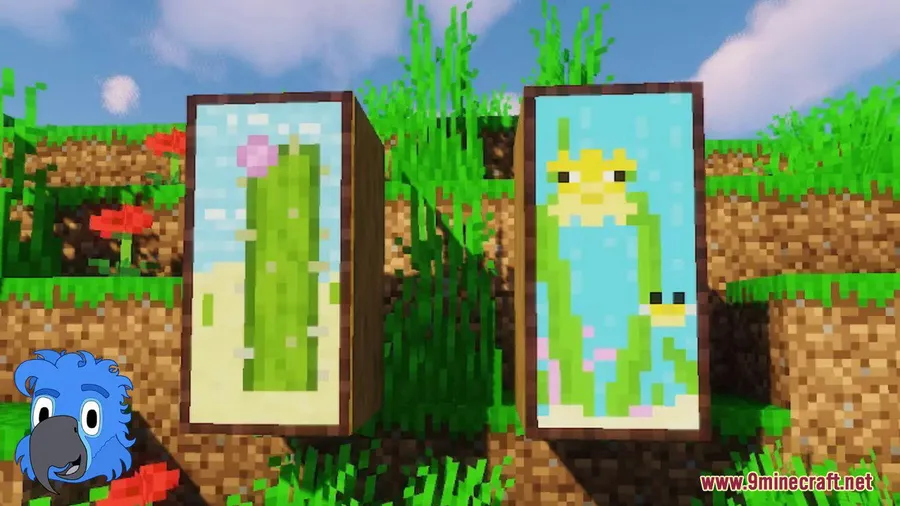
How to Install
- Download and install your preferred mod loader (Forge, Fabric, or NeoForge) for your Minecraft version.
- Download Macaw's Paintings Mod from the link below, making sure the file matches your mod loader and game version.
- Place the downloaded
.jarfile into your.minecraft/modsfolder. - Launch Minecraft with your mod loader profile and the new paintings will be available in-game.
Requirements
| Requirement | Details |
|---|---|
| Mod Loader | Forge, Fabric, NeoForge |
| Dependencies | None |
| Minecraft Versions | 26.1, 1.21.11 |
Pros & Cons
Pros
- Adds 40 paintings without replacing any vanilla art
- No dependencies required — just drop it in your mods folder
- Works across Forge, Fabric, and NeoForge
- Pixel art style matches the base game perfectly
- Actively maintained with regular updates
Cons
- No way to craft or select a specific painting directly — you still cycle through randomly
- Limited to pixel art style, which may not suit players looking for high-resolution wall art
- All rights reserved license limits modification or redistribution
Download
Always download mods from official sources to stay safe.
FAQ
Does Macaw's Paintings Mod replace the vanilla paintings?
No. All original Minecraft paintings remain untouched. The mod adds 40 new paintings to the existing pool, and you can cycle through them alongside the vanilla options by placing and breaking paintings as usual.
Do I need any other mods installed for this to work?
No additional dependencies are required. You only need a compatible mod loader — Forge, Fabric, or NeoForge — and the mod works on its own.
Can I choose a specific painting from the mod?
The mod uses Minecraft's standard painting placement system, so you cycle through available paintings by placing them repeatedly. There is no dedicated selection menu included with this mod.




![[Let's Do] Meadow Mod (1.21.1) - thumbnail](http://mcinside.com/wp-content/uploads/2026/04/thumbnail-64-52x52.webp)


![Not Enough Recipe Book [NERB] Mod (1.21.11) - thumbnail](http://mcinside.com/wp-content/uploads/2026/04/thumbnail-63-52x52.webp)
