

Building in Minecraft often means choosing between beautiful decorative structures and the unique wood and stone types that biome mods introduce. Macaw's TerraformersMC Mod solves that tension by bridging Macaw's popular suite of decorative building mods with the diverse materials from TerraformersMC projects like Traverse, Cinderscapes, and Terrestria. The result is a seamless creative experience where every exotic plank and stone variant works perfectly with Macaw's bridges, roofs, fences, and other structures — no more aesthetic compromises.
Key Features
- Full material integration — Use wood and stone types from TerraformersMC mods (Traverse, Cinderscapes, Terrestria) directly in Macaw's decorative structures including bridges, roofs, fences, and more.
- Aesthetic consistency — Build entire bases using a single exotic wood type across all Macaw's structure categories, from furniture to pathways, without visual mismatches.
- Multi-loader support — Available for Forge, Fabric, and NeoForge, covering a wide range of Minecraft versions from 1.16.5 through 1.21.11.
- Expanded creative possibilities — Dramatically increases the number of available block variants by combining two major mod ecosystems into one cohesive building toolkit.
Screenshots


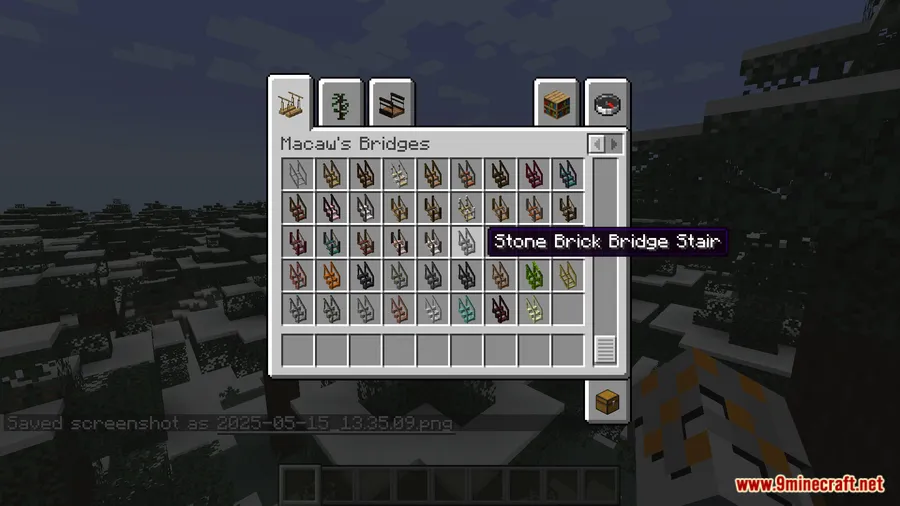
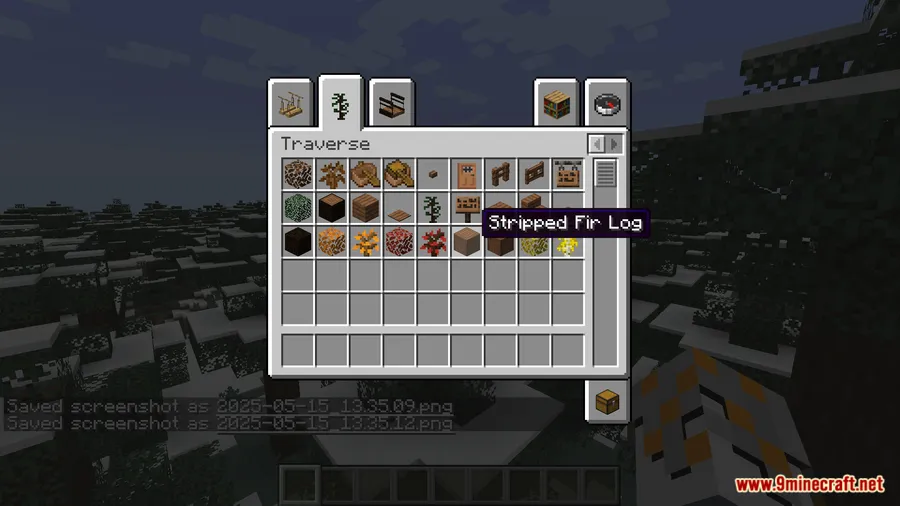
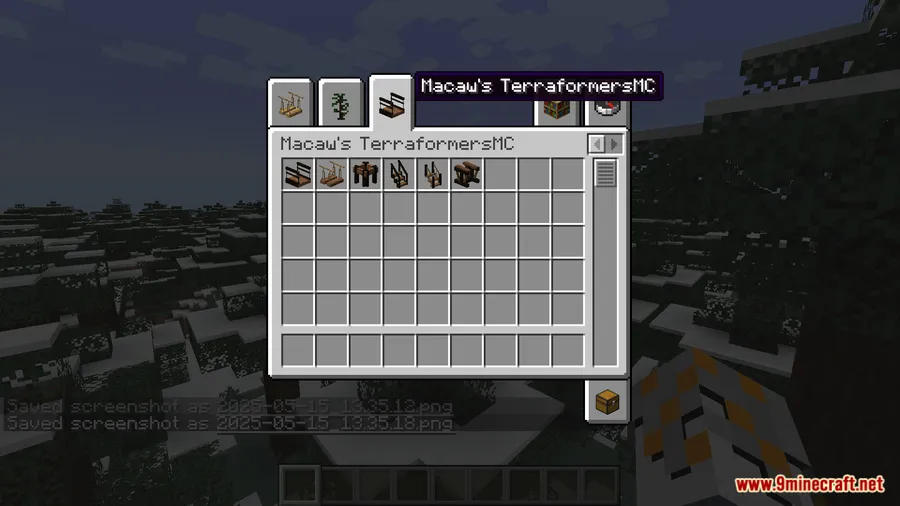
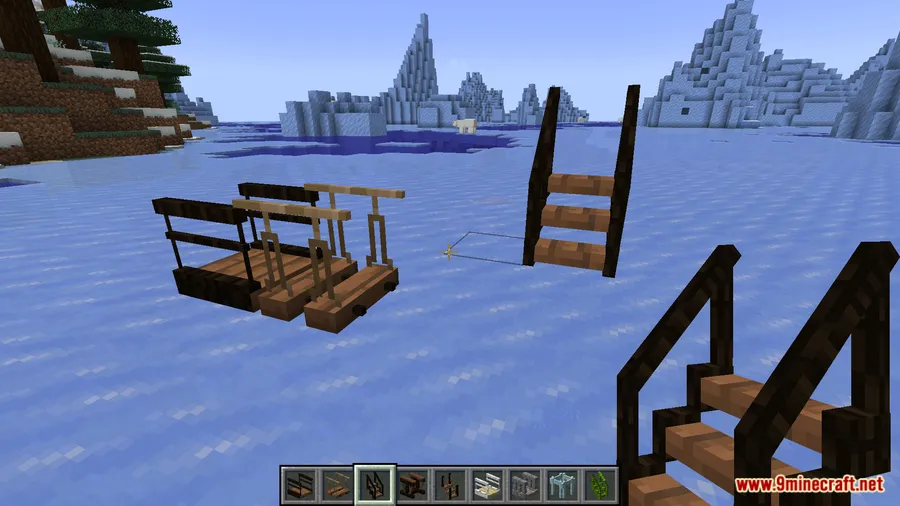
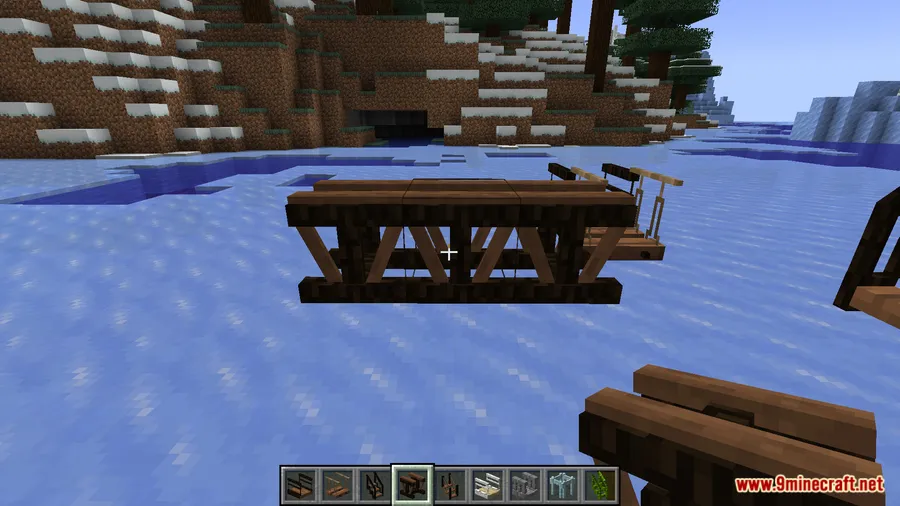
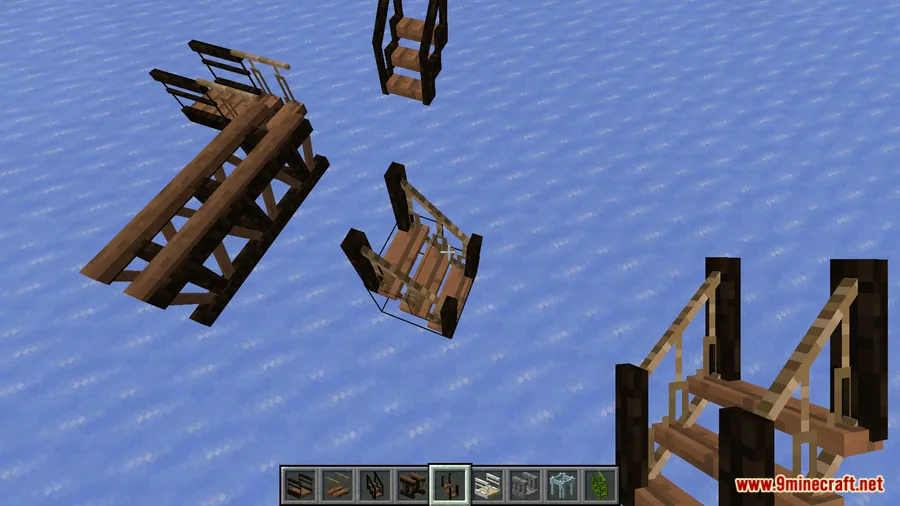
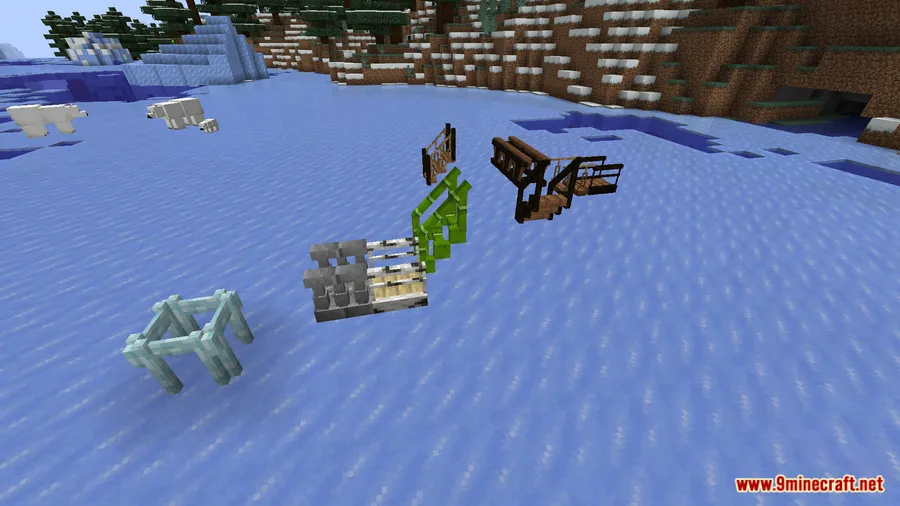
How to Install
- Install your preferred mod loader — Forge, Fabric, or NeoForge — matching your Minecraft version.
- Download and install AddonsLib Mod, which is required for this addon to function. If using Fabric, also install Fabric API.
- Install the Macaw's building mods you want to use (bridges, roofs, fences, etc.) along with at least one TerraformersMC mod (Traverse, Cinderscapes, or Terrestria).
- Place the Macaw's TerraformersMC Mod .jar file into your
.minecraft/modsfolder. - Launch Minecraft and start crafting Macaw's structures using the new TerraformersMC materials.
Requirements
| Category | Details |
|---|---|
| Mod Loader | Forge, Fabric, NeoForge |
| Dependencies | Minecraft Forge / Fabric API / NeoForge Installer, AddonsLib Mod |
| Minecraft Versions | 1.21.11, 1.21.10, 1.21.9, 1.21.8, 1.21.7, 1.21.6, 1.21.5, 1.21.4, 1.21.3, 1.21.1, 1.21, 1.20.6, 1.20.4, 1.20.2, 1.20.1, 1.19.4, 1.19.2, 1.18.2, 1.17.1, 1.16.5 |
Pros & Cons
Pros
- Bridges two major mod ecosystems, unlocking dozens of new block combinations
- Supports all three major mod loaders (Forge, Fabric, NeoForge)
- Wide version support spanning from 1.16.5 to 1.21.11
- Appears to be lightweight — functions as a compatibility layer rather than adding heavy new content
Cons
- Requires AddonsLib as an additional dependency
- Only useful if you already have both Macaw's mods and TerraformersMC mods installed
- Older Minecraft versions (1.16.5–1.17.1) are limited to Forge only
Download
Always download mods from official sources to stay safe.
FAQ
Which TerraformersMC mods does Macaw's TerraformersMC Mod support?
This addon integrates materials from TerraformersMC projects including Traverse, Cinderscapes, and Terrestria. All unique wood and stone types from these mods become available for use in Macaw's decorative structures.
Do I need all of Macaw's building mods installed for this to work?
No, you only need the specific Macaw's mods you want to use (such as Macaw's Bridges or Macaw's Roofs). The addon will add TerraformersMC material variants for whichever Macaw's mods you have installed. AddonsLib is required regardless.
Can I use this mod on a multiplayer server?
As a content addon that adds block variants, it typically needs to be installed on both the server and all connecting clients to ensure the new blocks display and function correctly.




![[Let's Do] Candlelight - Farm&Charm compat Mod (1.21.1) - thumbnail](http://mcinside.com/wp-content/uploads/2026/04/thumbnail-81-52x52.webp)


![[Let's Do] Meadow Mod (1.21.1) - thumbnail](http://mcinside.com/wp-content/uploads/2026/04/thumbnail-64-52x52.webp)


![Not Enough Recipe Book [NERB] Mod (1.21.11) - thumbnail](http://mcinside.com/wp-content/uploads/2026/04/thumbnail-63-52x52.webp)