

On MacOS, missed keybinds and inconsistent scrolling can turn ordinary Minecraft actions into constant friction. MacOS Input Fixes Mod focuses on those specific problems by fixing control combinations such as ctrl+tab and ctrl+esc, correcting ctrl+Q item dropping behavior, and addressing trackpad and mouse scrolling issues. The project is authored by hamarb123, published on 2022-09-26, and updated on 2025-12-15 according to its Modrinth listing.
Key Features
- Corrects MacOS control input so left-click is detected while the control key is pressed, and control-clicking works as intended in-game.
- Fixes the ctrl + left-click becoming right-click issue, with an option to disable that specific fix.
- Restores item dropping behavior by allowing both control + key and command + key combinations, including the ctrl+Q full-stack drop behavior described in the source data.
- Adjusts trackpad scrolling so it does not scroll a large number of items at once, and adds trackpad scrolling sensitivity adjustment.
- Fixes momentum scrolling and adds options to disable momentum scrolling on the hotbar or disable the smooth-scrolling workaround in interfaces.
- Adds reverse scrolling options for the whole game or just the hotbar, and helps prevent shift-related scrolling issues on older mice.
Screenshots


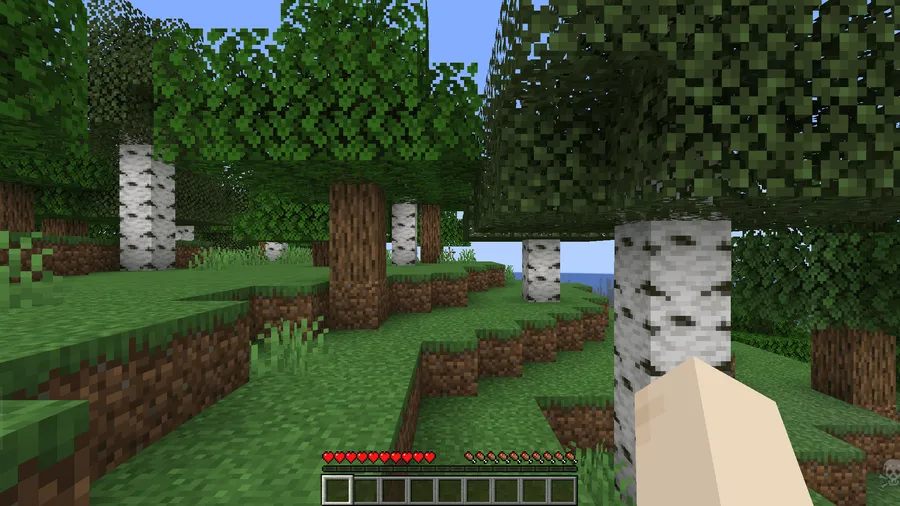
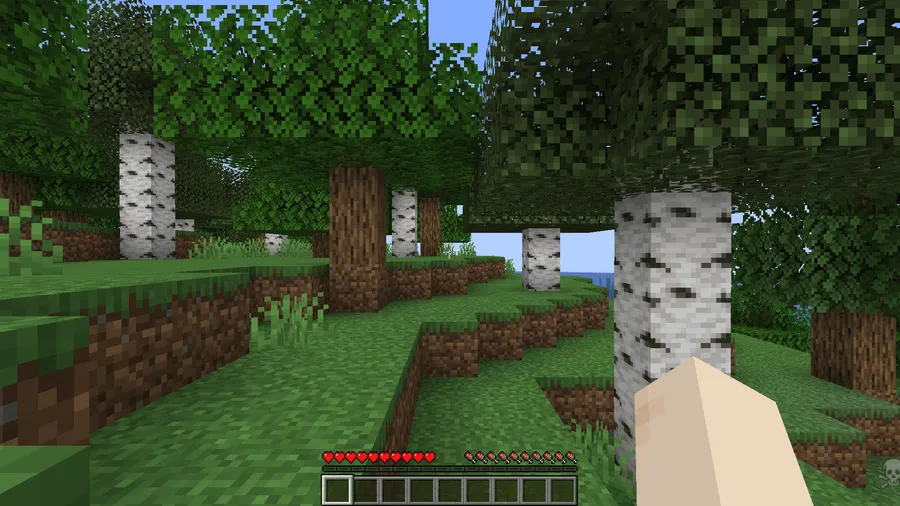
How to Install
- Use Fabric Modloader for the Minecraft version you want to run.
- Install Fabric API, since it is listed as a required dependency.
- Choose the MacOS Input Fixes Mod download that matches your Minecraft version.
- Launch the game with your Fabric setup enabled.
Requirements
| Requirement | Details |
|---|---|
| Mod Loader | Fabric |
| Dependencies | Fabric API |
| Minecraft Version | Listed in available information: 26.1, 1.14, 1.20.2, 1.20.4, 1.20.6, 1.21, 1.21.1, 1.21.3, 1.21.4, 1.21.5, 1.21.6, 1.21.7, 1.21.8, 1.21.9, 1.21.10, 1.21.11 |
Pros & Cons
Pros
- Targets several MacOS-specific input problems in one mod.
- Includes multiple scrolling options instead of forcing a single behavior.
- Public source code is available, and Modrinth lists 2,998,429 downloads.
Cons
- Only Fabric is listed in available information.
- Requires Fabric API in addition to the mod loader.
- Focused strictly on MacOS input and scrolling fixes, not broader gameplay changes.
Download
Always download mods from official sources to stay safe.
What's New
- Modrinth lists Version 1.11 in the provided changelog.
- Version 1.11 updates support for Minecraft 1.21.11+.
- This version requires Fabric.
- Fabric Loader 0.15.0+ is required for this update.
- The changelog states support for Minecraft 1.14+.
FAQ
What does MacOS Input Fixes Mod fix on MacOS?
Available information says it fixes undetected controls such as ctrl+tab and ctrl+esc, corrects ctrl+Q so it can drop an entire stack instead of one item, and addresses several mouse and trackpad scrolling issues.
Does MacOS Input Fixes Mod require Fabric API?
Yes. The requirements in available information list Fabric Modloader and Fabric API, and every listed download is marked for Fabric.
Which Minecraft versions are listed for MacOS Input Fixes Mod?
Available information lists 26.1, 1.14, 1.20.2, 1.20.4, 1.20.6, 1.21, 1.21.1, 1.21.3, 1.21.4, 1.21.5, 1.21.6, 1.21.7, 1.21.8, 1.21.9, 1.21.10, and 1.21.11. The Modrinth changelog also notes support for Minecraft 1.21.11+.



![[Let's Do] Meadow Mod (1.21.1) - thumbnail](http://mcinside.com/wp-content/uploads/2026/04/thumbnail-64-52x52.webp)


![Not Enough Recipe Book [NERB] Mod (1.21.11) - thumbnail](http://mcinside.com/wp-content/uploads/2026/04/thumbnail-63-52x52.webp)
