

For players who have already explored everything Malstone Mod offers through the base Malum experience, this add-on brings fresh crafting possibilities with unique items like a deadly knife and a mysterious white tin object. Built as a direct extension of Malum, it slots naturally into survival gameplay without requiring creative mode or cheats — every new item is craftable from resources you gather in-world.
Key Features
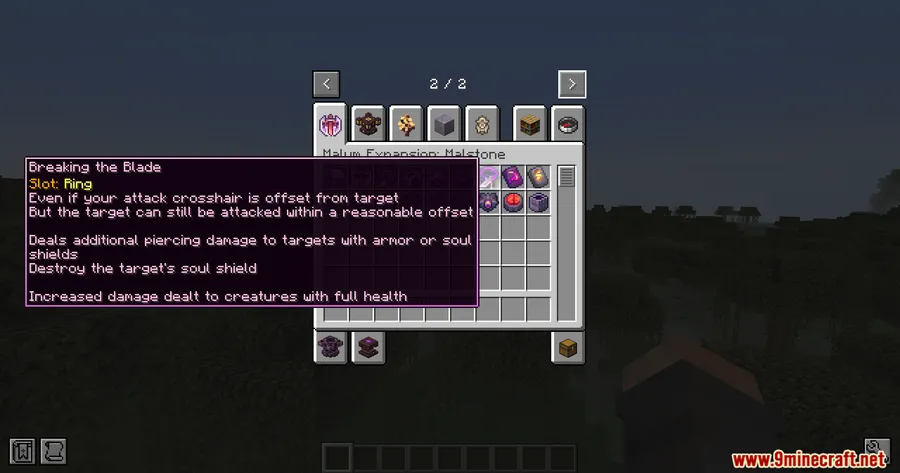
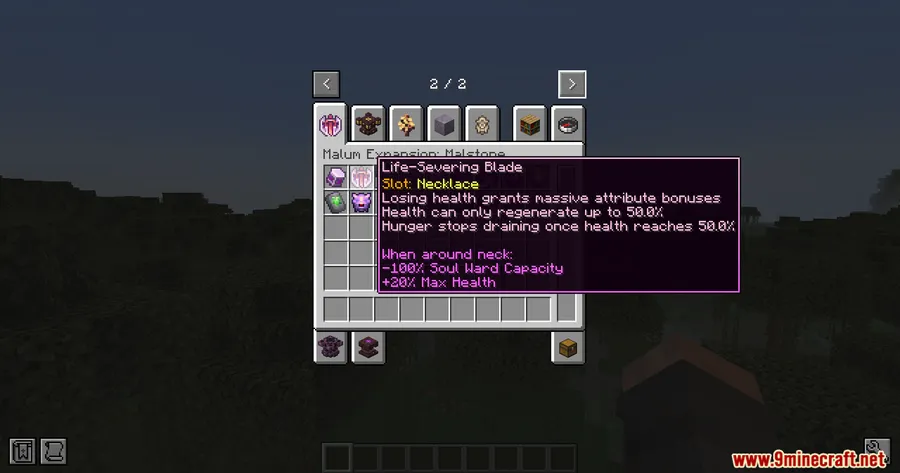
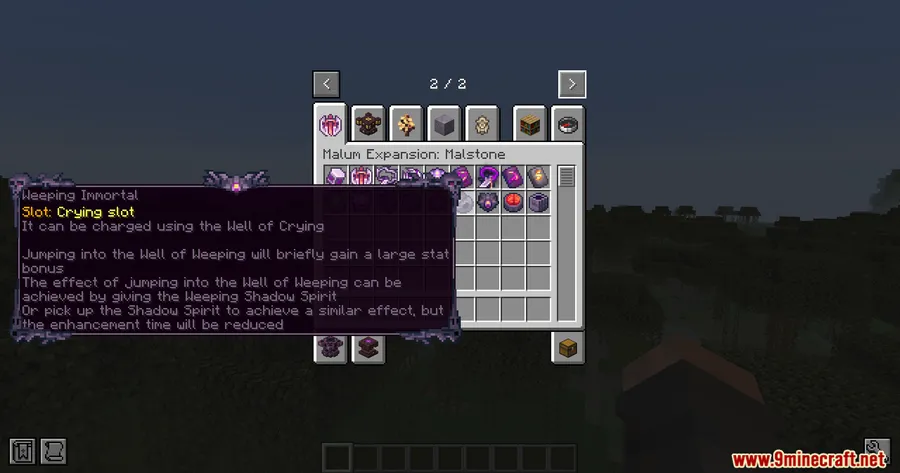
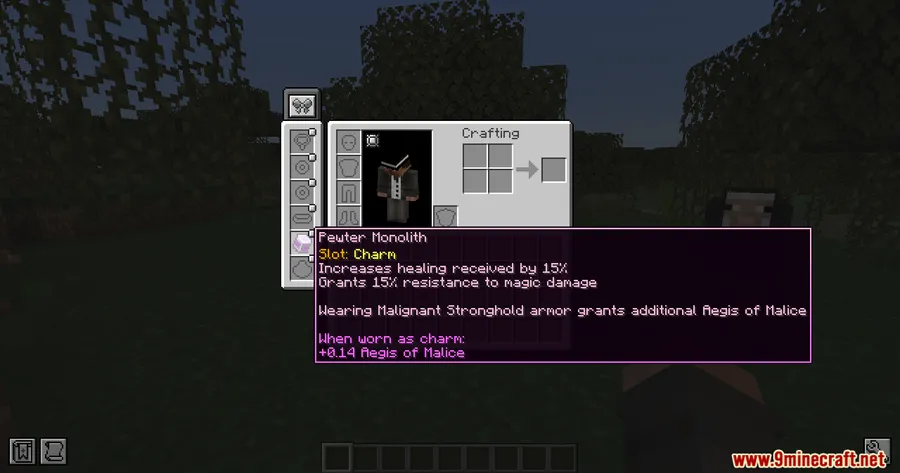
- Malum content expansion — Extends the Malum mod with additional themed items, giving players more reasons to revisit Malum's crafting systems and progression.
- Deadly knife — Adds a new weapon described as a deadly knife, expanding combat options within the Malum ecosystem.
- White tin object with square body — Introduces a craftable item described as a square body tied to a white tin object, adding new utility or decorative possibilities.
- Survival-friendly crafting — All new items are obtainable through normal survival gameplay, keeping the experience balanced and progression-based.
Screenshots


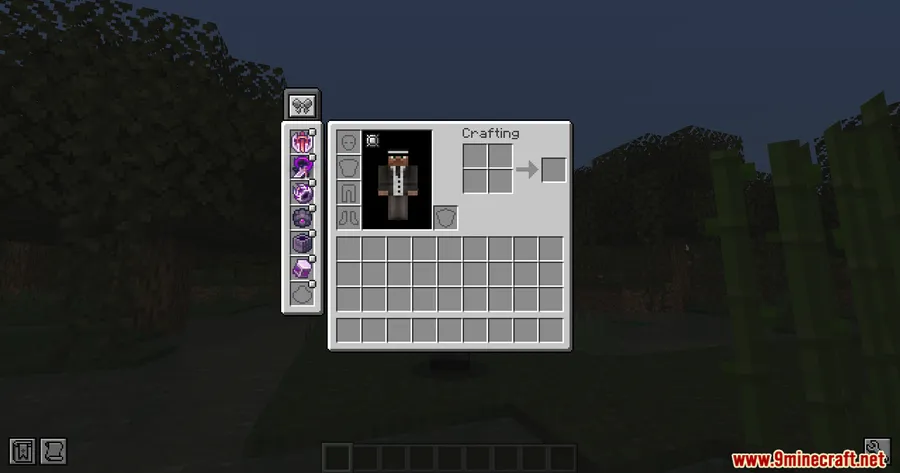
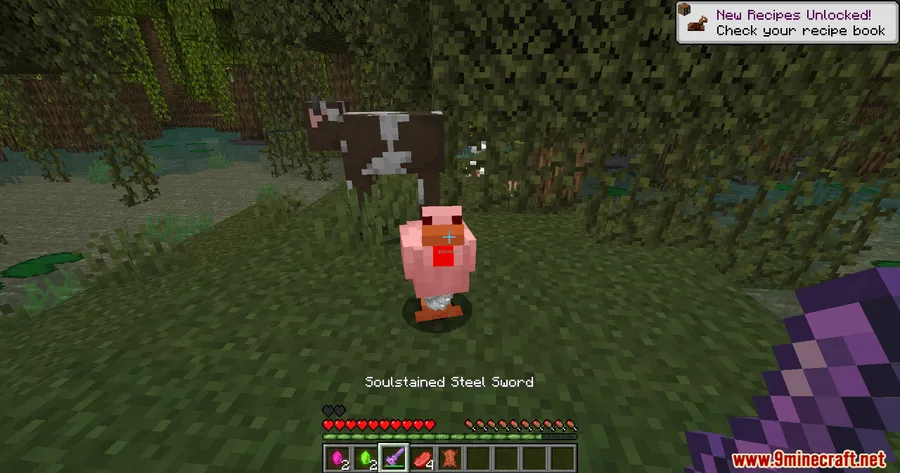
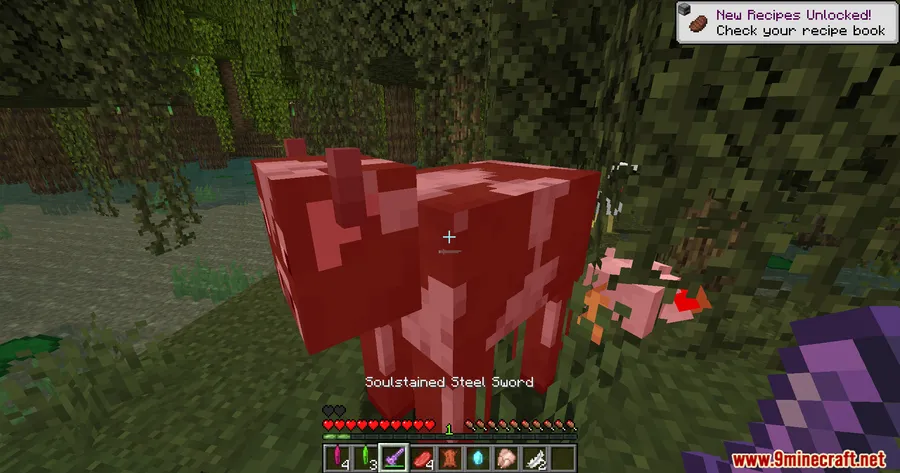
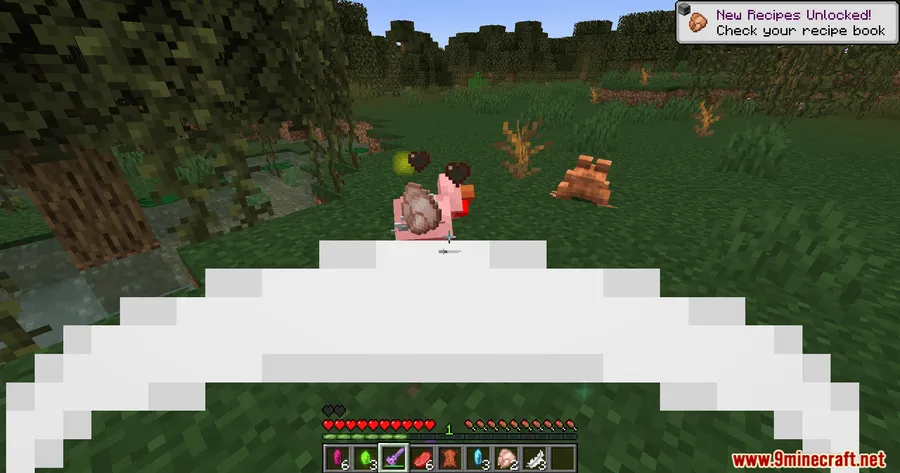
How to Install
- Download and install Minecraft Forge or NeoForge for your Minecraft version.
- Download and install the Malum Mod, which is required as a dependency.
- Download the Malstone Mod file from the link below.
- Place the downloaded
.jarfile into your.minecraft/modsfolder. - Launch Minecraft with your Forge or NeoForge profile and enjoy the new items.
Requirements
| Requirement | Details |
|---|---|
| Mod Loader | Forge, NeoForge |
| Dependencies | Malum Mod |
| Minecraft Versions | 1.21.1, 1.21, 1.20.1, 1.20 |
Pros & Cons
Pros
- Adds meaningful new content to the Malum mod without replacing existing features
- All items are craftable in survival mode, maintaining balanced gameplay
- Supports both Forge and NeoForge on newer Minecraft versions
- Broad version support spanning 1.20 through 1.21.1
Cons
- Requires Malum as a dependency — not a standalone mod
- Limited item descriptions make it hard to evaluate the full scope of added content
- Forge-only support on 1.20.x versions (no NeoForge option for older builds)
Download
Always download mods from official sources to stay safe.
FAQ
Does Malstone Mod work without Malum installed?
No, Malstone requires the Malum mod as a dependency. You must install Malum first before adding Malstone to your mods folder.
Can I use Malstone Mod on a multiplayer server?
As a Forge/NeoForge mod that adds new items, it would typically need to be installed on both the server and client side. Check with your server administrator before adding it.
Is NeoForge supported for all Minecraft versions?
NeoForge support is available for Minecraft 1.21.1 and 1.21. For Minecraft 1.20.1 and 1.20, only Forge is supported.


![[Let's Do] Meadow Mod (1.21.1) - thumbnail](http://mcinside.com/wp-content/uploads/2026/04/thumbnail-64-52x52.webp)


![Not Enough Recipe Book [NERB] Mod (1.21.11) - thumbnail](http://mcinside.com/wp-content/uploads/2026/04/thumbnail-63-52x52.webp)
