
If you play Minecraft on a Mac, you already know the frustration — scroll directions that make no sense, phantom right-clicks when you're just trying to sneak, and shift-scroll combos that flat-out refuse to work. McMouser Mod tackles these long-standing macOS mouse bugs head-on, letting you finally play with the same input behavior that Windows and Linux users take for granted. It's a small, focused fix by developer ViRb3 that addresses issues Mojang has left unresolved for years.
Key Features
- Shift + Scroll Fix — Corrects the broken Shift + Scroll behavior on versions prior to 1.20.2 (related to MC-121772) and fixes the reversed scroll direction introduced in 1.20.2 and later.
- Ctrl + Click Emulation Disabled — Stops macOS from interpreting Ctrl + Left Click as a Right Click, which frequently causes misclicks during gameplay like accidentally placing blocks or opening containers.
- Universal Mac Support — Works on both Apple Silicon (M1/M2/M3 arm64) and Intel (x64/amd64) Macs, so no matter which hardware you're running, the fixes apply.
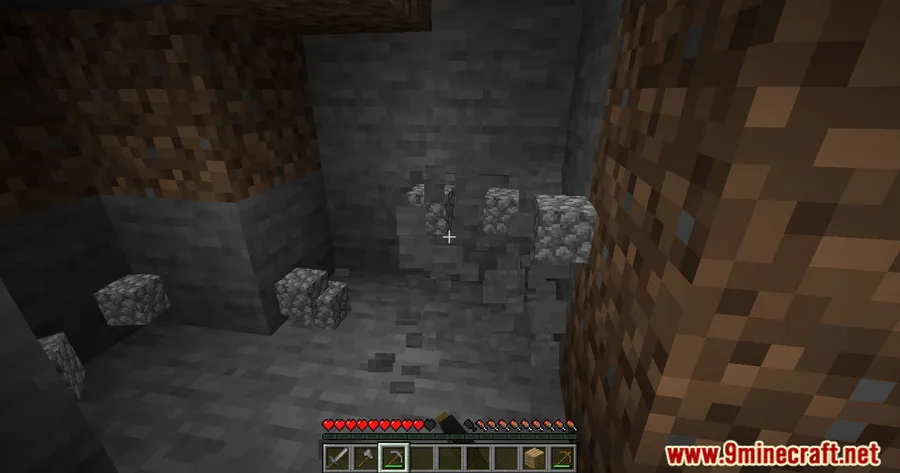
Screenshots
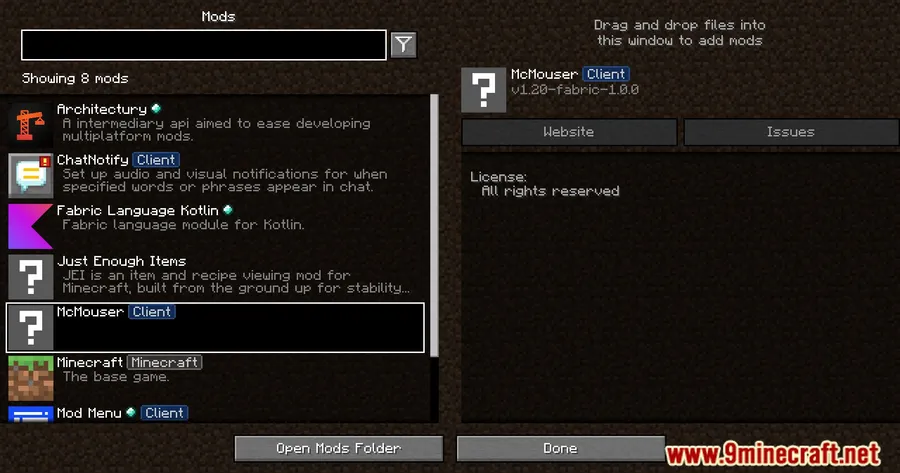
How to Install
- Download and install Minecraft Forge, Fabric (with Fabric API), or NeoForge for your Minecraft version.
- Download the McMouser Mod file for your version from the link below.
- Open your Minecraft installation folder and navigate to the
modsdirectory. - Drop the downloaded
.jarfile into themodsfolder. - Launch Minecraft with your mod loader profile — the mouse fixes apply automatically.
Requirements
| Requirement | Details |
|---|---|
| Mod Loader | Forge, Fabric, or NeoForge |
| Dependencies | Fabric API (for Fabric versions) |
| Minecraft Version | 1.12.2, 1.16.5, 1.17.1, 1.18.1–1.18.2, 1.19–1.19.4, 1.20–1.20.6, 1.21.1 |
Pros & Cons
Pros
- Fixes multiple long-standing macOS mouse bugs that Mojang hasn't patched
- Works on both Apple Silicon and Intel Macs
- Available for Forge, Fabric, and NeoForge across a wide range of Minecraft versions
- Install-and-forget — no configuration needed
Cons
- Only useful for macOS players — Windows and Linux users won't benefit
- Requires Fabric API as an extra dependency when using the Fabric version
- NeoForge support is currently limited to 1.21.1
Download
Always download mods from official sources to stay safe.
FAQ
Does McMouser Mod work on Apple Silicon M1, M2, and M3 Macs?
Yes. McMouser supports both arm64 (Apple Silicon) and amd64 (Intel) architectures, so it works on all modern Macs regardless of the chip.
What mouse bugs does McMouser fix on macOS?
It fixes two main issues: the broken or reversed Shift + Scroll behavior (related to MC-121772), and the macOS system-level Ctrl + Left Click being interpreted as a Right Click during gameplay.
Do I need to configure anything after installing McMouser?
No. Once the mod file is placed in your mods folder, all mouse fixes are applied automatically when you launch the game. There are no settings to adjust.




![[Let's Do] Meadow Mod (1.21.1) - thumbnail](http://mcinside.com/wp-content/uploads/2026/04/thumbnail-64-52x52.webp)


![Not Enough Recipe Book [NERB] Mod (1.21.11) - thumbnail](http://mcinside.com/wp-content/uploads/2026/04/thumbnail-63-52x52.webp)


