
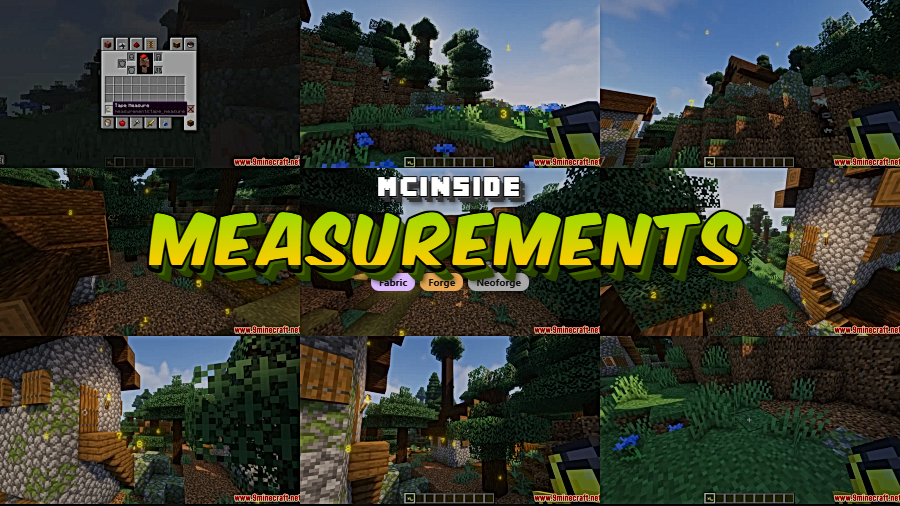
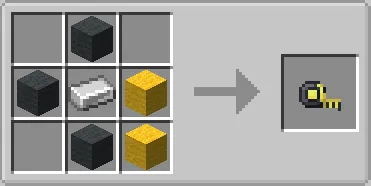
Ever tried to eyeball the distance between two points in Minecraft and gotten it completely wrong? Measurements Mod solves that frustration by adding a simple tape measure tool that lets you precisely measure the length, width, and height between any two blocks. Right-click two positions, and the exact dimensions appear on screen — staying visible until you manually clear them. It's one of those small utility mods that, once you start using it, you wonder how you ever built without.
Key Features
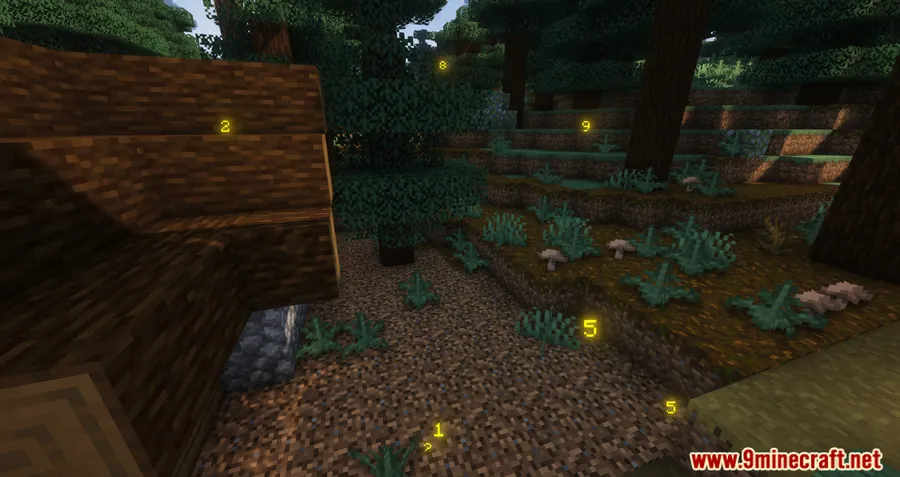
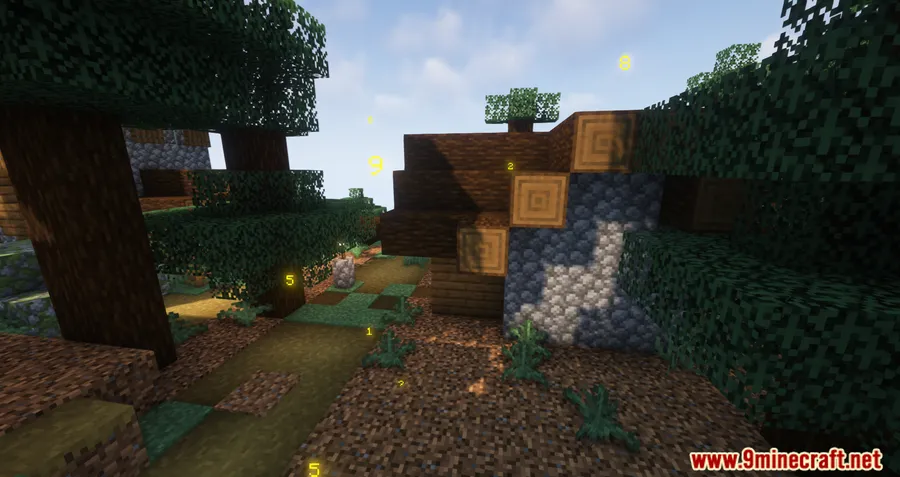
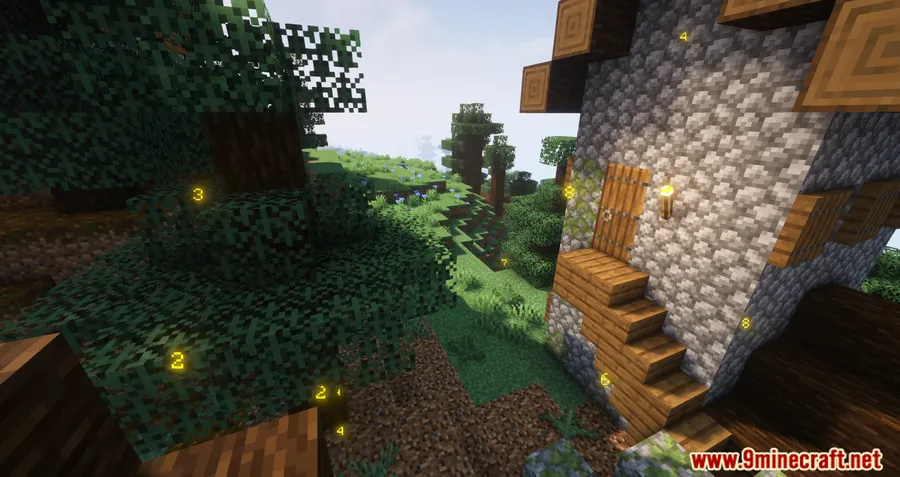
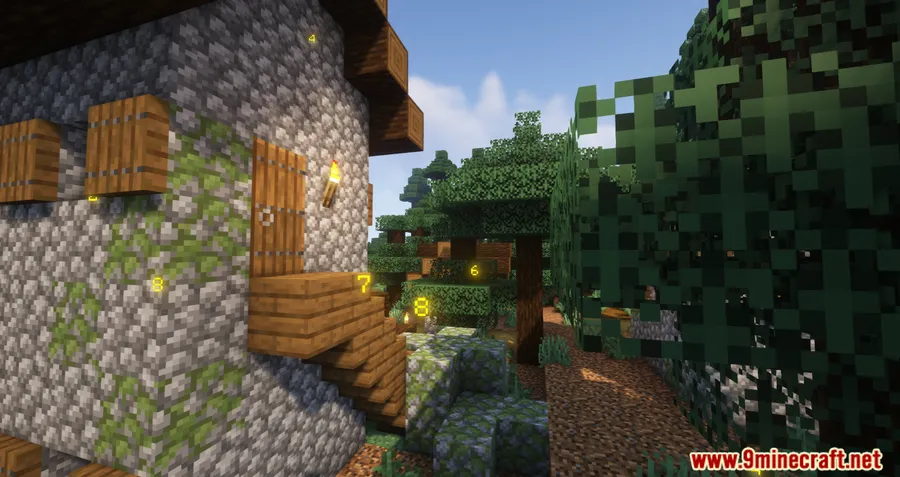
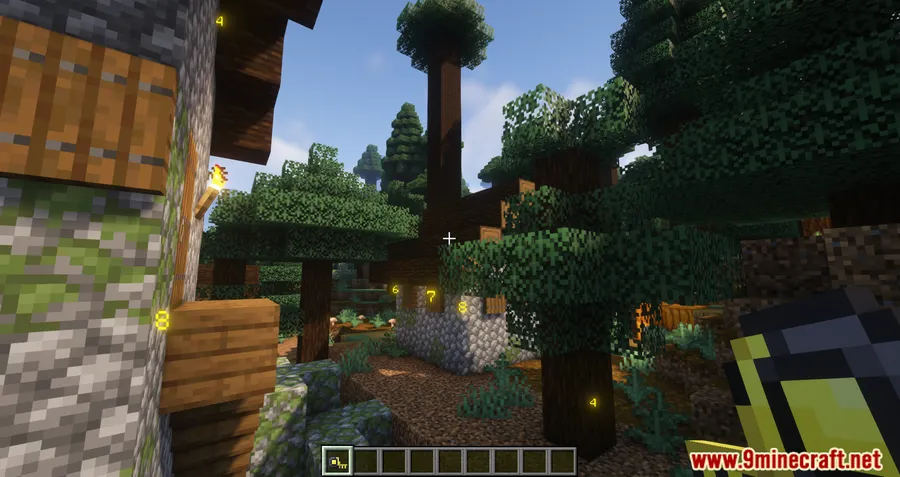
- Block-to-block measuring — Right-click on any two blocks to instantly display the exact distance between them. Perfect for planning builds, redstone layouts, or verifying symmetry.
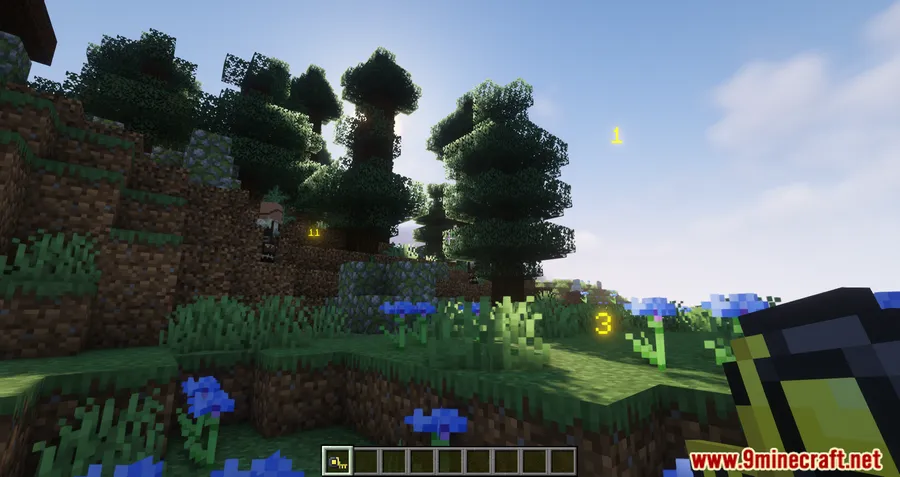
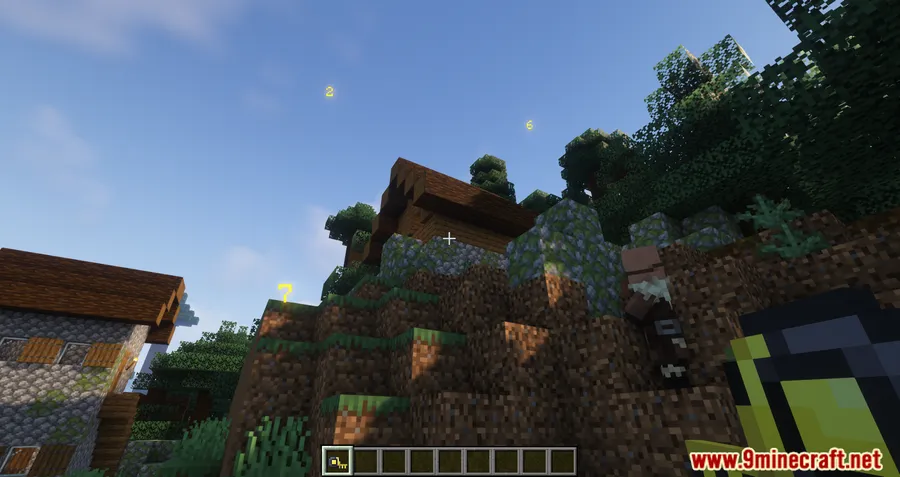
- Persistent on-screen display — All measurements stay visible on your screen until cleared, so you can take multiple readings and reference them simultaneously while building.
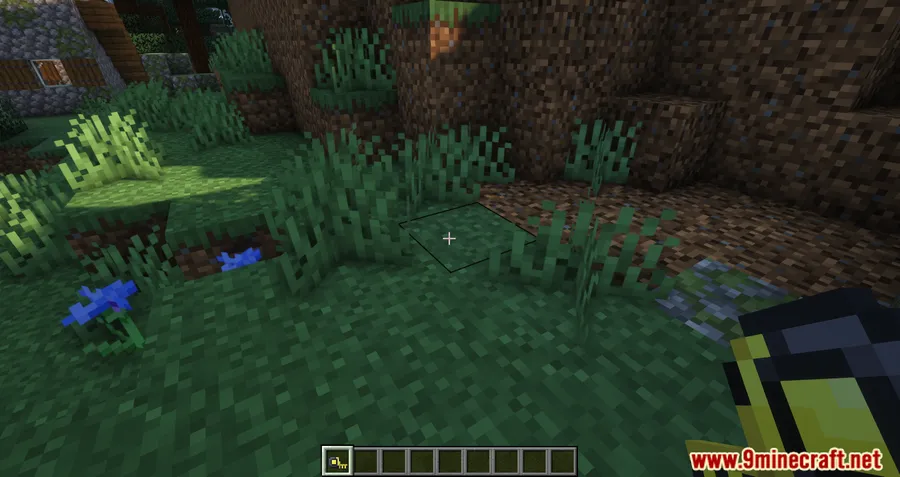
- Quick cleanup — Press Shift + right-click on the ground to remove all displayed measurements when you're done. No menus to navigate, no extra keybinds to remember.
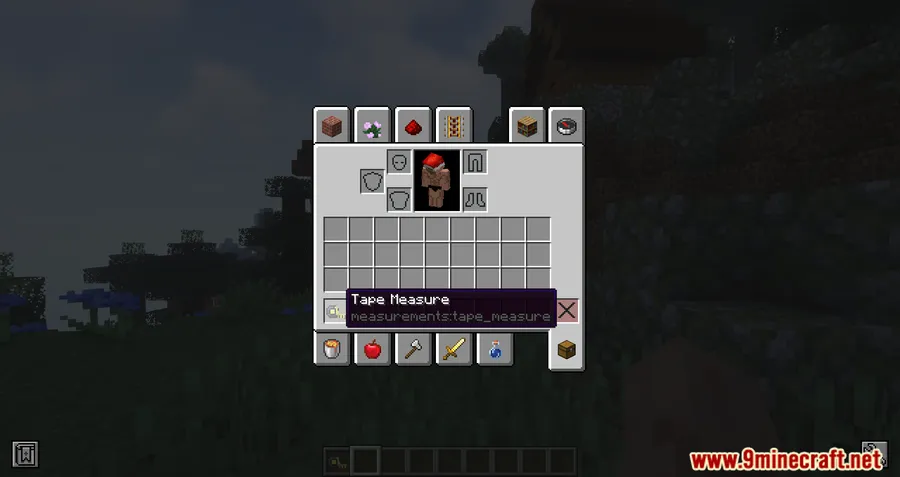
Screenshots
How to Install
- Download and install your preferred mod loader — Forge, Fabric, NeoForge, or Quilt — for your Minecraft version.
- If using Fabric, make sure you also install the Fabric API mod.
- Download the Measurements Mod file matching your Minecraft version and loader from the links below.
- Place the downloaded
.jarfile into your.minecraft/modsfolder. - Launch Minecraft with your mod loader profile and the tape measure tool will be available in-game.
Requirements
| Mod Loader | Dependencies | Minecraft Versions |
|---|---|---|
| Forge | Minecraft Forge | 1.21.11, 1.21.10, 1.21.8, 1.21.7, 1.21.6, 1.21.5, 1.21.4, 1.21.1, 1.21, 1.20.6, 1.20.4, 1.20.2, 1.20.1, 1.20, 1.19.4, 1.19.3, 1.19.2, 1.19.1, 1.19, 1.18.2, 1.17.1, 1.16.5 |
| Fabric | Fabric API | |
| NeoForge | NeoForge Installer | |
| Quilt | Quilt Loader |
Pros & Cons
Pros
- Dead simple to use — just two right-clicks and you have your measurement
- Supports all four major mod loaders (Forge, Fabric, NeoForge, Quilt)
- Wide version support stretching from 1.16.5 all the way to 1.21.11
- Multiple measurements can be displayed at once for complex builds
- Appears to be lightweight with minimal mechanics — just a single measuring tool
Cons
- Very narrow in scope — only measures distances, no angles or area calculations
- No configuration options mentioned for display style or units
- Measurements must be cleared all at once; no way to remove individual readings
Download
Always download mods from official sources to stay safe.
FAQ
How do you use the Measurements Mod in Minecraft?
Right-click on the first block, then right-click on the second block. The distance between them will appear on your screen. To clear all measurements, press Shift + right-click on the ground.
Is the Measurements Mod available for Fabric and Forge?
Yes. The mod supports Forge, Fabric, NeoForge, and Quilt across a wide range of Minecraft versions from 1.16.5 to 1.21.11.
Can you take multiple measurements at the same time?
You can. Each measurement stays visible on screen until you manually clear them all with Shift + right-click, so you can reference several distances while planning your build.


![[Let's Do] Meadow Mod (1.21.1) - thumbnail](http://mcinside.com/wp-content/uploads/2026/04/thumbnail-64-52x52.webp)


![Not Enough Recipe Book [NERB] Mod (1.21.11) - thumbnail](http://mcinside.com/wp-content/uploads/2026/04/thumbnail-63-52x52.webp)

