

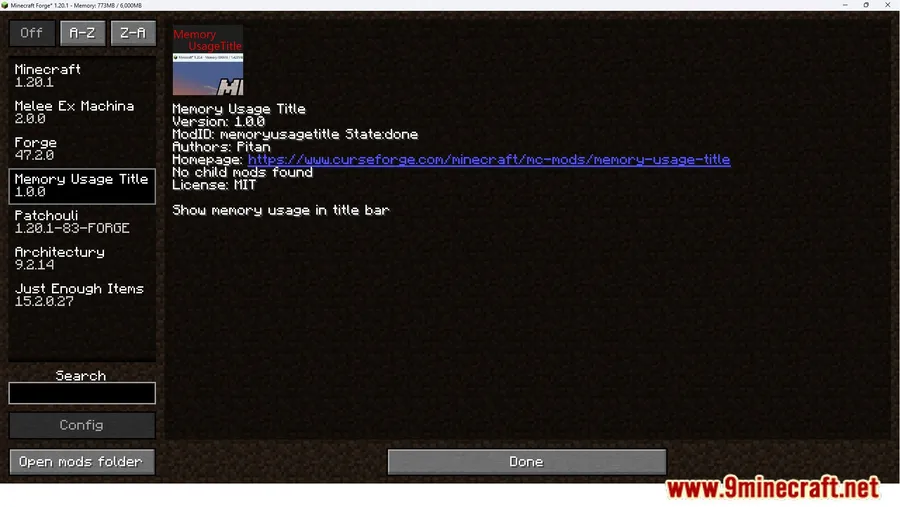
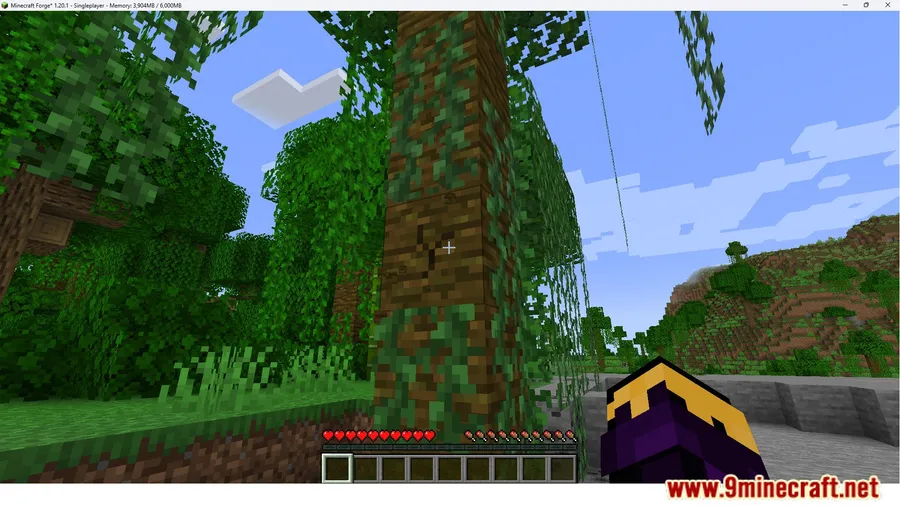
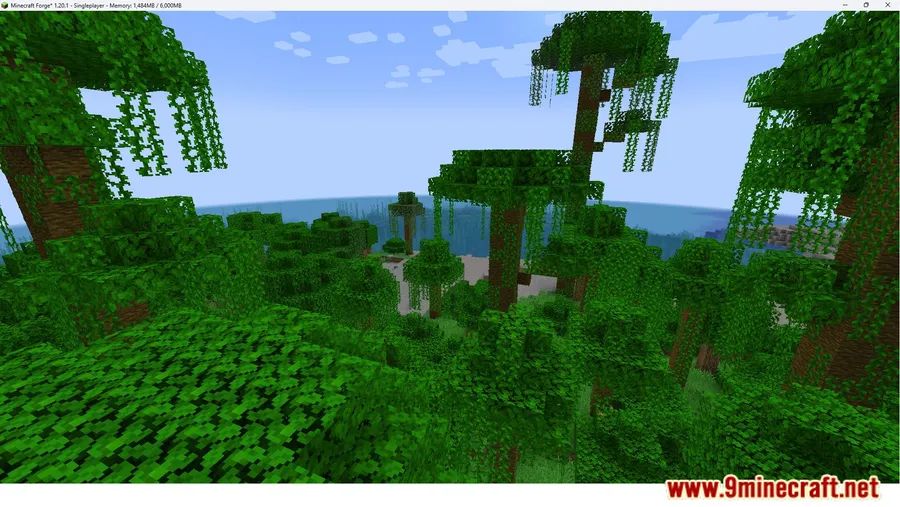
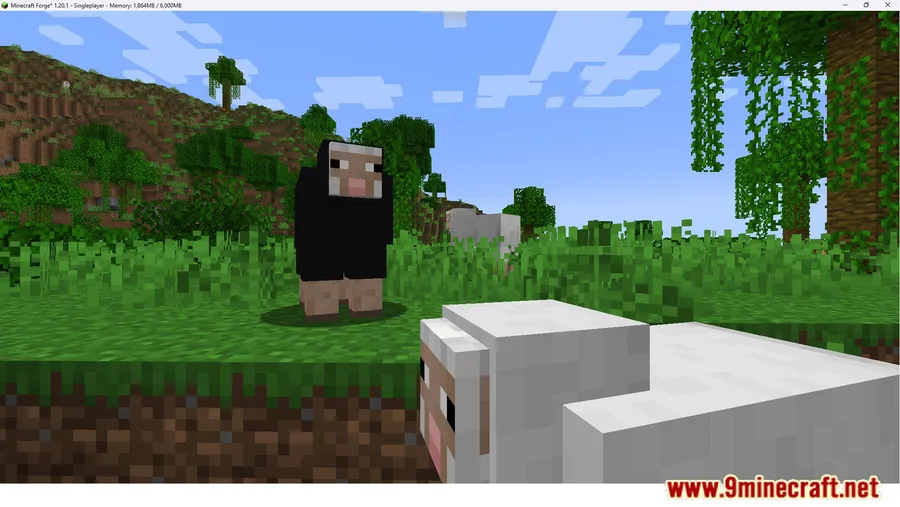
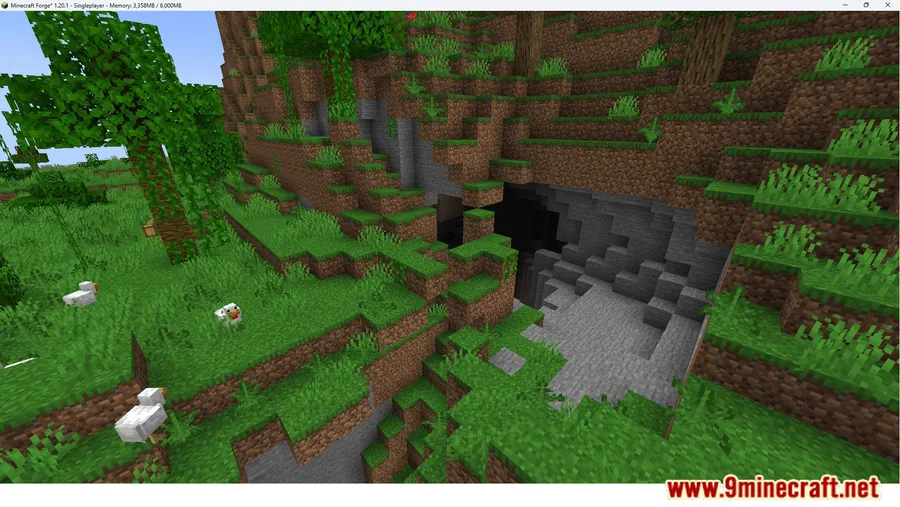
Keeping tabs on Minecraft's memory consumption usually means opening the F3 debug screen — a wall of text that clutters the entire display. Memory Usage Title Mod takes a smarter approach by embedding live RAM stats directly into the game's window title bar, so the information stays visible at a glance without covering a single pixel of gameplay. Created by pitan76, this lightweight utility supports Forge, Fabric, NeoForge, and Quilt across a wide range of Minecraft versions from 1.15.2 through 1.21.11.
Key Features
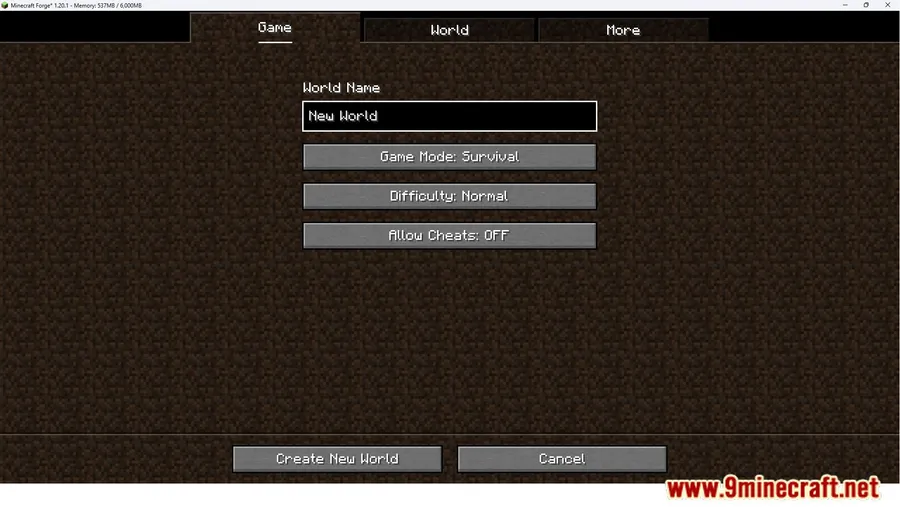
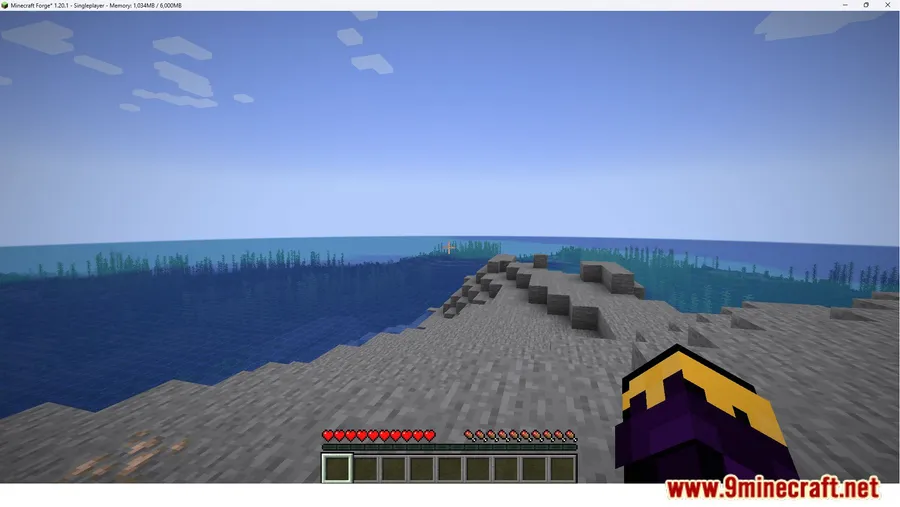
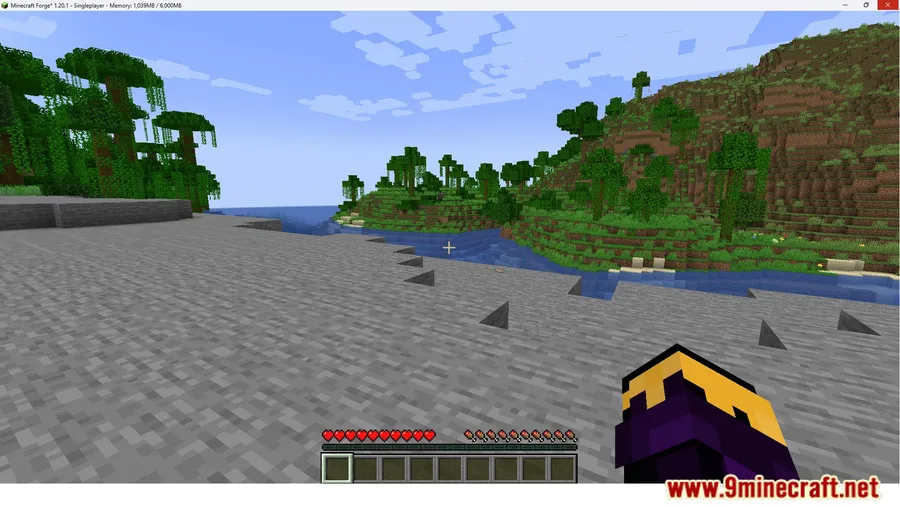
- Real-Time RAM Display in Title Bar — Shows exactly how much memory Minecraft is consuming at any moment, updated live in the window title. No need to toggle the debug screen or install an overlay HUD.
- Zero Screen Clutter — Unlike F3 or HUD-based monitors, the title bar approach keeps your gameplay view completely clean while still providing the performance data you need.
Screenshots


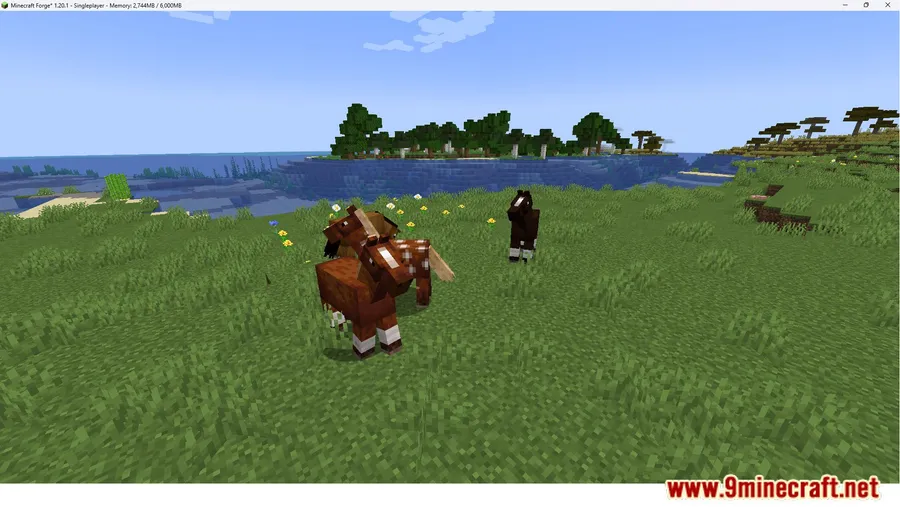
How to Install
- Download and install your preferred mod loader (Forge, Fabric, NeoForge, or Quilt) for your Minecraft version.
- If using Fabric, make sure Fabric API is also installed in your mods folder.
- Download the correct version of Memory Usage Title Mod for your loader and Minecraft version.
- Place the downloaded
.jarfile into your.minecraft/modsfolder. - Launch Minecraft — your window title bar should now display live memory usage.
Requirements
| Category | Details |
|---|---|
| Mod Loader | Forge, NeoForge, Fabric, Quilt |
| Dependencies | Minecraft Forge, Fabric API, Quilt Loader, NeoForge Installer |
| Minecraft Versions | 1.21.11, 1.21.10, 1.21.9, 1.21.8, 1.21.7, 1.21.5, 1.20.2, 1.20.1, 1.15.2 |
Pros & Cons
Pros
- Always-visible RAM monitoring without opening any menus or overlays
- Doesn't occupy HUD space or interfere with gameplay visuals
- Broad version support from 1.15.2 to 1.21.11
- Works across all major mod loaders (Forge, Fabric, NeoForge, Quilt)
Cons
- Only displays memory usage — no CPU, GPU, or FPS data in the title bar
- Title bar may not be visible when playing in fullscreen mode
- Limited utility for players who already use full performance monitoring mods
Download
Always download mods from official sources to stay safe.
FAQ
Does Memory Usage Title Mod work in fullscreen mode?
The mod displays information in the window title bar, which is typically hidden when Minecraft runs in true fullscreen. You may need to use windowed or borderless windowed mode to see the RAM readout.
Can I use Memory Usage Title Mod alongside other performance mods?
Yes. Since it only writes to the window title bar, it appears to be lightweight and should not conflict with HUD-based mods like FPS counters or mini-maps.
Which mod loader should I use for Memory Usage Title Mod?
The mod supports Forge, NeoForge, Fabric, and Quilt. Choose whichever loader matches the rest of your modpack. For newer versions (1.20.2+), NeoForge is also available as an option alongside Forge and Fabric.




![[Let's Do] Candlelight - Farm&Charm compat Mod (1.21.1) - thumbnail](http://mcinside.com/wp-content/uploads/2026/04/thumbnail-81-52x52.webp)


![[Let's Do] Meadow Mod (1.21.1) - thumbnail](http://mcinside.com/wp-content/uploads/2026/04/thumbnail-64-52x52.webp)


![Not Enough Recipe Book [NERB] Mod (1.21.11) - thumbnail](http://mcinside.com/wp-content/uploads/2026/04/thumbnail-63-52x52.webp)