

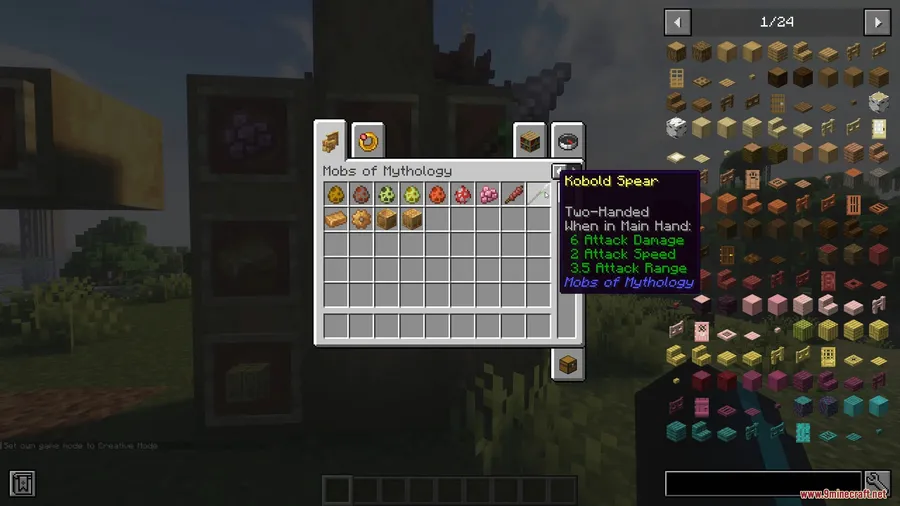
Mythological beasts have long been missing from Minecraft's monster roster, and Mobs of Mythology Mod fills that gap by scattering legendary creatures across your world — from Kobolds lurking in jungle undergrowth to Drakes roaming the Badlands. Created by PixelDreamStudios and downloaded over 2.2 million times, this mod brings each creature with unique taming mechanics, habitat preferences, and loot tables that give survival worlds a genuine sense of discovery. Whether you want a loyal Automaton companion or need to fend off Warrior Kobolds in swamp ruins, there is plenty here to shake up your next adventure.
Key Features
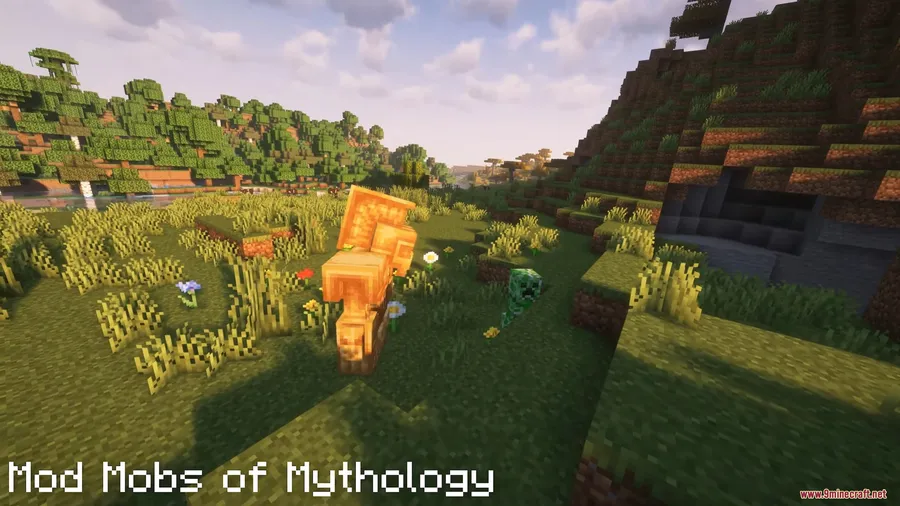
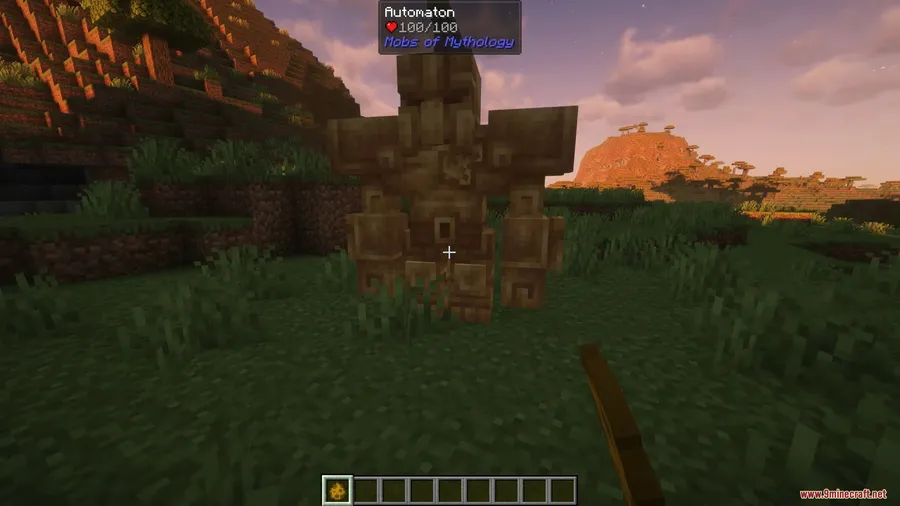
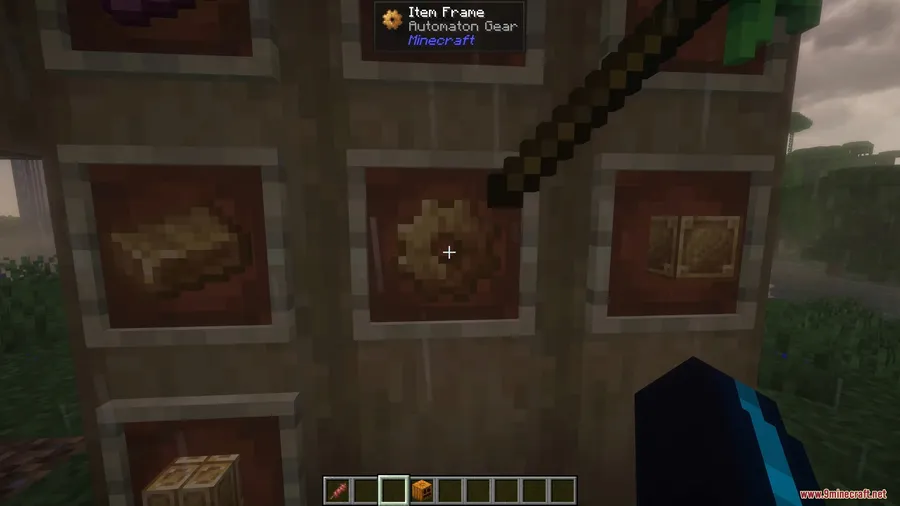
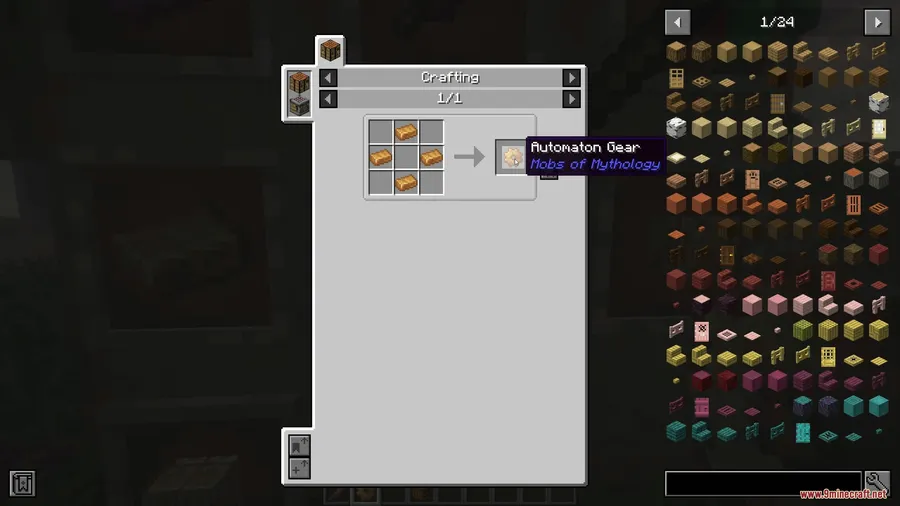
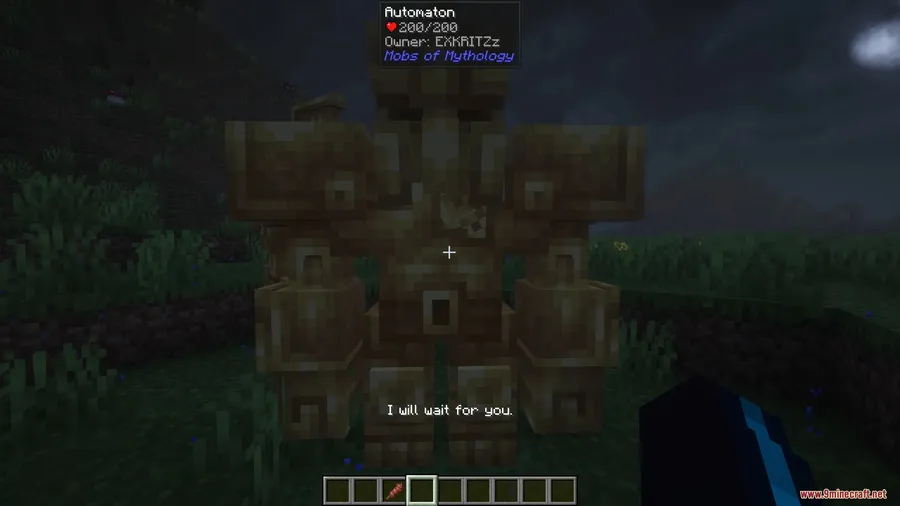
- Automatons & Bronze Crafting — Craft bronze ingots into bronze blocks and gears, then discover generated structures where Automatons are ready to spawn. Tame them immediately after spawning by right-clicking with gears to gain a powerful mechanical ally.
- Kobolds — Found naturally in humid biomes like jungles and swamps, Kobolds come in standard and Warrior variants. Warrior Kobolds are notably aggressive, willing to sacrifice themselves to take you down.
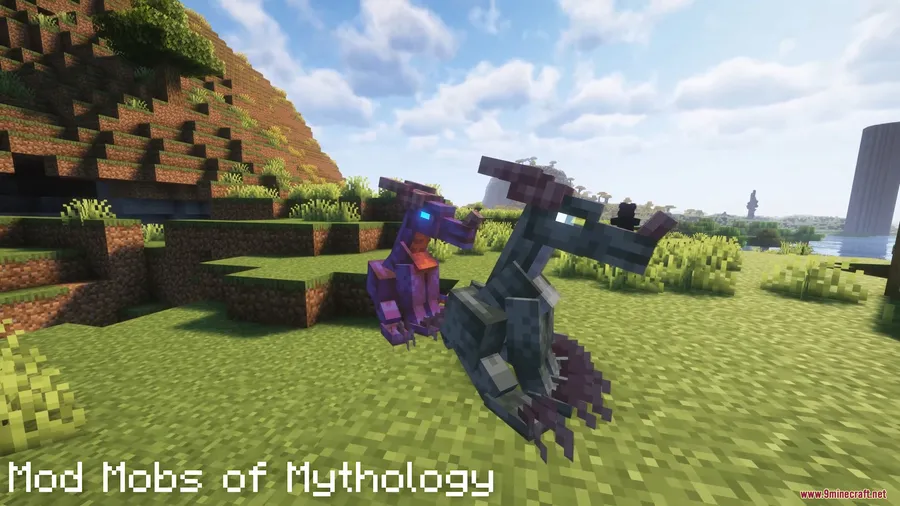
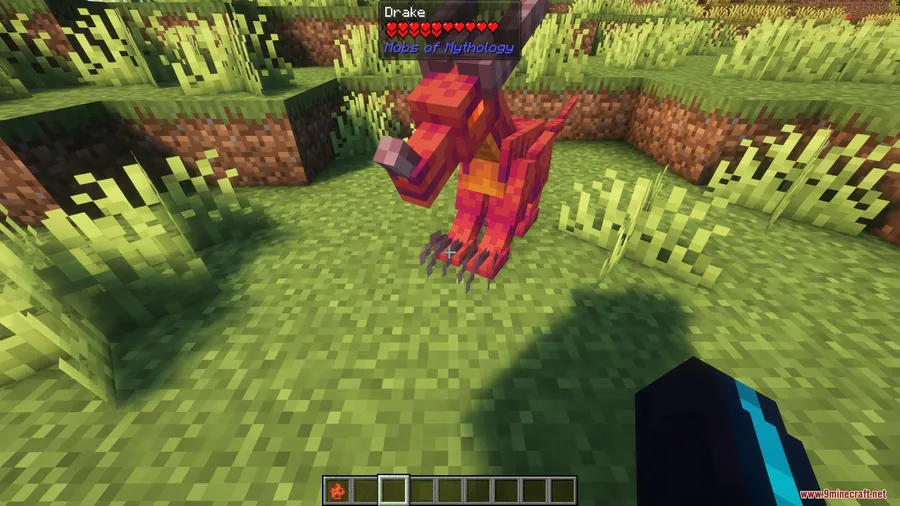
- Drakes — These dragon-like creatures inhabit the Badlands biomes. Tame them using cooked Chupacabra meat to turn a fearsome predator into a loyal companion.
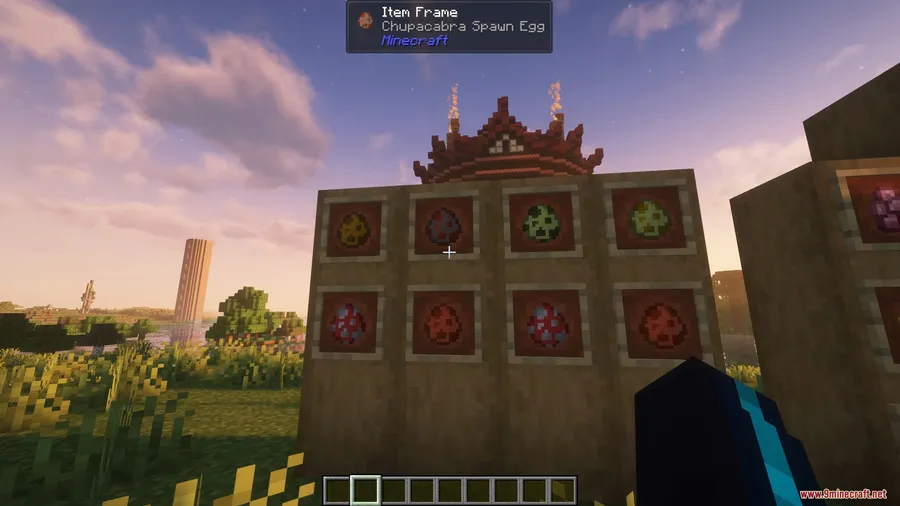
- Chupacabra — Spawning in temperate biomes, the Chupacabra drops meat that is not ideal for player consumption but serves as a key taming ingredient for Drakes and can be appreciated by certain other mobs.
- Sporelings — These mysterious creatures appear in mushroom biomes. Right-click on them to read their unique messages, adding a layer of environmental storytelling to rare biomes.
Screenshots


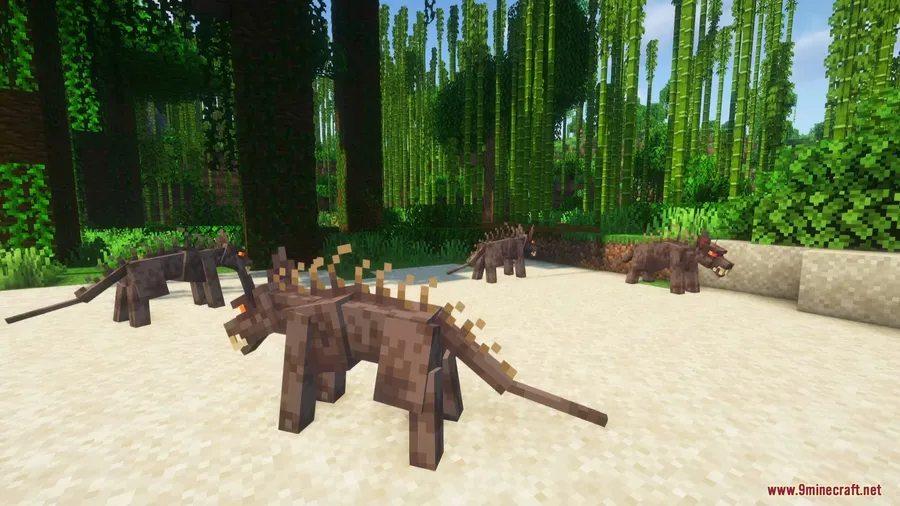
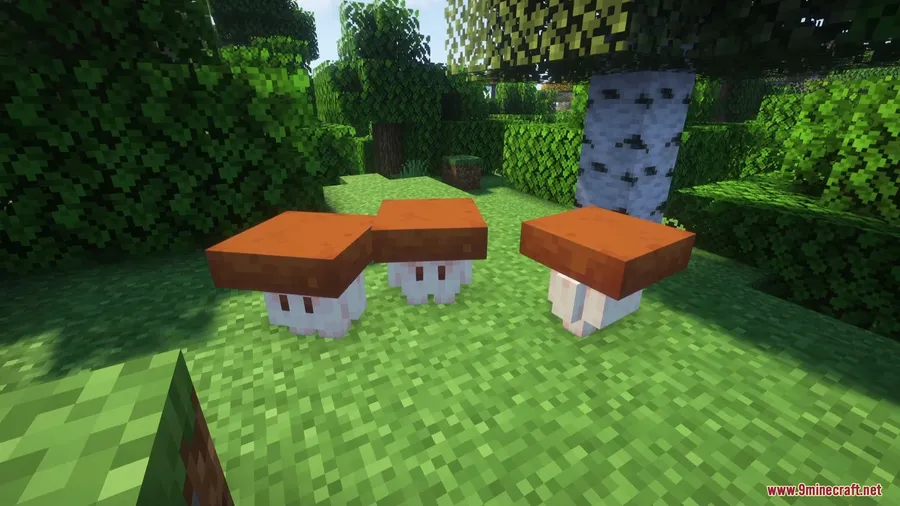
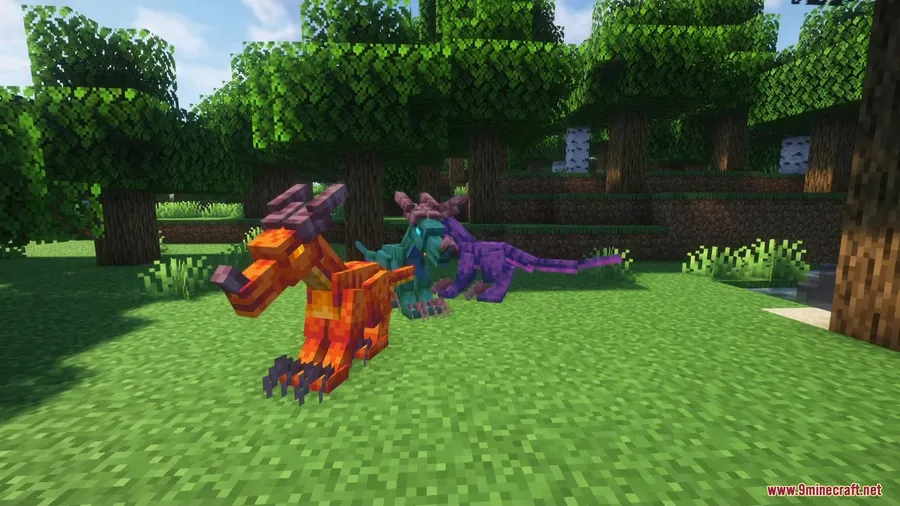
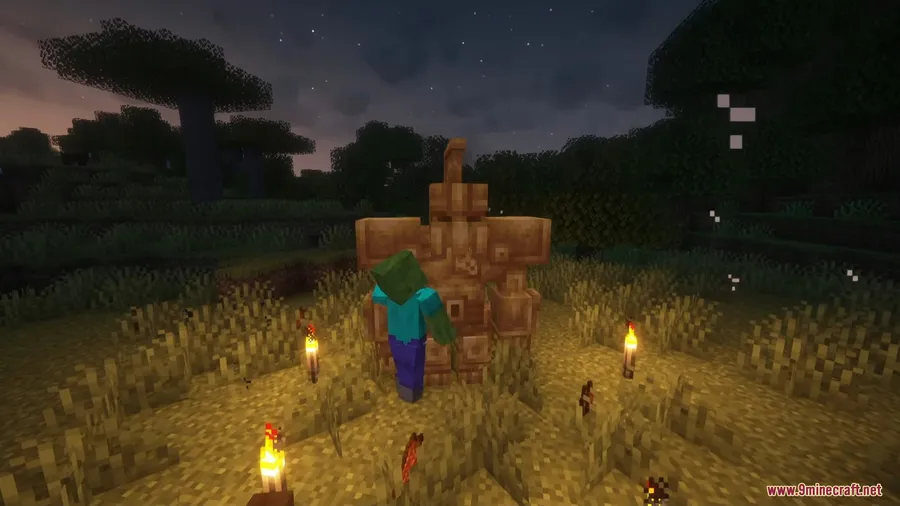
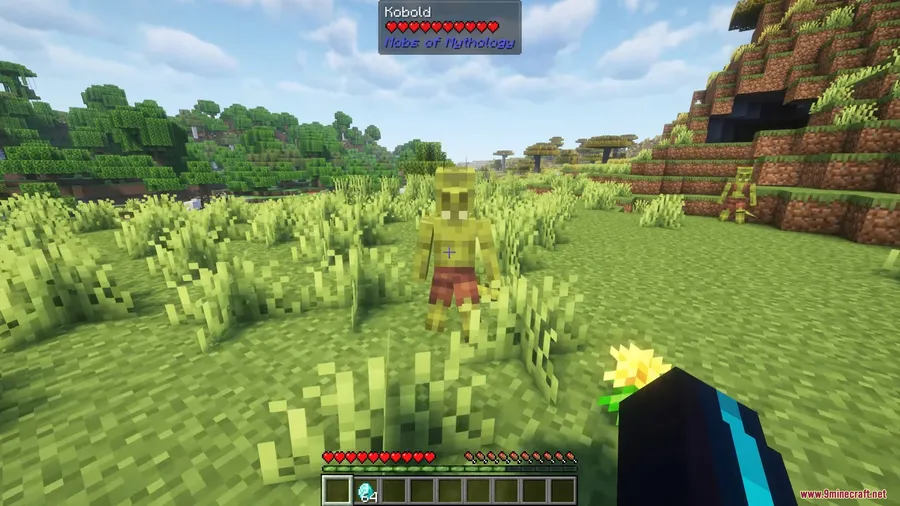
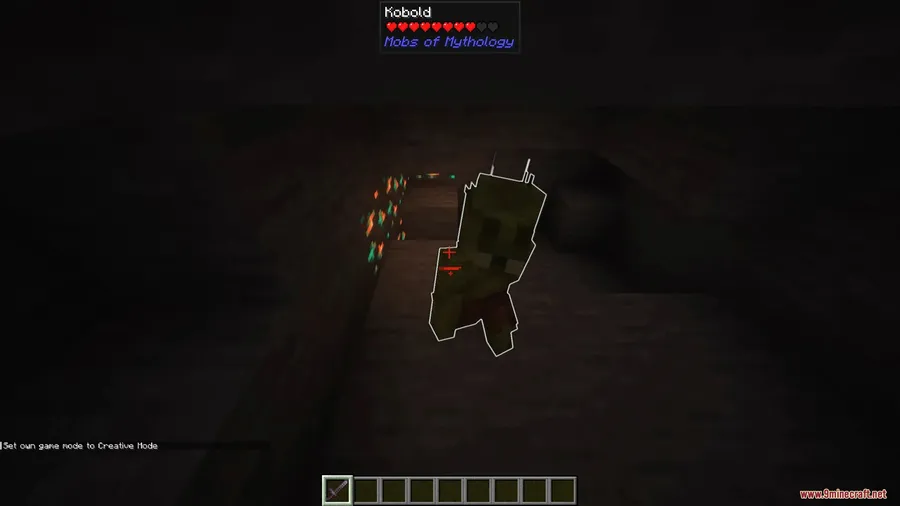
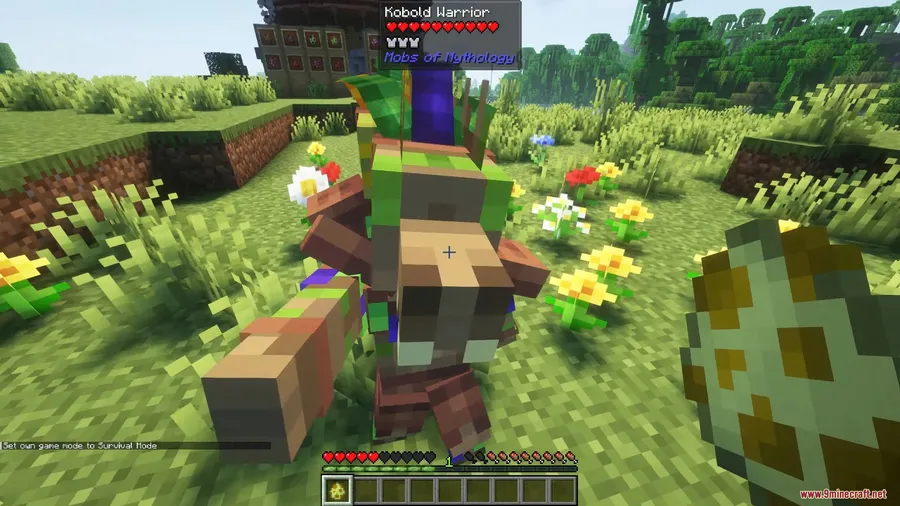
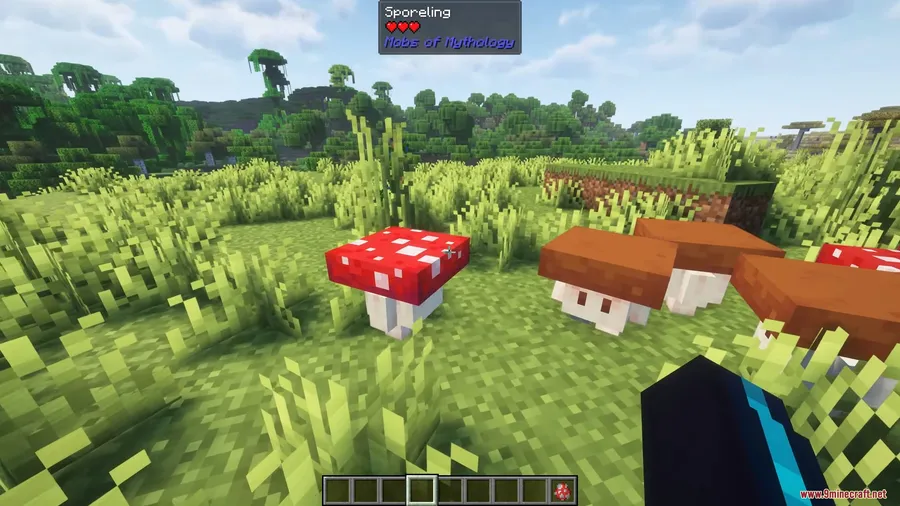
How to Install
- Download and install your preferred mod loader — Forge, NeoForge, or Fabric.
- Install all required dependencies listed in the Requirements table below (GeckoLib, AzureLib, etc.).
- Download the Mobs of Mythology Mod file for your Minecraft version.
- Place the downloaded
.jarfile into your.minecraft/modsfolder. - Launch Minecraft with your mod loader profile and confirm the mod appears in the mod list.
Requirements
| Category | Details |
|---|---|
| Mod Loader | Forge, NeoForge, Fabric |
| Dependencies | Fabric API, NeoForge Installer, GeckoLib, MidnightLib, Patchouli, Architectury API, Smart Brain Lib, AzureLib |
| Minecraft Versions | 1.21.1, 1.20.1, 1.19.2 |
Pros & Cons
Pros
- Each creature has distinct habitat spawning rules, making exploration feel more rewarding
- Multiple taming mechanics add depth — gears for Automatons, cooked meat for Drakes
- Supports all three major mod loaders (Forge, NeoForge, Fabric)
- Generated structures with Automatons give you built-in goals to seek out
- Actively maintained with over 2.2 million downloads and recent updates
Cons
- Long dependency list — eight additional mods required before installation
- Creatures are biome-specific, so players in plains or desert worlds may rarely encounter them
- Licensed under a custom license, which may limit modpack inclusion without permission
Download
Always download mods from official sources to stay safe.
What's New
- Updated compatibility to work with the latest version of AzureLib (3.1.1-3).
- Ensures smoother rendering and animation for all mythological creatures.
- Players using older AzureLib versions should update to avoid potential crashes.
FAQ
How do you tame a Drake in Mobs of Mythology?
Drakes are found in Badlands biomes and can be tamed by feeding them cooked Chupacabra meat. You will need to hunt Chupacabras in temperate biomes first and cook their drops before approaching a Drake.
What biomes do Kobolds spawn in?
Kobolds typically spawn in humid biomes such as jungles and swamps. Watch out for the Warrior Kobold variant — they are more aggressive and will actively try to eliminate players.
Is Mobs of Mythology compatible with Forge and Fabric?
Yes, the mod supports Forge, NeoForge, and Fabric mod loaders. Make sure to install the correct version for your loader along with all required dependencies like GeckoLib and AzureLib.




![[Let's Do] Candlelight - Farm&Charm compat Mod (1.21.1) - thumbnail](http://mcinside.com/wp-content/uploads/2026/04/thumbnail-81-52x52.webp)


![[Let's Do] Meadow Mod (1.21.1) - thumbnail](http://mcinside.com/wp-content/uploads/2026/04/thumbnail-64-52x52.webp)


![Not Enough Recipe Book [NERB] Mod (1.21.11) - thumbnail](http://mcinside.com/wp-content/uploads/2026/04/thumbnail-63-52x52.webp)