

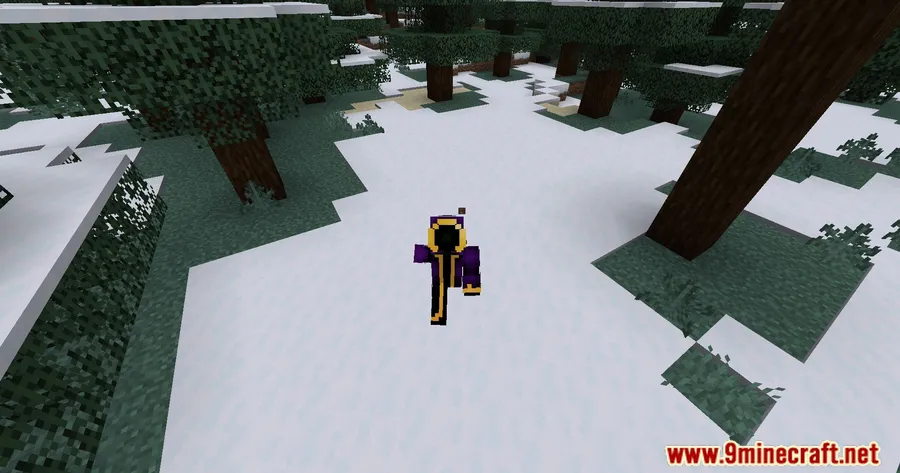
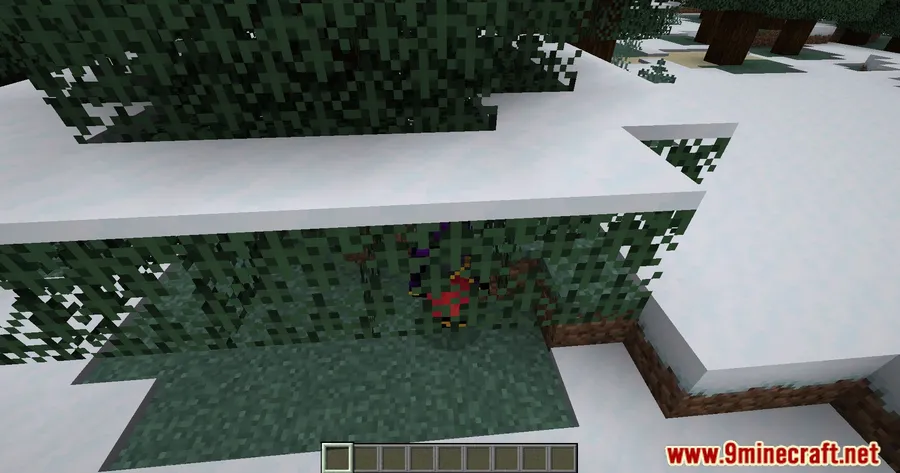
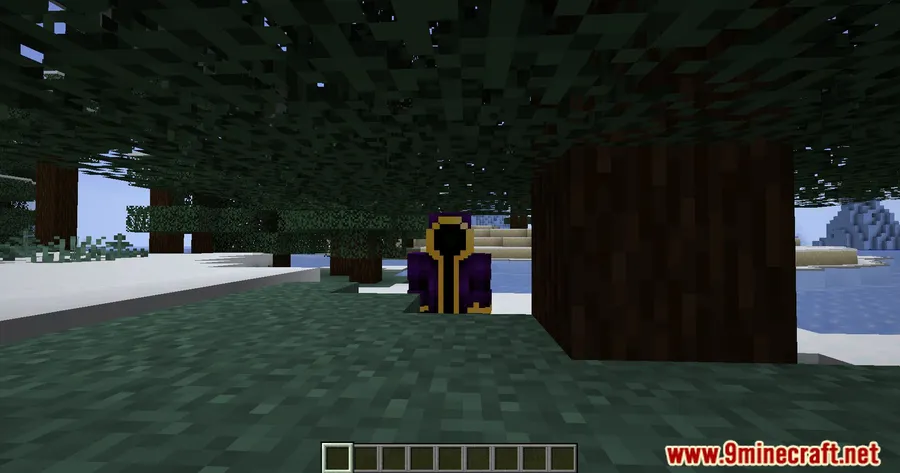
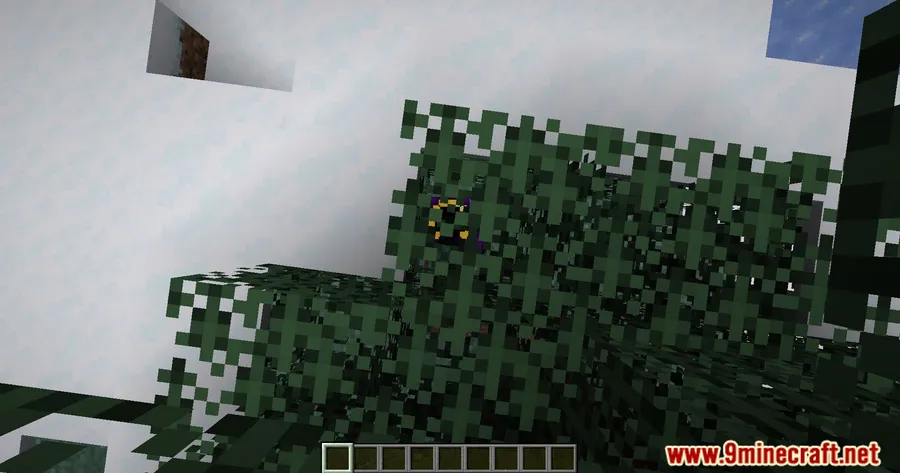
Third-person camera in Minecraft has always had a mind of its own — zooming in awkwardly when you back into a wall, yet passing straight through glass without flinching. Modify Camera Collision Mod puts you in control of exactly which blocks should push your camera and which ones shouldn't, giving you a cleaner and more predictable F5 experience. With over 172,000 downloads and active development by 70CentsApple, this lightweight Fabric mod has become a go-to fix for players frustrated by inconsistent camera behavior.
Key Features
- Per-block camera control — Decide on a block-by-block basis whether it should collide with your third-person camera or let it pass through freely.
- Third-person view customization — Fine-tune how your F5 camera behaves around different block types, eliminating unwanted zoom-ins caused by transparent or decorative blocks.
- Config-driven setup — All settings are managed through Cloth Config, so you can adjust everything from an in-game menu without editing files manually.
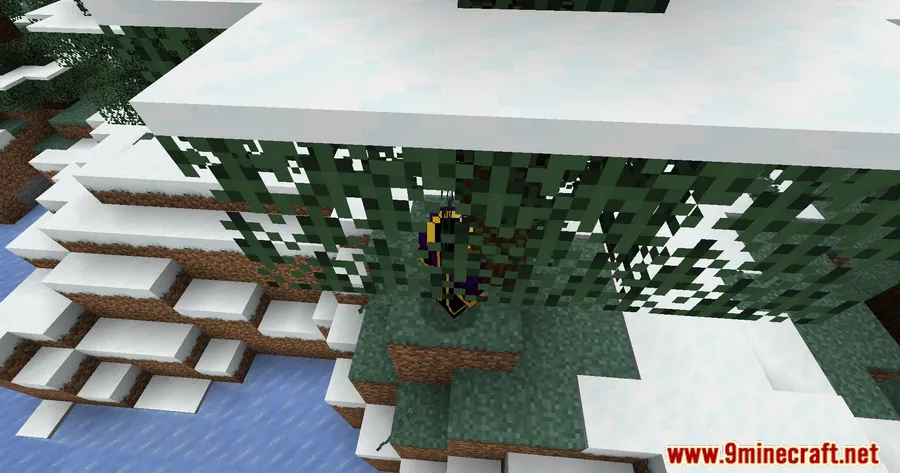
Screenshots


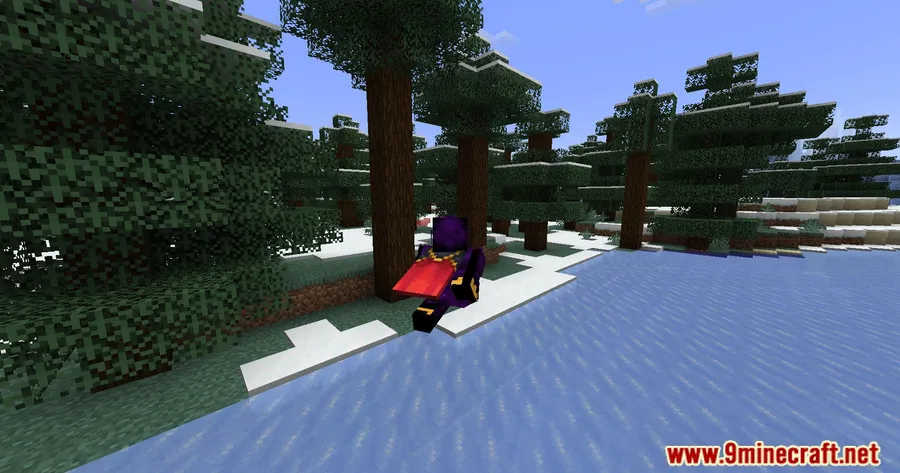
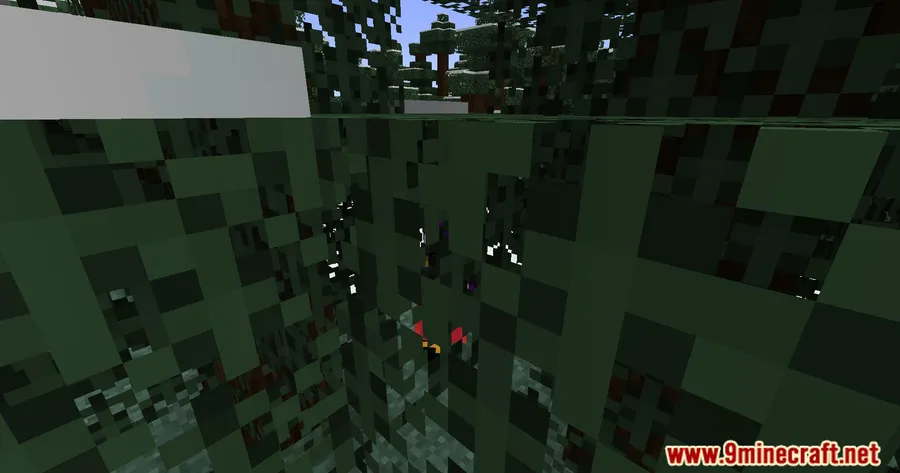
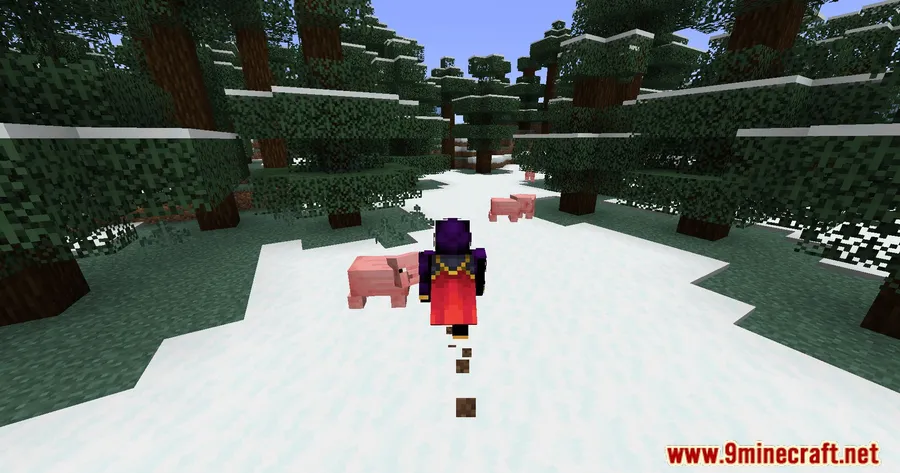
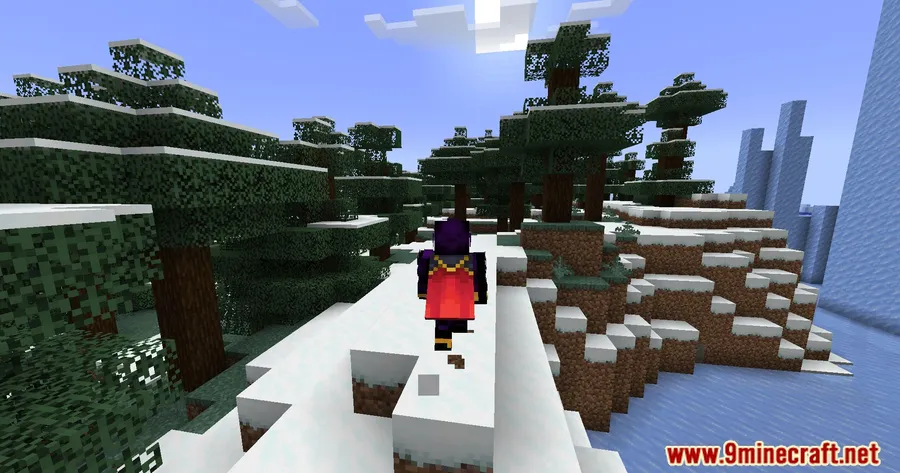
How to Install
- Download and install Fabric Loader for your Minecraft version.
- Place Fabric API and Cloth Config API into your
modsfolder — both are required dependencies. - Download Modify Camera Collision Mod for your Minecraft version and drop the
.jarfile into the samemodsfolder. - Launch Minecraft with the Fabric profile and configure the mod through the Mod Menu settings screen.
Requirements
| Component | Details |
|---|---|
| Mod Loader | Fabric |
| Dependencies | Fabric API, Cloth Config API |
| Minecraft Versions | 1.21.1, 1.21, 1.20.6, 1.20.5, 1.20.4, 1.20.3, 1.20.2, 1.20.1, 1.20, 1.19.4, 1.19.3, 1.19.2, 1.19.1, 1.19, 1.18.2, 1.18.1, 1.17.1 |
Pros & Cons
Pros
- Solves a long-standing vanilla annoyance with third-person camera clipping
- Broad version support spanning from 1.17.1 to 1.21.1
- In-game configuration via Cloth Config — no file editing needed
- Open source (GPL-3.0) with active maintenance
Cons
- Fabric-only — no Forge or NeoForge support available
- Requires two additional dependencies (Fabric API + Cloth Config)
- Limited to camera collision behavior — does not adjust camera distance or angle
Download
Always download mods from official sources to stay safe.
FAQ
Can I make glass blocks stop pushing my camera in third-person view?
Yes, that is exactly what this mod is designed for. You can configure specific blocks like glass, barriers, or any other block type to either collide with or be ignored by your third-person camera.
Does Modify Camera Collision Mod work with Forge?
No, this mod is built exclusively for Fabric and requires both Fabric API and Cloth Config API as dependencies. There is no Forge or NeoForge version available.
Will this mod affect game performance?
The mod only modifies camera collision checks, which appears to be lightweight since it does not add new rendering or world generation. Most players should not notice any performance difference.


![[Let's Do] Candlelight - Farm&Charm compat Mod (1.21.1) - thumbnail](http://mcinside.com/wp-content/uploads/2026/04/thumbnail-81-52x52.webp)


![[Let's Do] Meadow Mod (1.21.1) - thumbnail](http://mcinside.com/wp-content/uploads/2026/04/thumbnail-64-52x52.webp)


![Not Enough Recipe Book [NERB] Mod (1.21.11) - thumbnail](http://mcinside.com/wp-content/uploads/2026/04/thumbnail-63-52x52.webp)