
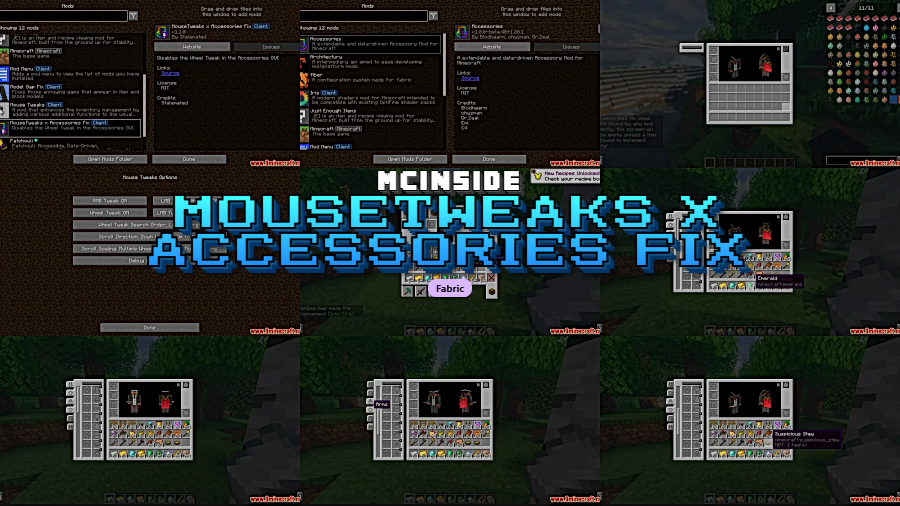
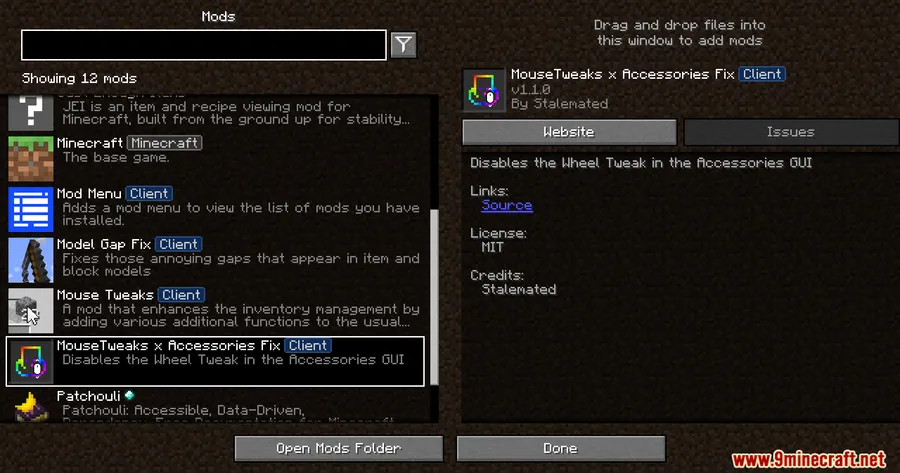
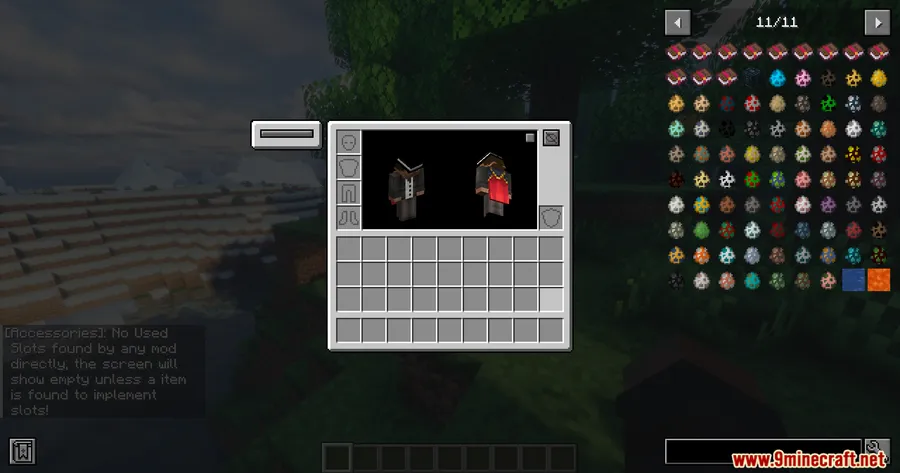
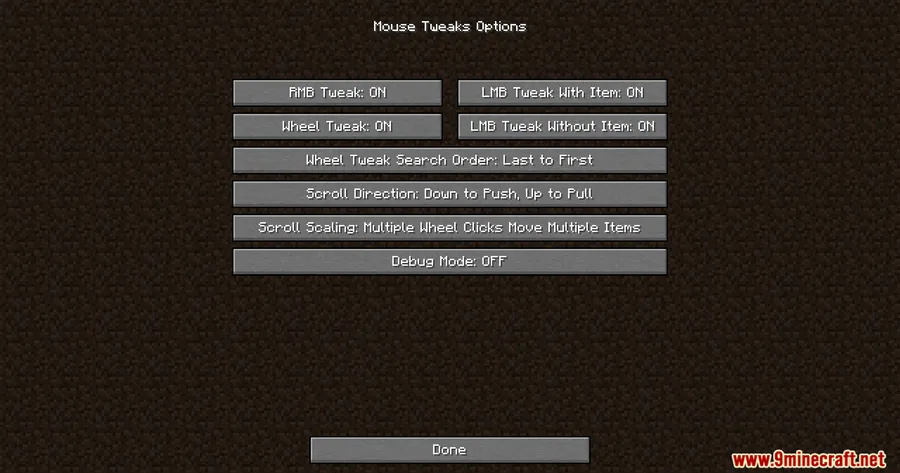
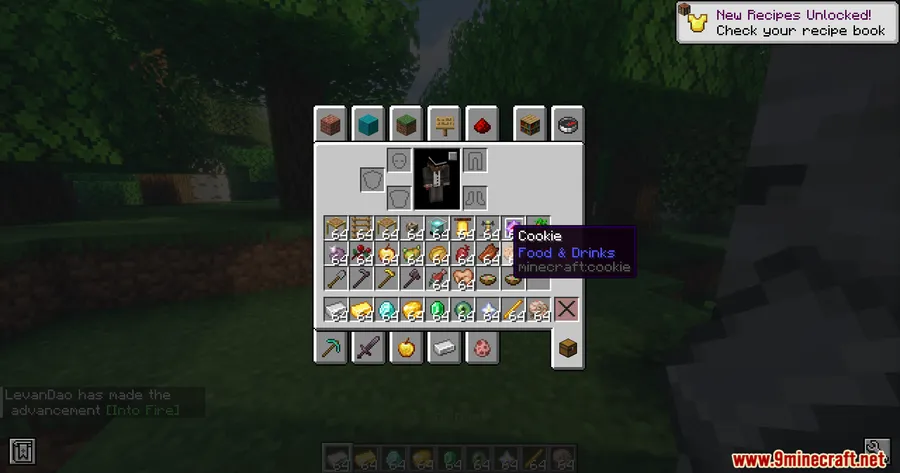
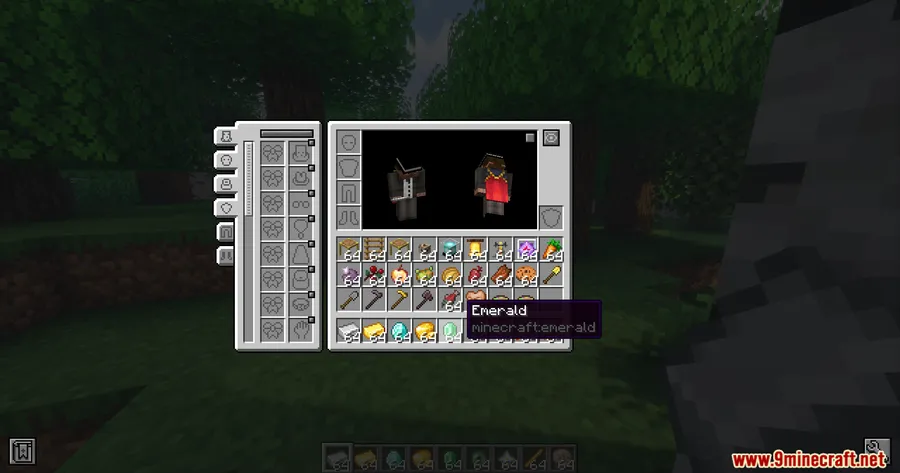
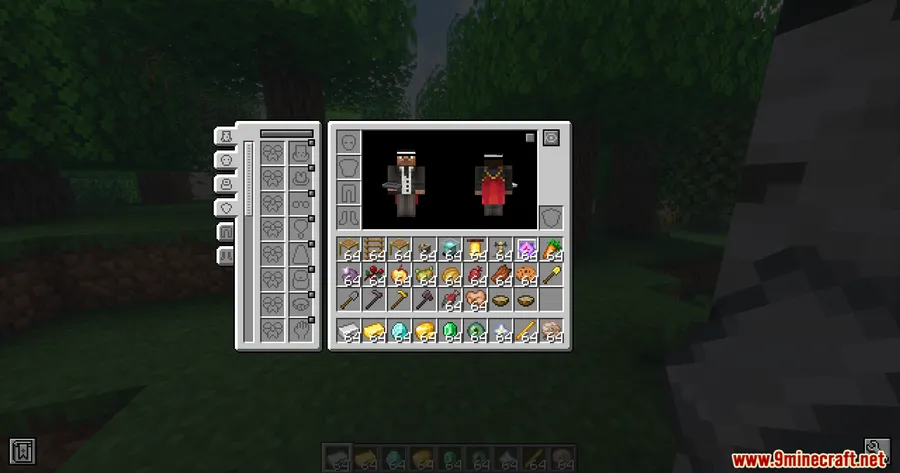
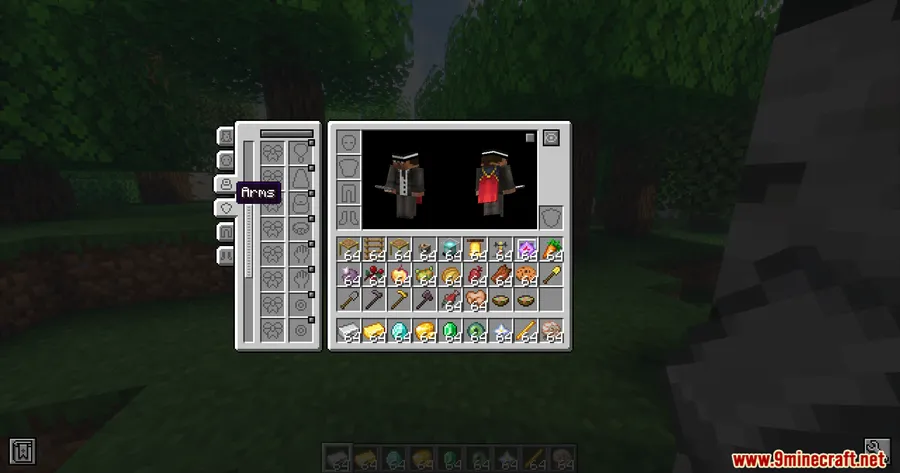
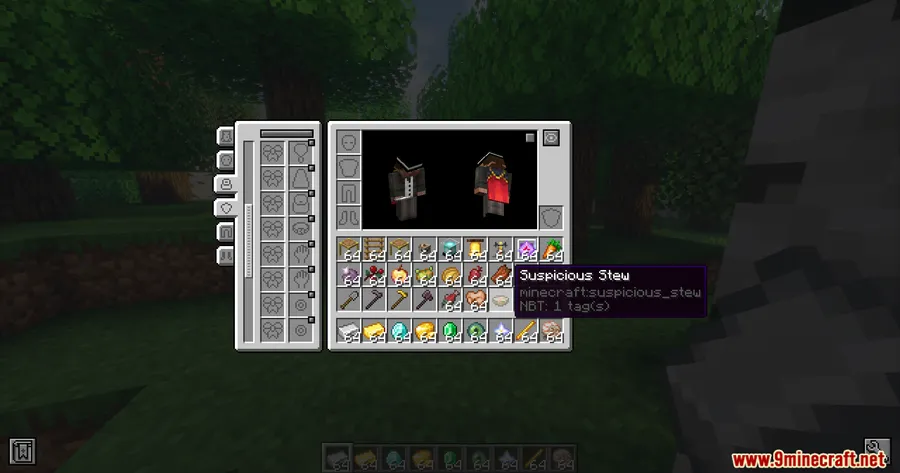
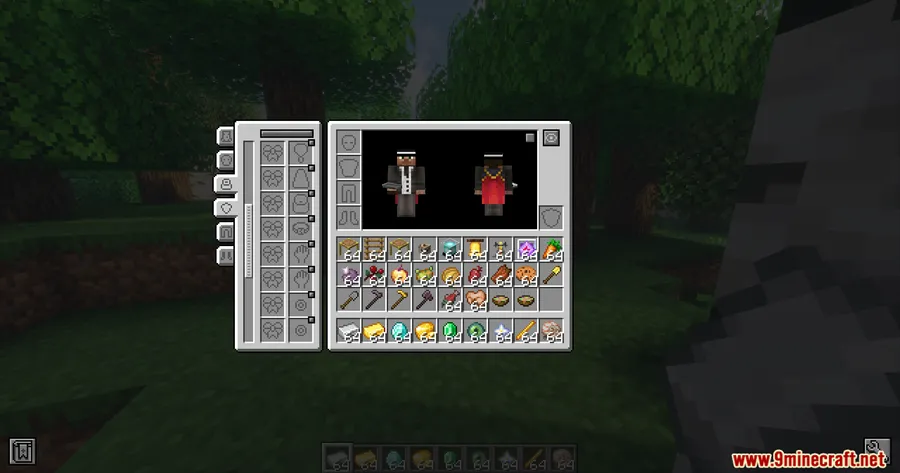
If you run both Mouse Tweaks and Accessories together, you've probably noticed something annoying: scrolling through the trinket GUI accidentally strips equipped accessories right off your character. MouseTweaks X Accessories Fix Mod solves this specific conflict by disabling the WheelTweak scroll feature only while you're inside the Accessories trinket screen, letting both mods coexist without interfering with each other.
Key Features
- Targeted compatibility patch — Resolves the known conflict between Mouse Tweaks' WheelTweak feature and the Accessories mod's trinket GUI, so you no longer lose equipped items from accidental scroll input.
- Selective WheelTweak disable — Rather than disabling WheelTweak globally, this fix only deactivates it while the Accessories trinket screen is open. Everywhere else, Mouse Tweaks works exactly as expected.
- Lightweight and focused — This mod does one thing and does it well. It appears to be lightweight with no extra configuration needed — install it and the problem is gone.
Screenshots
How to Install
- Download and install Fabric Loader for Minecraft 1.20.1 or 1.20.
- Make sure Fabric API, Accessories Mod, and Mouse Tweaks Mod are already in your mods folder.
- Download MouseTweaks X Accessories Fix Mod from the link below.
- Place the downloaded
.jarfile into your.minecraft/modsfolder. - Launch Minecraft with the Fabric profile — the fix applies automatically.
Requirements
| Mod Loader | Dependencies | Minecraft Versions |
|---|---|---|
| Fabric | Fabric API, Accessories Mod, Mouse Tweaks Mod | 1.20.1, 1.20 |
Pros & Cons
Pros
- Fixes a genuinely frustrating interaction bug between two popular mods
- Surgical approach — only disables WheelTweak inside the Accessories GUI, not everywhere
- No configuration required; works immediately after installation
- Appears to be lightweight with minimal footprint
Cons
- Only useful if you run both Mouse Tweaks and Accessories together
- Currently limited to Fabric — no Forge or NeoForge version available
- Only supports Minecraft 1.20.1 and 1.20 at this time
Download
Always download mods from official sources to stay safe.
FAQ
Why does Mouse Tweaks remove my accessories when I scroll?
Mouse Tweaks includes a feature called WheelTweak that lets you scroll to move items in and out of inventory slots. Inside the Accessories trinket GUI, this scroll behavior conflicts with the equipped trinket slots, causing accessories to be unintentionally removed. This fix mod disables WheelTweak specifically in that screen.
Do I still need Mouse Tweaks and Accessories installed?
Yes, this is a compatibility patch that requires both Mouse Tweaks and Accessories (plus Fabric API) to be installed. It does not replace either mod — it simply fixes how they interact with each other.
Does this mod disable Mouse Tweaks scrolling everywhere?
No. The fix only deactivates the WheelTweak scroll feature while you are inside the Accessories trinket GUI. In all other inventories and screens, Mouse Tweaks continues to work normally.


![[Let's Do] Meadow Mod (1.21.1) - thumbnail](http://mcinside.com/wp-content/uploads/2026/04/thumbnail-64-52x52.webp)


![Not Enough Recipe Book [NERB] Mod (1.21.11) - thumbnail](http://mcinside.com/wp-content/uploads/2026/04/thumbnail-63-52x52.webp)

