

Minecraft's subtitle system is a fantastic accessibility feature, but its fixed position in the bottom-right corner isn't ideal for every player. Move Subtitles Mod solves this by letting you reposition subtitles anywhere on your screen — choose from eight preset locations or dial in pixel-perfect placement through a simple config file. With over 2.4 million downloads and active updates through 2025, it's clearly become a must-have for players who rely on subtitles for gameplay awareness or accessibility.
Key Features
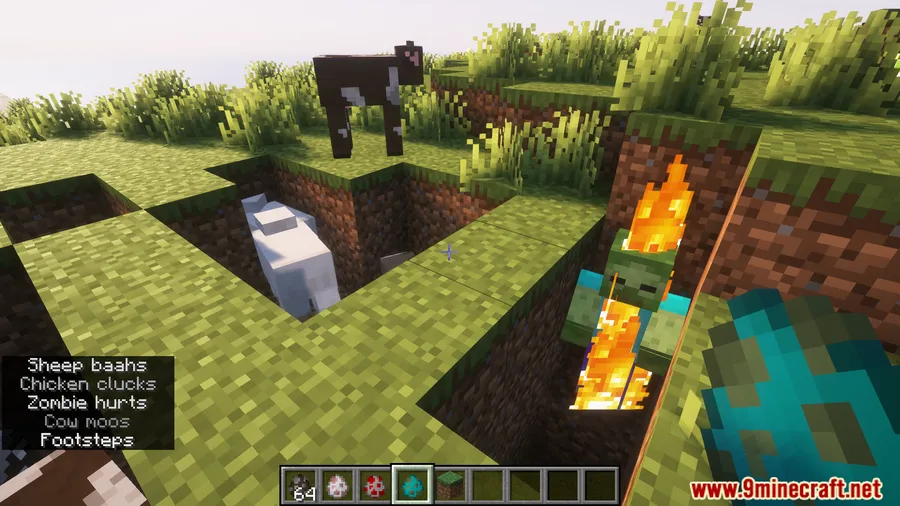
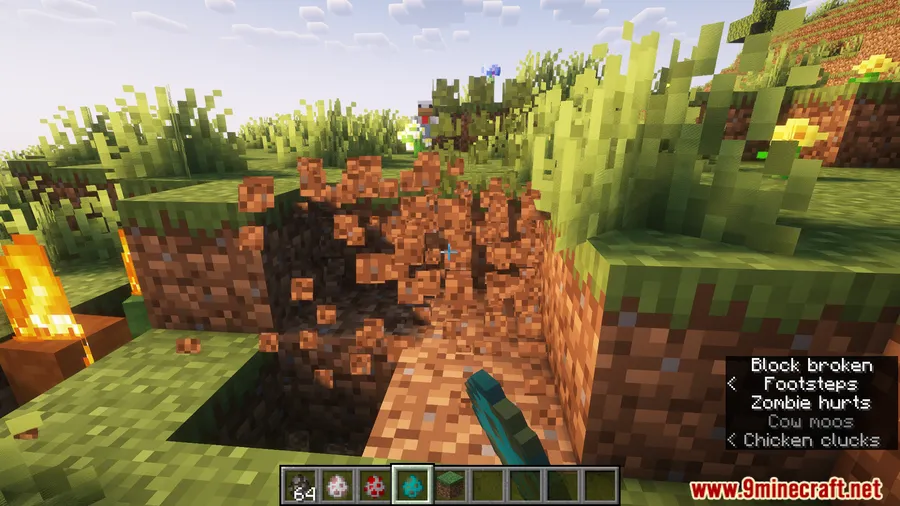
- Full subtitle repositioning — Place subtitles anywhere on the screen instead of being locked to the default bottom-right corner.
- 8 preset positions — Quickly snap subtitles to Top Left, Top, Top Right, Left, Right, Bottom Left, Bottom, or Bottom Right without editing any files.
- Pixel-level fine-tuning — Use deltaX and deltaY values in the config file to nudge subtitles beyond the preset positions for a custom layout that fits your HUD perfectly.
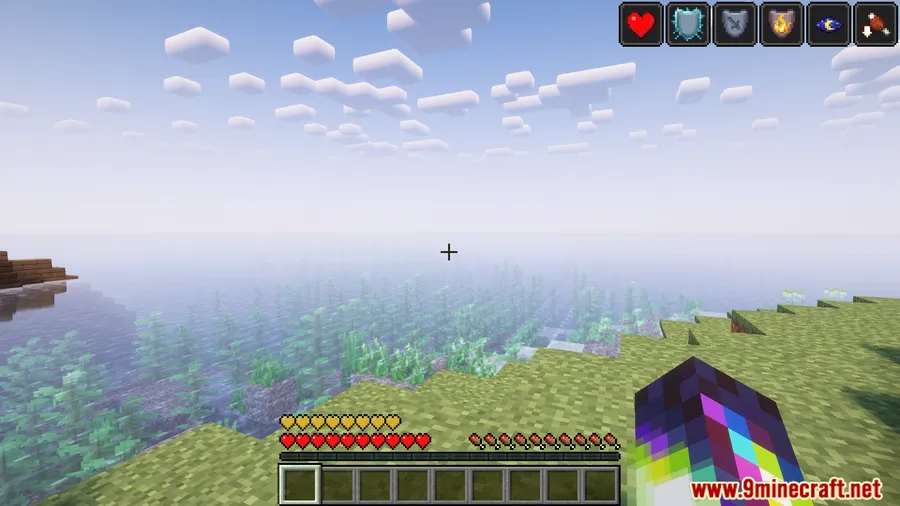
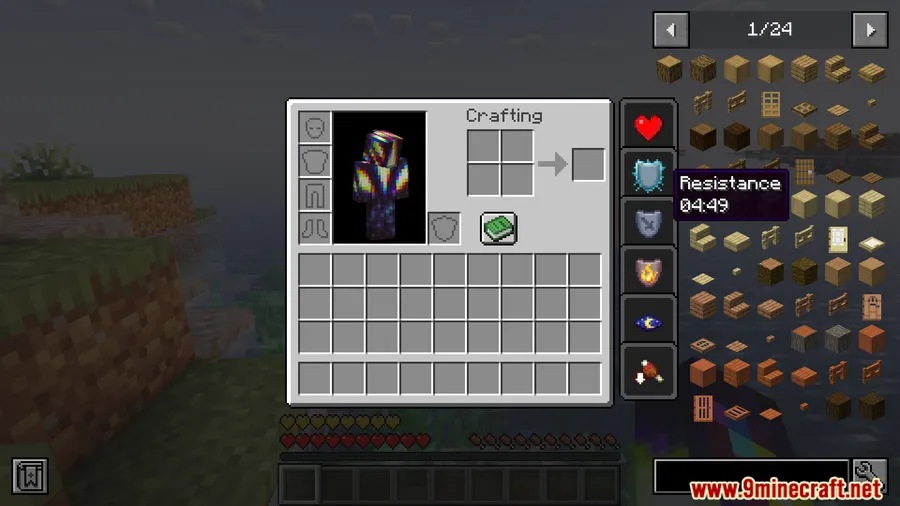
Screenshots


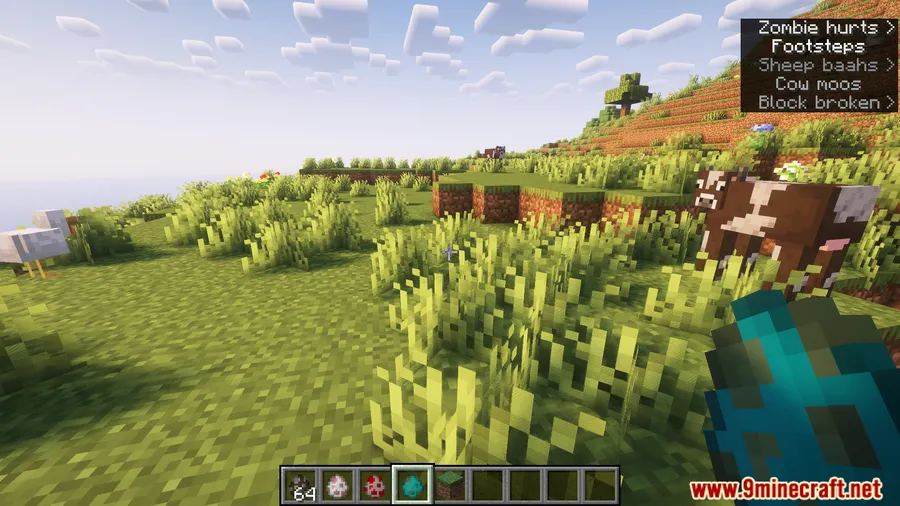
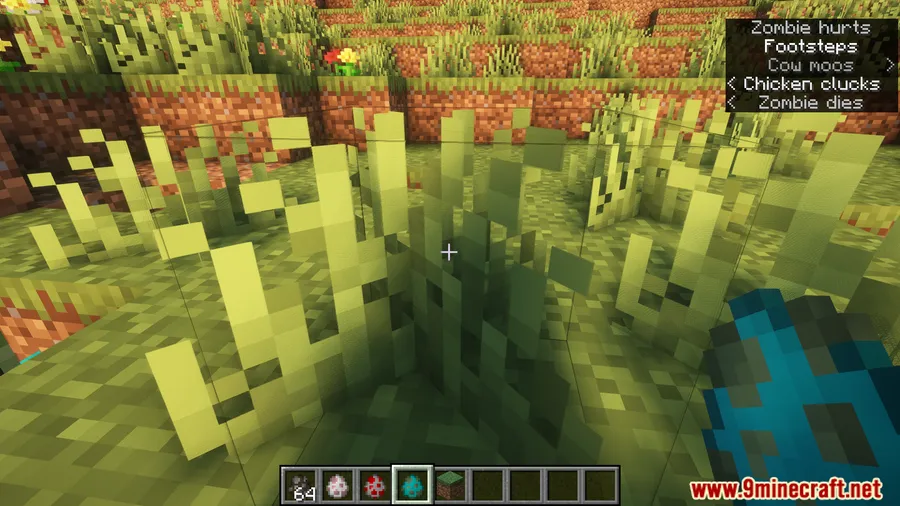
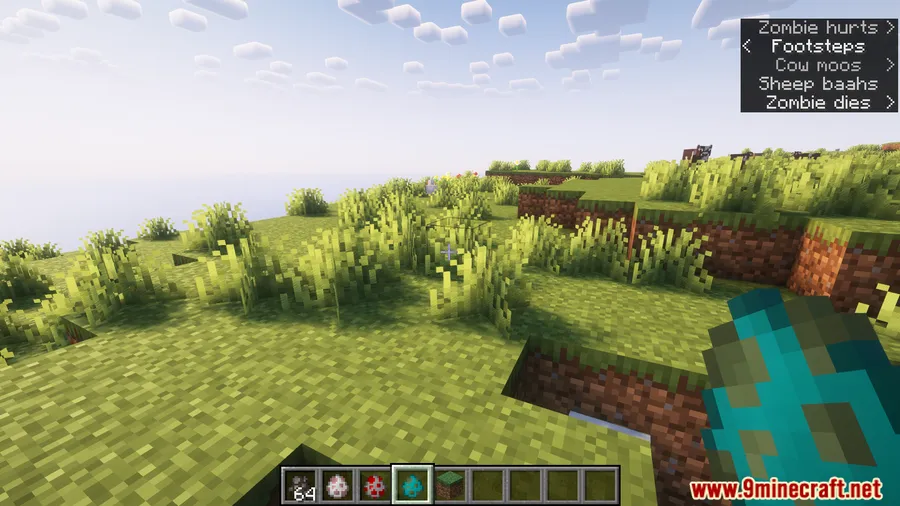
How to Install
- Download and install Fabric Loader for your Minecraft version.
- Download Fabric API and place it in your
.minecraft/modsfolder. - Download Move Subtitles Mod for your Minecraft version from the link below.
- Place the downloaded
.jarfile into the same.minecraft/modsfolder. - Launch Minecraft with the Fabric profile — subtitles can now be repositioned via the config file.
Requirements
| Mod Loader | Dependencies | Minecraft Versions |
|---|---|---|
| Fabric | Fabric API | 1.21.11, 1.21.10, 1.21.9, 1.21.8, 1.21.6, 1.21.5, 1.20.4, 1.20.2, 1.20.1 |
Pros & Cons
Pros
- Simple and focused — does one thing and does it well
- Highly configurable with both presets and manual offset values
- Actively maintained with support for the latest Minecraft versions
- Appears to be lightweight since it only modifies subtitle rendering position
- Improves accessibility for players who need subtitles in a more visible spot
Cons
- Fabric-only — no Forge or NeoForge support available
- Configuration requires editing a file rather than an in-game GUI
- Limited to subtitle positioning — doesn't change subtitle size, color, or duration
Download
Always download mods from official sources to stay safe.
What's New
- Ported to Minecraft 1.21.6, expanding support for the latest game updates.
- Continues to maintain backward compatibility across a wide range of versions from 1.20.1 through 1.21.11.
- The mod remains under active development with the most recent update in June 2025.
FAQ
How do I change where subtitles appear on screen?
Open the Move Subtitles config file in your Minecraft config folder. You can set one of eight preset positions (like TOP LEFT or BOTTOM) or use custom deltaX and deltaY values to place subtitles at an exact spot on your screen.
Does Move Subtitles Mod work with Forge or NeoForge?
No, Move Subtitles is a Fabric-exclusive mod and requires Fabric Loader along with Fabric API to run. There is currently no Forge or NeoForge version available.
Can I use this mod alongside other HUD or accessibility mods?
Since Move Subtitles only changes where subtitles are rendered on screen, it should work alongside most other mods. Just make sure the subtitle position you choose doesn't overlap with other HUD elements from your modpack.


![[Let's Do] Candlelight - Farm&Charm compat Mod (1.21.1) - thumbnail](http://mcinside.com/wp-content/uploads/2026/04/thumbnail-81-52x52.webp)


![[Let's Do] Meadow Mod (1.21.1) - thumbnail](http://mcinside.com/wp-content/uploads/2026/04/thumbnail-64-52x52.webp)


![Not Enough Recipe Book [NERB] Mod (1.21.11) - thumbnail](http://mcinside.com/wp-content/uploads/2026/04/thumbnail-63-52x52.webp)