
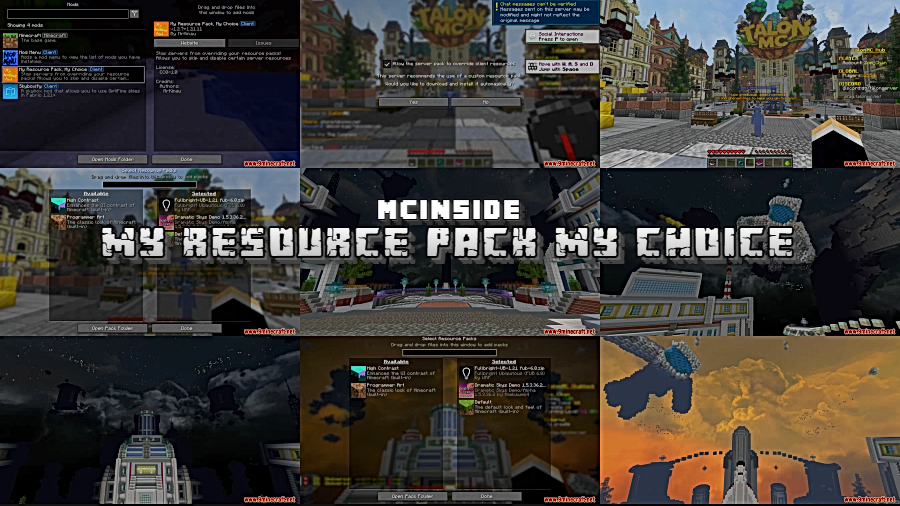
Ever joined a Minecraft server only to have your carefully chosen textures replaced by an ugly resource pack you never asked for? My Resource Pack My Choice Mod puts that frustration to rest by giving you granular control over server-imposed resource packs. Instead of the all-or-nothing approach Minecraft defaults to, you can selectively apply, reorder, or completely ignore specific parts of a server's resource pack — keeping custom items visible while preserving the visuals you actually want.
Key Features
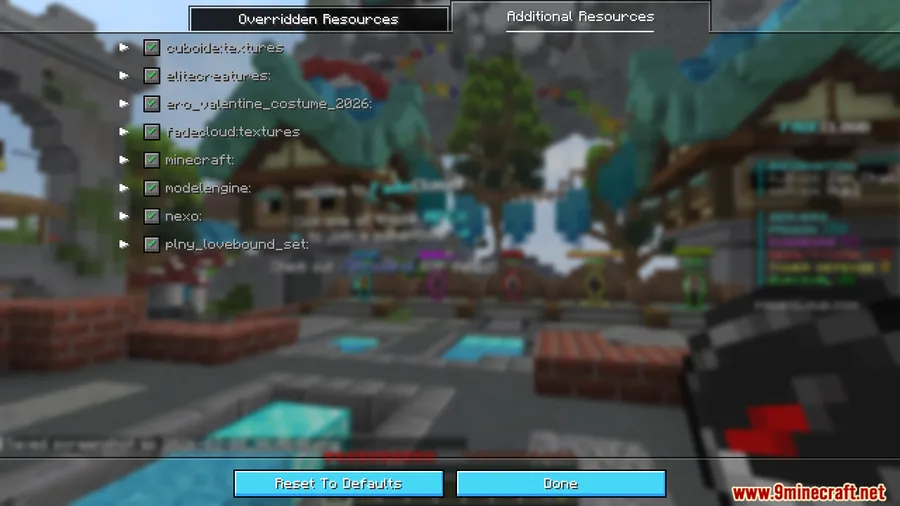
- Selective Resource Filtering — Skip unwanted textures or assets from server packs without losing access to custom items and blocks the server requires.
- Custom Pack Priority — Choose which resource packs take priority, so your preferred textures always come out on top.
- Default Texture Protection — Stop servers from replacing vanilla Minecraft textures, keeping the default look intact where you want it.
- Manual Override Control — Manually select exactly which resources should be overridden, giving you fine-grained control over every texture swap.
- Well-Documented Setup — Transparent design with detailed wiki instructions, making configuration straightforward even for less technical players.
- Ideal for Mixed-Content Servers — Perfect for servers that add custom items but also force ugly or unwanted texture replacements alongside them.
Screenshots
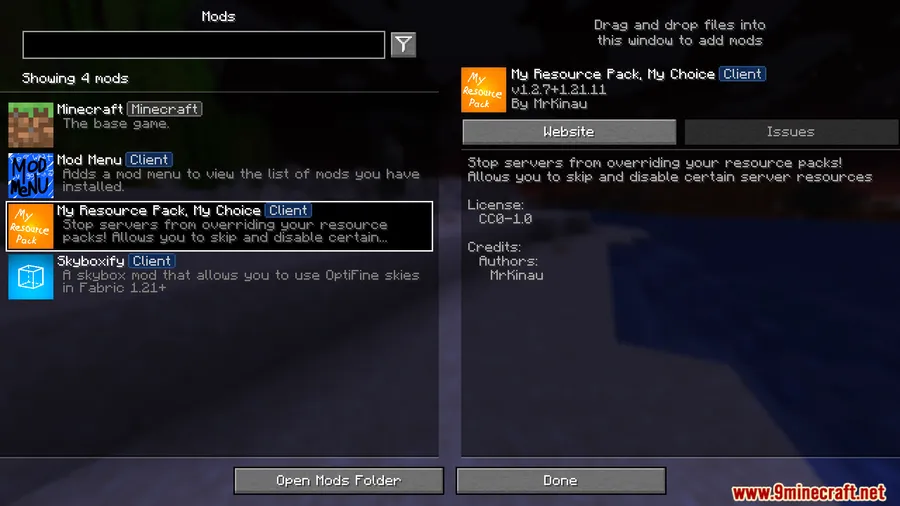
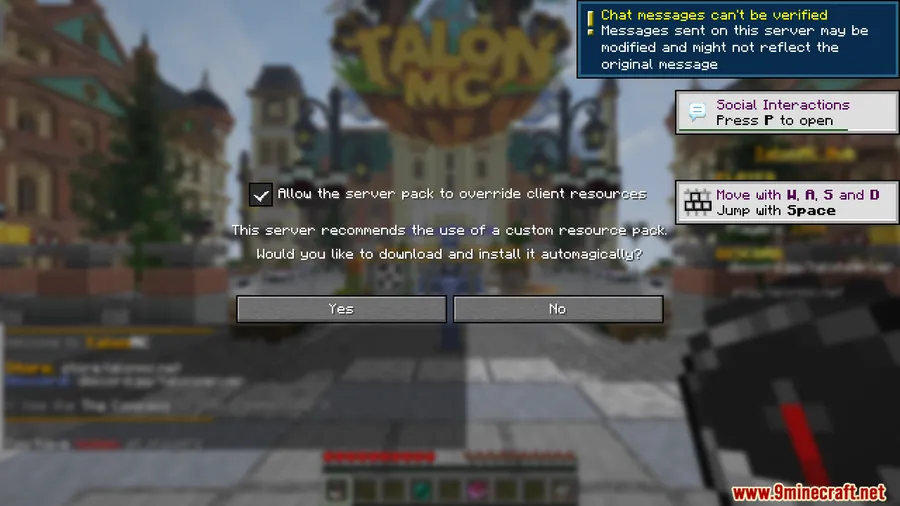
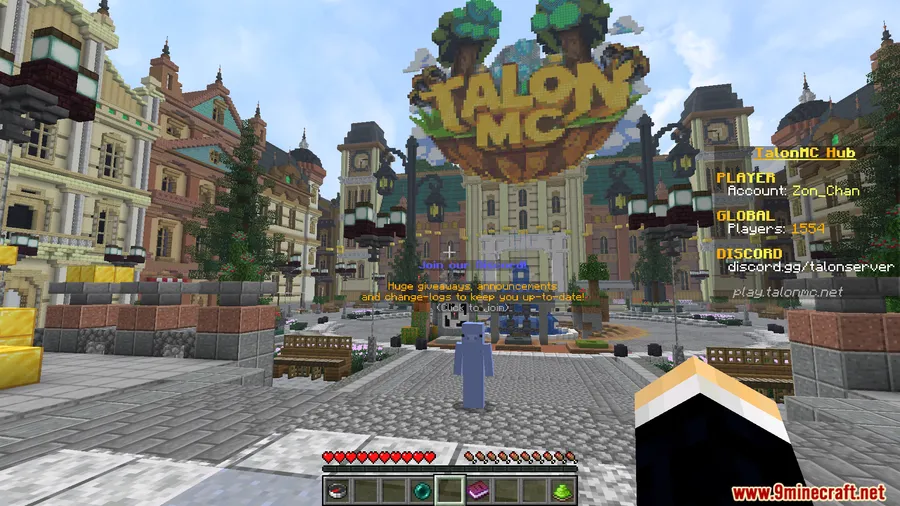
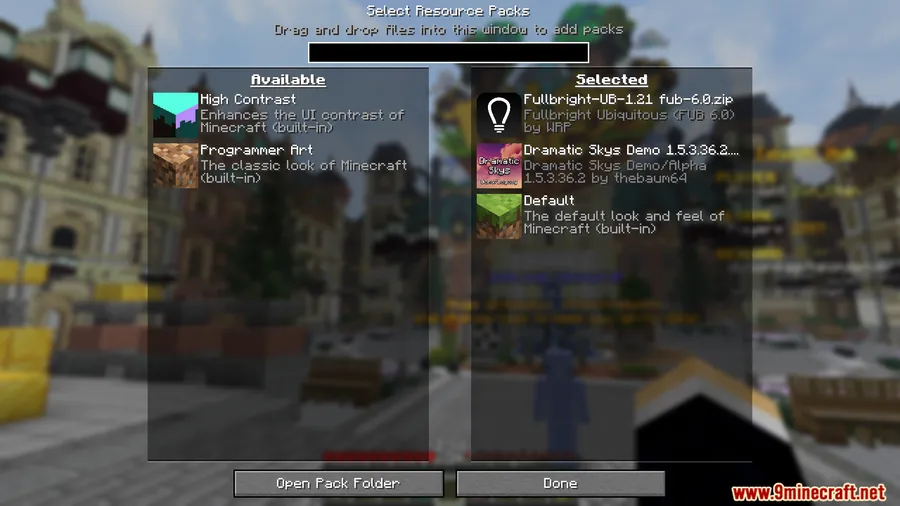
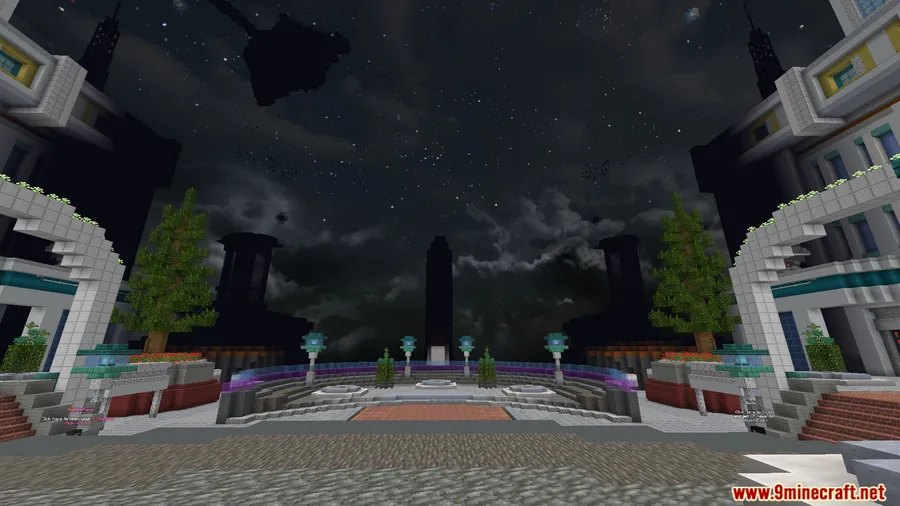


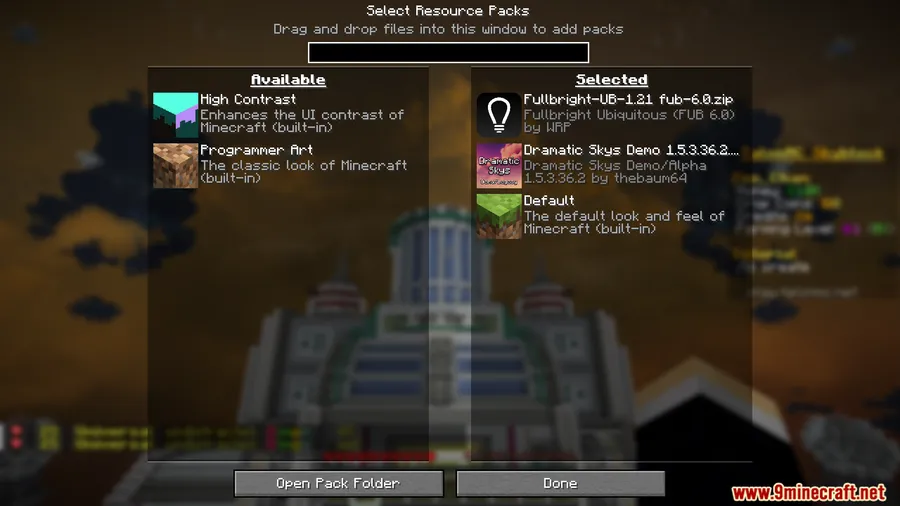

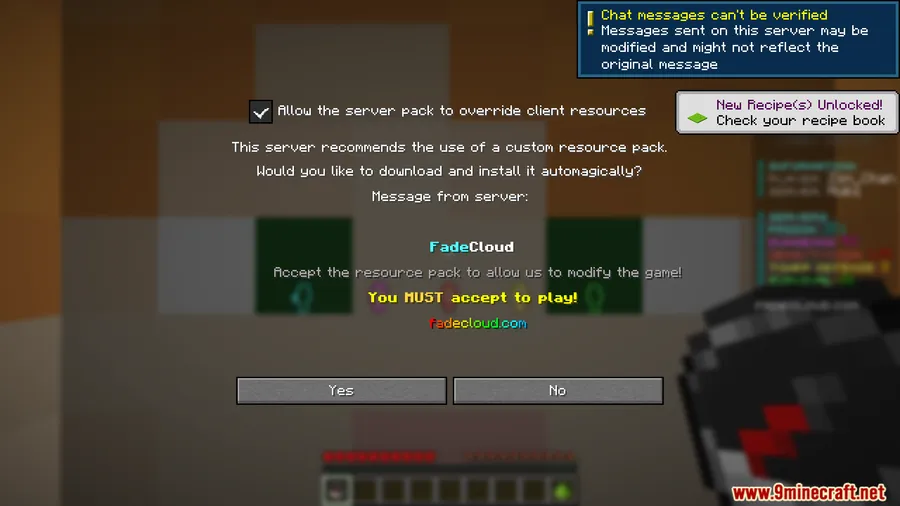
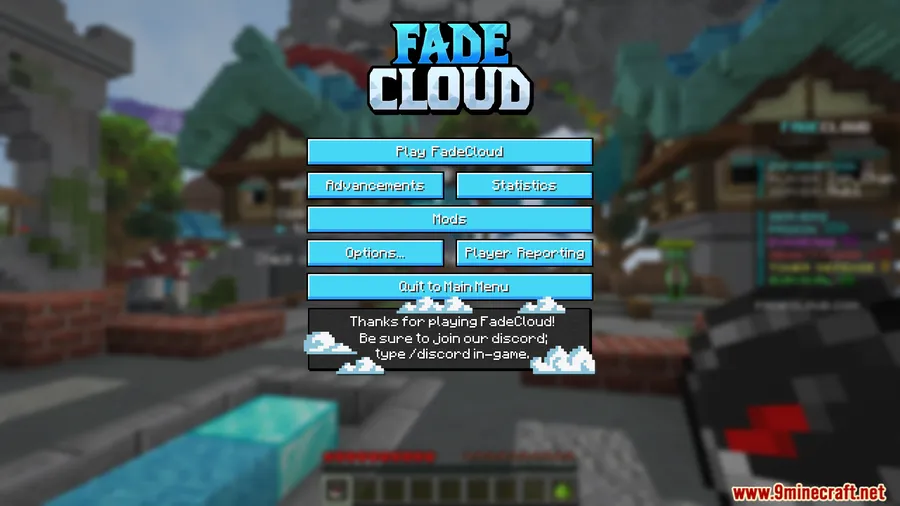
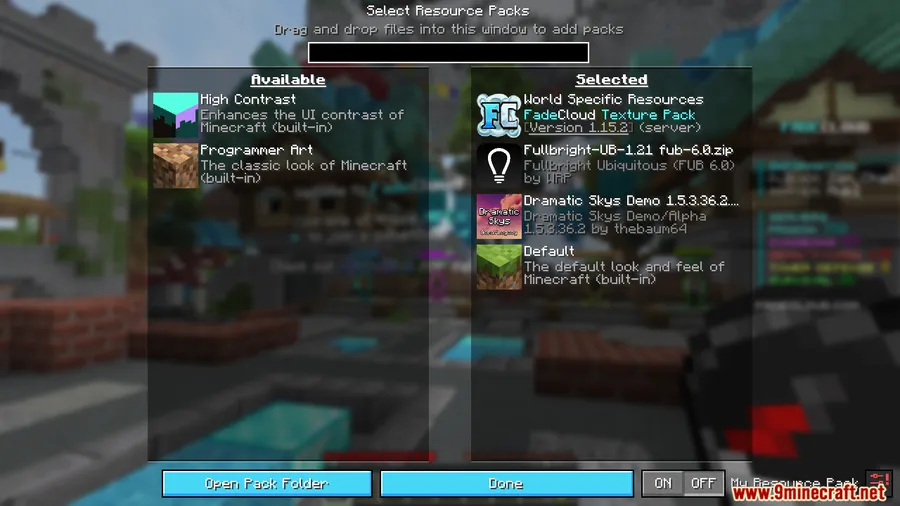
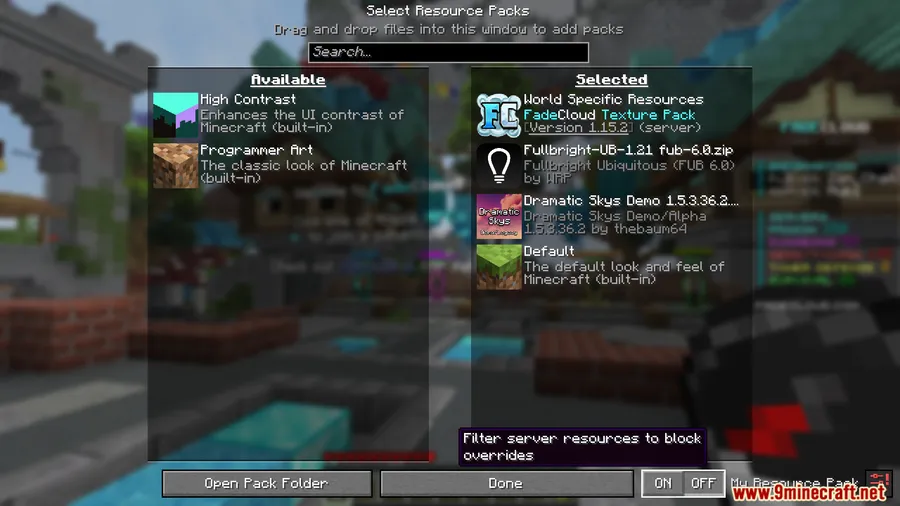
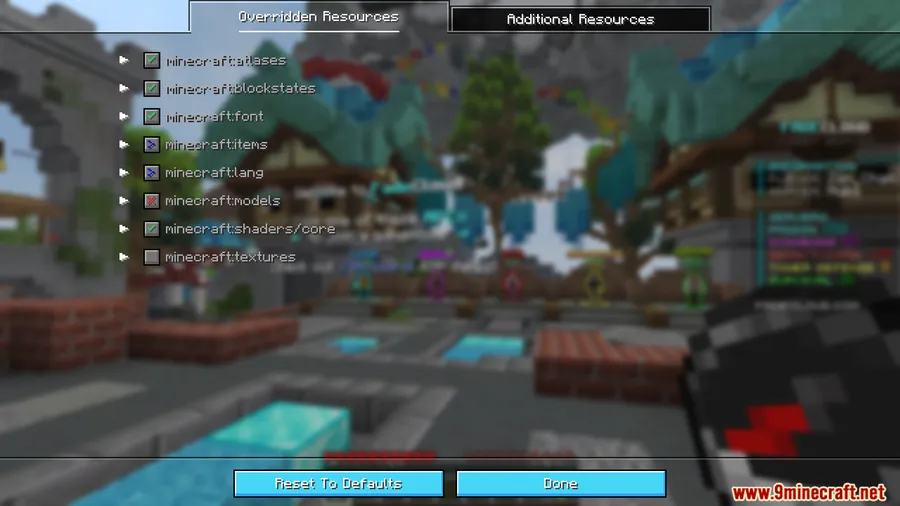
How to Install
- Download and install Fabric Loader for your Minecraft version.
- Download Fabric API and place it in your
.minecraft/modsfolder. - Download My Resource Pack My Choice Mod from the links below.
- Place the downloaded
.jarfile into the.minecraft/modsfolder. - Launch Minecraft with the Fabric profile and join a server to configure your resource pack preferences.
Requirements
| Mod Loader | Dependencies | Minecraft Versions |
|---|---|---|
| Fabric | Fabric API | 1.21.11, 1.21.10, 1.21.9, 1.21.8, 1.21.7, 1.21.6, 1.21.5, 1.21.4, 1.21.3, 1.21.1, 1.21, 1.20.6, 1.20.4, 1.20.2, 1.20.1, 1.20 |
Pros & Cons
Pros
- Gives fine-grained control over server resource packs instead of a simple accept/deny
- Lets you keep custom server items visible while blocking unwanted texture changes
- Supports a wide range of Minecraft versions from 1.20 through 1.21.11
- Well-documented with wiki instructions for easy setup
- Appears to be lightweight — no complex dependencies beyond Fabric API
Cons
- Fabric-only — no Forge or NeoForge support available
- Requires manual configuration to set up filtering preferences per server
- Some servers may require specific resources that could cause visual issues if filtered out
Download
Always download mods from official sources to stay safe.
FAQ
Does My Resource Pack My Choice Mod work on multiplayer servers?
Yes, this mod is specifically designed for multiplayer. It runs client-side and intercepts server resource packs before they are applied, letting you filter or reorder them without affecting other players or triggering server-side issues.
Can I still see custom items if I block a server's resource pack?
You can selectively choose which parts of a server's resource pack to apply. This means you can keep custom item textures visible while blocking unwanted changes to default Minecraft textures.
Is this mod compatible with other Fabric mods?
My Resource Pack My Choice Mod requires only Fabric API as a dependency and is designed to work alongside other Fabric mods. Since it specifically handles resource pack management, it should not conflict with mods that modify gameplay or world generation.


![[Let's Do] Candlelight - Farm&Charm compat Mod (1.21.1) - thumbnail](http://mcinside.com/wp-content/uploads/2026/04/thumbnail-81-52x52.webp)


![[Let's Do] Meadow Mod (1.21.1) - thumbnail](http://mcinside.com/wp-content/uploads/2026/04/thumbnail-64-52x52.webp)


![Not Enough Recipe Book [NERB] Mod (1.21.11) - thumbnail](http://mcinside.com/wp-content/uploads/2026/04/thumbnail-63-52x52.webp)