

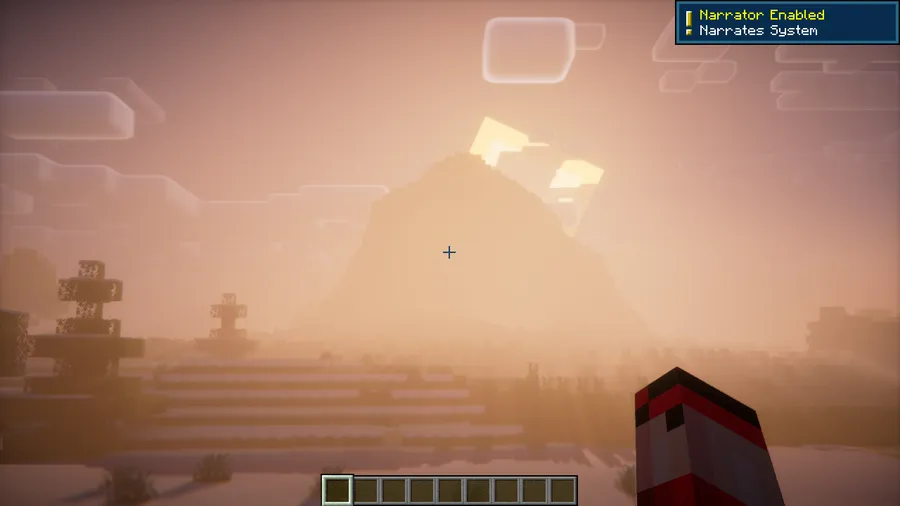
Few things break immersion faster than accidentally hitting Ctrl+B and hearing a robotic voice announce "Narrator Enabled" while you're mid-build or deep in a cave. NarrusYeetus Mod solves this long-standing annoyance by completely removing the narrator feature from Minecraft, ensuring that stray key presses never interrupt your gameplay again. It's a simple, lightweight quality-of-life fix that most players will want to install and forget about.
Key Features
- Permanent narrator removal — The narrator feature is fully disabled from the moment you launch the game, so there's no need to dig through accessibility settings every session.
- Accidental activation prevention — Pressing Ctrl+B no longer triggers the narrator toggle, eliminating surprise pop-ups and unwanted audio descriptions during gameplay.
- Clean, distraction-free experience — No more robotic voice-overs reading out every button and menu item when you least expect it.
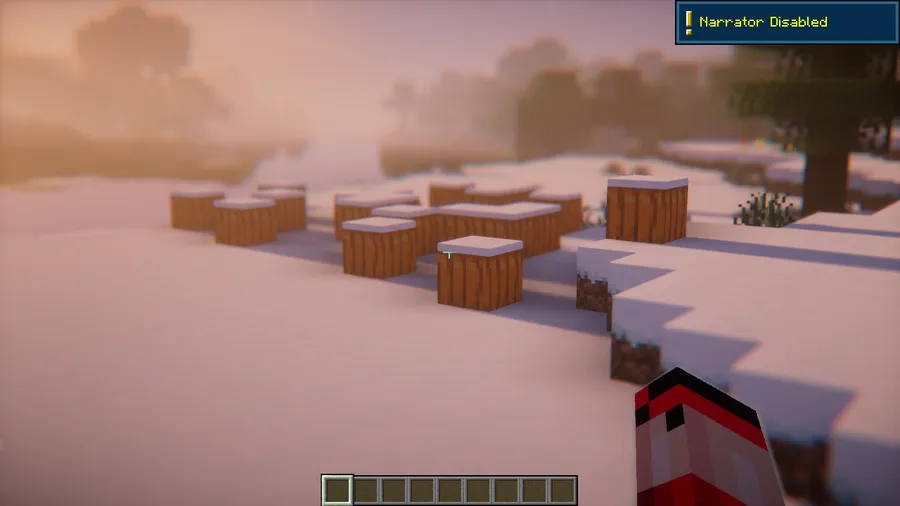
Screenshots


How to Install
- Download and install Fabric Loader for your Minecraft version.
- Download Fabric API and place it in your
.minecraft/modsfolder. - Download NarrusYeetus Mod from the link below for your Minecraft version.
- Place the downloaded
.jarfile into the.minecraft/modsfolder. - Launch Minecraft using the Fabric profile — the narrator is now permanently disabled.
Requirements
| Component | Details |
|---|---|
| Mod Loader | Fabric |
| Dependencies | Fabric API |
| Minecraft Version | 1.14.4 – 1.21.11 |
Pros & Cons
Pros
- Set-and-forget solution — install once, never deal with the narrator again
- Appears to be lightweight with no noticeable impact on game performance
- Broad version support from 1.14.4 all the way to 1.21.11
- Simple mod with no configuration needed
Cons
- Fabric-only — not available for Forge or NeoForge players
- Removes the narrator entirely, which may not suit players who occasionally use accessibility features
- Requires Fabric API as an additional dependency
Download
Always download mods from official sources to stay safe.
FAQ
Does NarrusYeetus Mod affect other accessibility settings in Minecraft?
No, NarrusYeetus only targets the narrator feature. Other accessibility options like subtitles, high contrast, and text-to-speech remain fully functional and unaffected.
Can I still enable the narrator manually if I need it?
Once NarrusYeetus is installed, the narrator is completely disabled. If you need the narrator back, simply remove the mod from your mods folder and restart the game.
Is NarrusYeetus compatible with other Fabric mods?
Since this mod only disables the narrator function, it appears to be compatible with virtually any other Fabric mod. It does not modify core gameplay mechanics or interfere with other mod features.



![[Let's Do] Meadow Mod (1.21.1) - thumbnail](http://mcinside.com/wp-content/uploads/2026/04/thumbnail-64-52x52.webp)


![Not Enough Recipe Book [NERB] Mod (1.21.11) - thumbnail](http://mcinside.com/wp-content/uploads/2026/04/thumbnail-63-52x52.webp)
