
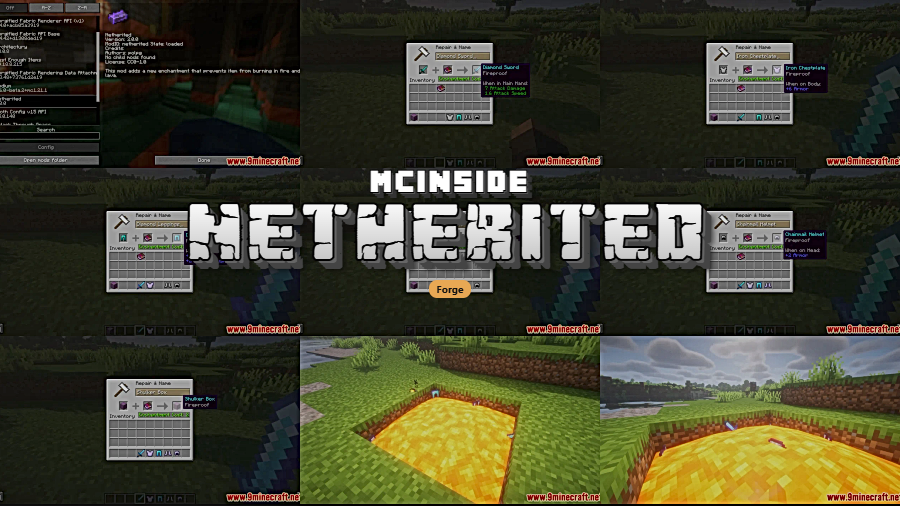
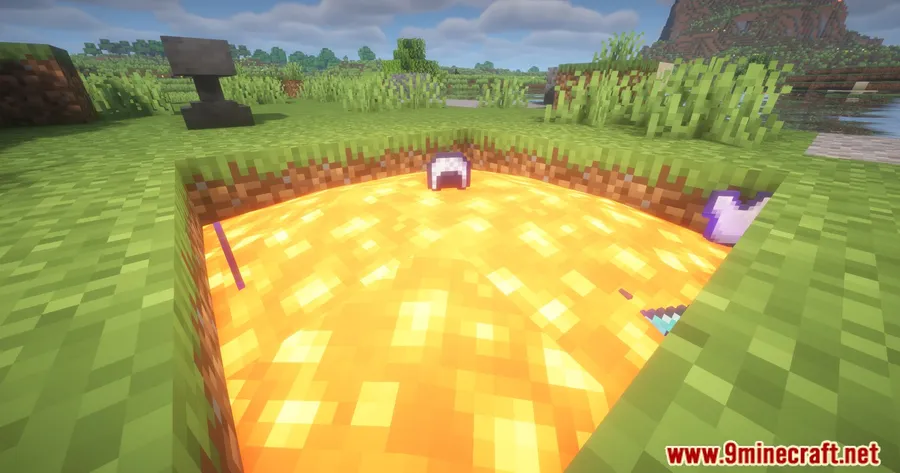
Losing a full inventory to an unexpected lava pool is one of the most frustrating experiences in Minecraft — especially deep in the Nether. Netherited Mod solves that problem by introducing a new Fireproof enchantment that prevents enchanted items from burning up in fire or lava. Whether you are bridging over lava lakes or raiding a bastion, this simple addition gives you genuine peace of mind for your most valuable gear.
Key Features
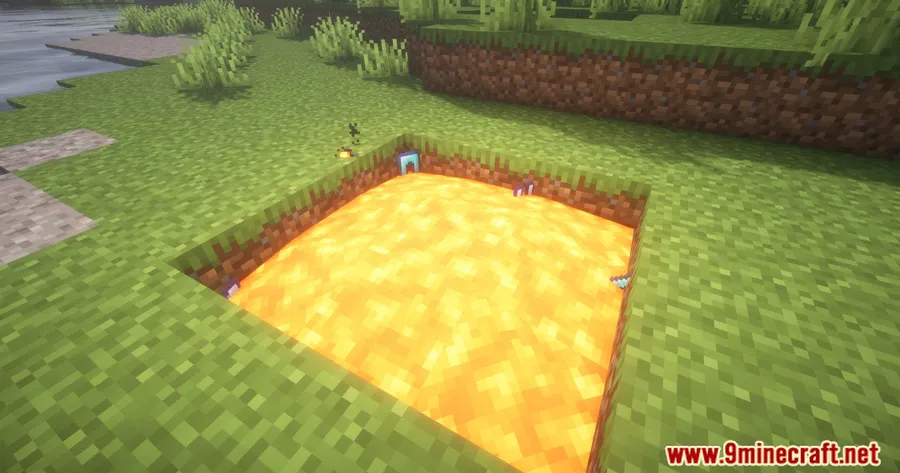
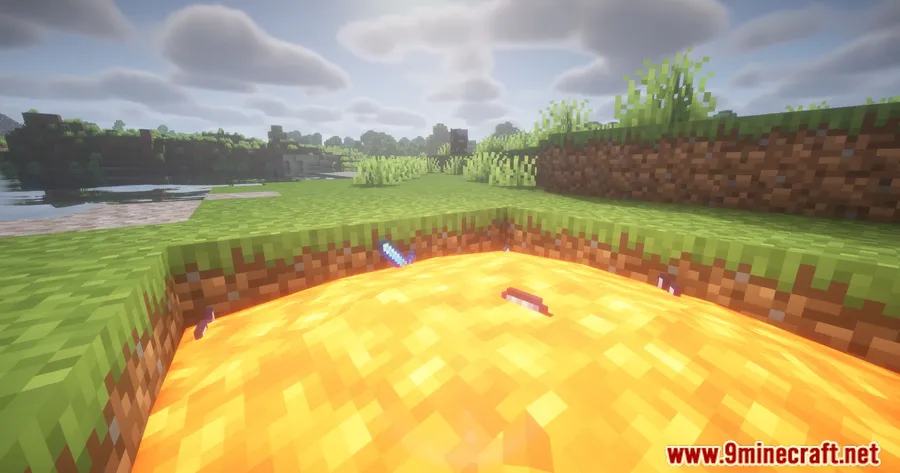
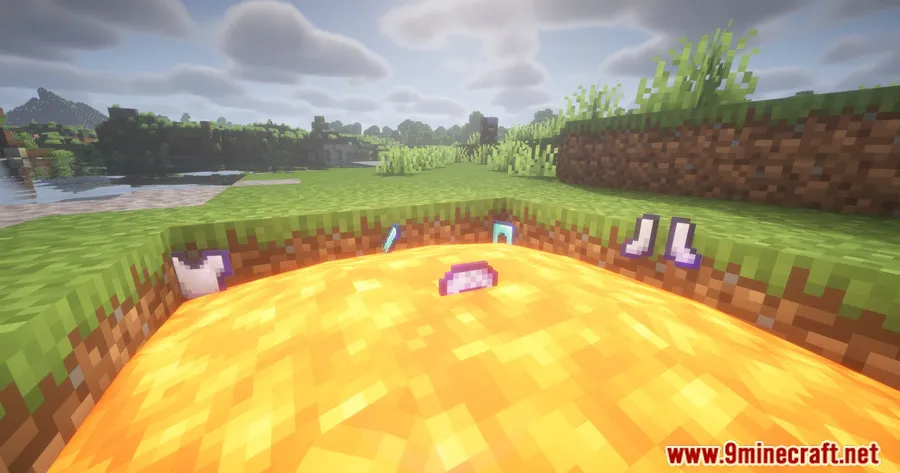
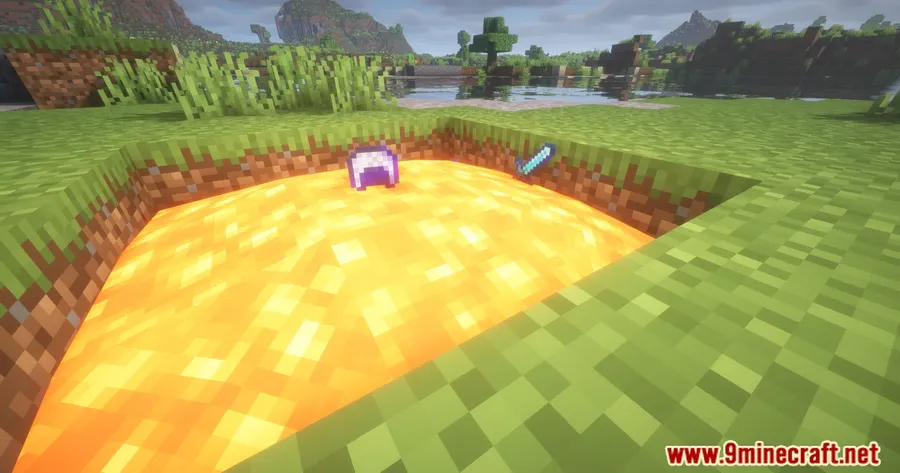
- Fireproof Enchantment — Adds a dedicated enchantment that makes any item immune to fire and lava damage, so dropped gear no longer burns away on contact.
- Shulker Box Protection (1.18+) — On Minecraft 1.18 and above, applying Fireproof to a Shulker Box safeguards every item stored inside it, giving you portable lava-proof storage.
- Nether-Friendly Design — Particularly useful for players who spend time exploring dangerous biomes, nether fortresses, and basalt deltas where fire and lava hazards are constant.
Screenshots
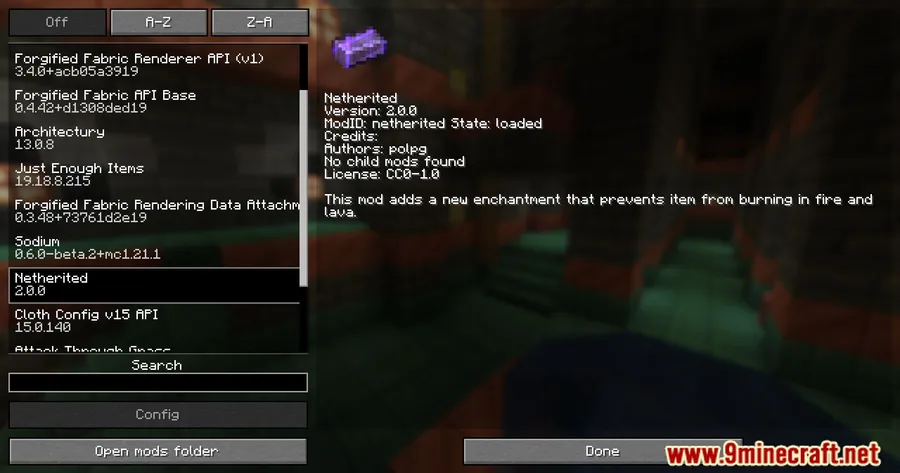
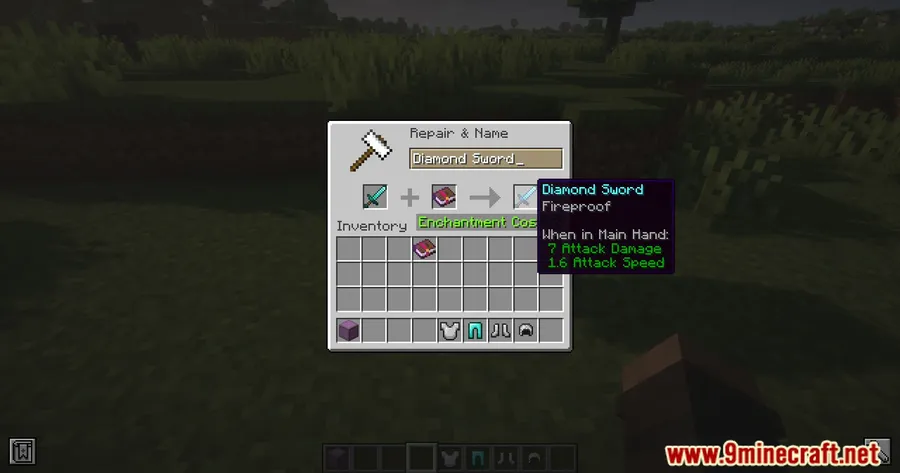
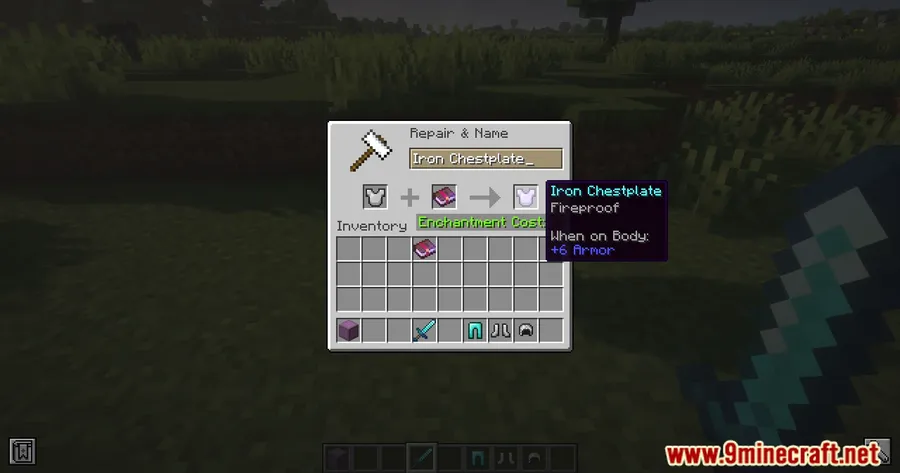
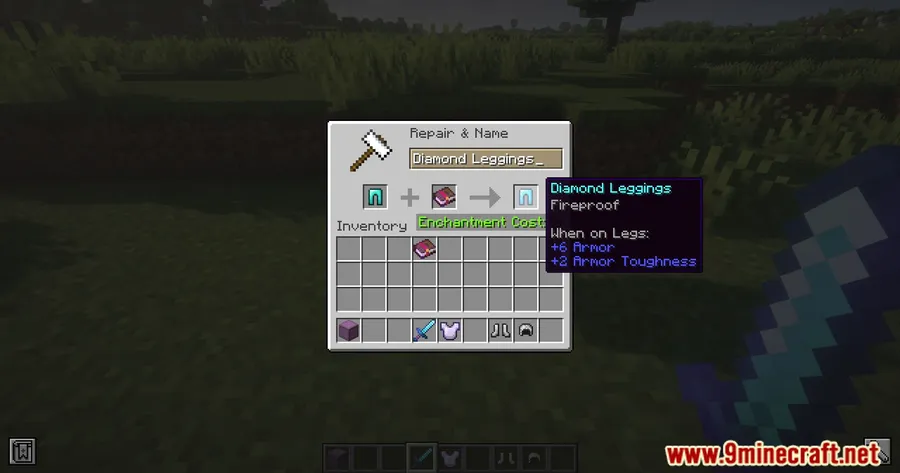
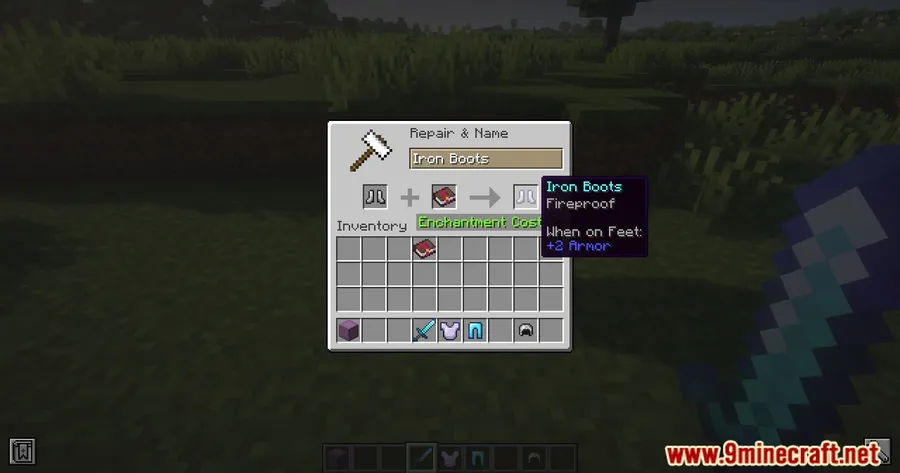
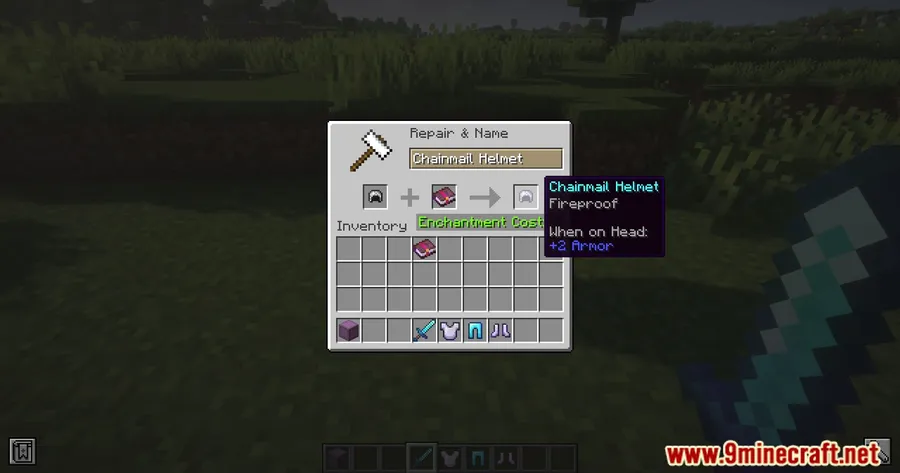
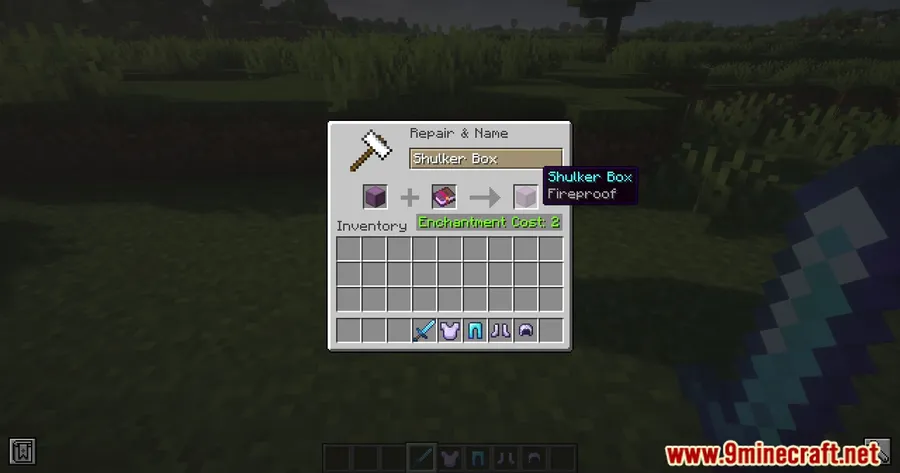
How to Install
- Download and install the required mod loader — Forge, Fabric, or NeoForge — matching your Minecraft version.
- If using Fabric, also install the Fabric API mod.
- Download the Netherited Mod file for your specific Minecraft version from the links below.
- Place the downloaded
.jarfile into your.minecraft/modsfolder. - Launch Minecraft with the correct mod loader profile and enjoy fireproof gear.
Requirements
| Requirement | Details |
|---|---|
| Mod Loader | Forge (1.16.5–1.19.3), Fabric or NeoForge (1.21+) |
| Dependencies | Fabric API (Fabric versions only) |
| Minecraft Version | 1.16.5, 1.18.1, 1.18.2, 1.19–1.19.3, 1.21–1.21.4 |
Pros & Cons
Pros
- Solves a universally annoying problem — losing items to lava
- Works across multiple Minecraft versions and mod loaders
- Shulker Box compatibility adds serious utility for long expeditions
- Straightforward concept that requires no configuration
Cons
- Older versions (1.16.5–1.19.3) only support Forge — no Fabric option
- Limited to fire and lava protection; does not cover other item-loss scenarios like despawning or the void
- Shulker Box protection is only available on 1.18 and newer
Download
Always download mods from official sources to stay safe.
FAQ
Does the Fireproof enchantment work on any item or just armor?
The Fireproof enchantment can be applied to items to prevent them from burning in fire or lava. It is not limited to armor — any item carrying the enchantment is protected.
Can I protect my entire Shulker Box inventory with one enchantment?
Yes, on Minecraft 1.18 and above, applying Fireproof to a Shulker Box protects all the items stored inside it. This makes it an efficient way to keep bulk items safe during Nether exploration.
Which mod loader do I need for Minecraft 1.21.1?
For Minecraft 1.21.1, Netherited Mod supports both Fabric (with Fabric API) and NeoForge. Forge is not available for these newer versions.


![[Let's Do] Candlelight - Farm&Charm compat Mod (1.21.1) - thumbnail](http://mcinside.com/wp-content/uploads/2026/04/thumbnail-81-52x52.webp)


![[Let's Do] Meadow Mod (1.21.1) - thumbnail](http://mcinside.com/wp-content/uploads/2026/04/thumbnail-64-52x52.webp)


![Not Enough Recipe Book [NERB] Mod (1.21.11) - thumbnail](http://mcinside.com/wp-content/uploads/2026/04/thumbnail-63-52x52.webp)