

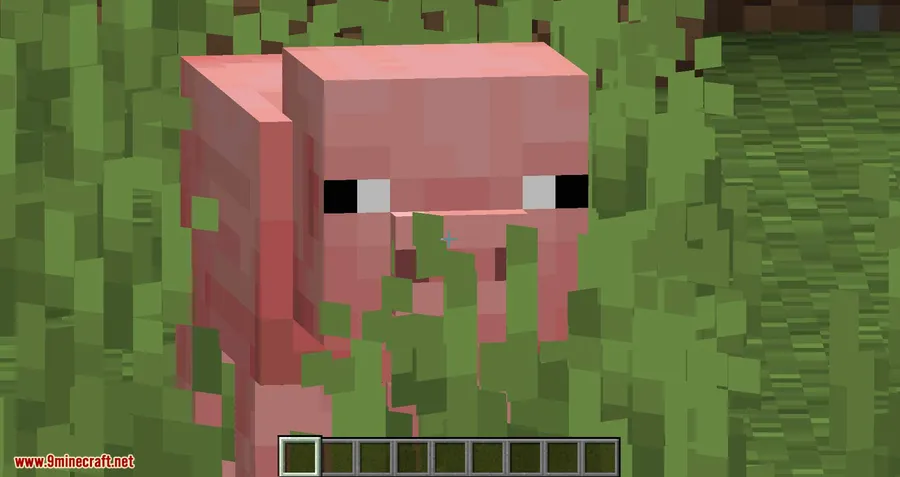
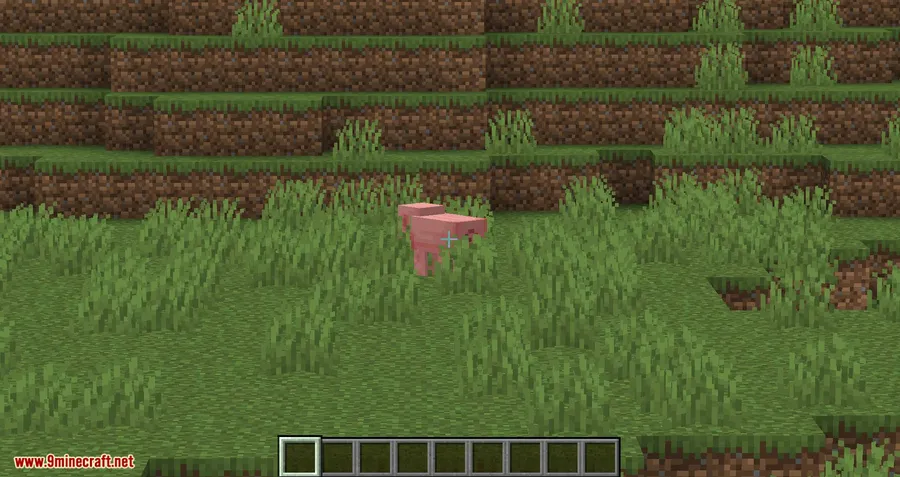
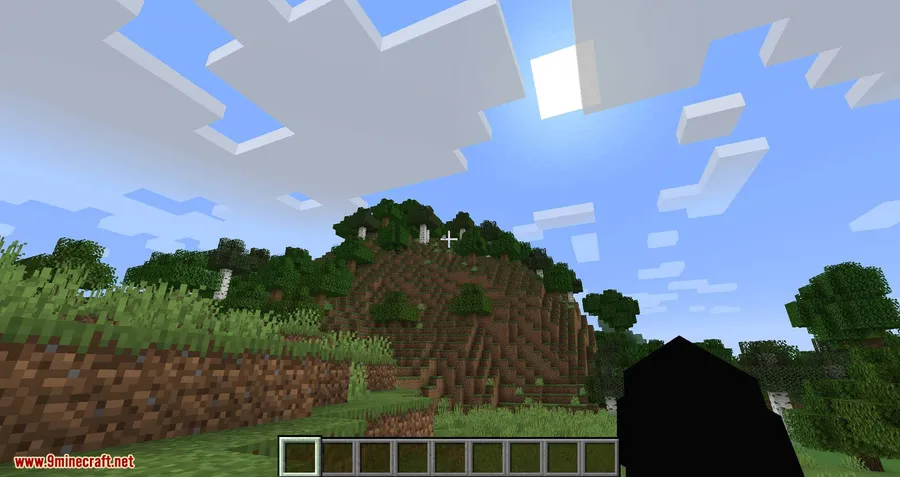
Ok Zoomer Mod replaces Minecraft's lack of a native zoom feature with a fully configurable, keybind-driven zoom that puts you in complete control. Bound to the C key by default, it goes far beyond a simple magnification toggle — offering smooth transitions, scroll-to-zoom, and adjustable mouse sensitivity that make it feel like a built-in feature Mojang forgot to ship. Downloaded over 2.5 million times since its 2020 release, Ok Zoomer has become one of the most popular quality-of-life mods across Fabric, Forge, Quilt, and NeoForge.
Key Features
- Cinematic Camera & Zoom Transitions — Smooth camera movement and configurable transition animations give the zoom a polished, professional feel instead of an abrupt snap.
- Zoom Scrolling — Use the scroll wheel to fine-tune your zoom level on the fly, letting you quickly shift between a slight magnification and extreme close-ups.
- Reduce Sensitivity — Automatically lowers mouse sensitivity while zoomed in, so your crosshair doesn't fly across the screen when making small adjustments.
- Zoom Mode & Zoom Overlay — Choose how the zoom behaves (hold or toggle) and optionally display a visual overlay to indicate when zoom is active.
- Extra Keybinds — Additional keybind options for zoom-related actions, giving power users more flexibility in their control setup.
- Full Config Screen — Every aspect of the zoom is customizable through the Mod Menu config screen — or restore classic OptiFine zoom behavior with a single button press.
Screenshots
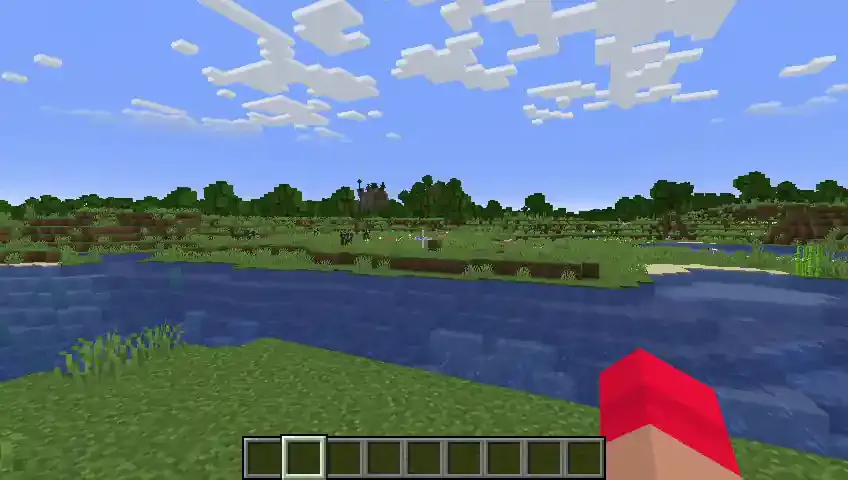
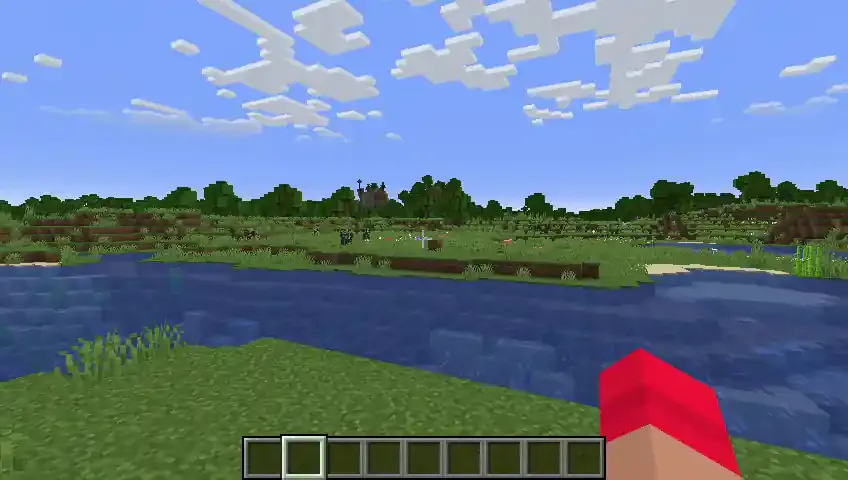
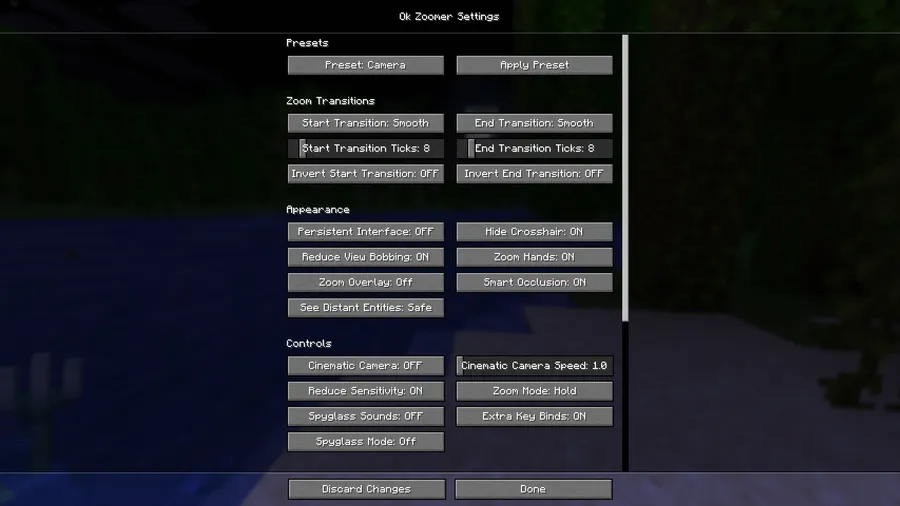
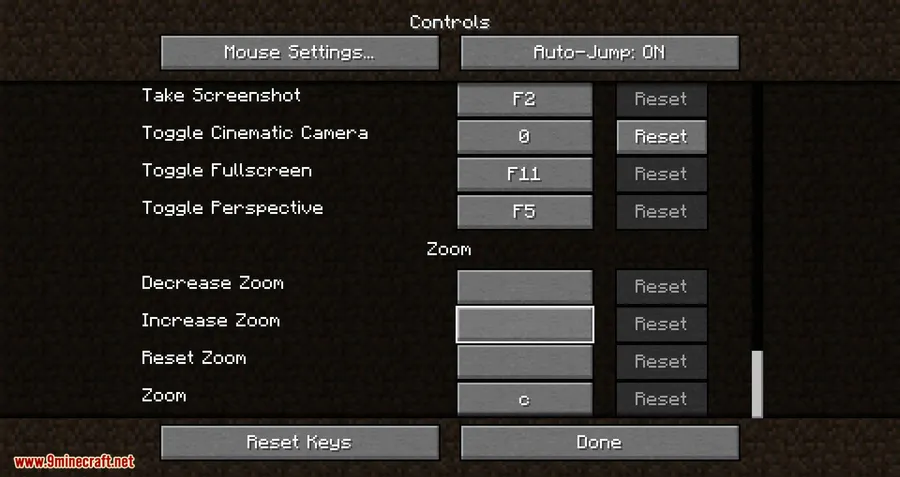
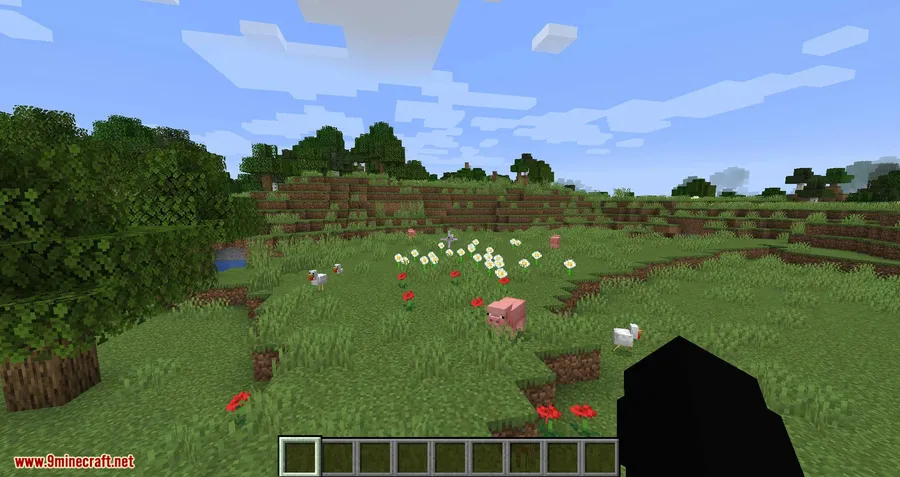
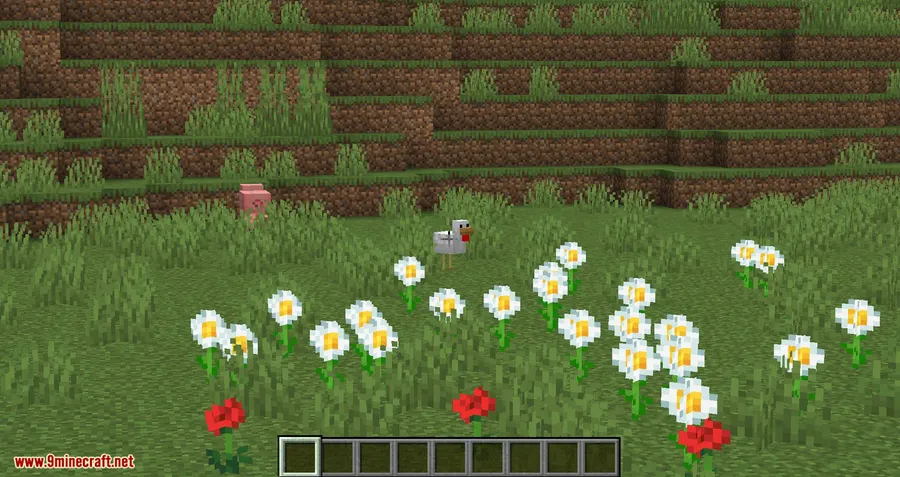
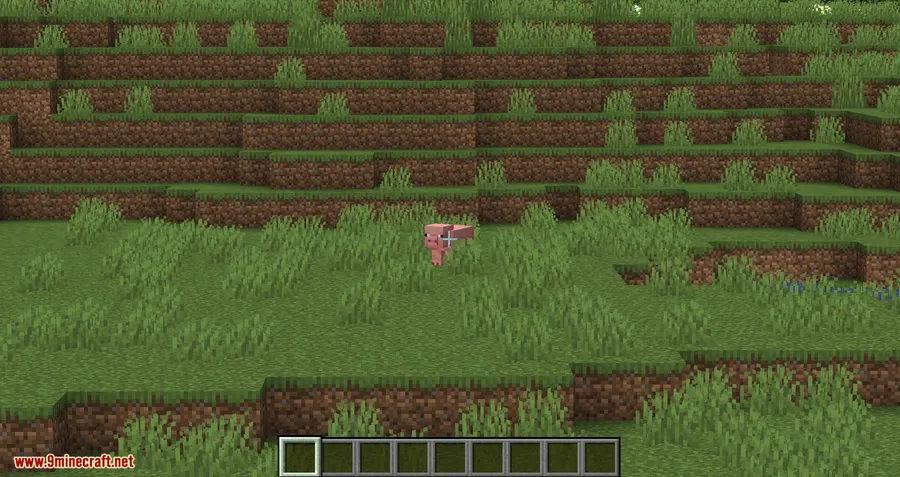
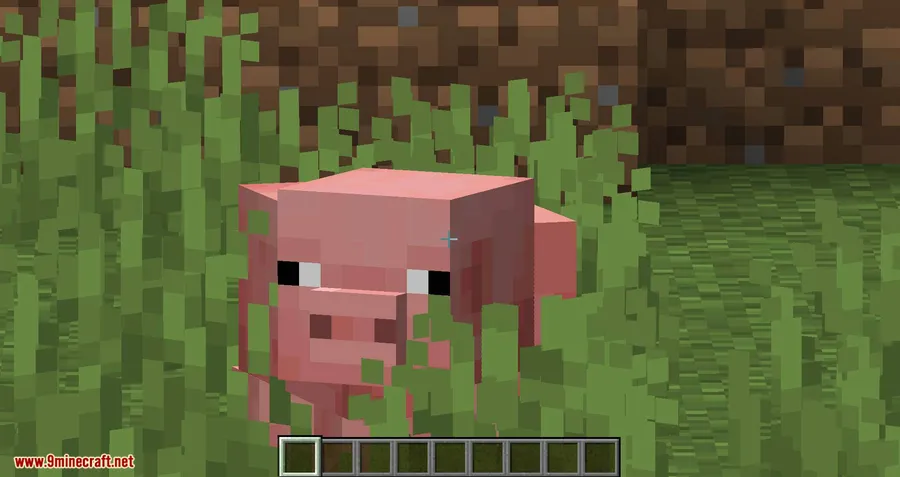
How to Install
- Install your preferred mod loader — Fabric, Forge, NeoForge, or Quilt — for your Minecraft version.
- Download the required dependencies: Fabric API (for Fabric), Architectury API, and Cloth Config API.
- Download Ok Zoomer for your Minecraft version and mod loader from the link below.
- Place all downloaded
.jarfiles into your.minecraft/modsfolder. - Launch Minecraft and press C to zoom. Install Mod Menu (optional) to access the full configuration screen.
Requirements
| Category | Details |
|---|---|
| Mod Loader | NeoForge, Forge, Fabric, Quilt |
| Dependencies | Fabric API, Architectury API, Cloth Config API, Mod Menu (optional — required to open the config screen) |
| Minecraft Versions | 1.21.11, 1.21.10, 1.21.9, 1.21.8, 1.21.7, 1.21.6, 1.21.5, 1.21.4, 1.21.3, 1.21.2, 1.21.1, 1.21, 1.20.6, 1.20.4, 1.20.2, 1.20.1, 1.20, 1.19.4, 1.19.3, 1.19.2, 1.18.2, 1.17.1, 1.16.5, 1.15.2, 1.14.4 |
Pros
- Highly configurable — nearly every aspect of the zoom can be customized
- Multi-loader support across Fabric, Forge, NeoForge, and Quilt
- Smooth transitions and scroll-zoom feel polished and responsive
- Can replicate OptiFine zoom behavior for players who prefer the classic feel
- Actively maintained with broad version support from 1.14.4 to 1.21.11
Cons
- Config screen requires Mod Menu to access — no in-game settings without it
- Multiple dependencies needed (Architectury API, Cloth Config API) add installation steps
- Not all mod loader versions are available for every Minecraft release
Download
Always download mods from official sources to stay safe.
What's New
- Updated to Minecraft 26.1 (latest snapshot support).
- Added a new "Sensitivity Scale" option for fine-tuning mouse sensitivity while zoomed.
- Added support for the NeoForge update checker, so players get notified of new releases.
- Removed the zoom keybind configuration button in favor of Sodium's built-in integration.
FAQ
What is the default zoom key for Ok Zoomer?
The zoom key is bound to C by default. You can change it through Minecraft's standard keybind settings or customize zoom behavior further through the Mod Menu config screen.
Can Ok Zoomer replicate the OptiFine zoom?
Yes. The mod includes a preset option in its config screen that restores classic OptiFine zoom behavior with a single button press, making it a drop-in replacement if you're switching away from OptiFine.
Does Ok Zoomer work with Forge and Fabric at the same time?
Ok Zoomer supports Fabric, Forge, NeoForge, and Quilt, but you need to download the correct version for your specific mod loader. Check the download section to find the right file for your setup.


![[Let's Do] Candlelight - Farm&Charm compat Mod (1.21.1) - thumbnail](http://mcinside.com/wp-content/uploads/2026/04/thumbnail-81-52x52.webp)


![[Let's Do] Meadow Mod (1.21.1) - thumbnail](http://mcinside.com/wp-content/uploads/2026/04/thumbnail-64-52x52.webp)


![Not Enough Recipe Book [NERB] Mod (1.21.11) - thumbnail](http://mcinside.com/wp-content/uploads/2026/04/thumbnail-63-52x52.webp)