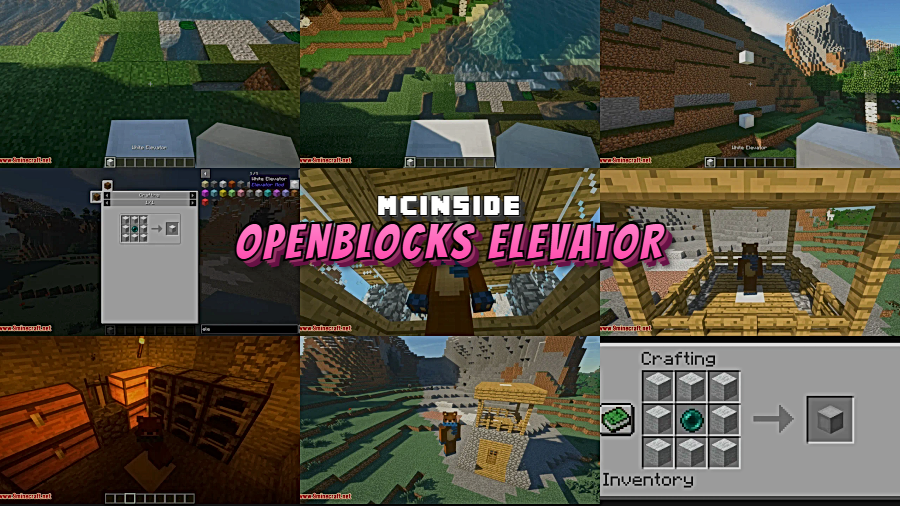
Vertical movement in Minecraft has always been clunky — ladders are slow, water columns are noisy, and piston elevators break every other update. OpenBlocks Elevator Mod solves this elegantly by adding simple elevator blocks that teleport players between floors instantly. Originally inspired by the classic OpenBlocks mod, this standalone version by vsngarcia has been downloaded over 1 million times on Modrinth and supports Forge, Fabric, NeoForge, and Quilt across a wide range of Minecraft versions. Whether you're building a skyscraper in survival or a complex base in creative, these elevators just work.
Key Features
- Instant vertical teleportation — Place elevator blocks on the same X and Z coordinates across different floors, then jump or sneak to travel between them instantly. No redstone, no delays.
- 16 color variants with re-dyeing support — Craft elevators in any dye color and change them later without breaking and replacing the block. Great for matching your build's color scheme.
- Camouflage system — Disguise elevator blocks using any solid block, so they blend seamlessly into your floors without looking out of place.
- Directional rotation — Optionally set elevators to rotate the player's facing direction after teleporting, useful for guided builds or adventure maps.
- Configurable range and XP cost — Server admins can set maximum teleport distance and require an XP cost per use, giving full control over balance in multiplayer environments.
- Per-elevator options interface — Each elevator block has its own settings, allowing fine-tuned control over individual elevator behavior.
Screenshots
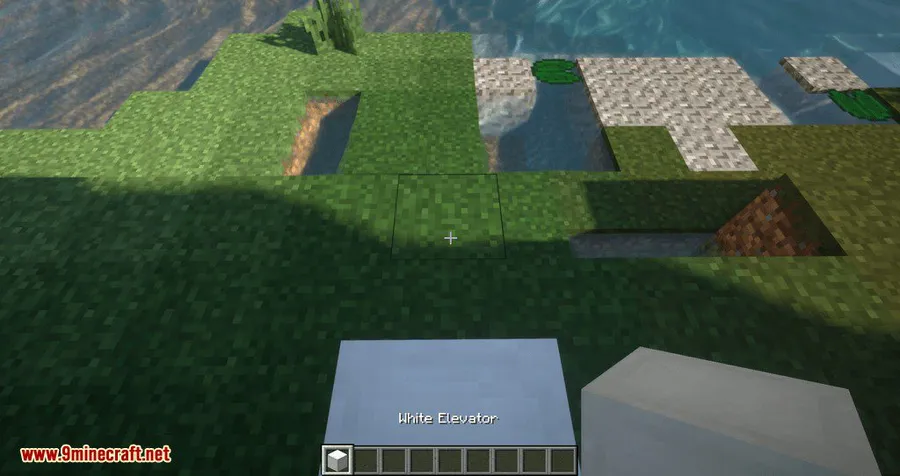
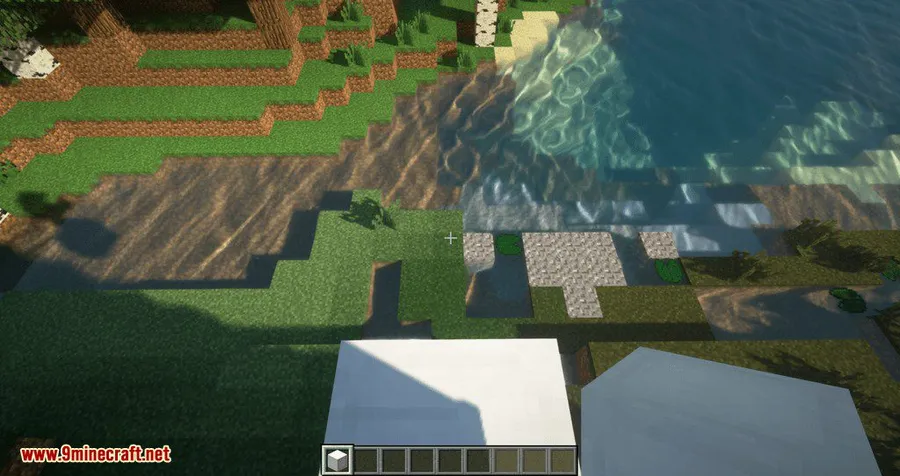
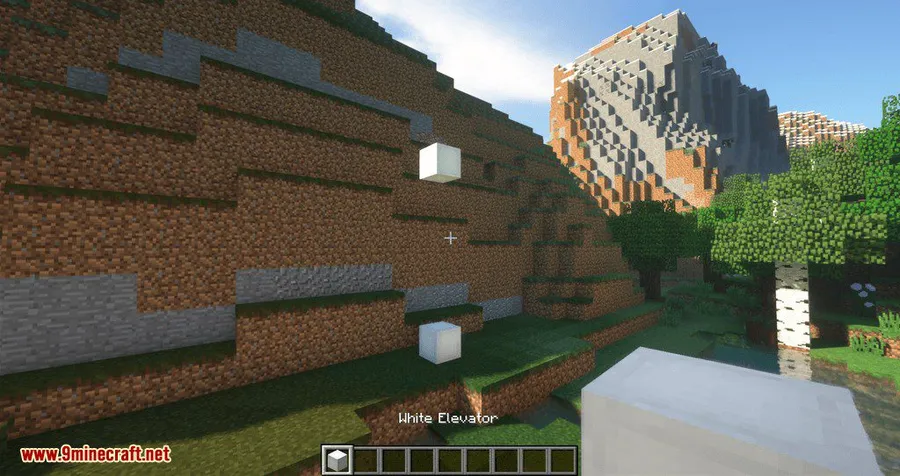
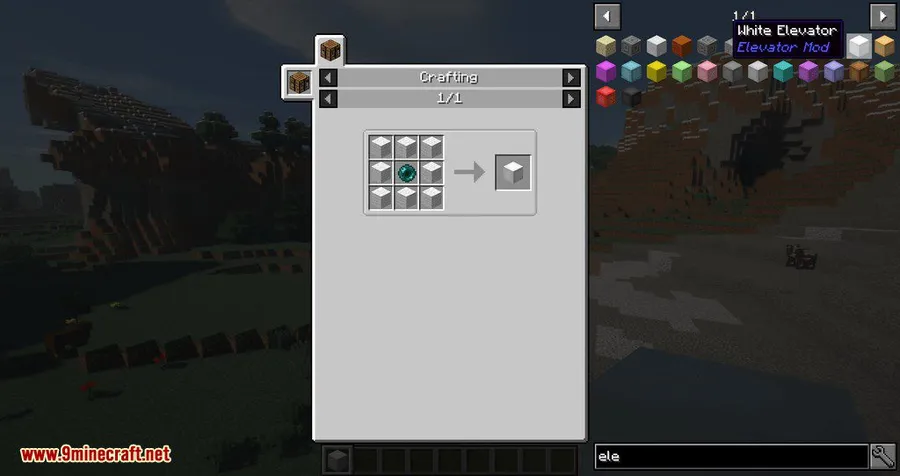

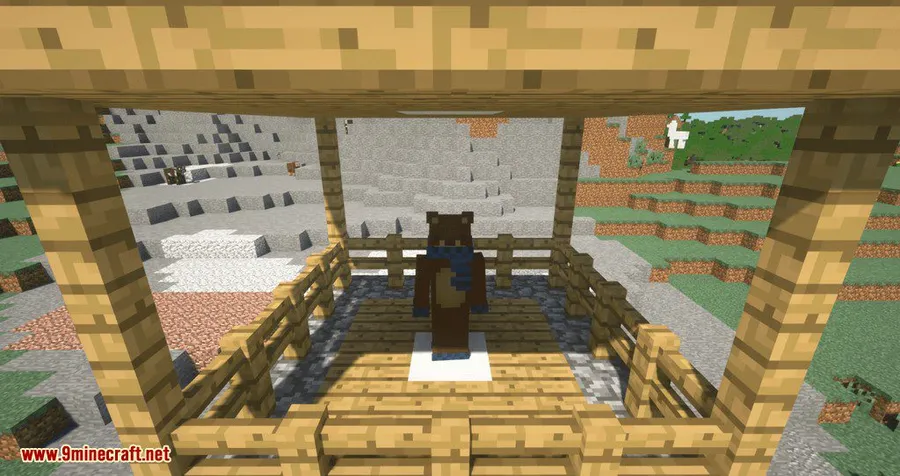
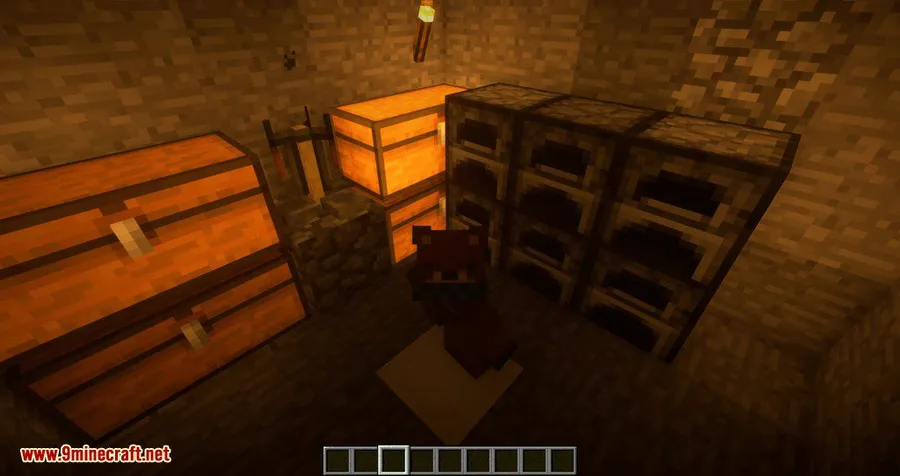
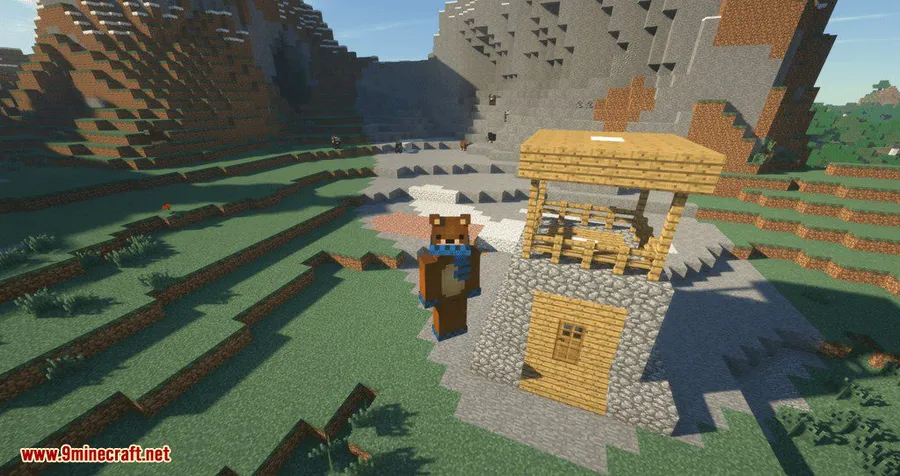
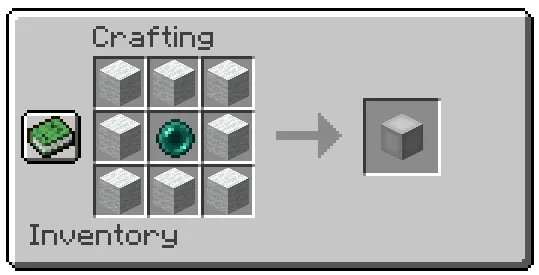
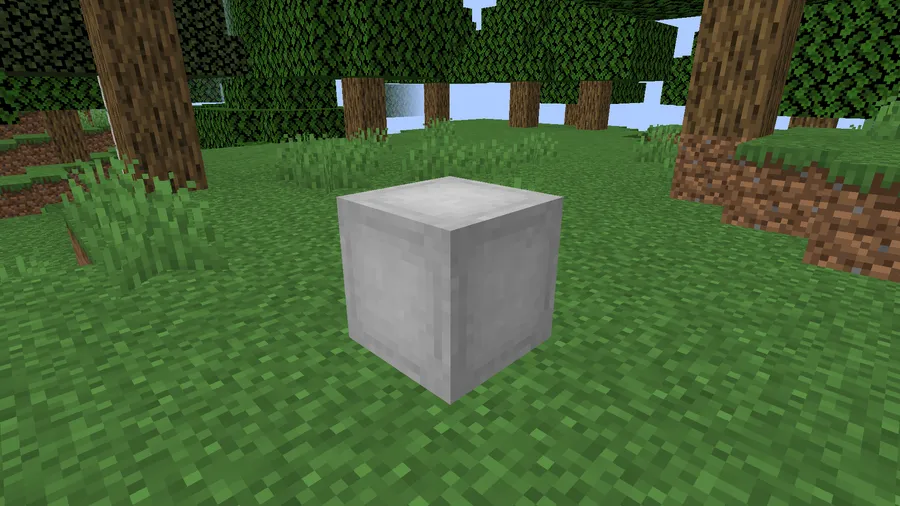
How to Install
- Download and install your preferred mod loader (Forge, Fabric, NeoForge, or Quilt) for your Minecraft version.
- If using Fabric, also install the Fabric API mod.
- Download the OpenBlocks Elevator Mod file matching your loader and Minecraft version from the link below.
- Place the downloaded
.jarfile into your.minecraft/modsfolder. - Launch Minecraft with the correct mod loader profile and start building elevators.
Requirements
| Component | Details |
|---|---|
| Mod Loader | Forge, Fabric, NeoForge, or Quilt |
| Dependencies | Fabric API (Fabric only), Quilt Loader (Quilt only) |
| Minecraft Version | 1.10.2 – 1.21.1 |
Pros & Cons
Pros
- Extremely easy to set up — just place blocks and jump
- Supports all four major mod loaders
- Wide Minecraft version compatibility from 1.10.2 to 1.21.1
- Camouflage feature keeps builds looking clean
- Configurable for server admins with range limits and XP costs
- Open source under MIT license
Cons
- Elevators must share exact X and Z coordinates, limiting placement flexibility
- Only moves vertically — no horizontal or diagonal transport
- Requires Fabric API as an extra dependency on Fabric
Download
Always download mods from official sources to stay safe.
FAQ
How do you use the OpenBlocks Elevator?
Place one elevator block on the ground floor and another directly above it on the next floor (same X and Z coordinates). Stand on the lower elevator and jump to teleport up. Sneak to teleport back down. That's all there is to it.
Can you change the color of an elevator after placing it?
Yes. OpenBlocks Elevator supports re-dyeing already placed elevator blocks, so you can switch colors without needing to break and replace them.
Does this mod work on multiplayer servers?
Yes, it works on both singleplayer and multiplayer. Server admins can configure the maximum teleport range and set an optional XP cost per use for game balance.